
ProProfs Knowledge Base Review 2026: AI Help Center Tested
ProProfs Knowledge Base is an AI-powered knowledge base platform that promises to deflect support tickets by up to 80% while giving teams a public help center and a private internal wiki. But does it deliver for your team? This review breaks down its strengths, limitations, pricing signals, and ideal use cases so you can decide whether it belongs in your 2026 stack.
What Is ProProfs Knowledge Base?
ProProfs Knowledge Base product interface.
ProProfs Knowledge Base is a cloud-based knowledge management tool for creating public and private knowledge bases, help centers, FAQs, user manuals, and internal documentation. It combines a WYSIWYG editor with an AI brain that can automatically resolve tickets and generate user manuals. The platform is part of a broader suite that includes ProProfs Desk and Live Chat, and it integrates with tools like Zendesk, Freshdesk, Slack, and Google Analytics.
According to Software Advice, the tool is suitable for businesses of all sizes and can be set up without specialized training or coding skills. It offers a free trial and a free version, with paid plans starting at $49 per month (billed monthly) for the Essentials plan.
Who Is ProProfs Knowledge Base For?

First viewport screenshot of ProProfs: SaaS Software for Training, Customer Support & More.
ProProfs Knowledge Base fits teams that need a straightforward, template-driven knowledge base without a heavy implementation. It is particularly well-suited for:
- Customer support teams that want to deflect tickets with a searchable help center and AI-powered self-service.
- SMBs and departments that need an internal wiki or process documentation without dedicated technical writers.
- Companies already using ProProfs products (Desk, Live Chat) that want a tightly integrated support ecosystem.
- Teams that value quick setup over deep customization or developer-centric workflows.
It is less ideal for organizations that require extensive customization, complex content workflows, or advanced developer documentation features.
Key Features and Strengths
AI-Powered Ticket Deflection and Content Creation
ProProfs Knowledge Base includes an AI brain that can automatically resolve tickets by pulling from your knowledge base. It also offers an AI user manual generator, which can create documentation from existing content. This is a strong differentiator for teams looking to reduce support volume without hiring more agents.
Rich Text Editor and Templates
The editor works like a word processor, making it easy for non-technical users to create and format content. A library of templates helps you jump-start documentation, and you can import existing files (PDF, Word, Excel, PowerPoint) to speed up content migration.
Branding and Customization
You can customize fonts, themes, colors, and even edit CSS to match your brand. Custom domains are supported, giving your knowledge base a professional look. However, deep structural customization may be limited compared to developer-focused platforms.
Security and User Management
Granular roles and permissions let you control who can view, edit, and publish content. Single sign-on (SSO) and password controls help secure sensitive information, making it suitable for internal knowledge bases.
Reports and Analytics
Built-in reports show knowledge gaps, failed searches, top-performing articles, and more. These insights help you improve content over time and measure the impact of your knowledge base on support metrics.
Integrations
ProProfs Knowledge Base integrates with Zendesk, Freshdesk, Slack, Google Analytics, and other tools. It also connects natively with ProProfs Desk and Live Chat, creating a unified support workflow.
Limitations and Considerations
Pricing Complexity
Pricing is not entirely transparent. The Software Advice listing shows multiple plans: Free, Essentials ($49/month), Business ($69/month), Business Complete Elite ($79/month), and Customer Delight Suite ($499/month). However, a Reddit user reported being surprised by the actual cost after a demo, suggesting that final pricing may depend on factors like the number of authors or features. Always request a custom quote.
Occasional Glitches
The same Reddit user mentioned encountering "a few glitches here and there" during a trial, though they could not recall specifics. As with any software, it's wise to test thoroughly during the trial period.
Limited Advanced Customization
While CSS editing is available, the platform may not offer the same level of customization as open-source or developer-centric documentation tools. Teams needing complex content reuse, versioning, or API documentation may find it limiting.
AI Capabilities May Vary
The AI ticket resolution and manual generation features are promising, but their effectiveness depends on the quality and structure of your existing content. Organizations with messy or incomplete knowledge bases may not see immediate results.
Pricing Signals
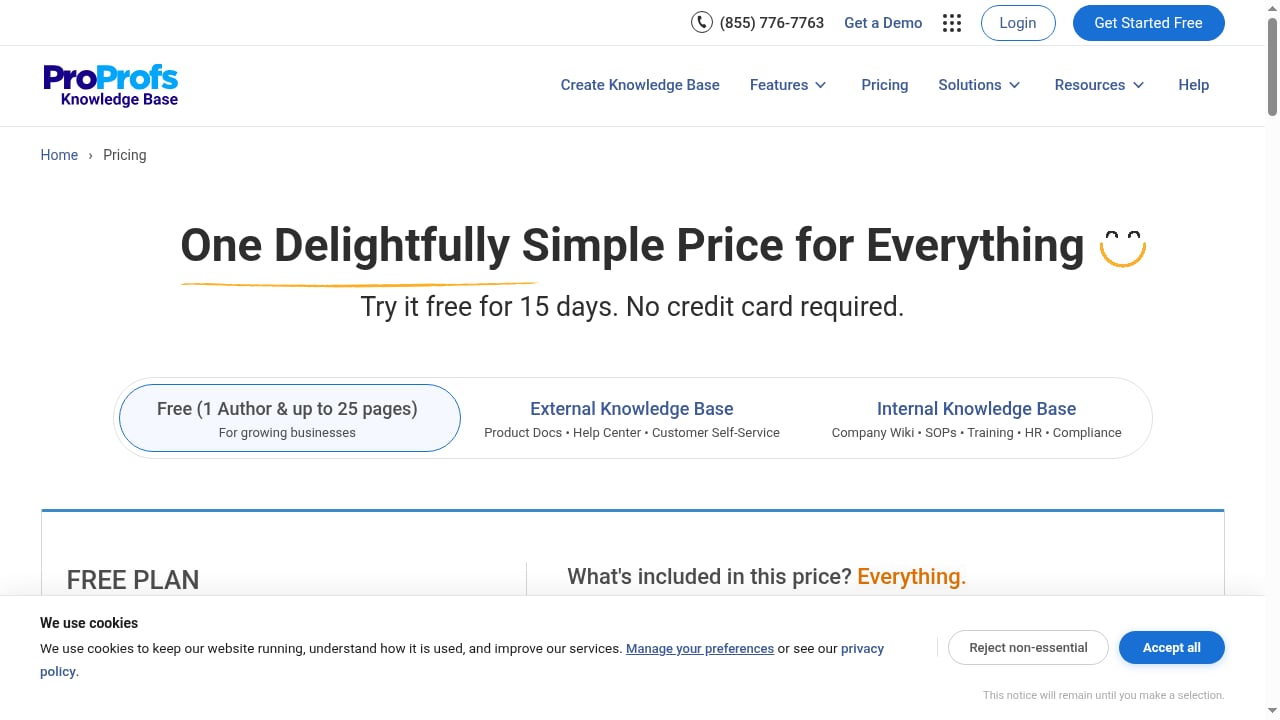
First viewport screenshot of ProProfs Knowledge Base Pricing & Plans.
ProProfs Knowledge Base offers a free version and a 15-day free trial. Paid plans start at $49 per month for the Essentials plan (billed monthly), which likely covers a certain number of authors. The Business plan is $69/month, Business Complete Elite is $79/month, and the Customer Delight Suite is $499/month. The product context also mentions plans starting at $0.99 per author/month for internal essentials (annual billing) and $49 per author/month for external essentials (annual billing), indicating that pricing scales with the number of authors and whether the knowledge base is internal or external.
A 15-day money-back guarantee is available. Given the potential variance, it's essential to clarify author limits, feature inclusions, and overage costs before committing.
Setup and Ease of Use
ProProfs Knowledge Base is designed for quick setup without coding. Users can start from templates, import existing documents, and customize the look and feel with a visual editor. The platform is cloud-based, so no installation is required. Most teams should be able to launch a basic knowledge base within days, though migrating large content libraries may take longer.
The editor is intuitive for anyone familiar with word processors, reducing the learning curve for non-technical contributors. Administrators can set up roles and permissions to delegate content creation while maintaining control.
ProProfs Knowledge Base vs Alternatives
When evaluating ProProfs Knowledge Base, consider how it stacks up against other AI knowledge management platforms. For a broader comparison, see our Top 10 AI Knowledge Management & Documentation Platforms 2026.
- ProProfs vs Document360: Document360 offers more advanced versioning and developer documentation features, while ProProfs focuses on ease of use and AI ticket deflection. See our HelpLook vs Document360 comparison for context.
- ProProfs vs Zendesk Guide: Zendesk Guide is tightly integrated with Zendesk Support but may be more expensive and complex. Read our Zendesk Review 2026 for details.
- ProProfs vs HelpLook: HelpLook emphasizes AI search and customization, while ProProfs offers a broader suite with Desk and Live Chat. Compare in our HelpLook vs HelpDocs vs AI Knowledge Management Software article.
Decision Criteria: Is ProProfs Knowledge Base Right for You?
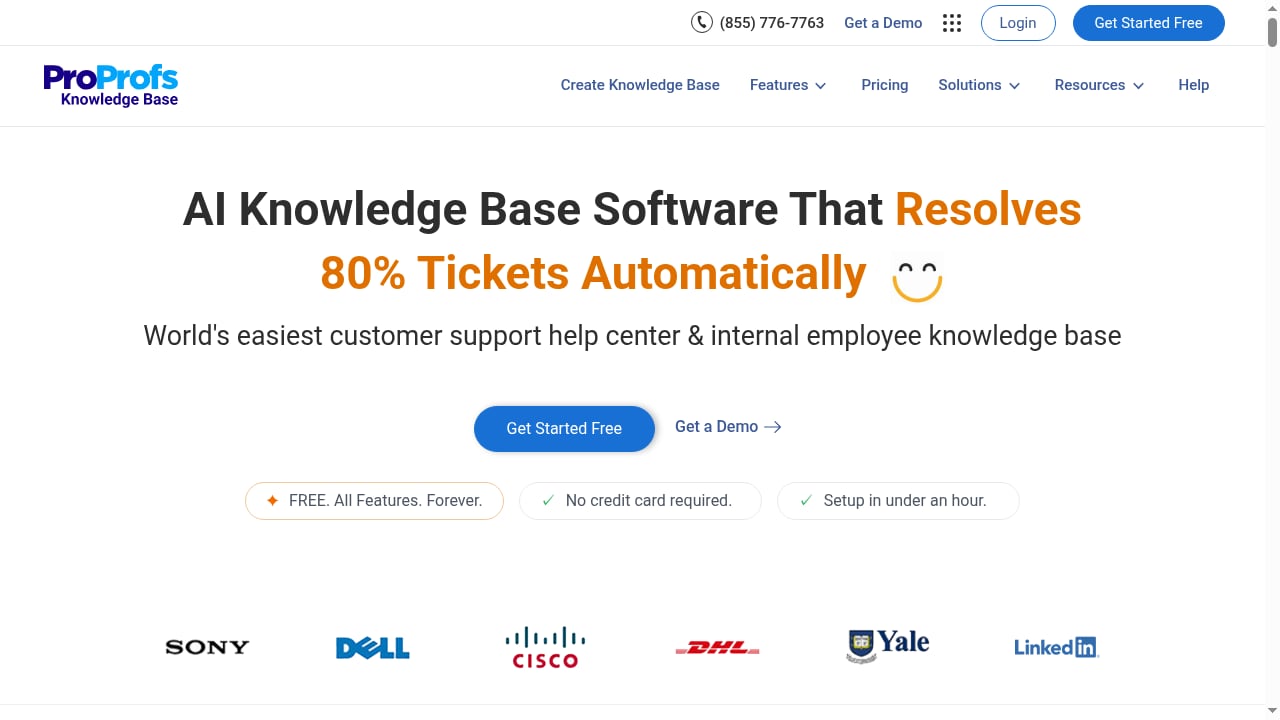
First viewport screenshot of AI Knowledge Base Software for Automatic Ticket Resolution.
Choose ProProfs Knowledge Base if:
- You need a quick-to-deploy, template-driven knowledge base for customer support or internal documentation.
- You want AI-powered ticket deflection and manual generation without building a custom solution.
- You value integration with ProProfs Desk and Live Chat or other support tools.
- Your team lacks dedicated technical writers and prefers a word-like editor.
Consider alternatives if:
- You require advanced customization, complex content workflows, or developer documentation features.
- Pricing transparency is a top priority and you prefer published per-author rates.
- You need extensive API documentation or version control for software docs.
Related reading
- HelpLook vs Productlane vs Forethought: 2026 Comparison - Compare HelpLook, Productlane, and Forethought for AI knowledge base, support automation, and feedback management. Find the best fit for your team.
- HelpLook vs Hesk: AI Knowledge Base or Free PHP Help Desk? - Compare HelpLook's AI knowledge base with Hesk's free PHP help desk. See where each fits, what Hesk lacks, and how to choose for 2026 support teams.
Sources and further reading
- ProProfs Knowledge Base Software Reviews & Product Details - G2 - ProProfs Knowledge Base features a rich text editor that lets users write and edit content as one would with popular document creators like MS Word. The tool ...
Frequently Asked Questions
Does ProProfs Knowledge Base offer a free trial?
Yes, a 15-day free trial is available, and there is also a free version with limited features.
How much does ProProfs Knowledge Base cost?
Paid plans start at $49 per month for the Essentials plan (billed monthly). The product context mentions plans starting at $0.99 per author/month for internal essentials (annual billing) and $49 per author/month for external essentials (annual billing). Final pricing may depend on the number of authors and features, so request a quote.
Can ProProfs Knowledge Base be used for internal documentation?
Yes, it supports private knowledge bases with roles, permissions, and SSO, making it suitable for internal wikis and process documentation.
Does ProProfs Knowledge Base integrate with other tools?
Yes, it integrates with Zendesk, Freshdesk, Slack, Google Analytics, and other tools, and connects natively with ProProfs Desk and Live Chat.
Is ProProfs Knowledge Base good for technical documentation?
It can handle technical documentation, but teams with complex requirements may prefer specialized platforms with advanced versioning and API documentation features.
Conclusion
ProProfs Knowledge Base is a solid choice for teams seeking an easy-to-use, AI-enhanced knowledge base with quick setup and strong integration with support tools. Its AI ticket deflection and manual generation features are compelling, and the template-driven editor lowers the barrier for non-technical contributors. However, pricing complexity and limited advanced customization may deter some organizations. Evaluate it against your specific needs, take advantage of the free trial, and clarify pricing details before committing. For a wider view, explore our Top 10 AI Knowledge Platforms for Documentation Products 2026.