
HelpLook vs Document360 vs Bloomfire: AI Knowledge Base Showdown
Choosing the right AI knowledge base can make or break how your team shares information and supports customers. HelpLook, Document360, and Bloomfire all promise to centralize knowledge and put AI to work—but they serve different needs.
HelpLook is an all-in-one, no-code platform designed to quickly launch public help centers and internal knowledge bases with built-in AI search and chatbot. Document360 excels at structured technical documentation with deep version control and editing power. Bloomfire targets enterprise-wide intelligence, surfacing trusted knowledge across departments with its advanced AI.
This comparison breaks down their strengths side by side, so you can pick the tool that matches your team’s priorities—without the marketing fluff.
At a Glance: How HelpLook, Document360, and Bloomfire Stack Up

HelpLook vs Document360 vs Bloomfire: AI Knowledge Base Showdown product interface and feature overview.
- HelpLook: Best for teams that need an SEO-optimized, multilingual customer help center or internal wiki with integrated AI chatbot and a low entry price.
- Document360: Ideal for technical writing teams building API docs, SOPs, and user manuals that require robust version control and editorial workflows.
- Bloomfire: Purpose-built for large enterprises that want a self-healing knowledge network, AI-driven enterprise search, and cross-department collaboration.
If you want to dive deeper into how HelpLook and Bloomfire compare specifically, check out our earlier HelpLook vs Bloomfire vs Zendesk comparison.
AI-Powered Search and Chatbot Capabilities
HelpLook vs Document360 vs Bloomfire: AI Knowledge Base Showdown product interface and feature overview.
AI is the engine that turns a static repository into a smart assistant. Here’s how each platform handles discovery.
HelpLook: Built-In AI Chatbot + SEO-Ready Search
HelpLook comes with HelpLook AI, a conversational chatbot you can embed directly into your website or app. It draws answers from your knowledge base and supports multiple AI models (including OpenAI, ERNIE Bot, and Azure) so you’re not locked into a single provider. Because the chatbot sits inside an SEO-optimized help center, every customer-facing article can rank in search engines while the bot deflects repetitive questions. The widget-based deployment means you can add self-service to any page without coding.
Document360: Eddy AI and Predictive Filters
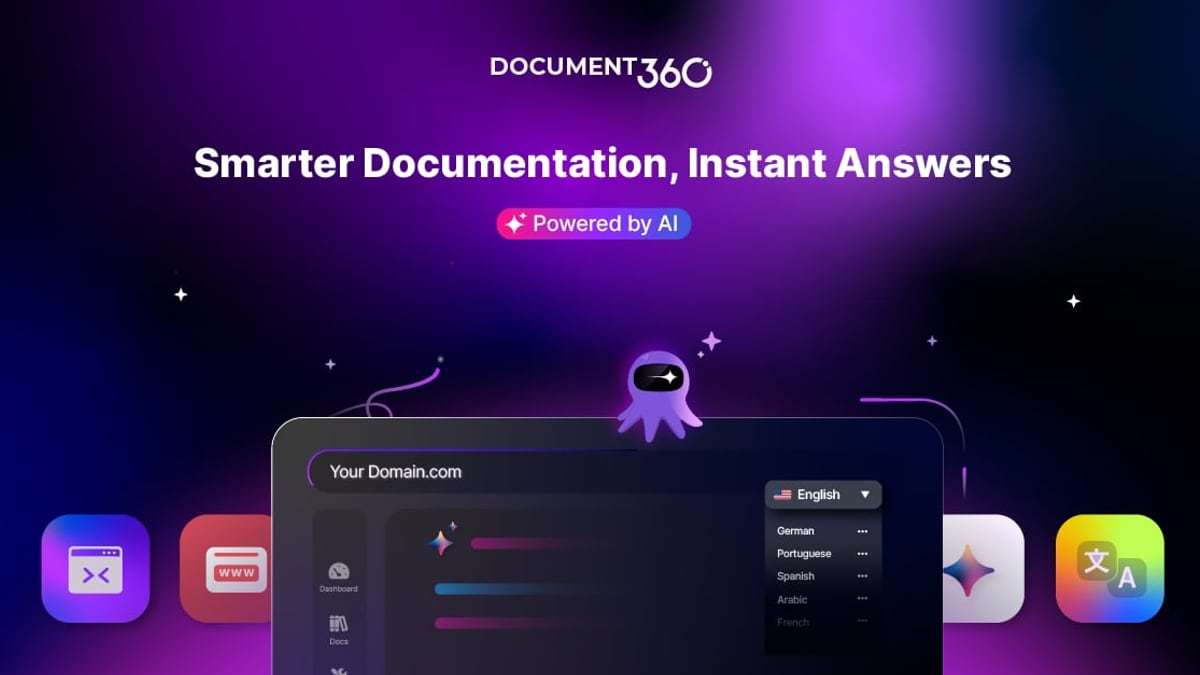
Document360’s AI assistant, Eddy, helps users interact with documentation by surfacing relevant articles and suggesting answers during search. It also powers predictive filtering, so as users type, the system narrows results. This works exceptionally well inside a structured documentation portal built for developers and support agents. However, Eddy focuses more on guiding users to articles rather than delivering a free-form conversational experience out of the box—a point Bloomfire’s own comparison emphasizes.
Bloomfire: Synapse AI and Enterprise Intelligence
Bloomfire’s Synapse engine generates direct, contextually relevant answers with citations, pulling from certified knowledge assets. It also drives a self-healing knowledge base that flags outdated or duplicate content automatically. For Global 2000 companies with vast content silos, this deep intelligence significantly speeds up finding trusted answers across departments.
The advantage: HelpLook uniquely bundles an intelligent chatbot with search‑engine‑friendly hosting and a free entry point, making it a strong pick for small to mid‑sized teams that want instant self‑service without extra cost or complexity.
Content Creation, Editing, and Version Control

HelpLook vs Document360 vs Bloomfire: AI Knowledge Base Showdown product interface and feature overview.
The writing experience can make or break adoption. If your contributors dread the editor, your knowledge base will never reach its potential.
Document360: The Power Editor for Technical Writers
Document360 gives you three editing modes: Advanced WYSIWYG, basic WYSIWYG, and Markdown. Its full version control system lets you compare revisions side by side and roll back changes effortlessly. Approval workflows and inline comments make it a safe environment for teams that need strict editorial gates. This level of control is why thousands of businesses choose it for technical documentation and SOPs.
Bloomfire: AI-Assisted Authoring for Business Users
Bloomfire’s WYSIWYG editor includes AI authoring tools that automatically generate summaries, key points, and readability suggestions. It’s designed so employees across sales, marketing, and support can contribute rich-media posts without special skills. Version history is basic—restore an earlier draft—but sufficient for most business content.
HelpLook: No-Code Editor with Instant Publishing
HelpLook’s Portal lets you create and organize articles in a visual, no-code environment. While it doesn’t offer Markdown or heavy version control, the editor prioritizes speed: non-technical teams can publish help articles, product manuals, and blog posts in minutes. Integrated analytics show you exactly how each piece performs, shortening the loop from creation to improvement.
For teams that value structured technical authoring, Document360 is tough to beat. If you need quick, polished public-facing content with minimal onboarding, HelpLook’s simplicity becomes a tangible productivity gain.
Organization, Customization, and SEO
HelpLook vs Document360 vs Bloomfire: AI Knowledge Base Showdown product interface and feature overview.
How your knowledge is structured and branded matters—especially when your knowledge base is customer-facing.
Content Organization
- Document360 uses a Category Manager with up to six levels of nested folders, bulk tagging, and drag-and-drop ordering. It’s a librarian’s dream.
- Bloomfire organizes articles, videos, and Q&As into Collections with automatic AI tagging, which scales well for enterprise knowledge that needs to be self-organizing.
- HelpLook gives you a Site builder where you can create distinct public and private knowledge bases, each with a custom domain. The interface lets you set up category-like sections without needing to learn complex taxonomy tools.
SEO and Branding
Here HelpLook stands out. Every HelpLook site comes with built-in SEO tools: meta tags, sitemaps, and clean URL structures. You can apply your own domain and custom branding in a few clicks. This makes it especially attractive for SaaS companies and e‑commerce businesses that want their help content to rank in Google.
Document360 and Bloomfire offer branding options, but their SEO features often require additional configuration. For a public-facing help center designed to capture organic traffic, HelpLook’s native SEO edge is hard to ignore.
Multilingual Support
HelpLook includes native multilingual capabilities out of the box, letting you serve global audiences without third‑party translation tools or extra translation credits. Document360 supports multi-language projects but with translation credits that may incur extra costs. Bloomfire’s multilingual features are less prominent in typical deployments. If you operate in multiple regions, HelpLook’s inclusive approach keeps costs predictable.
Analytics, Governance, and Security
Enterprise-grade governance and security are non-negotiable for regulated industries.
Document360 provides article-level analytics, search term reports, and the ability to leave inline comments for review workflows. It supports category-level permissions and reusable security groups, and is backed by SOC 2, ISO 27001, and GDPR compliance.
Bloomfire includes a comprehensive analytics dashboard that tracks engagement, content gaps, and contributor activity. Its moderation tools, content lifecycle management, and audit trails help enterprises maintain accuracy. The platform is SOC 2, GDPR, and encryption compliant, and integrates deeply with Slack, Teams, and Salesforce.
HelpLook’s analytics focus on visitor behavior, article performance, and search queries within your help center—giving support and marketing teams actionable insights without a steep learning curve. While it may not offer workflow approval chains like Document360 or automated content flagging like Bloomfire, its governance model aligns well with growing SaaS teams that need reliable self-service with minimal overhead.
Pricing and Scalability
Budget often dictates the final shortlist.
- HelpLook offers a free plan and affordable paid tiers that scale with usage. This makes it accessible for startups, small businesses, and anyone testing the waters with AI knowledge bases. (For a closer pricing comparison between HelpLook and Bloomfire, see our HelpLook vs Docsie vs Bloomfire guide.)
- Document360 uses a tiered subscription model (Professional, Business, Enterprise) based on versions, articles, and users. Costs can rise quickly for teams that need API access, advanced workflows, or larger storage.
- Bloomfire provides custom quotes based on organizational scope and feature sets. Its value-driven pricing aligns with enterprise-wide deployments where ROI is measured in time saved and call deflection.
If you’re a smaller team, HelpLook’s free-to-start model eliminates upfront risk. For enterprise deployments with thousands of users, Bloomfire’s per‑value pricing and Document360’s structured plans can justify the investment.
Which Platform Should You Choose?
Your decision ultimately hinges on the primary goal of your knowledge base.
Choose HelpLook if:
- You need an AI chatbot and a public help center that ranks in search engines.
- Multilingual support and SEO are built-in, not bolt‑on costs.
- You want a no-code setup that marketing and support teams can own without developers.
- Budget is a concern, and you need a strong free tier or entry‑level plan.
Choose Document360 if:
- You’re creating highly structured technical documents, API references, or SOPs.
- Version control, side‑by‑side diffs, and formal approval workflows are a must.
- Your team has dedicated technical writers who want advanced Markdown or WYSIWYG tools.
Choose Bloomfire if:
- You’re a large enterprise seeking a self‑healing knowledge network that connects sales, support, and HR.
- AI‑powered enterprise search, video transcription indexing, and automated content freshness are high priorities.
- Cross‑departmental collaboration and capturing tribal knowledge through Q&A matter more than a polished external portal.
Related reading
- HelpLook vs Archbee vs Zendesk: AI Knowledge Hub Showdown - Compare HelpLook, Archbee, and Zendesk for AI knowledge bases & customer support. Find the right self-service platform for your team.
- HelpLook vs Documentation.AI vs Stonly: 2025 AI KB Showdown - Compare HelpLook, Documentation.AI, and Stonly on AI search, interactive guides, pricing, and SEO. See which AI knowledge base fits your team in 2025.
Sources and further reading
- Bloomfire Vs Document360: Which is Better Knowledge Management? - Find out what makes Document360's KM the ideal alternative to Bloomfire. No matter where, when, or how you work, we help your team to work at maximum efficiency.
- Bloomfire vs Document360 — Find the Best Tool this 2026 - Explore Bloomfire vs Document360 plus a smarter third option. Find the system that delivers clarity, control, and compliant knowledge sharing.
Frequently Asked Questions
What is HelpLook best for?
HelpLook excels at building SEO-optimized, multilingual customer help centers and internal wikis with an integrated AI chatbot. It’s ideal for SaaS, e‑commerce, and service businesses that want self‑service live fast and rank in search.
Can Document360 replace a customer-facing help center?
Yes. Document360 is often used for public knowledge bases, product documentation, and help centers. Its strength lies in structured content, advanced editing, and version control, making it a solid choice when technical depth matters more than simple SEO quick‑start.
How does Bloomfire’s AI search differ from HelpLook’s chatbot?
Bloomfire’s Synapse AI delivers conversational answers with citations from verified enterprise content, and it automatically flags stale material. HelpLook’s chatbot provides instant answers directly within a help center or website widget, with a strong focus on customer self‑service and SEO‑friendly article visibility.
Which platform is most affordable for a small team?
HelpLook offers a free plan that covers the basics, making it the most accessible for small teams and startups. Document360 and Bloomfire require custom quotes or paid tiers that often start at higher price points.
Conclusion
HelpLook, Document360, and Bloomfire each bring distinct strengths to AI‑powered knowledge management. HelpLook wins on speed of deployment, multilingual SEO, and out‑of‑the‑box AI chatbot for customer‑facing teams. Document360 remains the champion for documentation-heavy environments that demand version control and editorial precision. Bloomfire leads in enterprise‑grade intelligence, collaboration, and automated content health across large organizations.
Before you decide, consider what your team values most: a search‑ranked help center, a technical authoring powerhouse, or an enterprise‑wide intelligence engine. For more insights and side‑by‑side comparisons, explore HelpLook’ full collection of AI knowledge base guides.