
HelpLook vs Document360 vs eGain: Which AI Knowledge Platform Fits Your CX and Support Goals?
Choosing an AI knowledge platform is not just a feature checklist exercise. The right choice depends on whether you need an affordable, SEO-friendly help center, a mature documentation suite with strong governance, or an enterprise-grade knowledge hub that unifies content across large contact centers. This article compares HelpLook, Document360, and eGain's AI Knowledge Platform for CX and Customer Service Automation, highlighting where each shines and where tradeoffs appear.
Quick comparison at a glance
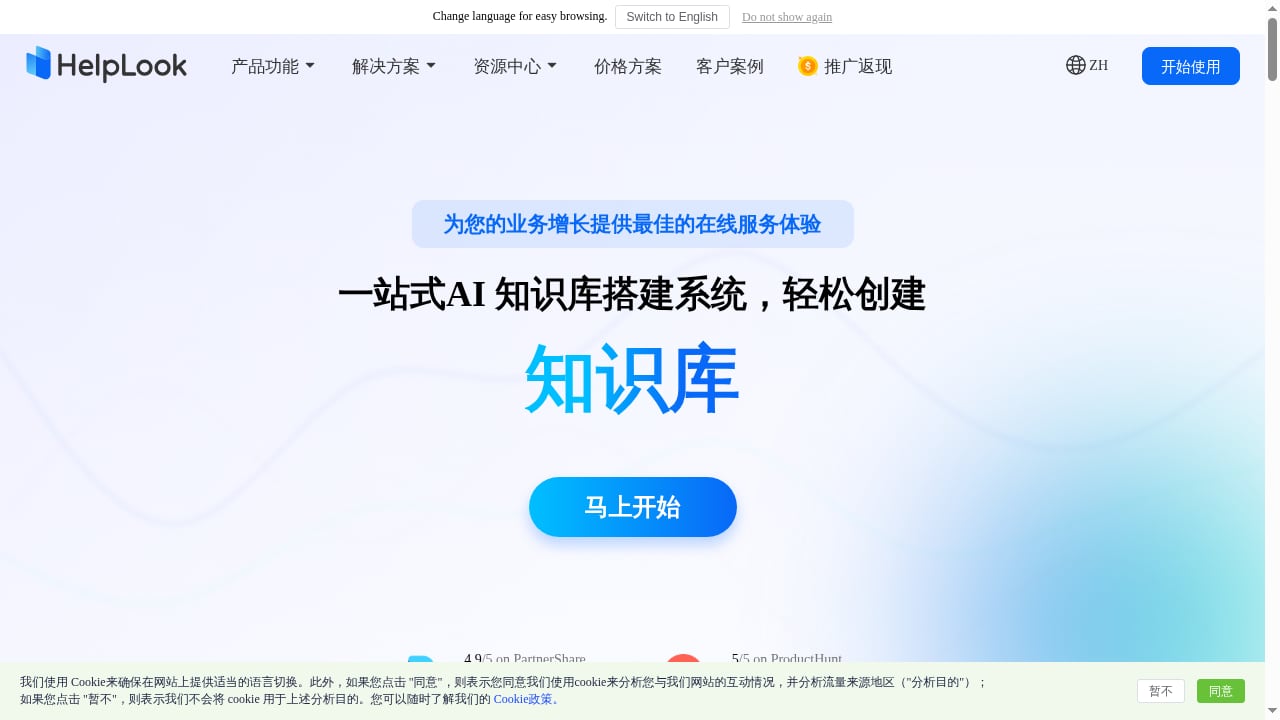
First viewport screenshot of www.helplook.net.
| Criterion | HelpLook | Document360 | eGain AI Knowledge Platform |
|---|---|---|---|
| Primary focus | All-in-one AI knowledge base and help desk for SMBs and growing teams | AI knowledge base software for documentation and self-service | Enterprise AI knowledge management and customer engagement |
| Best for | Teams wanting fast setup, SEO, and low-cost scaling | Teams needing structured documentation workflows and integrations | Large enterprises and government agencies with complex content silos |
| Pricing model | Free plan; Starter $19/mo/site, Professional $59/mo/site, Enterprise custom | Custom pricing; demo request | Enterprise custom pricing |
| Standout strengths | SEO optimization, AI search, low-code setup, templates | Advanced search, decision trees, Eddy AI chatbot, 40+ integrations | Knowledge orchestration, knowledge graphs, compliance workflows, GenAI quality assurance |
| Potential limitations | Less suited to very large, multi-department governance needs | Higher cost and work-email requirement for trials | Complex implementation; overkill for small teams |
HelpLook: fast, SEO-friendly self-service for growing teams
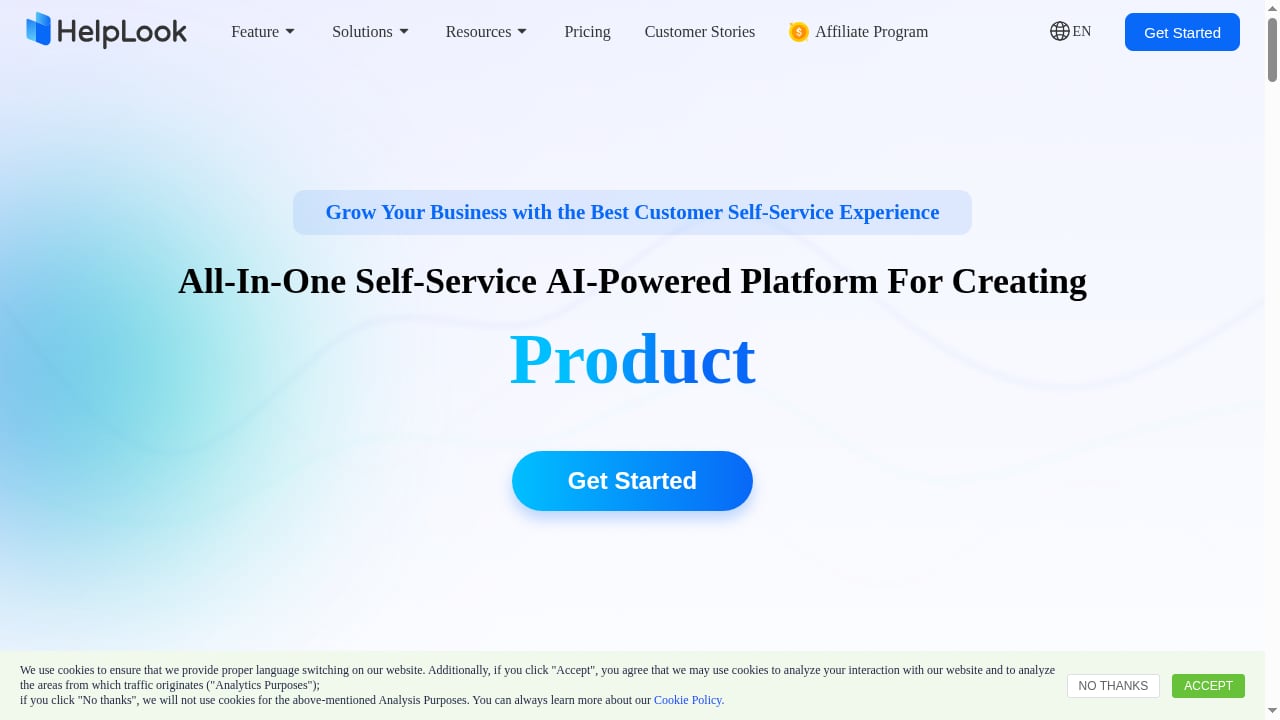
First viewport screenshot of www.helplook.com.
HelpLook is an all-in-one, AI-powered platform for building self-service knowledge bases, help desks, product manuals, enterprise blogs, and internal repositories. It is designed for content creators and support teams that want to publish documentation without coding. The platform combines a Portal for authors, a Site for customers and employees, and a Widget for embedding help into web pages and applications.
HelpLook's strengths are practical for teams that need results quickly:
- SEO optimization: Built-in control over titles, descriptions, keywords, URL customization, and sitemaps helps public help centers rank in search engines.
- AI search: Users get instant answers and suggestions drawn from the knowledge base, reducing repetitive support tickets.
- Low-code setup and templates: Ready-made knowledge base templates shorten time to launch.
- Transparent pricing: A free plan and subscription tiers starting at $19/mo/site make it accessible for small and mid-sized teams.
- Use-case breadth: Customer knowledge bases, e-commerce product manuals, enterprise blogs, and internal knowledge repositories are all supported.
HelpLook serves over 10,000 companies across SaaS, legal, healthcare, financial services, and education. For a deeper look at how it compares with another common starting point, see HelpLook vs WordPress: AI Knowledge Base or CMS?.
Document360: mature documentation with strong workflow features
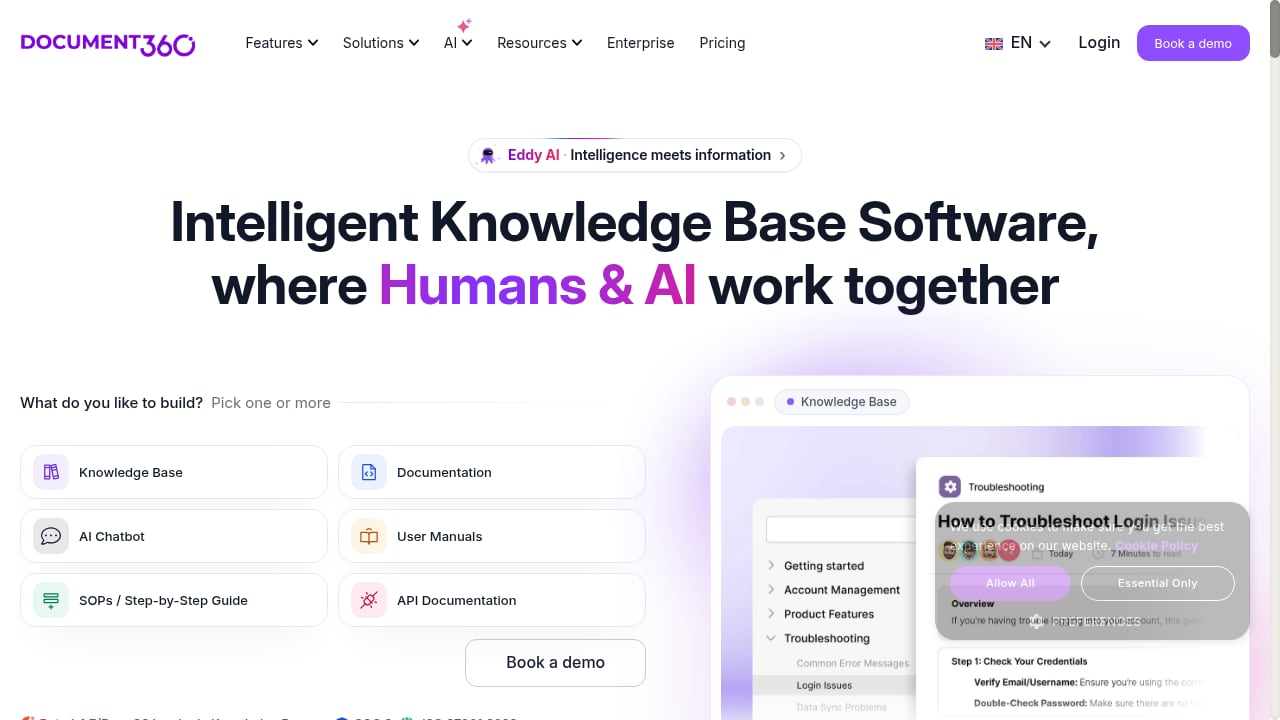
First viewport screenshot of document360.com.
Document360 is an AI-powered knowledge base software built for creating, managing, and delivering documentation across customer support, engineering, education, finance, healthcare, and internal knowledge management. It combines intelligent search, an AI chatbot called Eddy AI, and writing tools to help organizations build self-service help centers, internal wikis, API documentation, user manuals, and SOPs.
Document360's credible strengths include:
- Advanced documentation features: Interactive decision trees, smart notifications, a workflow builder, and analytics support structured content operations.
- Broad integrations: Connections with Confluence, Zendesk, SharePoint, and 40+ other tools help fit it into existing stacks.
- Global readiness: Support for 32 languages and compliance with SOC 2, ISO 27001:2022, and GDPR.
- Proven scale: Trusted by thousands of businesses across 150+ countries, with 8,000+ knowledge bases.
- Migration support: Fast migration and AI-ready documentation help teams consolidate a single source of truth.
Document360 is a strong fit for organizations that prioritize documentation governance, multi-language delivery, and integration depth. Its pricing is customized and requires a demo request, and account signup typically requires a work email address, which can slow down individual evaluation.
eGain AI Knowledge Platform: enterprise knowledge orchestration
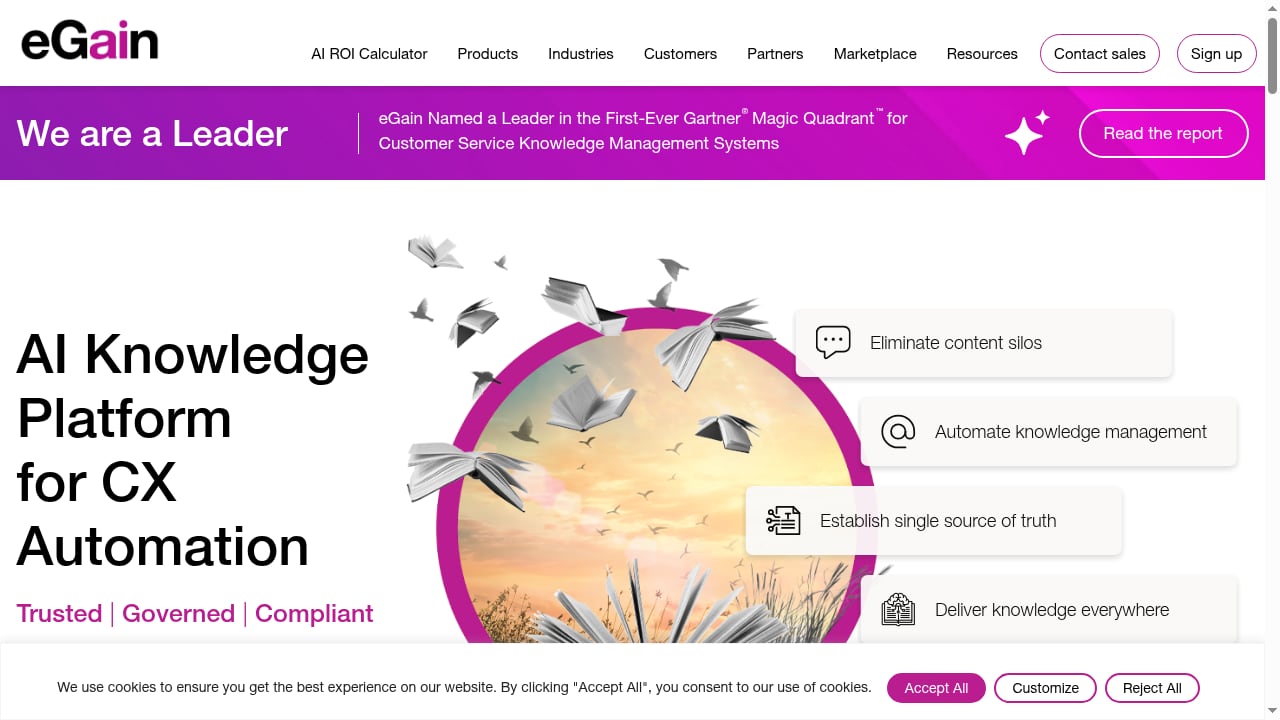
First viewport screenshot of www.egain.com.
eGain's AI Knowledge Platform for CX and Customer Service Automation is positioned for enterprise and government environments. Its core promise is trusted answers from a unified knowledge foundation. The platform connects content silos such as SharePoint sites, CRM knowledge bases, product docs, policies, intranets, and legacy systems, then uses GenAI and expert curation to deliver consistent, compliant answers.
Key capabilities include:
- Knowledge orchestration and automation: Pulls real questions from calls, chats, and messages, flags gaps, and checks published content for duplicates, compliance issues, and staleness.
- Knowledge graphs: Connects regulations, products, and content so teams can trace answers back to underlying rules.
- Genie for AI Knowledge Hub: Conversational AI that helps authors create or update articles while aligning to organizational guidelines.
- Quality assurance: Smart Evaluator provides continuous QA for AI-generated answers.
- Measurable outcomes: eGain cites a 37% increase in first contact resolution, a 30-point rise in Net Promoter Score, and a 50% improvement in speed to competence for customers using its knowledge hub.
This platform is built for complex, regulated, multi-channel contact centers. It is less suited to small teams that need a simple, low-cost help center launched in days.
How to choose: decision guidance by scenario
If you are a small or mid-sized team prioritizing speed and cost
HelpLook's free plan, transparent subscription tiers, templates, and SEO features make it a practical starting point. You can launch a public knowledge base and embed a help widget without a lengthy implementation.
If you need deep documentation workflows and integrations
Document360's decision trees, workflow builder, analytics, and 40+ integrations are valuable when documentation is a core operational function across multiple departments.
If you are an enterprise unifying fragmented knowledge across channels
eGain's knowledge hub is designed for large-scale content silos, compliance requirements, and AI answer quality assurance. The tradeoff is implementation complexity and enterprise-level pricing.
If you want to explore more AI knowledge options
For a broader market view, see Top 10 AI Knowledge Management & Documentation Platforms 2026 and HelpLook vs DocsBot: AI Knowledge Base & Support Compared.
Related reading
- Instructio Review 2026: AI Documentation Tool Tested - Evidence-based Instructio review: AI guide generation, ideal users, use cases, limitations, pricing signals, setup, and decision criteria for 2026.
- How to Use HelpLook with Product Fruits: Setup & Workflow - Combine HelpLook's AI knowledge base with Product Fruits onboarding to deliver in-app guidance and self-service support. Setup steps, workflow, and examples.
FAQ
Is HelpLook cheaper than Document360?
HelpLook publishes a free plan and paid tiers starting at $19/mo/site. Document360 uses custom pricing and requires a demo request, so direct cost comparison depends on your user count and feature needs.
Can Document360 handle customer support automation?
Yes. Document360 includes Eddy AI chatbot, advanced search, and decision trees that support self-service and support team workflows.
What makes eGain different from a standard knowledge base?
eGain focuses on enterprise knowledge orchestration: connecting siloed content, enforcing compliance workflows, and continuously evaluating AI-generated answers across contact center channels.
Does HelpLook support multiple languages?
HelpLook includes translation features that help teams localize content into multiple languages, supporting broader audience reach.
Which platform is best for SEO-focused help centers?
HelpLook emphasizes SEO optimization with control over titles, descriptions, keywords, URLs, and sitemaps, making it a strong fit for teams that want public documentation to rank in search engines.
Conclusion
HelpLook, Document360, and eGain serve different stages of knowledge maturity. HelpLook is a practical, affordable choice for teams that want an AI-powered, SEO-friendly knowledge base and help desk without heavy setup. Document360 offers mature documentation workflows and integrations for organizations that treat knowledge as a structured discipline. eGain provides enterprise-grade knowledge orchestration for complex, regulated environments where answer quality and compliance are paramount. Match the platform to your team's size, content complexity, and support channels rather than to a single feature list.
For further reading on how AI knowledge platforms fit into broader enterprise search, see Top 10 AI-Powered Enterprise Search and Relevance Platforms 2026.
Sources: