
Instructio Review 2026: AI Documentation Tool Tested
Instructio is an online tool that turns a short topic description into a product guide, user manual, or step-by-step instruction, using AI to draft the content and let you add videos and images. The pitch is speed: register in about 50 seconds and create an instruction in 2–5 minutes. This review examines what that speed is worth, where the tool fits, and where it does not, based on the product context and comparable evidence from documentation and review workflows.
What Instructio does
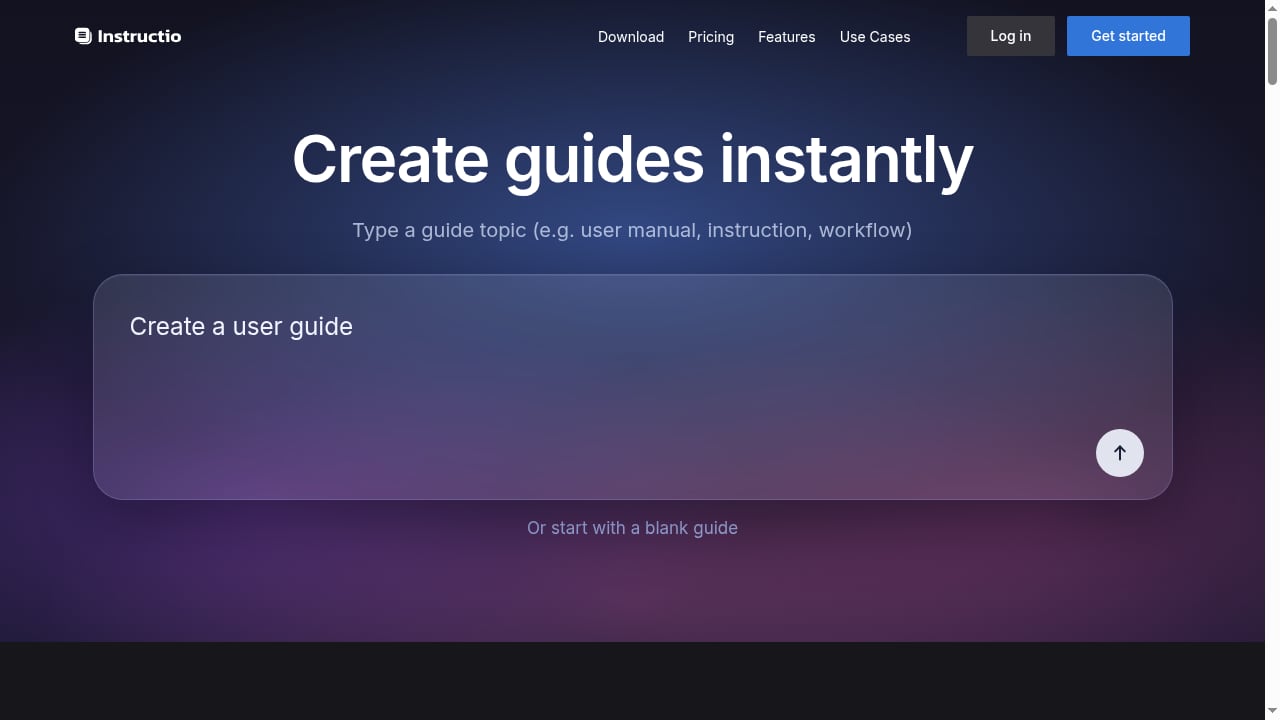
First viewport screenshot of instructio.app.
Instructio sits in the documentation layer between a product team and its end users. You describe what needs documenting, and the AI generates a structured guide. From there you refine steps, attach media, and publish. Core capabilities from the product context:
- AI-powered guide generation from a topic description
- Step-by-step instruction creation with templates for user manuals
- Video and image support inside instructions
- Use cases spanning customer support, product localization, and product updates such as release notes and roadmaps
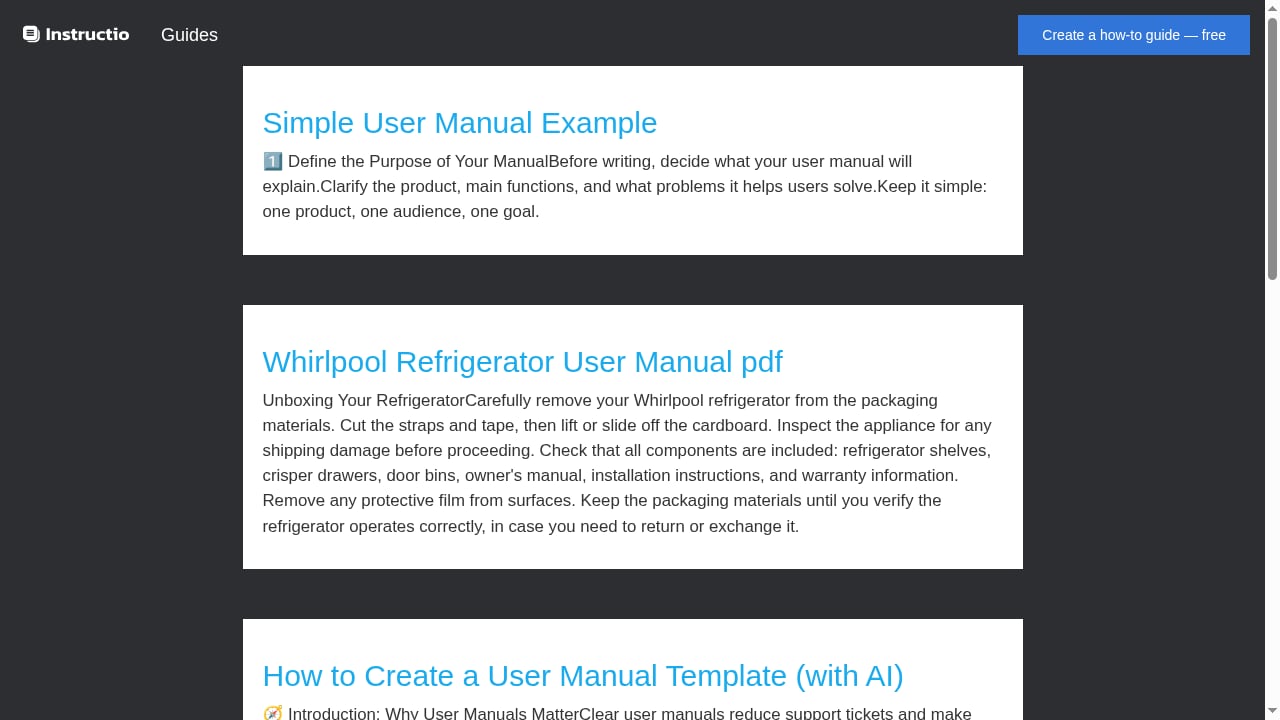
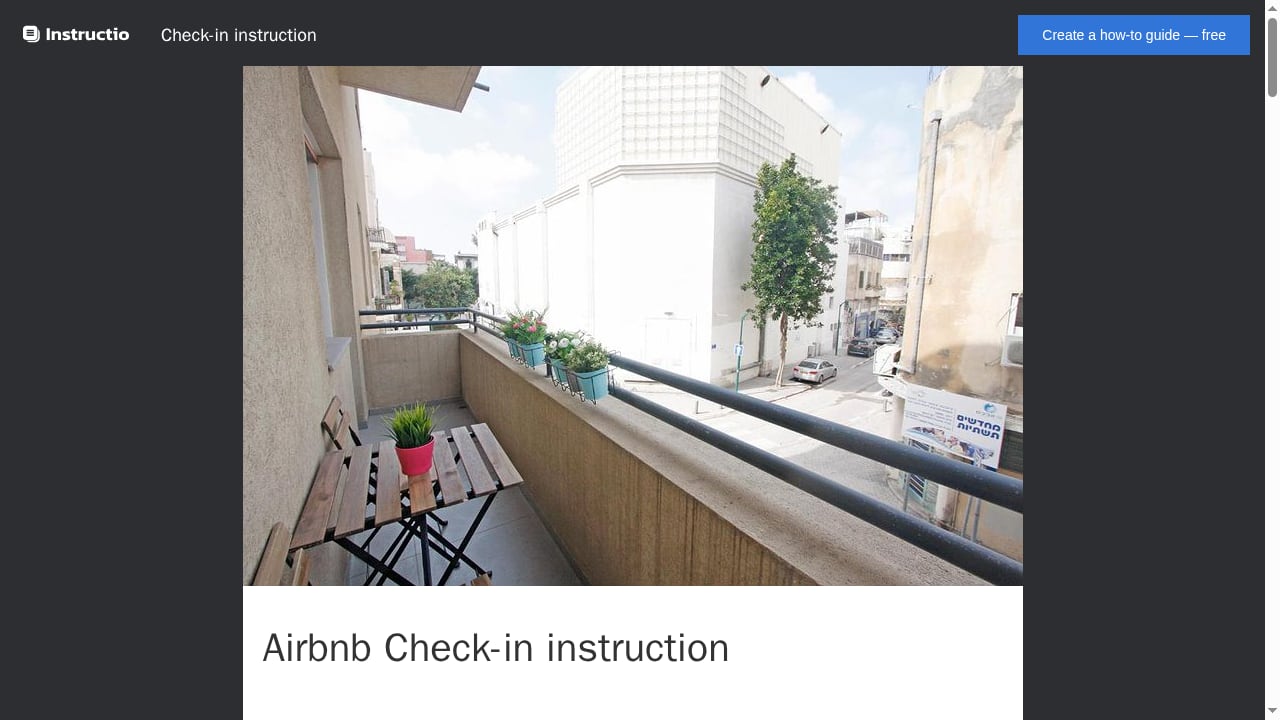
Example guides cited in the product context include a Whirlpool refrigerator, a Bluetooth CD player, and an Airbnb check-in instruction. Those examples are telling: they are consumer-facing, task-oriented, and visual — exactly the kind of content where a fast first draft saves the most time.
Who Instructio is for
First viewport screenshot of instructio.app.
Strong fits
- Support teams drowning in repeat tickets. If customers keep asking how to reset a device or check in to a rental, self-service instructions reduce load. The same logic appears in knowledge base comparisons such as HelpLook vs DocsBot, where the value is measured in deflected tickets rather than documents written.
- Small product teams without a technical writer. A 2–5 minute draft is a realistic starting point when no one owns documentation full time.
- Teams localizing instructions for new markets. Generating a base guide and adapting it per market is faster than writing each from scratch.
- Product marketers shipping release notes. Video and image support suits update announcements and roadmaps.
Weaker fits
- Regulated documentation that requires formal review trails, version control, and sign-off. Instructio's emphasis is speed, not governance.
- Large documentation portals needing structured information architecture, search, and multi-team authoring. A platform comparison like Top 10 AI Knowledge Management & Documentation Platforms 2026 is a better starting point.
- Teams that need human review built into the workflow. The evidence on manual review is instructive here: review exists to catch what automation cannot decide, and its volume is the most honest measure of how well the automation underneath is working (Microblink). An AI drafting tool shifts effort from writing to reviewing — and review capacity is the real constraint.
Key strengths
1. Time to first draft. The 2–5 minute claim is the headline. Even if a draft needs 20 minutes of editing, that beats a blank page. The relevant benchmark is not perfect output but the cost of the alternative.
2. Low activation friction. A 50-second registration removes the usual procurement and onboarding barrier. For individuals testing whether AI documentation works for them, that matters.
3. Media-native instructions. Video and images are first-class, which suits physical products and consumer tasks where a screenshot or clip explains more than a paragraph.
4. Clear use-case framing. Support deflection, localization, and product updates are concrete jobs, not vague "content creation." That clarity helps buyers self-qualify.
Limitations and risks
First viewport screenshot of instructio.app.
AI drafts need verification. Generated steps can be plausible but wrong — a missing safety warning, an outdated menu path, an incorrect sequence. Every guide needs a subject-matter check before publishing. The manual review evidence is blunt about the failure mode: reviewers looking at poor evidence guess more carefully than the model did, and they do not scale (Microblink).
Consistency across guides. Without templates and style rules enforced, AI-generated instructions drift in tone and structure. Two guides for similar products may read differently.
Governance is not the selling point. Version history, approval workflows, and audit trails are not highlighted in the product context. Teams that need them should verify before committing.
Pricing is not publicly detailed in the available context. Treat cost as a signal to confirm directly rather than assume. Compare against alternatives with published tiers, as in HelpLook vs Hesk vs Korra.
Localization depth. Generating instructions for different markets is a stated use case, but translation quality and cultural adaptation still need human review.
Pricing signals
The product context does not include published price points, so this review does not invent them. What can be assessed is the pricing model shape: a freemium or trial-led entry (implied by the 50-second registration), likely tiered by guide volume, seats, or media storage. When evaluating, ask:
- Is there a free tier, and what does it cap?
- Are guides, seats, or published pages the billing unit?
- Is video hosting included or metered?
- Does localization count as a separate guide per market?
For a broader cost comparison across documentation tools, see the ProProfs Knowledge Base review, which follows a similar evidence-based approach.
Setup and workflow
A practical workflow based on the product's stated design:
- Register — under a minute per the product claim.
- Describe the topic — be specific: product model, task, and audience. "Reset a Whirlpool refrigerator water filter" beats "fridge help."
- Generate the draft — review each step for accuracy and order.
- Add media — screenshots, short clips, or diagrams for steps that are hard to describe in words.
- Edit for voice and safety — add warnings, prerequisites, and troubleshooting notes the AI may omit.
- Publish and route — link the guide from support macros, product pages, or onboarding emails.
- Measure — track ticket deflection or guide views to see whether the instruction actually solves the problem.
Step 7 is the one most teams skip. A guide that is never opened is a writing exercise, not support infrastructure.
Instructio vs alternatives: decision criteria
First viewport screenshot of instructio.app.
| Criterion | Choose Instructio if… | Consider an alternative if… |
|---|---|---|
| Speed to draft | You need consumer-facing guides fast | You need governed, versioned documentation |
| Team size | Solo or small team, no dedicated writer | Multiple authors and reviewers |
| Content type | Task instructions with video/images | Deep technical reference or API docs |
| Support integration | You will link guides manually | You need built-in ticketing or AI search |
| Localization | You adapt a few markets | You run many locales with strict terminology |
| Budget clarity | You will confirm pricing directly | You need published tiers before a demo |
If your priority is AI search over existing documentation rather than drafting new guides, a platform comparison such as Top 10 AI-Powered Enterprise Search and Relevance Platforms 2026 is more relevant. If you are combining guides with in-app onboarding, see How to Use HelpLook with Product Fruits.
Practical example: a support deflection test
Suppose a hardware team gets 200 monthly tickets asking how to pair a Bluetooth CD player. They write one Instructio guide with a short pairing video, link it in the support auto-reply, and track tickets for 30 days. If pairing tickets drop by half, the guide paid for itself. If they do not, the problem is discoverability, not content — and the next fix is placement, not more writing.
Sources and further reading
- Best Practices Manual for Utilization Review for Adult and Child ... - OMH will approve other clinical review criteria which adhere to the Guiding. Principles. This manual outlines the best practice approaches to utilization review ...
- Book Review - The Instructions - By Adam Levin - The New York Times - Nov 5, 2010 ... More than stylistically though, Levin's conceit of a child genius misapprehended in a scholastic setting has to remind us of “Infinite Jest,” ...
FAQ
Is Instructio good for beginners? Yes. The low registration friction and AI drafting lower the barrier for people without documentation training. The trade-off is that beginners also need a review habit, because AI drafts can contain errors.
How fast can I create an instruction? The product claims 2–5 minutes for a draft after a roughly 50-second registration. Editing and verification add time depending on technical accuracy requirements.
Does Instructio support videos and images? Yes, media support is a stated feature, which suits physical products and visual tasks.
Can Instructio replace a knowledge base platform? Not necessarily. It focuses on creating instructions; a knowledge base adds search, structure, and multi-team governance. Many teams use both.
Is Instructio suitable for regulated industries? Verify governance features first. The product emphasizes speed and ease of use, not audit trails or approval workflows.
How much does Instructio cost? Pricing is not detailed in the available product context. Confirm current plans directly before budgeting.
Conclusion
Instructio is a focused tool with a clear bet: AI drafting plus media support gets useful instructions published fast. That bet pays off for support teams, small product teams, and anyone documenting consumer tasks where a quick, visual guide beats a perfect, slow one. It pays off less for organizations that need governance, deep structure, or large-scale localization control. The deciding question is simple: is your bottleneck writing the first draft, or reviewing and governing what gets published? If it is the draft, Instructio is worth a trial. If it is governance, start with a platform comparison instead.