
HelpLook vs Document360: Which AI Knowledge Base Wins in 2026?
Here at HelpLook, we’ve tested dozens of documentation platforms to help you pick the right one. If you’re looking at HelpLook and Document360, you’re likely trying to decide which AI‑powered knowledge base will actually fit your team—without blowing your budget or demanding months of setup. This comparison digs into pricing, ease of use, AI search, SEO, multilingual support, and the real‑world trade‑offs you need to know.
Both tools let you create customer-facing help centers, internal knowledge bases, and product documentation. But the similarities stop quickly when you look at how they handle cost, speed of implementation, and everyday content workflows.
What HelpLook and Document360 Have in Common

HelpLook vs Document360: Which AI Knowledge Base Wins in 2026? product interface and feature overview.
- AI‑driven search and optional chatbot for instant answers
- Public and private knowledge base portals
- Custom domains and basic branding
- Analytics to track content performance
- Multi‑user collaboration and role management
- Multilingual content support
Yet despite the overlapping feature list, the day‑to‑day experience and total cost of ownership differ dramatically.
HelpLook Advantages Over Document360
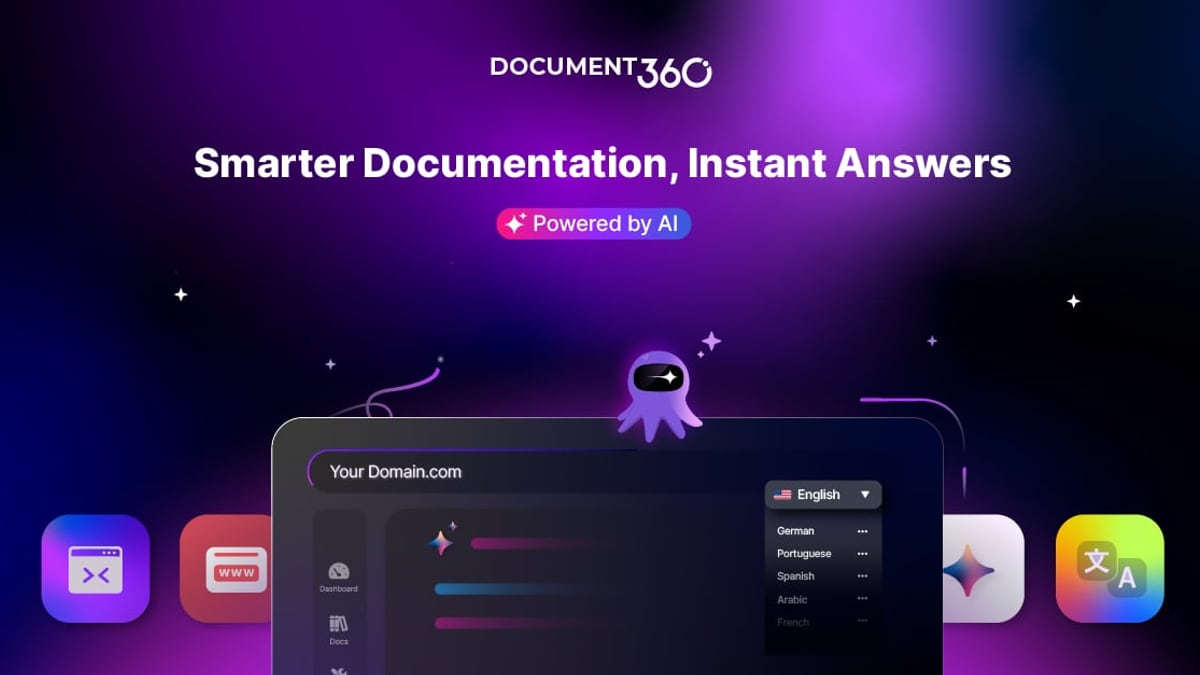
HelpLook vs Document360: Which AI Knowledge Base Wins in 2026? product interface and feature overview.
Affordable, Transparent Pricing with All Features Included
HelpLook’s model is straightforward: you get every feature in every plan, from AI search to custom branding, without hidden add‑on fees. A free plan is available, and paid plans start at just $7 per month for a single project. Whether you’re a two‑person startup or a growing support team, you pay for seats, not for feature gates. HelpLook’s own pricing comparison highlights this inclusive structure as a deliberate alternative to tools that lock advanced capabilities behind expensive tiers.
Document360, in contrast, has been called out for “expensive subscription plans” and a pricing model that can quickly escalate—particularly for smaller teams. A work email is required even to start a trial, which cuts off freelancers and small organizations that don’t use corporate domains.
Instant Setup with Ready-Made Templates and Zero Coding
HelpLook provides a library of professionally designed knowledge base templates. You pick one, customize it in a visual editor, and go live—no coding or IT hand‑holding required. The platform also offers a widget that embeds your knowledge base directly into your website or app in minutes.
Document360 lacks a comparable template gallery, so you essentially start from a blank slate. That’s powerful for advanced users but means a steeper learning curve and slower time‑to‑publish. According to industry analysts, “for first‑time users, it may take some time to adapt to its advanced features” source.
Built‑In SEO and Sitemap Management
HelpLook was built with search engine visibility in mind. You can manage page titles, meta descriptions, and keywords (TDK) directly in the dashboard, customize URL slugs, and automatically generate a sitemap. These tools help your documentation rank higher on Google with minimal extra effort.
Document360 does support basic SEO, but HelpLook’s dedicated SEO plugins and schema options make it far easier to optimize a complete help center for organic search. If SEO is a core part of your self‑service strategy, HelpLook delivers more control out of the box.
AI Search That Answers Questions Instantly
HelpLook’s AI is powered by top‑tier models including OpenAI, ERNIE Bot, and Azure. It understands natural questions and surfaces precise answers—not just a list of links—from your knowledge base. An AI chatbot is embedded natively, so visitors get immediate support without leaving the article.
Document360 uses Algolia for AI‑driven search, which is robust and fast. But many users report that configuring the AI to deliver the same level of contextual understanding requires more setup. HelpLook’s AI works right away, giving users a conversational Q&A experience even in the default configuration.
True Multilingual Support with One‑Click Translations
HelpLook includes a translation feature that lets you translate any article into multiple languages (Portuguese, Russian, Vietnamese, German, French, Spanish, and more) with a few clicks. This makes it easy to maintain consistent, localized content across your entire help center.
While Document360 also supports multiple languages, the workflow often involves separate project versions or manual exports, adding complexity. HelpLook’s approach is better suited for teams that need to support dozens of languages without extra overhead.
Easier Maintenance and Version Management
HelpLook’s interface is intentionally simple. Adding new articles, updating screenshots, or rolling back to a previous version takes seconds. Multi‑version management is built in, so you can present different documentation versions as independent portals without cluttering your workspace.
Where Document360 Still Shines

HelpLook vs Document360: Which AI Knowledge Base Wins in 2026? product interface and feature overview.
To be fair, Document360 is not a weak product—it’s a mature platform trusted by thousands of companies with a 4.7/5 G2 rating. Its strengths include:
- Advanced, customizable analytics with qualitative feedback loops
- Deep integrations with helpdesks like Zendesk and Freshdesk
- A workflow builder and approval engine for complex editorial processes
- SOC 2, ISO 27001, and GDPR compliance for stringent enterprise security
If your organization already relies on those helpdesk integrations or needs the highest level of compliance out of the box, Document360’s enterprise‑grade features may justify the higher cost.
How to Decide: Use Case Scenarios
HelpLook vs Document360: Which AI Knowledge Base Wins in 2026? product interface and feature overview.
Go with HelpLook if you:
- Have a limited budget and want all features without premium tiers
- Need to launch a branded, SEO‑friendly knowledge base in days, not weeks
- Serve a multilingual audience and want one‑click translation
- Prefer a visual, template‑driven editor that requires zero coding
- Want AI that gives conversational answers right after activation
Go with Document360 if you:
- Require advanced analytics and custom reporting dashboards
- Already depend on deep Zendesk or Freshdesk ticket‑system integrations
- Run a large enterprise with strict SOC 2/ISO/GDPR requirements
- Have a dedicated team that can invest time in configuration and learning
Related reading
- Documentation.AI Review 2026: AI-Driven Docs That Keep Themselves Fresh - Evidence-based Documentation.AI review covering AI Documentation Agent, Ask AI, pricing, setup, and ideal users. Learn if this AI-native knowledge base fits your team in 2026.
- KnowledgeBase Review 2026: Features, Pricing & Real-World Verdict - Unbiased KnowledgeBase review covering AI features, pricing from $49/mo, ideal users, setup, and limitations. See if it fits your support team in 2026.
- Docsie Review 2026: Features, Pricing & Real-World Verdict - We tested Docsie, the AI documentation platform that turns videos and files into structured docs. Read our evidence-based review of features, pricing, strengths, and limitations to decide if it fits your team.
Sources and further reading
- Compare HelpLook vs Document360 vs Together Software - Web resultsCompare HelpLook vs Document360 vs Together SoftwareCrozdeskhttps://crozdesk.com › compare › helplook-vs-docume...Crozdeskhttps://crozdesk.com › compare › helplook-vs-docume...Side-by-side comparison of HelpLook (78%), Document360 (93%) and Together Software (82%) including features, pric
Frequently Asked Questions
Is HelpLook really more affordable than Document360?
Yes. HelpLook offers a free plan and paid plans starting at $7/month per project with all features included. Document360’s pricing is often cited as expensive for small and medium businesses, and many advanced features require higher‑tier plans.
Can HelpLook’s AI chatbot match Document360’s search capabilities?
HelpLook’s AI chatbot, backed by models like OpenAI and Azure, delivers direct answers to complex queries without extra configuration. Document360’s Algolia‑powered search is fast and powerful, but setting up conversational AI often demands more manual tuning.
Do I need technical skills to set up HelpLook?
No. HelpLook is designed for non‑developers. You register with any email, choose a template, customize it visually, and publish. Many users report launching a full knowledge base in under an hour.
Which platform is easier for multi‑language documentation?
HelpLook. Its built‑in translation tool lets you translate articles into dozens of languages directly from the editor. Document360 supports multilingual content but requires more manual steps or separate project configurations.
Final Verdict
HelpLook closes the gap between an affordable, AI‑powered knowledge base and a developer‑grade documentation suite. For most teams—especially those that prioritize rapid deployment, transparent pricing, and strong SEO—HelpLook delivers more value with less friction. Document360 remains a powerful choice for enterprises that need deep helpdesk integrations and granular analytics, but smaller organizations will feel the price and complexity hit hard.
Still exploring? Check out our side‑by‑side comparisons to see how HelpLook stacks up against other leading platforms: HelpLook vs Mintlify vs KnowledgeOwl and HelpLook vs Docsie: Which AI Knowledge Base Wins in 2026?. Both articles offer the same evidence‑based analysis to help you pick the perfect self‑service solution.