
HelpLook vs Guru vs ProProfs Knowledge Base: Which Knowledge Platform Fits Your Team?
Choosing a knowledge platform is less about feature checklists and more about matching the tool to how your team actually works. HelpLook, Guru, and ProProfs Knowledge Base all help organizations capture and share knowledge, but they approach the problem from different angles: HelpLook focuses on AI-powered self-service and SEO-friendly help centers, Guru emphasizes governed internal knowledge for trusted AI answers, and ProProfs Knowledge Base targets simple, secure knowledge portals for training and support.
This comparison breaks down where each platform is strong, where it has limits, and which scenarios point to which tool.
Quick comparison at a glance
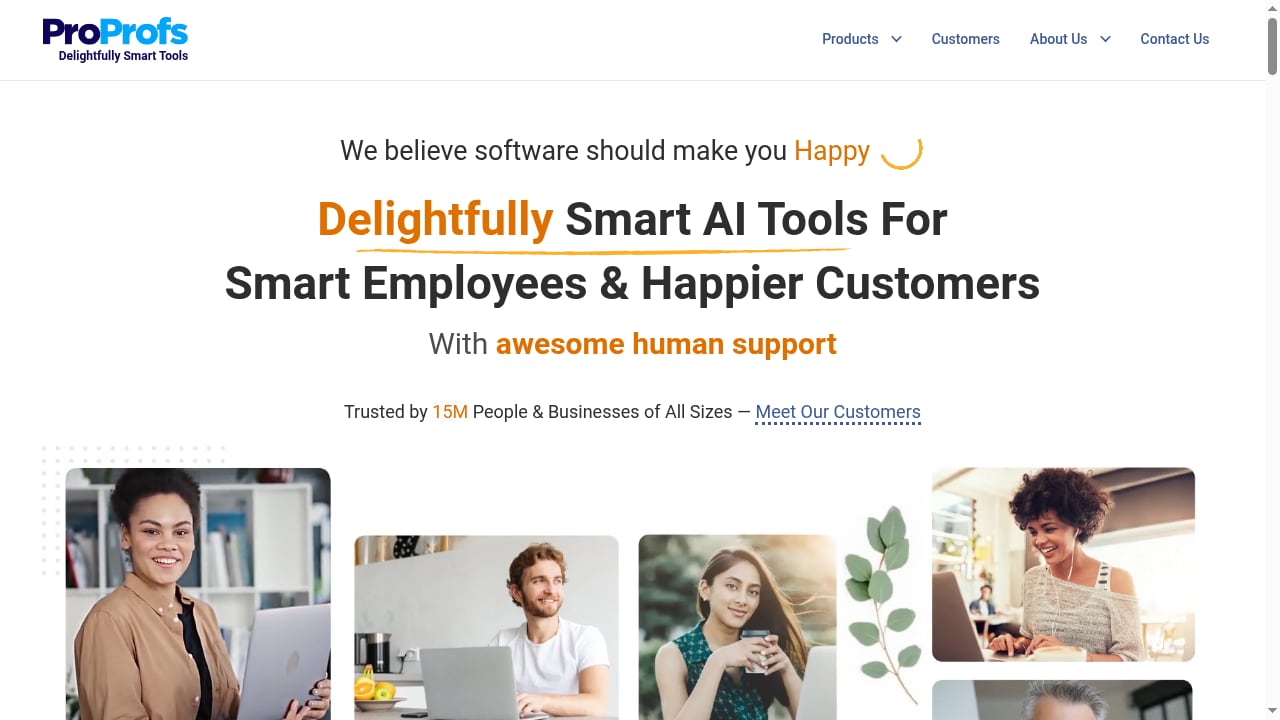
First viewport screenshot of ProProfs: SaaS Software for Training, Customer Support & More.
| Criterion | HelpLook | Guru | ProProfs Knowledge Base |
|---|---|---|---|
| Primary focus | AI-powered knowledge base, help desk, and self-service | AI knowledge management with governance | Knowledge portals for training, support, and HR |
| Best fit | Customer-facing help centers, internal knowledge bases, product manuals | Mid-to-large teams needing governed internal knowledge | Small to medium teams needing simple, secure portals |
| Starting price signal | Low-code SaaS, positioned for cost efficiency | Around $14 per user per month, billed yearly | Around $0.30 per month entry tier, billed yearly |
| AI search | Yes, built into the platform | Yes, with knowledge governance | Not a core positioning focus |
| SEO optimization | Yes, a core feature | Not a core positioning focus | Not a core positioning focus |
| No-code creation | Yes | Yes | Yes |
| Free trial | Available | Available | Available |
| Security signals | SaaS platform with standard controls | SOC 2, GDPR, SSO, MFA, audit logs | GDPR, SSO, data encryption |
Pricing and feature details change frequently. Treat the numbers above as directional signals from third-party comparison data, not as quotes.
Where Guru is strong
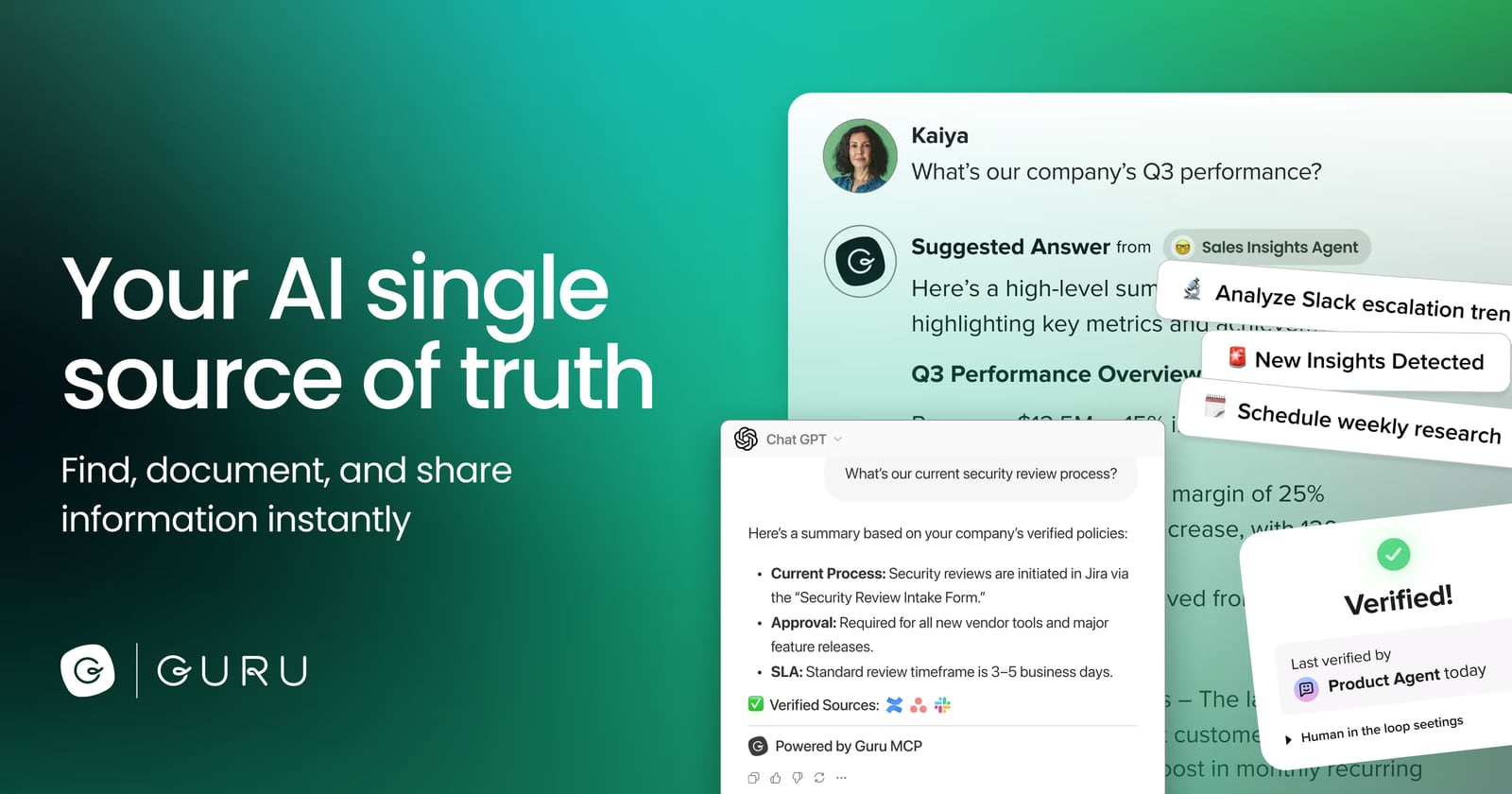
Guru product interface.
Guru has earned a strong reputation among mid-to-large teams that need a single, governed source of truth. Its positioning is explicit: structure, govern, and continuously improve knowledge so AI answers can be trusted. That matters for organizations where a confidently wrong answer is worse than no answer at all.
Key strengths include:
- Knowledge governance. Guru is built around verifying and maintaining knowledge, which suits teams with compliance or accuracy requirements.
- Broad deployment options. It supports SaaS, mobile apps on Android and iOS, and installed Windows and Mac clients, according to third-party comparison data.
- Strong user satisfaction. It holds a 4.9-star rating across hundreds of reviews on comparison platforms, with SOC 2, GDPR, SSO, MFA, and audit log support noted.
- Mid-to-large team fit. It is commonly recommended for teams of 50 or more employees managing project or process knowledge.
Guru is a reasonable choice when internal knowledge accuracy and governance are the top priorities, and when per-user pricing fits your budget. Teams under 10 people with simple needs, or those wanting a highly specialized industry knowledge base out of the box, may find it heavier than necessary.
Where ProProfs Knowledge Base is strong
ProProfs Knowledge Base product interface.
ProProfs Knowledge Base comes from a broader software suite covering training, customer support, and HR. Its knowledge base product is positioned as a secure, user-friendly portal where staff and customers can search and access information quickly.
Key strengths include:
- Low entry cost. Third-party data lists an entry tier starting around $0.30 per month, billed yearly, which makes it attractive for small teams testing self-service.
- Simplicity. It is often recommended for small to medium teams that want a centralized, secure knowledge base without complex configuration.
- Self-service ticket reduction. It is a fit for teams whose main goal is deflecting help desk tickets through a straightforward portal.
- Compliance basics. GDPR, SSO, and data encryption are noted in comparison data, with global data residency.
ProProfs Knowledge Base is a sensible starting point for small teams that value a visually engaging interface and quick information access. Teams needing highly customized workflows, detailed analytics, or transparent upfront pricing may want to look further, since those are commonly cited as limitations.
Where HelpLook fits
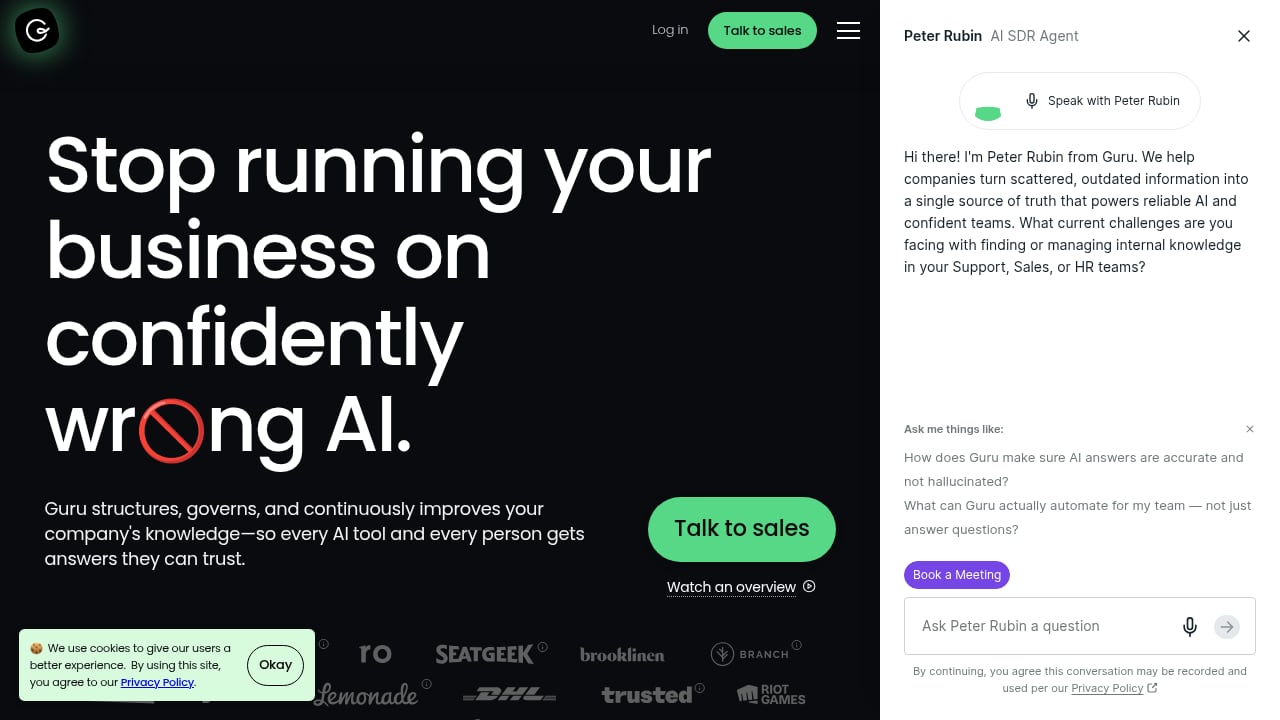
First viewport screenshot of The Governed Knowledge Layer for Enterprise AI.
HelpLook is an all-in-one, AI-powered platform for building knowledge bases, help desks, and self-service support experiences. It is designed for teams that want to publish customer-facing help centers, internal knowledge bases, product manuals, enterprise blogs, FAQs, and troubleshooting content without writing code.
Its distinguishing combination is AI search plus SEO optimization inside a no-code portal builder. That matters if your knowledge base is meant to be found: through your own site search, through web search, and through embedded widgets in your product or website. HelpLook also includes analytics so teams can see what is working and where content gaps remain.
HelpLook is trusted by over 10,000 companies and serves editors, support teams, content creators, and operations professionals across SaaS, e-commerce, legal, healthcare, financial services, and education. If your priority is a fast, low-code path to a searchable, indexable help center that reduces support costs, HelpLook is built for that job.
For a broader view of how AI documentation platforms compare on search, governance, and pricing, see Top 10 AI Documentation & Knowledge Base Software 2026.
How to choose: decision guide
Use these scenarios to narrow the field.
Choose Guru if:
- Internal knowledge accuracy and governance are your top concern.
- You have 50+ employees managing project, process, or support knowledge.
- You need desktop and mobile access across multiple platforms.
- Per-user pricing fits your budget and you value strong review scores.
Choose ProProfs Knowledge Base if:
- You are a small or medium team wanting a simple, secure portal.
- Your main goal is reducing help desk tickets with basic self-service.
- You want a very low entry price to test the waters.
- You do not need deep customization or advanced analytics.
Choose HelpLook if:
- You want an AI-powered, no-code help center that is also SEO-optimized.
- You need customer-facing knowledge, product manuals, FAQs, or an enterprise blog in one platform.
- You want AI search plus analytics to measure and improve self-service.
- You prefer a ready-to-use SaaS system over a heavy implementation project.
If you are also evaluating broader AI knowledge management options, HelpLook vs AI-Based Knowledge Management Software covers AI search, no-code help centers, SEO, analytics, and pricing in more depth.
Practical examples
- SaaS support team: A SaaS company wants to deflect repetitive tickets and rank help articles in search. HelpLook's SEO-friendly help center and AI search are a natural fit. Guru could serve the internal side if governance is critical.
- E-commerce operations: A retailer needs product manuals and troubleshooting guides that customers can find. HelpLook's no-code portals and widgets support this directly.
- HR and training team: An HR group needs a secure internal portal for policies and onboarding. ProProfs Knowledge Base offers a simple, low-cost path, while Guru offers stronger governance for larger organizations.
- Enterprise IT: A large IT department needs verified internal knowledge with audit trails. Guru's governance and security signals make it a strong candidate.
Related reading
- HelpLook vs The Customer Service AI Platform: 2026 Comparison - Compare HelpLook and The Customer Service AI Platform for modern support teams: AI search, self-service, SEO, analytics, and the best fit for each.
- Customer Service AI Platform Review: Modern Support Teams 2026 - Evidence-based review of The Customer Service AI Platform for Modern Support Teams: ideal users, use cases, strengths, limits, pricing signals, and setup.
- How to Use HelpLook with AI-Powered ITSM Platform - Learn how to integrate HelpLook with an AI-powered ITSM platform to automate ticket deflection, sync knowledge, and deliver scalable IT service for every business.
FAQ
Is HelpLook a direct replacement for Guru?
Not exactly. HelpLook is strongest for customer-facing, SEO-optimized self-service and no-code knowledge bases. Guru is strongest for governed internal knowledge. Some teams use both: HelpLook for external self-service and Guru for internal accuracy.
Is ProProfs Knowledge Base cheaper than Guru?
Third-party data lists ProProfs Knowledge Base entry pricing around $0.30 per month, billed yearly, versus Guru starting around $14 per user per month, billed yearly. Actual costs depend on pages, users, and plan limits, so verify current pricing with each vendor.
Which platform is best for SEO-friendly help content?
HelpLook is the clearest fit among these three, since SEO optimization is a core feature rather than an add-on. Guru and ProProfs Knowledge Base are not primarily positioned around search engine visibility.
Which tool is best for small teams?
ProProfs Knowledge Base is often recommended for small to medium teams wanting a simple, secure portal. HelpLook is also accessible for small teams that need AI search and SEO from day one.
Do all three offer free trials?
Yes. Third-party comparison data indicates free trials are available for HelpLook, Guru, and ProProfs Knowledge Base. None of the three offers a permanent free version in the data reviewed.
What about security and compliance?
Guru shows SOC 2, GDPR, SSO, MFA, and audit logs in comparison data. ProProfs Knowledge Base shows GDPR, SSO, and data encryption. HelpLook is a SaaS platform with standard security controls. Match these signals to your own compliance requirements before deciding.
Conclusion
There is no single winner across all scenarios. Guru is a strong choice for mid-to-large teams that need governed, trustworthy internal knowledge. ProProfs Knowledge Base is a practical, low-cost option for small teams wanting a simple, secure portal. HelpLook stands out when your goal is an AI-powered, no-code, SEO-optimized help center that combines content creation, search, and analytics in one platform.
Start by defining your primary use case: internal governance, simple self-service, or findable customer-facing knowledge. That single decision will point you to the right tool faster than any feature matrix. For a wider set of alternatives, see Top 10 AI-Powered Documentation Platforms for 2026.
Sources: Guru vs HelpDocs vs ProProfs Knowledge Base comparison, Guru vs ProProfs Knowledge Base Software on G2, Guru vs KnowledgeOwl vs ProProfs Knowledge Base comparison.