
HelpLook vs HelpCenter.io vs GitBook: Which AI Knowledge Base Fits Your Team?
Choosing the right knowledge base platform often comes down to a single question: who will write and maintain the content? A tool built for developers who live in Git works differently from one designed for support teams who need a no-code interface. This comparison examines three distinct options—HelpLook, HelpCenter.io, and GitBook—across the criteria that matter most when your goal is to reduce support tickets and help users find answers on their own.
We look at each platform’s strengths honestly. Where a tool has a clear advantage for a specific use case, we say so. Where it doesn’t, we won’t pretend otherwise.
When a Developer Docs Platform Becomes a Customer Help Center
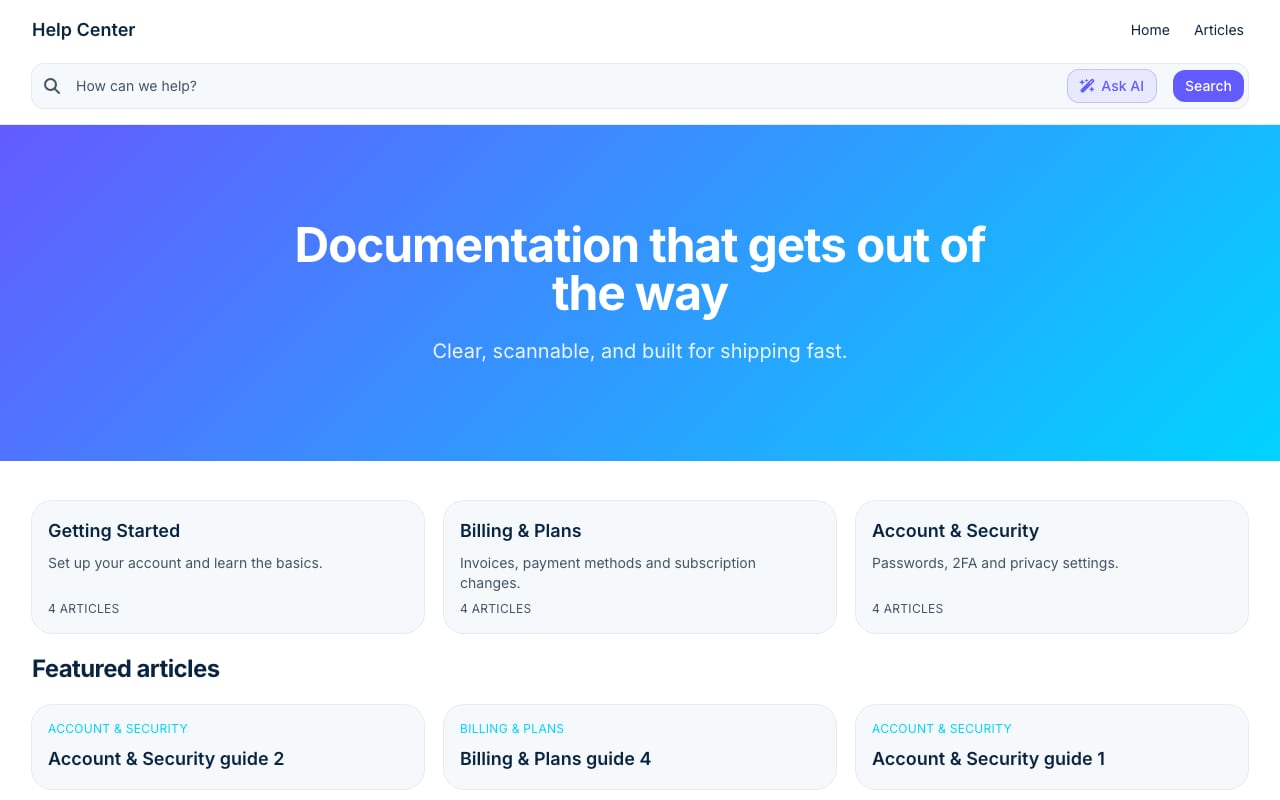
Stripe Clean help center template.
GitBook is widely respected for what it does well: docs-as-code. It syncs with GitHub and GitLab, renders OpenAPI references, and manages version branches through change requests that mirror pull requests. For engineering teams writing API documentation or technical guides, this workflow is natural and productive.
The friction appears when the same platform is asked to serve a different audience. A customer-facing help center maintained by a support team has different needs. Authors may not be comfortable with Markdown in a repository. A simple typo fix shouldn’t require a branch, a change request, and an engineer’s approval. When the authoring experience doesn’t match the team’s skills, content goes stale, and the self-service portal stops serving its purpose.
This is not a flaw in GitBook. It’s a mismatch between tooling and use case. Understanding that distinction clarifies the rest of the comparison.
HelpLook: AI-Powered Knowledge Base for Customer Self-Service

GitBook product interface.
HelpLook positions itself as an AI knowledge base and help desk platform that teams can deploy without writing code. It’s built for customer support portals, internal knowledge bases, product manuals, and branded blogs, with a focus on getting a searchable, AI-assisted site live quickly.
No-Code Site Builder and Custom Branding
HelpLook provides a visual, no-code interface for building and styling a knowledge base. Users can customize colors, fonts, layouts, and navigation to match their brand without touching CSS. For teams that need a polished public-facing help center but lack dedicated front-end resources, this removes a significant barrier.
AI Search and Chatbot Capabilities
The platform integrates with leading AI models—including OpenAI, ERNIE Bot, and Azure—to power an intelligent search experience. When a visitor asks a question, HelpLook’s AI extracts relevant keywords, pulls related content from across the knowledge base, and generates a synthesized answer. This goes beyond simple keyword matching and can resolve queries that would otherwise require a support ticket.
Analytics That Close the Feedback Loop
A help center improves only when you know what isn’t working. HelpLook surfaces six core metrics: page views, unique visitors, likes, dislikes, article feedback, and recent visits. Together, these data points help teams identify content gaps, understand which articles deflect tickets, and make data-driven decisions about where to invest writing time.
Flexible Payment Options
HelpLook supports both credit card and PayPal payments, which removes a friction point for international teams or organizations that prefer not to use credit cards for software subscriptions.
Explore how HelpLook compares to other AI knowledge bases for a deeper look at AI search and documentation features.
HelpCenter.io: Contextual Help That Keeps Users in Flow
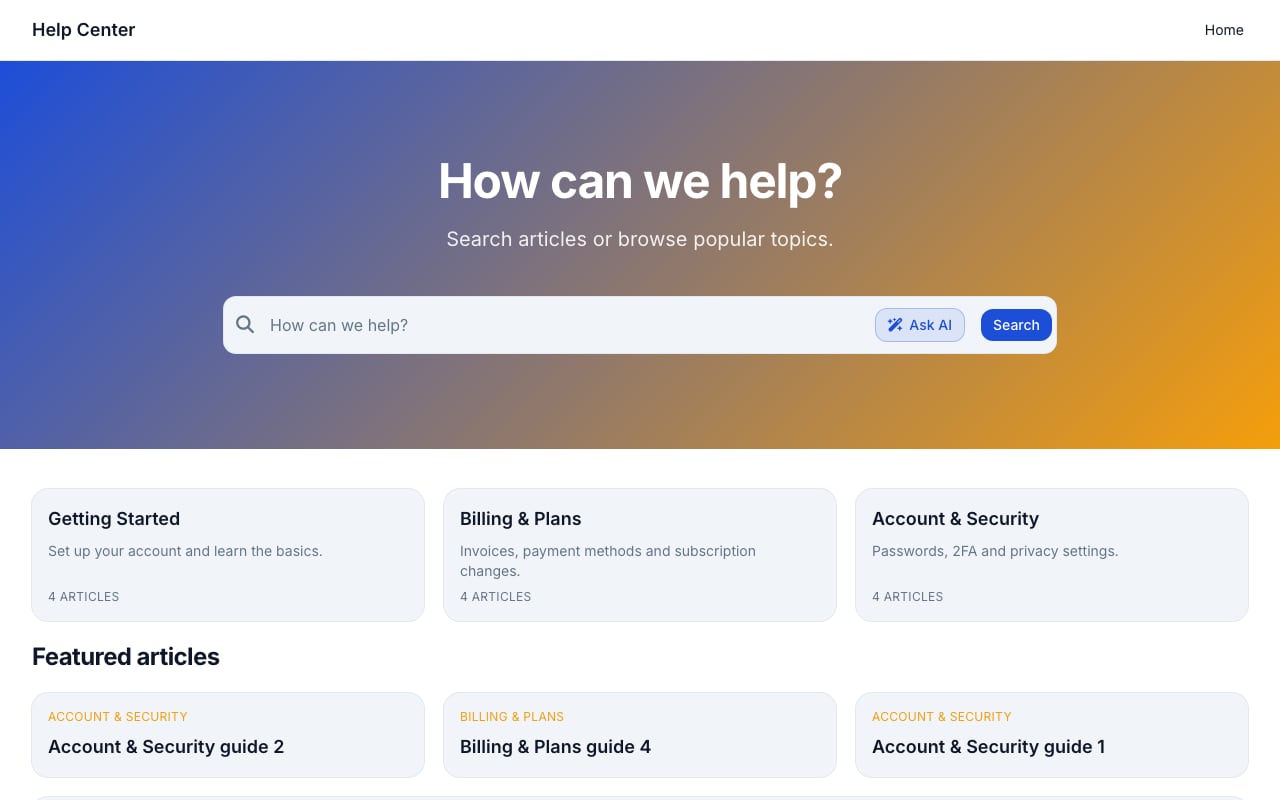
Support Classic help center template.
HelpCenter.io takes a different approach to self-service. Rather than asking users to visit a separate help center, it brings answers directly into the product experience through an embeddable AI Widget that suggests relevant articles based on the page a user is viewing.
Proactive, Context-Aware Assistance
The AI Widget is the centerpiece of HelpCenter.io’s value proposition. It sits inside your app or website and automatically surfaces help articles related to the current page. A user on the billing settings page sees billing-related FAQs without searching. This contextual delivery reduces the effort required to find answers and keeps users from leaving their workflow.
No-Code Visual Editor with Multi-Language Support
HelpCenter.io includes a visual template editor that lets teams build and customize a help center without engineering involvement. Multi-language support is built in, making it suitable for global products. The platform also supports dynamic FAQ embeds, approval workflows, and imports from Zendesk, Intercom, or Notion, which eases migration for teams switching from other tools.
Flat-Rate Pricing with Predictable Costs
Unlike per-seat pricing models that grow with your team, HelpCenter.io offers flat-rate pricing. For organizations that want predictable costs as they scale, this structure can be more budget-friendly than alternatives where every additional editor increases the monthly bill. A 14-day free trial with no credit card required and a 100% money-back guarantee lower the risk of trying the platform.
GitBook: Docs-as-Code for Technical Documentation

GitBook product interface.
GitBook remains a strong choice for teams that need version-controlled, Git-synced documentation aimed at developers. Its strengths are real and worth acknowledging.
Git Sync and Version Control
GitBook’s deep integration with Git repositories is its defining feature. Documentation lives alongside code, changes flow through pull-request-style change requests, and release versions map to branches. For API documentation that must stay in lockstep with software releases, this workflow is hard to replicate in a traditional knowledge base tool.
AI Assistant for Content and Q&A
GitBook’s AI Assistant can generate content drafts and answer questions based on published documentation. However, this feature is gated behind the Ultimate plan at $249 per site per month, with a cap on successful answers. Teams on lower tiers don’t get AI-powered search for their readers.
The Trade-Off: Authoring Audience
GitBook’s editor supports Markdown and offers a visual mode, but the underlying model assumes authors are comfortable with a Git-based workflow. For support teams that need to make quick content updates without touching a repository, this introduces friction that can slow down content maintenance and reduce freshness.
For a broader comparison of GitBook with other knowledge base platforms, see our HelpLook vs KnowledgeBase vs GitBook analysis.
Side-by-Side Comparison
| Criteria | HelpLook | HelpCenter.io | GitBook |
|---|---|---|---|
| Primary audience | Support teams, customer self-service | Support and product teams, in-app help | Developers, technical writers |
| Authoring experience | No-code visual builder | No-code visual template editor | Markdown editor with Git sync |
| AI search/chatbot | AI search and chatbot on all plans | AI Widget with contextual suggestions | AI Assistant on Ultimate plan only ($249/site/mo) |
| Custom branding | Full visual customization, no CSS required | Custom domains, visual editor | Theme-based styling, limited custom CSS |
| Multi-language | Supported | Built-in multi-language | Not available |
| Analytics | PV, UV, likes, dislikes, feedback, visits | Analytics included | Basic on Plus, advanced on Pro+ |
| Pricing model | Subscription tiers with AI credits | Flat-rate pricing | Per-site + per-user, AI gated on top tier |
| Payment methods | Credit card and PayPal | Credit card | Credit card only |
| Version control | Not Git-based | Not Git-based | Git-based branching and change requests |
| API documentation | Not designed for OpenAPI rendering | Not designed for API references | Native OpenAPI and Swagger rendering |
Which Tool Should You Choose?
Choose HelpLook if:
- You need a customer-facing or internal knowledge base that non-technical staff can build and maintain.
- AI-powered search and chatbot capabilities are a priority, and you want them available without paying for the highest pricing tier.
- You value flexible payment options like PayPal alongside credit card billing.
- You want built-in analytics that show which articles are deflecting tickets and where content gaps exist.
Choose HelpCenter.io if:
- Your primary goal is to reduce support tickets by surfacing help content contextually inside your product.
- You want predictable flat-rate pricing that doesn’t scale with every new team member.
- You need multi-language support and a visual editor that support teams can use without engineering help.
- You’re migrating from Zendesk, Intercom, or Notion and want a straightforward import path.
Choose GitBook if:
- Your documentation is aimed at developers and needs to live alongside code in a Git repository.
- You require versioned documentation with branching, change requests, and OpenAPI reference rendering.
- Your authors are engineers who prefer a Markdown-and-Git workflow.
- You don’t need a separate customer help center maintained by a non-technical support team.
For teams evaluating other combinations, our HelpLook vs Stonly vs Zendesk comparison covers platforms that blend knowledge bases with ticketing and interactive guides.
Related reading
- HelpLook vs Docsie vs Mintlify: Compare AI Knowledge Bases - Compare HelpLook, Docsie, and Mintlify on AI search, knowledge base use cases, pricing, and ease of use. Find the best self-service platform for your support or dev team.
- HelpLook vs Document360 vs Docmost: 2026 Comparison - Compare HelpLook, Document360, and Docmost on AI search, self-hosting, pricing, and ease of use. Find the best knowledge base or wiki for your team in 2026.
Sources and further reading
- HelpLook VS GitBook:A Side-by-Side Comparison - In this article, we will take a closer look at both Gitbook and HelpLook and examine their strengths and weaknesses to help you make the right decision for your company.
- Best GitBook Alternatives (2026) - Looking for a GitBook alternative for customer help content? Six tools compared honestly, with real pricing, tradeoffs, and who each one suits.
- GitBook vs Intercom Help Center Pricing (2026): Plans & Costs | Docsie - GitBook vs Intercom Help Center pricing compared: plans, hidden costs, and which offers better value in 2026.
Frequently Asked Questions
Can I use GitBook for a customer-facing help center?
You can, but the experience often strains when the authors are support agents rather than engineers. GitBook’s Git-based workflow requires comfort with repositories, branches, and change requests. If your support team can’t publish updates without an engineer’s help, the help center tends to go stale. GitBook is genuinely excellent for developer documentation; it’s just not optimized for the customer help center use case.
Does HelpLook support multiple languages?
Yes. HelpLook supports multi-language knowledge bases, making it suitable for global brands that need to serve customers in different regions.
How does HelpCenter.io’s AI Widget differ from a standard search bar?
Rather than waiting for a user to type a query, the AI Widget analyzes the page the user is currently viewing and proactively suggests relevant help articles. This contextual approach catches questions before users abandon the page to search or open a support ticket.
Which platform offers the most predictable pricing?
HelpCenter.io uses flat-rate pricing, which means your cost doesn’t increase every time you add an editor. GitBook charges per site plus per user, and its AI features require the Ultimate tier at $249 per site per month. HelpLook offers tiered subscription plans with AI credits included.
Do any of these platforms offer a free trial?
HelpCenter.io offers a 14-day free trial with no credit card required. HelpLook provides a free tier and trial options. GitBook has a free plan with limited features; its AI capabilities require a paid Ultimate subscription.
Conclusion
The right knowledge base platform depends on who will write the content and who will read it. GitBook excels when your authors are engineers and your audience is developers who need versioned, Git-synced documentation. HelpCenter.io shines when you want to embed contextual help directly into your product and keep users in their workflow. HelpLook fits teams that need an AI-powered, no-code knowledge base for customer self-service, with strong search capabilities, analytics, and flexible payment options.
Be honest about your team’s skills and your audience’s expectations. That clarity will point you to the right tool faster than any feature list.