
HelpLook vs Helpjuice: Which Knowledge Base Software Fits Your Team in 2026?
Choosing a knowledge base platform often comes down to a trade-off between customization and cost. HelpLook and Helpjuice both promise to reduce support tickets and organize your documentation, but they take different paths to get there. This comparison breaks down where each tool wins, where it falls short, and how to decide based on your team size, budget, and AI needs.
Quick Comparison: HelpLook vs Helpjuice
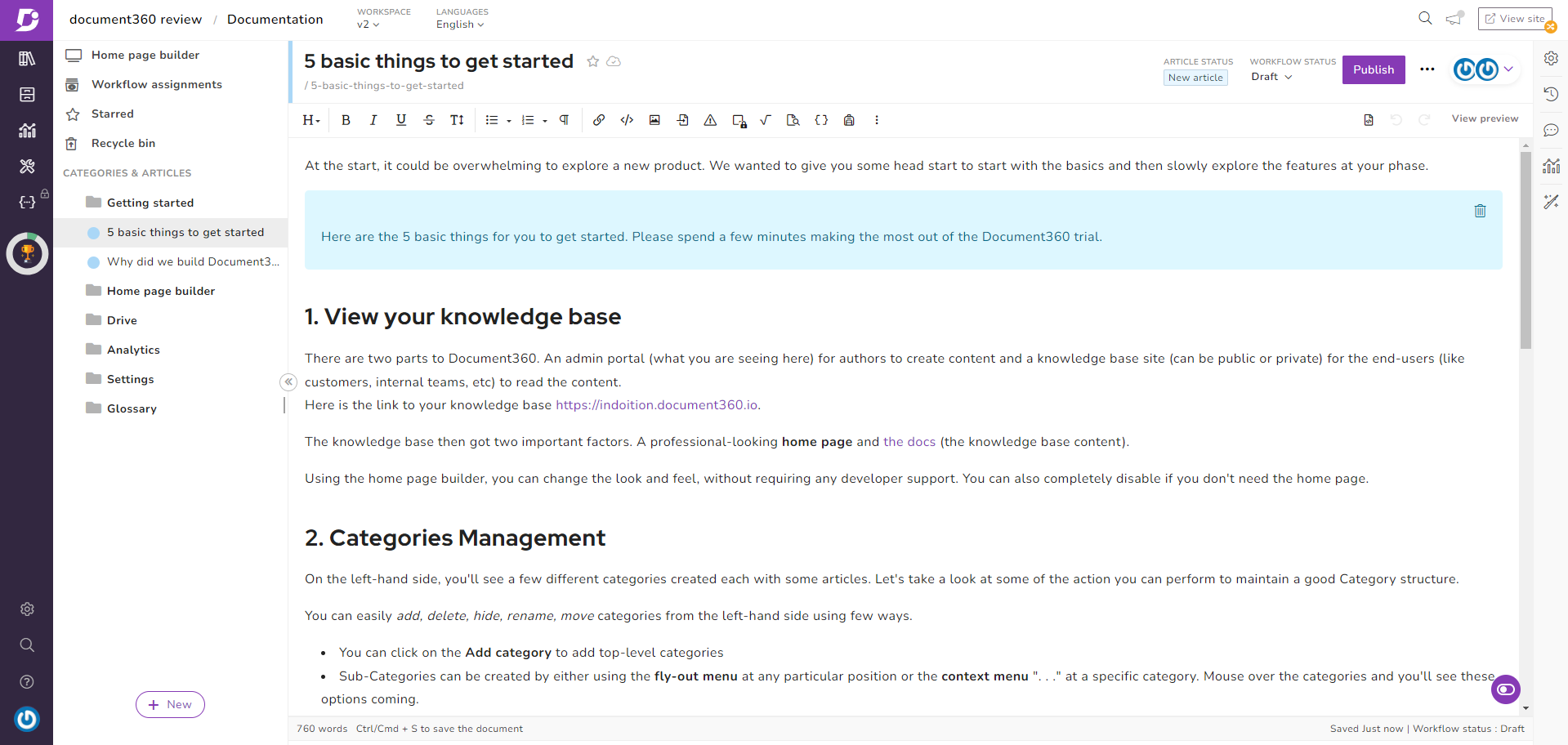
HelpLook vs Helpjuice: Best Knowledge Base Software 2026 - Where Helpjuice Falls Short.
| Factor | HelpLook | Helpjuice |
|---|---|---|
| Best for | Teams wanting AI search, no-code setup, and flexible pricing | Organizations needing deep customization and standalone help centers |
| Starting price | Free tier plus paid plans (Personal, Corporate, Enterprise) | Around $120 per account per month |
| AI capabilities | AI document search, AI customer support, chatbot integration, filtered answers | Swifty AI assistant answers from your content |
| Content creation | No-code editor, ready-to-use SaaS | Authoring-first, humans write the content |
| SEO optimization | Built-in SEO tools | Not a primary focus |
| Multilingual support | Multiple languages including Chinese, English, Portuguese, Russian, Vietnamese | Not highlighted in sources |
| Ticket automation | Not a core feature | Not a core feature |
Where HelpLook Stands Out

HelpLook vs Helpjuice: Best Knowledge Base Software 2026 - Where HelpLook Stands Out.
AI Search and Customer Support Built In
HelpLook integrates AI directly into the knowledge base experience. Users can interact with AI inside the knowledge base, and the system extracts key information from documents to provide automated summaries. The AI chatbot can be embedded on your website, capture keywords, and generate answers based on your existing content.
A notable detail: HelpLook's AI applies filtering so it only responds with content relevant to your documents. This reduces the risk of incorrect or random answers — a common concern with ungrounded AI models. For teams worried about hallucinations, this grounding is a meaningful safeguard.
Pricing That Scales With You
HelpLook offers four tiers: Free, Personal, Corporate, and Enterprise, plus custom options for advanced needs. This range means individuals and small businesses can start without a heavy financial commitment, while larger organizations can negotiate for specific requirements.
By contrast, Helpjuice is priced at around $120 per account per month, which the source describes as relatively expensive compared to industry competitors. For individual users or small businesses, that cost can be a burden and lead to a suboptimal experience.
Fast Setup and No-Code Building
Registration with HelpLook requires only a phone number or email. Building a knowledge base takes four simple steps, and the directory interface gives a clear overview of content status. This low-code, ready-to-use approach means support teams, content creators, and operations professionals can publish without engineering help.
Multilingual Reach
HelpLook currently supports multiple languages for your site, including Chinese, English, Portuguese, Russian, and Vietnamese. If you serve customers across regions, this built-in flexibility saves you from stitching together separate tools.
Where Helpjuice Falls Short
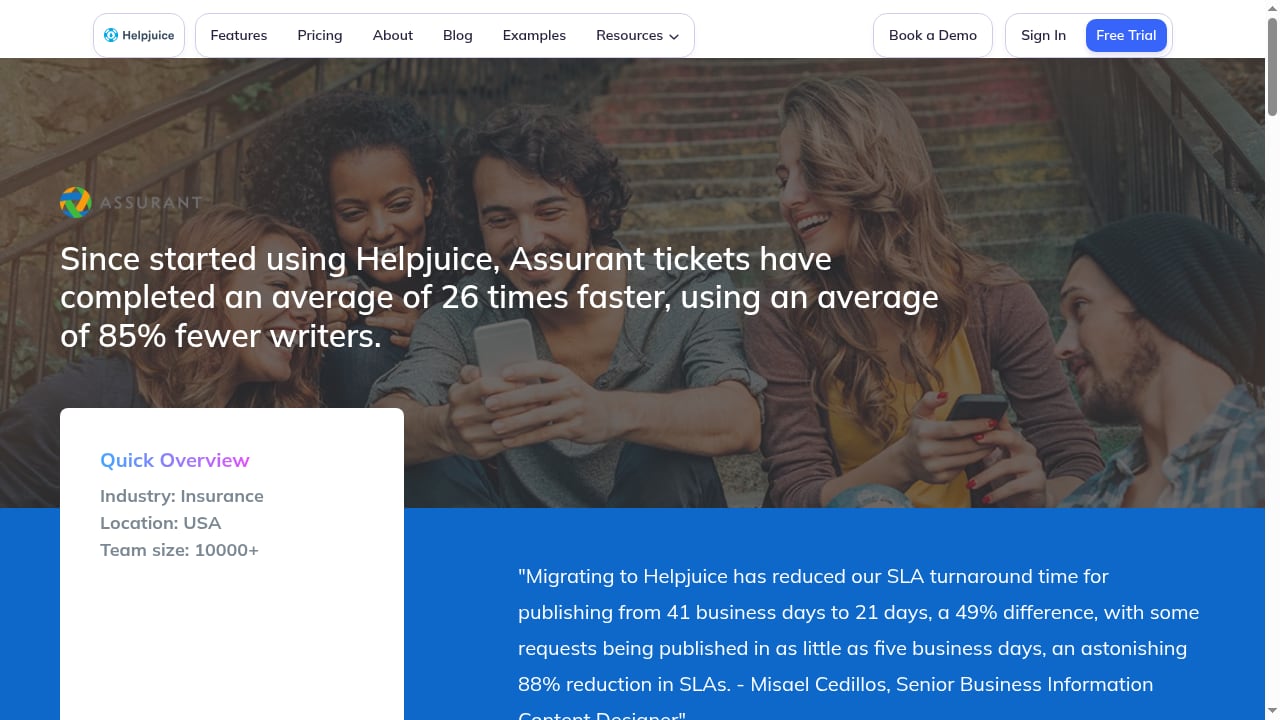
First viewport screenshot of Since started using Helpjuice, Assurant tickets have completed an average of 26 times faster, using an average of 85% fewer writers..
Higher Package Price
The most consistent criticism across sources is cost. At roughly $120 per account per month, Helpjuice is positioned as a premium option. For small teams or individual users, this pricing can be hard to justify, especially when comparing feature sets against lower-cost alternatives.
Authoring-First, Not Automation-First
Helpjuice is described as a long-running, dedicated knowledge base platform known for deep customization and strong search. However, like other authoring-first tools, it expects humans to write the content. It does not generate articles from tickets or resolve cases inside your help desk. If your goal is to let AI fill knowledge gaps automatically, Helpjuice is not built for that job.
Standalone Knowledge Base, Limited Help Desk Integration
Helpjuice supports public and internal knowledge bases, detailed analytics, and the Swifty AI assistant. Teams that want full control over the look and structure of their help center tend to like it. But the platform is a standalone knowledge base — it does not natively resolve cases inside your help desk, which means you may need to connect it to separate support tools.
When to Choose HelpLook

HelpLook vs Helpjuice: Best Knowledge Base Software 2026 - When to Choose HelpLook.
- You want AI search and AI customer support without building a custom integration.
- You need a free tier or flexible pricing to start small and scale.
- You value no-code setup and a clean directory interface.
- You serve multilingual audiences and want built-in language options.
- You want AI answers filtered to your documents to reduce incorrect responses.
When Helpjuice Might Be the Better Fit
- You need deep customization of your help center's look and structure.
- You prioritize strong search and detailed analytics over AI automation.
- You have the budget for a premium standalone knowledge base.
- You are comfortable with a human-authored content workflow.
How HelpLook Compares to Other Knowledge Base Tools
If you are evaluating HelpLook against a broader set, our HelpLook vs Helpjuice vs GitBook comparison covers AI search, self-service portals, SEO, and pricing fit. For teams that need a help desk rather than a knowledge base, see the top help desk and customer service software for 2026. And if you want to connect HelpLook's AI knowledge base to a live chat widget, the HelpLook with ChatBot setup guide walks through the integration.
Related reading
- GitBook Review 2026: The Knowledge Layer for AI Docs - Evidence-based GitBook review for 2026: how its AI knowledge layer, content gaps, broken link checks, docs-as-code, pricing signals, and limits compare.
Sources and further reading
- HelpLook VS Helpjuice: Comparison of Enterprise Knowledge Base Construction Tools - This blog will focus on two highly acclaimed knowledge base building tools in the market: HelpLook and Helpjuice.
FAQ
Is HelpLook cheaper than Helpjuice?
Yes. HelpLook offers a Free tier plus Personal, Corporate, and Enterprise plans, while Helpjuice is priced at around $120 per account per month according to the source. For small teams, HelpLook's entry points are significantly lower.
Does Helpjuice have AI features?
Helpjuice includes a Swifty AI assistant that answers from your content. However, it is an authoring-first tool — it does not generate articles from tickets or resolve cases inside your help desk.
Can HelpLook replace a help desk?
HelpLook is an AI-powered knowledge base and self-service platform. It reduces support costs through AI search and self-service, but it is not a full omnichannel help desk. Teams needing ticketing across email, chat, and social should pair it with a dedicated help desk tool.
Which tool is better for multilingual support?
HelpLook explicitly supports multiple site languages including Chinese, English, Portuguese, Russian, and Vietnamese. Helpjuice's multilingual capabilities are not highlighted in the available sources.
Does HelpLook optimize for SEO?
Yes. HelpLook includes SEO optimization as a core feature, helping your help center content rank and get found. Helpjuice's SEO capabilities are not a primary focus in the source material.
Conclusion
HelpLook and Helpjuice solve overlapping problems but suit different priorities. HelpLook leans into AI-powered search, no-code setup, multilingual support, and flexible pricing — making it a strong fit for teams that want fast time-to-value and lower entry costs. Helpjuice leans into deep customization and strong search for organizations willing to pay a premium and author content manually.
If your priority is AI-assisted self-service without a heavy price tag, HelpLook is the more practical starting point. If you need maximum control over a standalone help center and have the budget, Helpjuice remains a capable option. For a broader view of how these tools stack up against other platforms, see our comparison of HelpLook, Helpjuice, and GitBook.
For more details on Helpjuice's positioning, see the Techreviewer AI knowledge base category and the IrisAgent comparison of AI knowledge base tools.