
HelpLook vs Helpjuice vs Archbee: Which AI Knowledge Base Fits Your Team?
Your knowledge base isn’t just a repository of answers—it’s the frontline of your customer experience and a core layer of your internal operations. Three platforms that frequently surface in AI-powered self-service conversations are HelpLook, Helpjuice, and Archbee. Each tackles documentation, help centers, and team knowledge differently, and choosing the wrong one can lead to adoption headaches, broken search, or overblown budgets.
In this guide, we’ll compare HelpLook, Helpjuice, and Archbee side by side, focusing on their real strengths, where each tool stands out, and which scenario they’re built for. We’ll highlight the tangible advantages HelpLook brings to the table without overselling—so you can make a confident choice. For other matchups, see our HelpLook vs Document360 vs KnowledgeOwl comparison.
Quick Overview of Each Platform
HelpLook vs Helpjuice vs Archbee: AI Knowledge Base Comparison (2025) product interface and feature overview.
Before diving into feature-by-feature criteria, let’s break down what each tool is best known for:
- HelpLook – An all-in-one, AI-powered platform that combines a knowledge base, help desk, e-commerce product manuals, and even an enterprise blog. It gives you a no-code builder, a customizable public or private site, an embeddable AI widget, and integrations with multiple AI models (OpenAI, ERNIE Bot, Azure). Over 10,000 companies use it for customer self-service and internal knowledge.
- Helpjuice – An AI-driven knowledge base dedicated to turning documentation into fast answers. It is trusted by 7,000+ companies (including Amazon and Hertz) and emphasizes its AI article writing, bulk translation, and a full custom design service. Its selling point is radical support ticket reduction and the quality of its out-of-the-box AI.
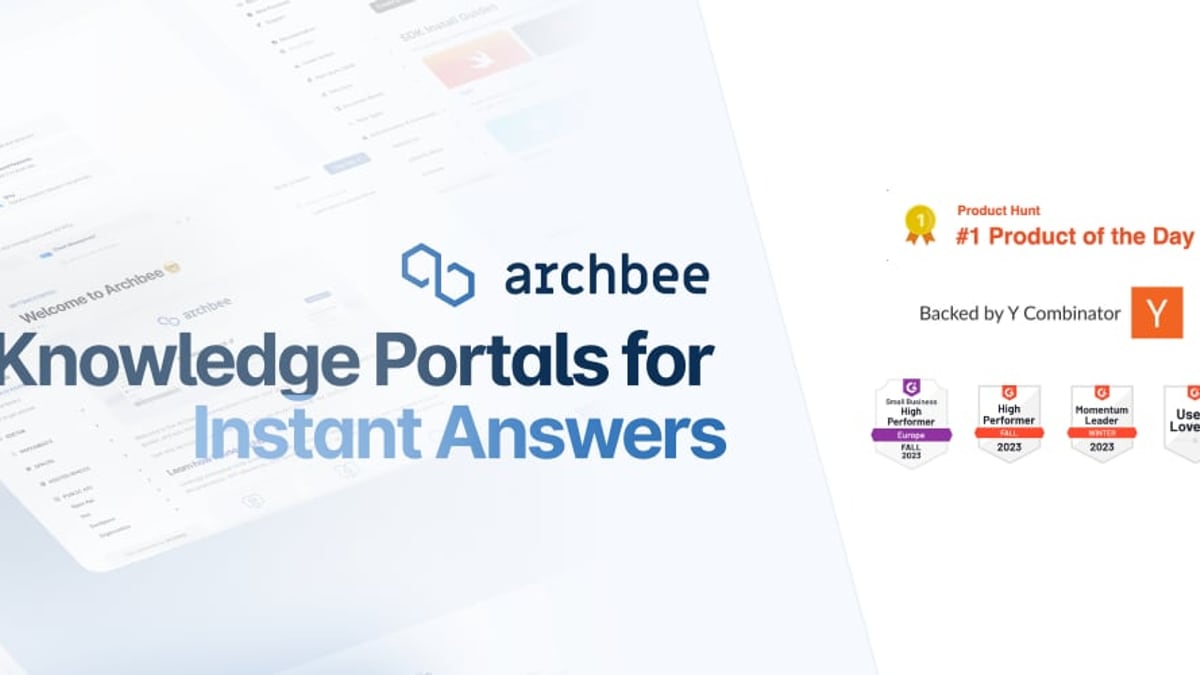
- Archbee – A knowledge portal platform that targets technical and product teams. It shines for developer documentation, API references, and internal wikis, with features like native branching, reusable content variables, versioning, and deep integrations with GitHub and GitLab. Backed by Y Combinator, it’s popular among startups that need beautiful, scalable docs.
A Reddit discussion among technical writers highlights that Archbee is often praised for its feature set, while Helpjuice gets notes for its general capabilities but occasionally draws remarks on basic search—an area where AI-first platforms like HelpLook can differentiate.
Where HelpLook Shines: Key Advantages

HelpLook vs Helpjuice vs Archbee: AI Knowledge Base Comparison (2025) product interface and feature overview.
HelpLook isn’t trying to be everything to everyone; it focuses on making the creation, organization, and discovery of knowledge effortless across many business scenarios. Here are the criteria where it holds a clear edge.
1. All-in-One Content Hub for More Than Just Docs
Most knowledge base tools stick to articles and how-tos. HelpLook goes further. You can build a customer-facing help center, yes, but you can also launch e-commerce product manuals, enterprise blogs, and internal wikis from the same platform. This versatility means a marketing team can manage the company blog, a support team can run the help center, and a product team can publish visual manuals—all without juggling multiple tools. Neither Helpjuice nor Archbee is designed to natively support a full corporate blog or rich interactive product guide alongside standard documentation.
2. Built-in SEO Optimization
Structured content is great, but if it can’t be found on Google, it won’t help prospective customers. HelpLook ships with SEO optimization features baked in: clean HTML, customizable meta tags, automatic sitemaps, and responsive design that search engines love. This turns your help center into a traffic-driving asset. Both Helpjuice and Archbee offer custom domains and some SEO controls, but HelpLook treats SEO as a first-class citizen, not an afterthought—helping your articles rank higher without extra plugins or developer time.
3. Flexible AI Model Integrations
Instead of locking you into a single AI engine, HelpLook integrates with OpenAI, ERNIE Bot, and Azure AI services. This model-agnostic approach gives you the freedom to pick the language model that best fits your accuracy requirements, language support needs, or budget. The platform’s AI powers both an intelligent search bar and a conversational chatbot widget that can be embedded into any website or app, providing instant answers based on your knowledge base content. While competitors have their own AI, the ability to switch models or use different ones for different regions is a practical advantage that future-proofs your self-service layer.
4. Free Plan That Actually Works for Teams
Cost is a decisive factor, especially for startups and small businesses. HelpLook offers a free tier that covers essential features for a small team—not just a limited-time trial. In contrast, Helpjuice’s plans start at $249/month, and Archbee’s free plan is restricted to personal use with only two collections. HelpLook’s free plan allows you to launch a branded, functional knowledge base without initial investment, then scale up as your content and user base grow.
Strengths of Helpjuice and Archbee (An Objective Look)

HelpLook vs Helpjuice vs Archbee: AI Knowledge Base Comparison (2025) product interface and feature overview.
No comparison is fair without acknowledging what each tool does best. These strengths are very real and might be the deciding factor for certain use cases.
Helpjuice: Proven Ticket Reduction and Hands-On Customization
Helpjuice has built its reputation on delivering a product that gets used. Customers report up to a 75% decrease in support tickets, 50% fewer training sessions, and 26x faster ticket resolution. A major part of this success comes from its fully customized design service: the company will style your knowledge base to match your brand down to the last pixel, which is a huge value-add for companies that lack internal design resources.
It also brings robust AI article writing and translation covering over 40 languages, allowing you to create and localize content quickly. For support-heavy teams that need a done-for-you design and a proven formula to reduce repetitive work, Helpjuice is a compelling premium option.
For another head-to-head that includes Helpjuice, read our HelpLook vs Helpjuice vs Docmost analysis.
Archbee: Developer-First Documentation with Branching and Versioning
Archbee is built from the ground up for product and engineering teams. Its standout features include native branching and drafts—similar to Git workflows—so you can collaborate on documentation changes before merging them into the live version. Reusable content variables and display rules make it easy to maintain large doc sets without duplicating effort.
The platform also excels at API documentation, with dedicated support for OpenAPI and GraphQL, plus integrations with GitHub, GitLab, and a changelog function that pairs elegantly with release notes. If your primary need is a modern developer portal that feels as agile as your codebase, Archbee is a top contender.
Head-to-Head Comparison: Features at a Glance
| Feature | HelpLook | Helpjuice | Archbee |
|---|---|---|---|
| AI-powered search & chatbot | ✅ Integrated with multiple AI models | ✅ AI search and customizable chatbot | ✅ AI search and writing assistant |
| E-commerce product manuals | ✅ Native support | ❌ Not a focus | ❌ Not a focus |
| Corporate blog engine | ✅ Built-in | ❌ Not included | ❌ Not included |
| SEO optimization | ✅ Deep SEO features (meta, sitemaps, clean code) | ⚠️ Basic via custom domain | ⚠️ Custom domain, some control |
| Free plan | ✅ Yes, for small teams | ❌ No (starts at $249/mo) | ✅ Personal use, 2 collections |
| Custom design service | ❌ Self-service branding tools | ✅ Fully custom design service | ❌ Self-service branding |
| Branching / Git-like drafts | ❌ Version history | ❌ Not available | ✅ Native branching and merging |
| Multilingual content | ✅ Yes | ✅ 40+ languages via AI translation | ✅ AI translations |
| Developer API docs | ⚠️ Limited | ❌ Not a core focus | ✅ OpenAPI & GraphQL support |
| Embeddable widget | ✅ Yes, AI knowledge widget | ❌ Embed with iframe | ✅ Embed collections |
Pricing: Which One Fits Your Budget?
Pricing matters, but it must be weighed against the features you actually need.
- HelpLook offers a free plan with essential capabilities, making it the lowest-risk entry point. Paid plans scale with usage, keeping the cost predictable for small to mid-sized teams.
- Helpjuice starts at $249/month for 30 users and climbs to $449/month for advanced AI for 100 users. The price includes the custom design service and high-touch support.
- Archbee has a free tier for personal use, then $30/month for 5 users (Growing) and $80/month for 10 users (Scaling) with full branding and advanced integrations. Add-on user costs are not shown in the base price.
According to an aggregated comparison by Crozdesk, HelpLook scores highly in user happiness and covers a broad feature set that competes with more expensive tools.
Which Tool Is Right for Your Business?
Still unsure? Match your situation to the recommendation below.
Choose HelpLook when:
- You need a single platform that combines a knowledge base, product manuals, and a blog.
- Search engine visibility is a priority—you want your help articles to attract organic traffic.
- You prefer to start for free and gradually scale, without being forced into a paid plan too early.
- You want flexibility in choosing which AI model powers your search and chatbot.
Choose Helpjuice when:
- Reducing support tickets is your primary KPI, and you’re willing to invest in a premium, proven solution.
- You lack in-house design capabilities and need a white-glove custom branding experience.
- Bulk article translation across 40+ languages is critical and you want AI to create drafts.
Choose Archbee when:
- Your content is highly technical (API docs, developer guides, architecture diagrams).
- Your team is already using Git and wants documentation to follow the same branching and review cycle.
- Scalability and reusability of content with variables and display rules matter more than a drag-and-drop blog builder.
Related reading
- HelpLook vs Document360 vs KnowledgeOwl: 2025 Guide - Compare HelpLook, Document360, and KnowledgeOwl on AI search, pricing, ease of use, and more. Find the best AI knowledge base for your team's needs in 2025.
- HelpLook vs GitBook vs DocsBot: 2025 Comparison - Compare HelpLook, GitBook, and DocsBot for AI knowledge bases, documentation, and customer support. Discover strengths, use cases, and which tool fits your team.
- HelpLook vs Bloomfire vs Docmost: 2025 Comparison Guide - Compare HelpLook, Bloomfire, and Docmost on AI search, ease of use, deployment, pricing, and security. Find the best knowledge base or wiki for your team.
Sources and further reading
- Helpjuice vs Archbee: Knowledge Management Comparison - Compare Helpjuice vs Archbee 2026. Helpjuice has 1528 and Archbee has 146 customers in Knowledge Management industry. Know more.
FAQ
Is HelpLook suitable for large enterprise documentation?
Yes. While its free plan attracts startups, HelpLook supports private, scalable knowledge bases with custom domains, role-based access, and analytics that suit enterprise internal wikis and customer-facing help centers used by thousands of employees or customers.
Can Helpjuice reduce support tickets without heavy configuration?
Helpjuice is designed to require minimal setup; its AI models often work out of the box. Many customers report significant ticket reductions within weeks of going live, and the dedicated design service offloads the configuration work entirely.
Does Archbee work well for non-technical users?
Archbee’s rich editing and branching model is stronger for technical teams, but non-technical contributors can still create and edit content in its block-based editor. However, the platform’s power features are definitely tailored to developers and product managers.
Which platform has the best SEO for knowledge base articles?
HelpLook stands out by offering built-in SEO optimization features like clean sitemaps, meta tags, and fast, responsive article pages. While others can be configured, HelpLook treats SEO as a native requirement from day one.
The Verdict: Why HelpLook Could Be Your All-in-One Answer
HelpLook vs Helpjuice vs Archbee: AI Knowledge Base Comparison (2025) product interface and feature overview.
HelpLook, Helpjuice, and Archbee each have loyal followings for good reason. Helpjuice delivers a polished, hands-on experience that slashes support volume; Archbee offers a version-controlled paradise for technical documentation teams. But if you’re looking for a platform that covers the full spectrum—help centers, e‑commerce manuals, blogs, and an AI-powered search experience—without forcing you into a premium price tag, HelpLook is uniquely positioned.
Its free plan, built-in SEO muscle, and flexible AI integrations mean you not only serve your existing customers better but also attract new ones through content that shows up in search results. For most growing teams, that combination of versatility and value is hard to beat.