
HelpLook vs KnowledgeOwl vs Zendesk: Which Knowledge Base Fits Your Team in 2026?
Choosing the right knowledge base software is no longer just about hosting articles. It’s about how the platform uses AI to answer questions before a ticket is ever created, how easily your team can publish content, and whether the pricing model scales with your actual usage. HelpLook, KnowledgeOwl, and Zendesk each take a distinct path to solving these problems. One is an AI-native content hub, one is a purpose-built knowledge base for teams that want simplicity and transparent pricing, and one is a full customer service platform where the knowledge base is a powerful, integrated feature. This comparison breaks down where each product excels, where they fall short, and which one matches your primary goal—whether that’s reducing support costs, streamlining documentation, or unifying your entire service operation.
HelpLook vs KnowledgeOwl vs Zendesk: Quick Overview
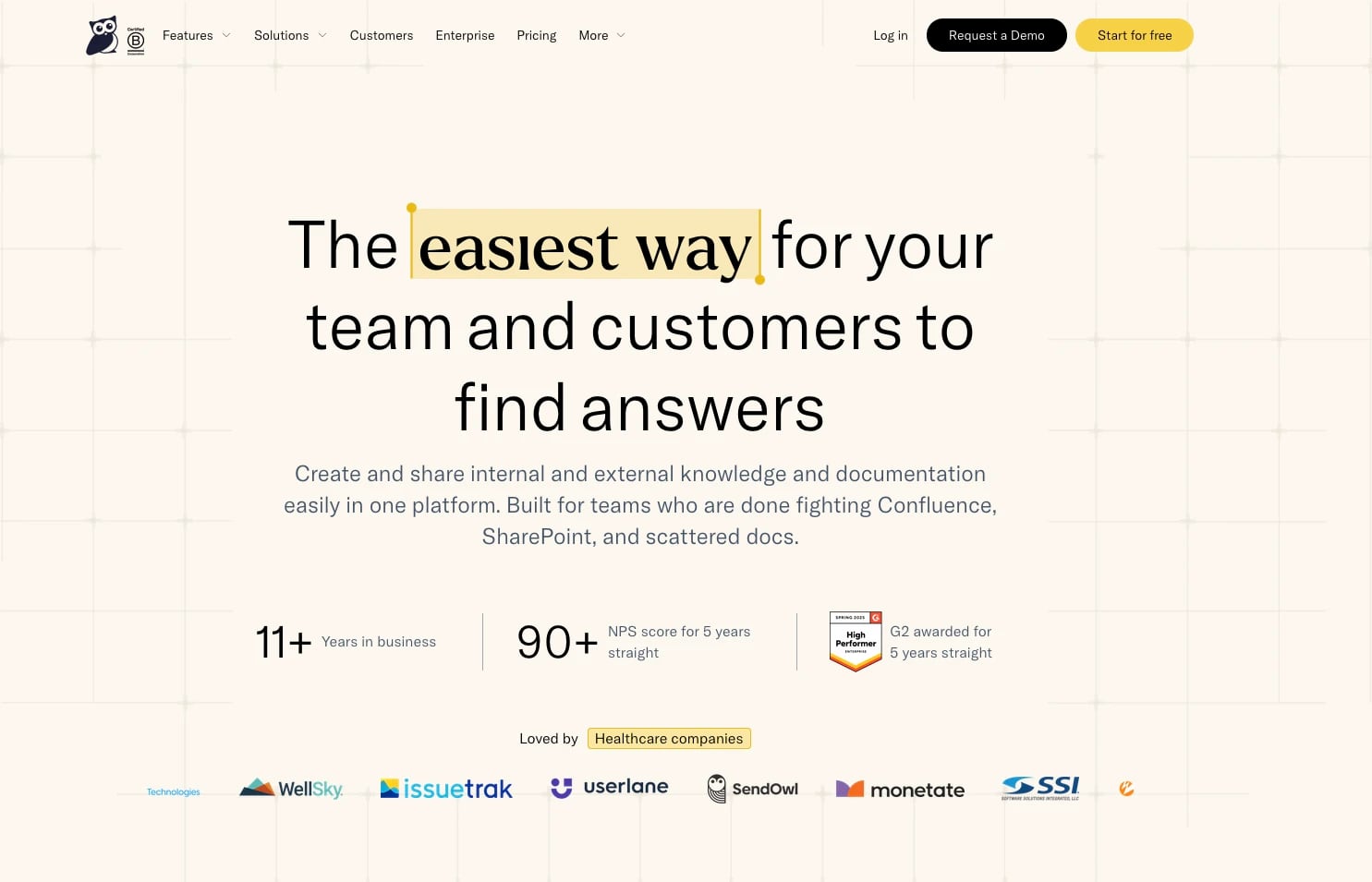
KnowledgeOwl product interface.
Before diving into the details, here is how the three platforms position themselves:
- HelpLook: An AI-powered knowledge base and help desk software designed for building no-code, SEO-optimized self-service portals. It emphasizes AI-driven search and a built-in chatbot to deflect tickets, with a strong fit for teams that want a branded content site without developer resources.
- KnowledgeOwl: A dedicated knowledge base platform built for creating, sharing, and managing internal and external documentation. Its value proposition centers on ease of use, transparent per-author pricing, and a powerful typo-tolerant search engine.
- Zendesk: An AI-powered customer service platform where the knowledge base (Zendesk Guide) is one component of a larger suite that includes ticketing, messaging, voice, and advanced AI agents. It is designed for teams that need a unified resolution platform, not just a standalone knowledge base.
Feature Comparison at a Glance

Zendesk product interface.
| Feature | HelpLook | KnowledgeOwl | Zendesk |
|---|---|---|---|
| Core Purpose | AI knowledge base & help desk | Standalone knowledge base | Full customer service platform |
| AI-Powered Search | Yes, with AI chatbot | Yes, typo-tolerant with AI chatbot | Yes, with AI agents and Resolution Learning Loop |
| No-Code Content Editor | Yes | Yes | Yes |
| Custom Branding | Yes, customizable site design | Yes, custom theme design included on all plans | Yes, but advanced design may require third-party developers |
| SEO Optimization | Built-in SEO tools | Basic SEO controls | Basic SEO controls |
| Internal & External Docs | Yes | Yes, both in one place | Primarily customer-focused |
| Granular Access Controls | Yes | Yes, role-based access on all plans | Yes, role-based access available |
| AI Content Creation | Yes, via integrated AI models | Yes, AI article creation and summaries | Yes, on higher-tier plans |
| Analytics | Yes, usage tracking | Yes, robust analytics on all plans | Yes, but limited on lower plans |
| Pricing Model | Per-plan subscription with AI credits | Per knowledge base, based on authors | Per agent, bundled with full Suite |
| Free Tier | Yes | No (30-day free trial) | No (14-day free trial) |
When KnowledgeOwl Is the Better Choice

KnowledgeOwl product interface.
KnowledgeOwl wins on focused execution for teams whose primary need is a polished, standalone knowledge base—not a ticketing system or an all-in-one platform.
Transparent, Predictable Pricing
KnowledgeOwl’s pricing is based on the number of authors and knowledge bases, not on how many readers access your content. This makes costs predictable as your audience grows. For a call center or a utility company publishing compliance documentation for thousands of users, the per-author model avoids the escalating costs of a per-agent or per-reader structure. Zendesk, by contrast, charges per agent and requires the full Suite for its knowledge base, which can become expensive for large teams that only need documentation tools.
Purpose-Built for Documentation Teams
KnowledgeOwl is not a ticketing system with a knowledge base attached; it is a knowledge base company. This focus shows in features like unlimited category nesting, which lets you structure complex documentation hierarchies as deep as you need. Zendesk Guide limits you to two subcategories. The platform also includes a contextual help widget (Poppy) on all plans, custom theme design at no extra cost, and a dedicated 1:1 onboarding process. For industries like healthcare, insurance, or parks and recreation that need CAPRA accreditation support, this specialized approach reduces the time to launch a compliant, branded help center.
High Customer Satisfaction and Ease of Use
KnowledgeOwl has maintained a Net Promoter Score above 90 for five consecutive years and has won multiple G2 awards for ease of use and implementation. One customer reported a 92% reduction in response time after switching. The platform’s typo-tolerant search and straightforward content management make it a strong choice for teams that want to set up a knowledge base quickly without a steep learning curve.
When Zendesk Is the Better Choice
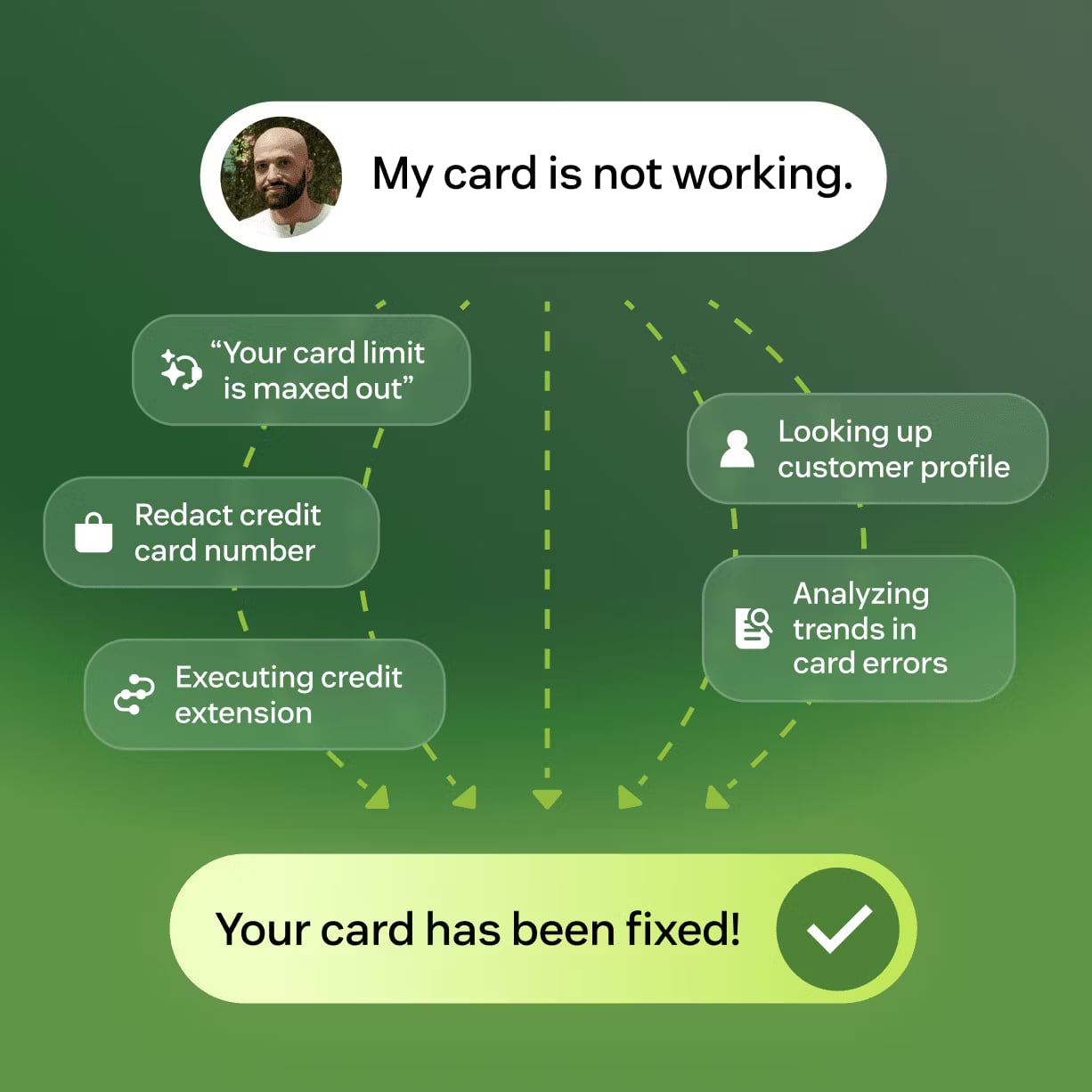
Zendesk product interface.
Zendesk is the right call when your knowledge base must be tightly integrated into a broader customer service strategy that includes ticketing, voice, messaging, and AI-driven automation.
A Unified Resolution Platform, Not Just a Knowledge Base
Zendesk’s value proposition goes beyond self-service. Its AI agents operate across channels—email, chat, social messaging, and voice—and learn from every interaction through what Zendesk calls the Resolution Learning Loop. This means the knowledge base is not a static repository; it feeds and is fed by real support conversations, continuously improving resolution rates. For a Fortune 500 company or a fast-growing tech firm that needs to automate up to 80% of inquiries, this integrated loop is a strategic advantage that standalone knowledge bases cannot replicate.
Enterprise-Grade AI and Analytics
Zendesk’s AI capabilities are embedded across the platform. AI agents can autonomously resolve issues, suggest help center articles to human agents, and generate content on higher-tier plans. The platform also offers workforce management, quality assurance, and operational analytics that give service leaders a complete view of team performance. With 22,000+ AI customers and 4.8 billion resolutions delivered, Zendesk has the scale and security certifications (SOC 2, ISO 27001) that large organizations require.
Omnichannel Support at Scale
If your customers expect to switch from a help center article to a live chat or a phone call without repeating themselves, Zendesk’s omnichannel case management is a decisive factor. The knowledge base is one touchpoint in a connected system that maintains context across channels. This is a material advantage for support teams that measure success by overall resolution speed and customer satisfaction, not just by deflection rates.
Where HelpLook Has the Advantage
HelpLook is built for teams that want an AI-first knowledge base with strong content creation and SEO capabilities, without needing a full customer service suite or a documentation-only tool.
AI-Driven Self-Service with a No-Code Interface
HelpLook combines an AI-powered search engine and chatbot with a no-code content editor, making it possible to launch a branded, search-optimized help center quickly. The platform integrates with leading AI models such as OpenAI, ERNIE Bot, and Azure, giving teams flexibility in how they deploy AI for article generation and conversational support. This is particularly useful for e-commerce product manuals, enterprise blogs, and internal knowledge bases where content creation speed and discoverability matter.
Built-In SEO and Content Distribution
Unlike KnowledgeOwl and Zendesk, which offer basic SEO controls, HelpLook includes dedicated SEO optimization tools. For businesses that rely on organic search to drive customer self-service—such as SaaS companies with public documentation or e-commerce brands with product guides—this feature can directly reduce support tickets by making answers easier to find via Google. Additional distribution options like QR code access and PDF downloads further extend the reach of your content.
Flexible Use Cases Across Teams
HelpLook supports customer support knowledge bases, internal wikis, and marketing blogs within the same platform. Over 10,000 global brands use it to reduce support costs and improve team productivity. Its subscription plans include a free tier, which lowers the barrier for small teams to start building a self-service portal. For a deeper look at how HelpLook compares to other documentation tools, see our HelpLook vs Docsie vs Docmost: 2026 Comparison Guide.
Pricing and Scalability: How the Models Differ
Pricing is often the deciding factor, and the three platforms use fundamentally different models.
- KnowledgeOwl starts at $79 per month for one knowledge base and two authors. Additional authors and knowledge bases increase the cost, but readers are unlimited. This is ideal for a team of technical writers serving a large external audience. SSO and API access, however, are locked behind the Enterprise plan at $999 per month.
- Zendesk requires the full Suite, starting at $55 per agent per month for the basic plan. The knowledge base is included, but you pay for every agent, even if they only occasionally contribute to articles. Advanced AI features and autonomous AI agents cost extra. This model suits organizations that already need Zendesk for ticketing and want to add a knowledge base to the same environment.
- HelpLook uses a subscription model with tiered plans and AI credits. A free tier is available, making it accessible for startups and small teams. Paid plans scale resources and AI usage, which can be more cost-effective for teams that prioritize AI-powered search and content creation over agent-based pricing. For another perspective on AI knowledge base pricing, read our HelpLook vs HelpCenter.io vs Helpjuice: 2026 Comparison.
Making the Final Decision
Choose KnowledgeOwl if your primary goal is to build a well-organized, beautifully branded knowledge base with transparent per-author pricing. It excels when documentation is your team’s main output, not a side feature of a ticketing system. Industries with compliance requirements or complex content hierarchies will benefit most from its unlimited category nesting and dedicated onboarding.
Choose Zendesk if you need a knowledge base as part of a larger, AI-powered customer service platform. The integration between self-service content, ticketing, and omnichannel support creates a continuous improvement loop that standalone tools cannot match. This is the right path for teams that measure success by overall resolution rates and want to automate a significant portion of customer interactions.
Choose HelpLook if you want an AI-first knowledge base with strong SEO and content creation tools, and you don’t need a full ticketing suite. It is particularly well-suited for businesses that depend on organic search to deflect tickets and for teams that want to launch a branded portal quickly without coding. For a comparison focused on AI search capabilities, see our HelpLook vs HelpCenter.io vs GitBook: Which AI Knowledge Base? guide.
Related reading
- HelpLook vs Documentation.AI vs Mintlify: 2026 Comparison - Compare HelpLook, Documentation.AI, and Mintlify on AI knowledge base features, pricing, and ease of use. Find the best self-service platform for support, docs, or dev teams.
- HelpCenter.io vs DocsBot vs HelpLook: AI Knowledge Base Comparison - Compare HelpCenter.io, DocsBot, and HelpLook on AI search, pricing, ease of use, and core features. Find the best AI knowledge base for customer support in 2026.
Sources and further reading
- Zendesk Guide vs KnowledgeOwl - Comparing Zendesk Guide vs KnowledgeOwl? Get flexible, beautifully branded knowledge base software — and keep your Zendesk workflow with our native integration.
- KnowledgeOwl vs Zendesk Guide Pricing (2026): Plans & Costs | Docsie - KnowledgeOwl vs Zendesk Guide: compare real pricing, hidden costs, and value—then see why Docsie offers better ROI.
- HelpLook vs. KnowledgeOwl Comparison - Compare HelpLook vs. KnowledgeOwl using this comparison chart. Compare price, features, and reviews of the software side-by-side to make the best choice for your business.
Frequently Asked Questions
Can I use KnowledgeOwl or HelpLook as a Zendesk alternative?
Yes. If you already have a ticketing system and only need a knowledge base, both KnowledgeOwl and HelpLook can replace Zendesk Guide. KnowledgeOwl even offers a native Zendesk integration, allowing you to keep your existing workflow while using a more flexible knowledge base.
Which platform offers the best AI search?
All three offer AI-powered search, but the implementation differs. Zendesk’s AI agents learn from ticket resolutions across channels. KnowledgeOwl provides typo-tolerant search with an AI chatbot on all plans. HelpLook integrates with multiple large language models to power its search and chatbot, with a focus on self-service deflection.
Is there a free knowledge base option?
HelpLook offers a free tier with basic features, making it the only platform among the three with a permanent free plan. KnowledgeOwl and Zendesk offer time-limited free trials.
Which platform is easiest to set up?
KnowledgeOwl and HelpLook both emphasize no-code setup and quick implementation. KnowledgeOwl includes free 1:1 onboarding, while HelpLook’s no-code editor and customizable templates enable fast deployment. Zendesk’s setup is more complex because it involves configuring the full customer service suite.
Can I manage both internal and external documentation in one place?
KnowledgeOwl and HelpLook both support internal and external knowledge bases within the same account. Zendesk Guide is primarily designed for customer-facing documentation, though internal use is possible with careful permission configuration.
Conclusion
HelpLook, KnowledgeOwl, and Zendesk serve three different needs under the broad umbrella of knowledge management. KnowledgeOwl is the specialist’s tool for documentation teams that value pricing transparency and ease of use. Zendesk is the enterprise platform for unified, AI-driven customer service. HelpLook bridges the gap with an AI-native, SEO-optimized knowledge base that helps businesses reduce support costs through better self-service. The best choice depends on whether your priority is a dedicated knowledge base, an integrated service platform, or an AI-powered content hub that grows with your audience.