
HelpLook vs Zendesk vs Documentation.AI: AI Documentation & Knowledge Base Software Compared
Choosing between HelpLook, Zendesk, and Documentation.AI is really a question about what you want your documentation to do. Do you need a customer-facing knowledge base that ranks in search and deflects tickets? A full service desk with ticketing and omnichannel routing? Or an AI layer that keeps existing docs fresh?
This comparison looks at each platform on the criteria that matter most: AI search, content creation, self-service, SEO, ticketing, analytics, and pricing signals. You'll see where each tool is strong, where it has trade-offs, and how to match one to your team.
Quick comparison at a glance
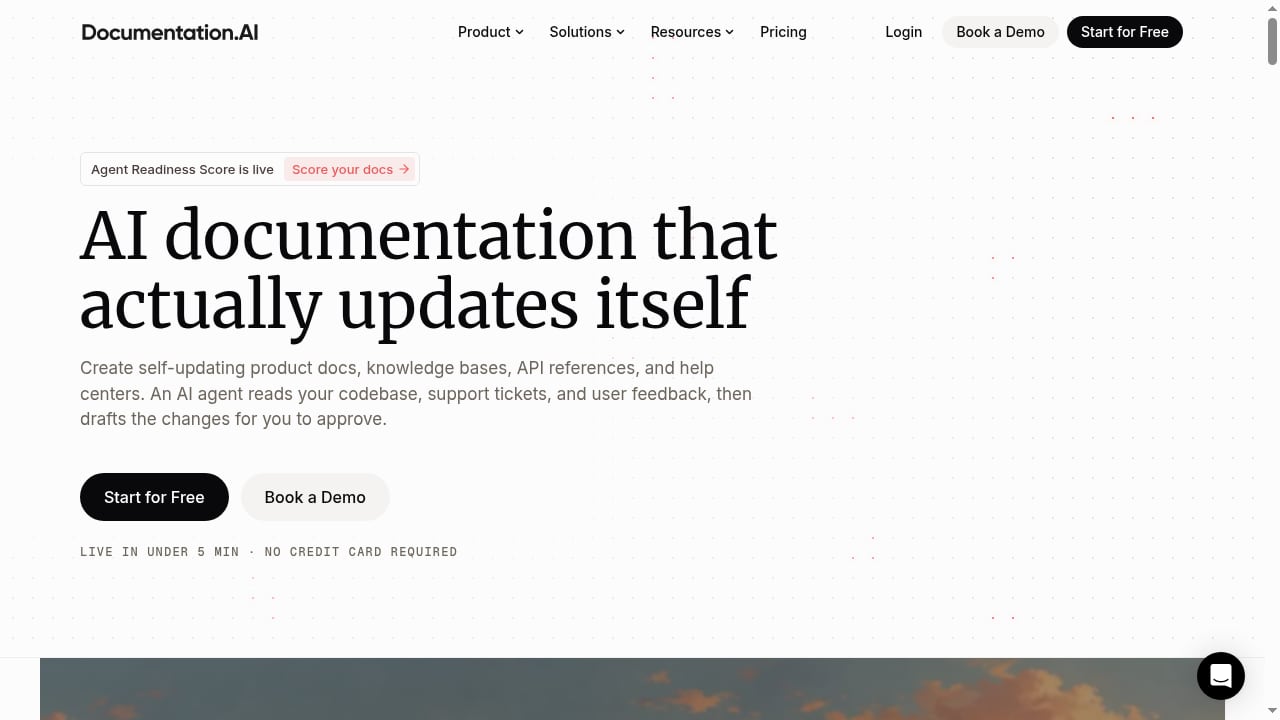
First viewport screenshot of Documentation.AI – AI Documentation & Knowledge Base Software.
| Criteria | HelpLook | Zendesk | Documentation.AI |
|---|---|---|---|
| Primary focus | AI knowledge base, help desk, self-service portals | AI customer service and ticketing platform | AI documentation freshness and onboarding |
| AI search | Yes, built into knowledge base | Yes, AI agents and knowledge base | Yes, focused on documentation |
| No-code content creation | Yes | Yes, with admin tools | Yes |
| SEO optimization | Yes, built for search visibility | Limited for public docs | Limited |
| Ticketing and routing | Help desk features included | Advanced, enterprise-grade | Not the core focus |
| Omnichannel support | Basic | Email, chat, phone, messaging | Not the core focus |
| Analytics | Built-in dashboards | Prebuilt dashboards and reports | Documentation-focused analytics |
| Pricing signal | Freemium, from $7/month | From $19/agent/month, scaling to $55 and $115 | Not publicly detailed in sources |
| Best for | Teams wanting a fast, SEO-friendly AI knowledge base | Service teams needing full ticketing and automation | Teams wanting AI to maintain existing docs |
What each platform is built for
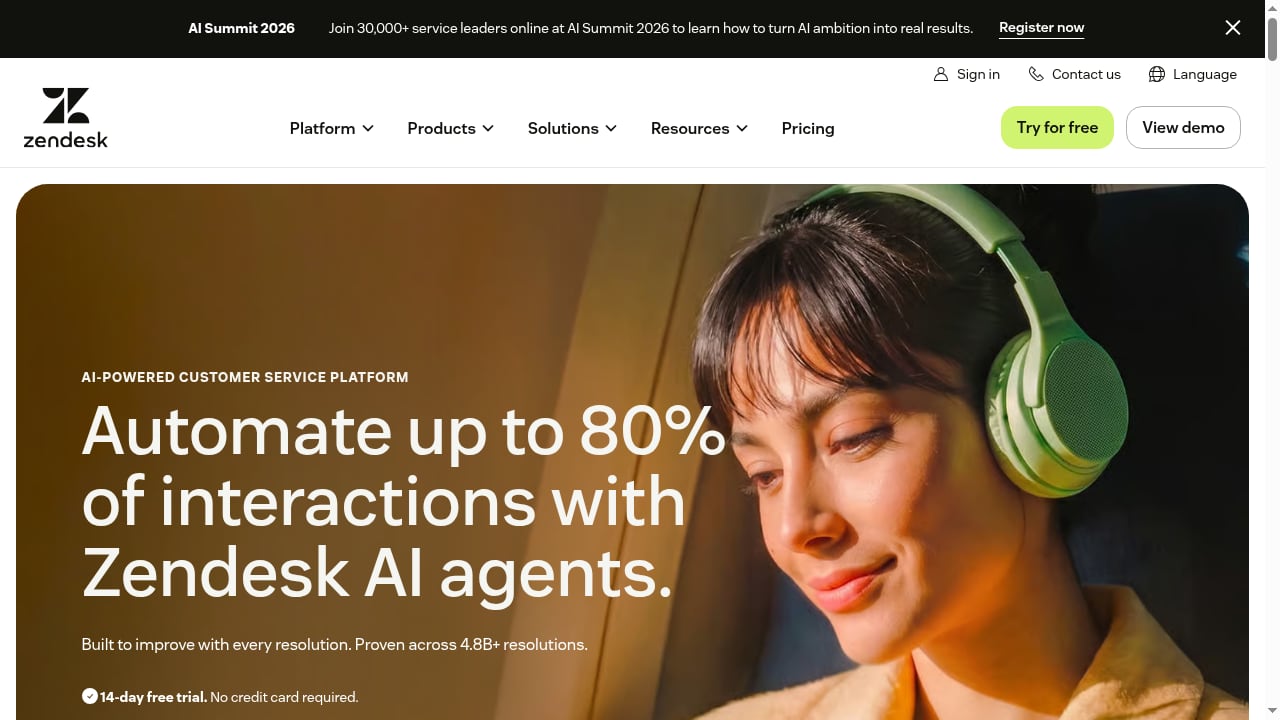
First viewport screenshot of AI-Powered Customer Service Platform | Zendesk.
HelpLook: AI knowledge base and self-service
HelpLook is an all-in-one, AI-powered platform for building knowledge bases, help desks, and self-service support experiences. It lets teams create customer-facing help centers, internal knowledge bases, product manuals, enterprise blogs, FAQs, user guides, and troubleshooting content without coding.
The platform combines AI search, content creation, and SEO optimization. That combination matters if you want your documentation to be found through search engines, not just through a support widget. HelpLook is trusted by over 10,000 companies and serves editors, support teams, content creators, and operations professionals across SaaS, e-commerce, legal, healthcare, financial services, and education.
Core features include AI-powered search, no-code content creation, SEO optimization, customizable portals, widgets for web pages and applications, and analytics. It positions itself as a low-code, ready-to-use SaaS system.
If you want to see how it stacks up against another knowledge management tool, the HelpLook vs Stonly comparison covers AI search, no-code help centers, SEO, and pricing signals.
Zendesk: AI customer service and ticketing
Zendesk is an AI-powered customer service platform that helps service teams automate interactions, resolve issues end-to-end, and improve service quality, speed, and scale. It positions itself as the #1 AI customer service solution, with AI agents that continuously learn from every interaction and can automate up to 80% of interactions.
Zendesk reports being trusted by 22,000+ service teams, with 830M AI interactions and 4.8B+ resolutions. The platform serves customer service, employee service, and contact center teams.
Core capabilities include email and ticketing, ticket routing, prebuilt analytics dashboards, pre-written responses, customer context, automations and triggers, AI agents, AI knowledge base, action builder, omnichannel routing, messaging and live chat, telephony, admin copilot, app builder, AI writing tools, quick reports, skills-based routing, IVR phone trees, and enterprise-grade security and governance.
Zendesk offers a 14-day free trial with no credit card required. Pricing plans start at $19 per agent per month paid yearly, scaling to $55 and $115 per agent per month for more advanced AI and automation features, with an Enterprise + Copilot tier for advanced security and governance needs.
Zendesk's strengths are clear: it is a mature, enterprise-grade service platform with deep ticketing, routing, and omnichannel capabilities. If your team lives in a ticket queue and needs AI to deflect and resolve at scale, Zendesk is built for that.
Documentation.AI: AI documentation and knowledge base software
Documentation.AI is AI documentation and knowledge base software that keeps your docs fresh, accelerates onboarding, and reduces support tickets. Its focus is narrower than Zendesk's: it is about making documentation better and more current, rather than running a full service desk.
That focus can be an advantage if your main problem is stale docs. Teams that already have a documentation site and want AI to help maintain it may find Documentation.AI a natural fit.
AI search and answer quality
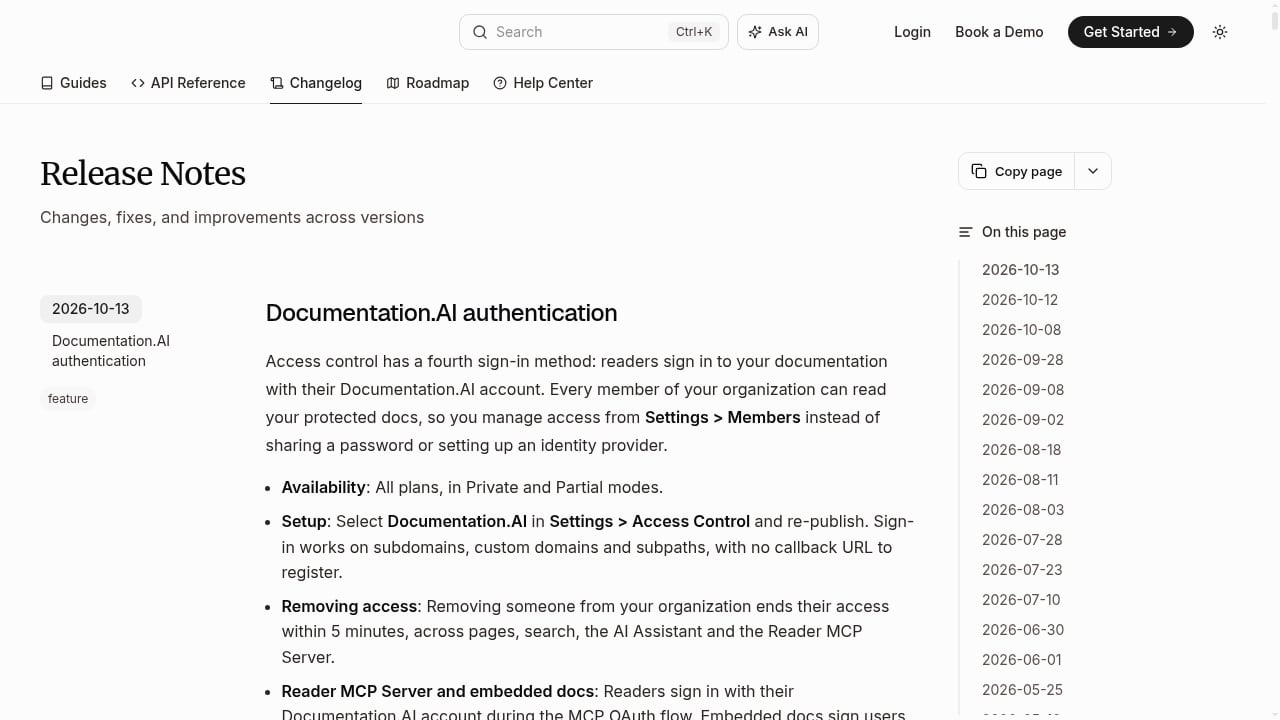
First viewport screenshot of Release Notes - Documentation.AI.
All three platforms use AI to help users find answers, but they approach it differently.
- HelpLook builds AI search directly into the knowledge base, so visitors get answers from your published content. The emphasis is on self-service: users find what they need without contacting support.
- Zendesk uses AI agents that learn from interactions and can automate a large share of them. Its AI knowledge base is part of a broader service automation strategy.
- Documentation.AI applies AI to documentation itself, keeping content fresh and helping with onboarding.
If your priority is a public-facing knowledge base with strong AI search and SEO, HelpLook is designed for that. If your priority is automating ticket resolution across channels, Zendesk is the stronger fit. If your priority is keeping existing docs accurate, Documentation.AI is worth evaluating.
Content creation and no-code editing
HelpLook and Documentation.AI both emphasize no-code content creation. HelpLook lets teams build help centers, manuals, blogs, and FAQs without engineering help. Documentation.AI focuses on documentation workflows and freshness.
Zendesk also supports content creation through its admin tools and AI writing tools, but its center of gravity is the service workflow, not the publishing experience. For teams whose main output is documentation and help content, HelpLook and Documentation.AI are more directly aligned.
For a broader view of how these tools fit into a larger stack, see the Top 10 AI Knowledge Base & Help Desk Software for 2026.
Self-service and ticket deflection
Self-service is where documentation and support intersect.
- HelpLook is built around self-service portals and widgets. The goal is to let users answer their own questions, which reduces support costs.
- Zendesk approaches deflection through AI agents and automation, with the service desk as the system of record.
- Documentation.AI targets ticket reduction by keeping documentation accurate and onboarding smooth.
If you want a self-service experience that is also a marketing and SEO asset, HelpLook's combination of customizable portals, widgets, and SEO optimization is a differentiator. If you need deflection inside a full ticketing system, Zendesk is the more complete option.
SEO and discoverability
This is a criterion where the three platforms diverge sharply.
HelpLook includes SEO optimization as a core feature. That means help content can rank in search engines and bring in organic traffic, turning documentation into a discovery channel. Zendesk and Documentation.AI are not positioned around public SEO for help content in the same way.
If organic search visibility for your help center matters, HelpLook is the clear choice among these three. If your users reach support through in-product widgets or email, SEO may matter less.
Ticketing, routing, and omnichannel support
Zendesk is the strongest of the three here. Its capabilities include email and ticketing, ticket routing, omnichannel routing, messaging and live chat, telephony, skills-based routing, and IVR phone trees. It is built for contact centers and service teams that handle high volumes across channels.
HelpLook includes help desk features, but it is not positioned as a full contact center platform. Documentation.AI does not focus on ticketing.
If you need enterprise-grade routing, telephony, and governance, Zendesk is the appropriate choice. If you need a knowledge base with light help desk functionality, HelpLook covers that.
Analytics and reporting
HelpLook offers built-in analytics for its knowledge base. Zendesk provides prebuilt analytics dashboards and quick reports, with more depth for service operations. Documentation.AI focuses its analytics on documentation performance.
The right choice depends on what you need to measure. Ticket volume, resolution time, and agent performance point to Zendesk. Content performance, search success, and self-service deflection point to HelpLook or Documentation.AI.
Pricing signals
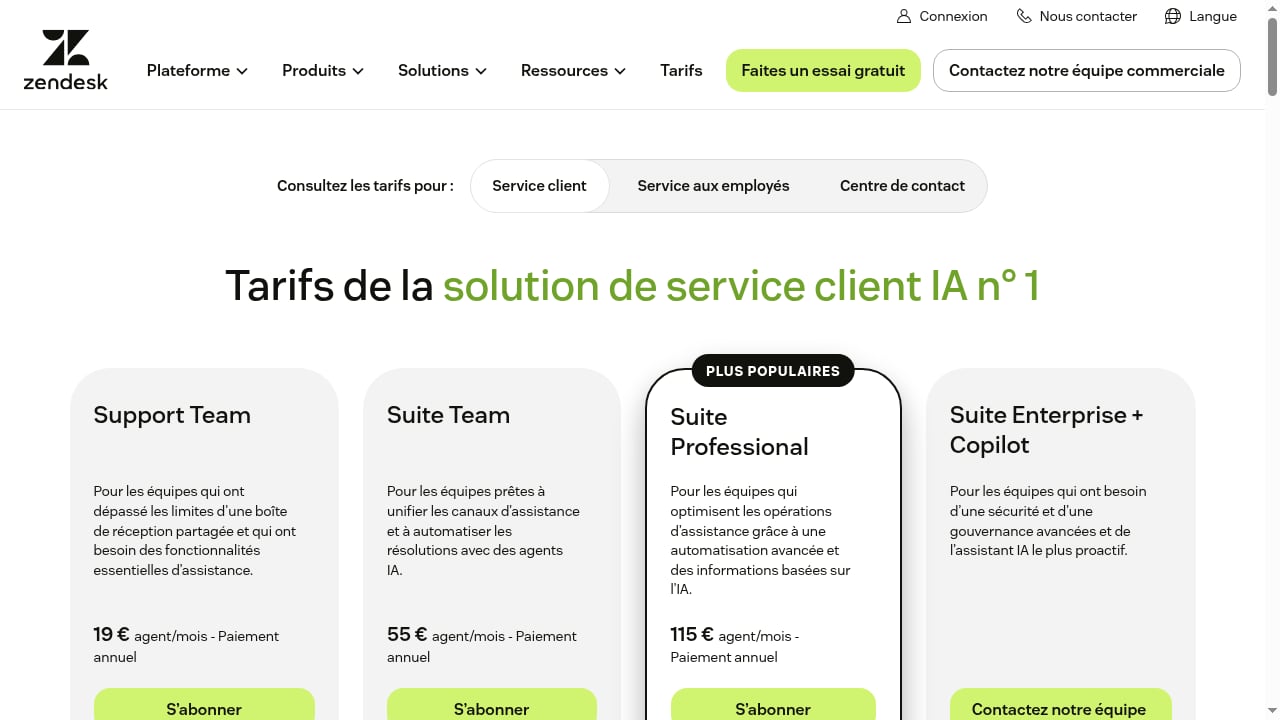
First viewport screenshot of Zendesk Pricing Plans | Starting from $19/month.
Pricing is one of the clearest differences.
- HelpLook is listed with a freemium model starting from $7 per month, according to a third-party software directory. That makes it accessible for small teams and individual creators.
- Zendesk starts at $19 per agent per month paid yearly, scaling to $55 and $115 per agent per month for more advanced AI and automation, with an Enterprise + Copilot tier. Costs scale with agent count.
- Documentation.AI pricing is not detailed in the available sources, so teams should request a quote.
For budget-conscious teams that want a knowledge base first, HelpLook's entry point is lower. For service teams that need advanced automation, Zendesk's pricing reflects its broader scope.
When to choose each platform
Choose HelpLook if:
- You want an AI-powered knowledge base that also ranks in search engines.
- You need no-code creation of help centers, manuals, FAQs, and blogs.
- You want self-service portals and widgets without a heavy service desk.
- You are cost-sensitive and want a freemium or low-cost entry point.
Choose Zendesk if:
- You run a service team that needs ticketing, routing, and omnichannel support.
- You want AI agents that automate a large share of interactions.
- You need enterprise-grade security, governance, and telephony.
- You are prepared for per-agent pricing that scales with your team.
Choose Documentation.AI if:
- Your main challenge is keeping existing documentation fresh.
- You want AI to accelerate onboarding and reduce support tickets.
- You do not need a full ticketing or contact center platform.
Related reading
- Archbee Review 2026: Knowledge Portal Platform Pros & Cons - Evidence-based Archbee review: block editor, API docs, AI features, real pricing tiers, setup, limitations, and who should choose it in 2026.
- How to Use HelpLook with Context Link: AI Meets Your Business - Connect HelpLook and Context Link so ChatGPT, Claude, and AI agents get source-backed answers from your knowledge base. Setup steps, workflow, and examples.
Sources and further reading
- Best 11 interactive product documentation tools in 2026 - Guideflow Blog - Interactive product documentation works better when users click, not just read. Choosing the right tool depends on more than feature lists.
- 10 Best AI Feedback Software for Employee Training Reviewed in 2026 - Best AI feedback software for employee training—compare top tools by features, pros & cons, pricing, and find the right fit for your team.
- HelpLook | Software Reviews & Alternatives - HelpLook Review: 'HelpLook is a zero-code, ready-to-use tool for creating help centers and blog websites'
FAQ
Is HelpLook a replacement for Zendesk?
Not exactly. HelpLook is a knowledge base and self-service platform with help desk features. Zendesk is a full customer service platform with advanced ticketing, routing, and omnichannel support. If your main need is documentation and self-service, HelpLook can replace parts of Zendesk. If you need a contact center, Zendesk remains the stronger fit.
Does HelpLook support SEO for help content?
Yes. SEO optimization is a core feature of HelpLook, which means help content can be discovered through search engines. Zendesk and Documentation.AI are not positioned around public SEO for help content in the same way.
How does Documentation.AI differ from HelpLook?
Documentation.AI focuses on keeping documentation fresh and accelerating onboarding. HelpLook focuses on building AI-powered knowledge bases, help centers, and self-service experiences with SEO and no-code creation. They overlap in documentation, but their centers of gravity differ.
Which platform is best for small teams?
HelpLook's freemium model and low starting price make it accessible for small teams and individual creators. Zendesk's per-agent pricing is better suited to service teams with dedicated support staff.
Can I use HelpLook and Zendesk together?
In practice, some teams use a knowledge base for self-service and a separate service desk for ticketing. If you already use Zendesk for tickets, HelpLook can serve as a public knowledge base and SEO asset. The right setup depends on your workflow.
Conclusion
HelpLook, Zendesk, and Documentation.AI solve related but distinct problems. HelpLook is the strongest choice when you want an AI-powered, SEO-friendly knowledge base with no-code creation and self-service portals. Zendesk is the strongest choice when you need a full customer service platform with advanced ticketing, routing, and automation. Documentation.AI is worth evaluating when your priority is keeping documentation fresh and reducing tickets through better docs.
Start by identifying your primary bottleneck. If it is content discovery and self-service, HelpLook fits. If it is ticket volume and omnichannel service, Zendesk fits. If it is documentation maintenance, look closely at Documentation.AI. For a wider set of options, the Top 10 AI Knowledge Management Software Products 2026 roundup is a useful next step.