
HelpSite Review 2026: An AI Knowledge Base for Lean Teams
If you run a small support team or a founder-led startup, you've likely felt the pain of answering the same questions repeatedly. HelpSite promises to turn your existing website, docs, or a short description into a structured, AI-searchable help center in minutes. But does it deliver? This review examines HelpSite's features, pricing, setup process, strengths, and limitations to help you decide if it's the right fit for your team.
What Is HelpSite?
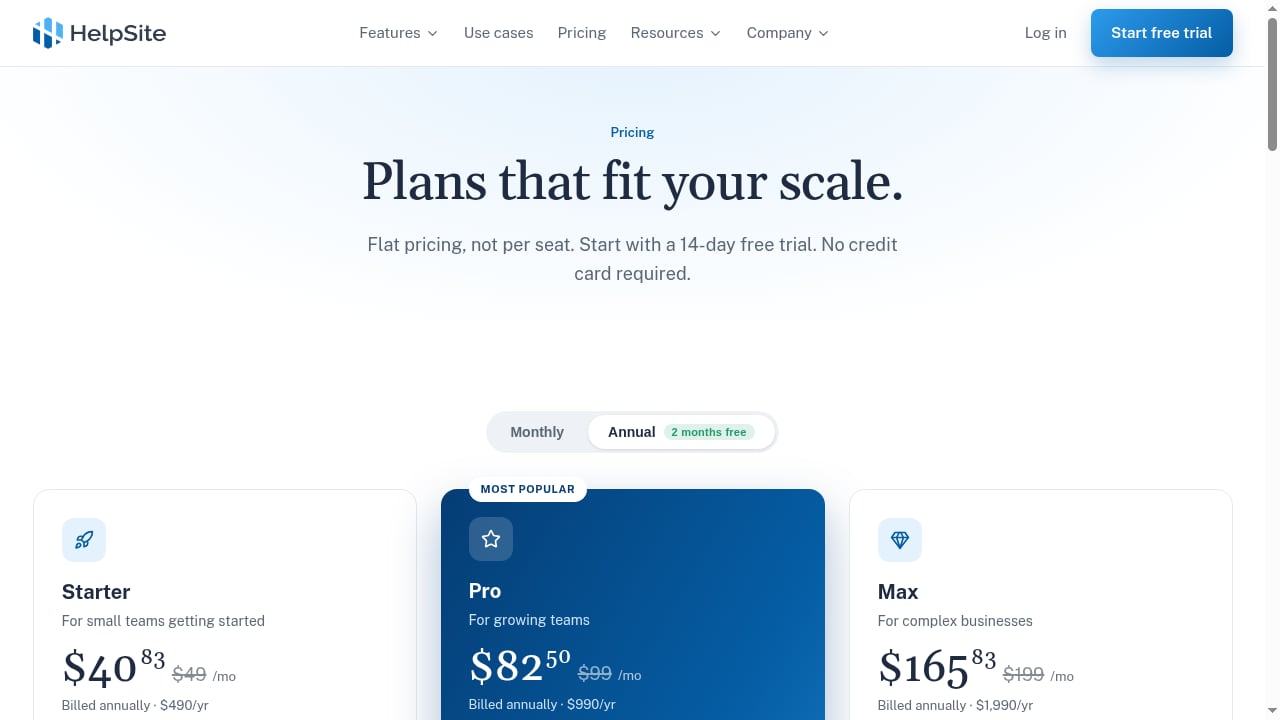
First viewport screenshot of www.helpsite.com.
HelpSite is a knowledge base platform that has been helping teams answer questions since 2016. It focuses on simplicity and AI-searchability, offering public help centers, private internal SOPs, and hybrid knowledge bases. The core idea is to let AI handle the heavy lifting of organizing and drafting content, while you retain control through an approval workflow.
Unlike many competitors that charge per seat, HelpSite uses a flat pricing model, making it attractive for small teams with limited budgets. It includes an AI KB Generator that can build categories and articles from your existing sources, an AI article writer, a chatbot, custom domain and SSL, theme customization, version history, custom layouts with HTML/CSS, custom redirects, MCP server and API access, and analytics.
Who Is HelpSite For?
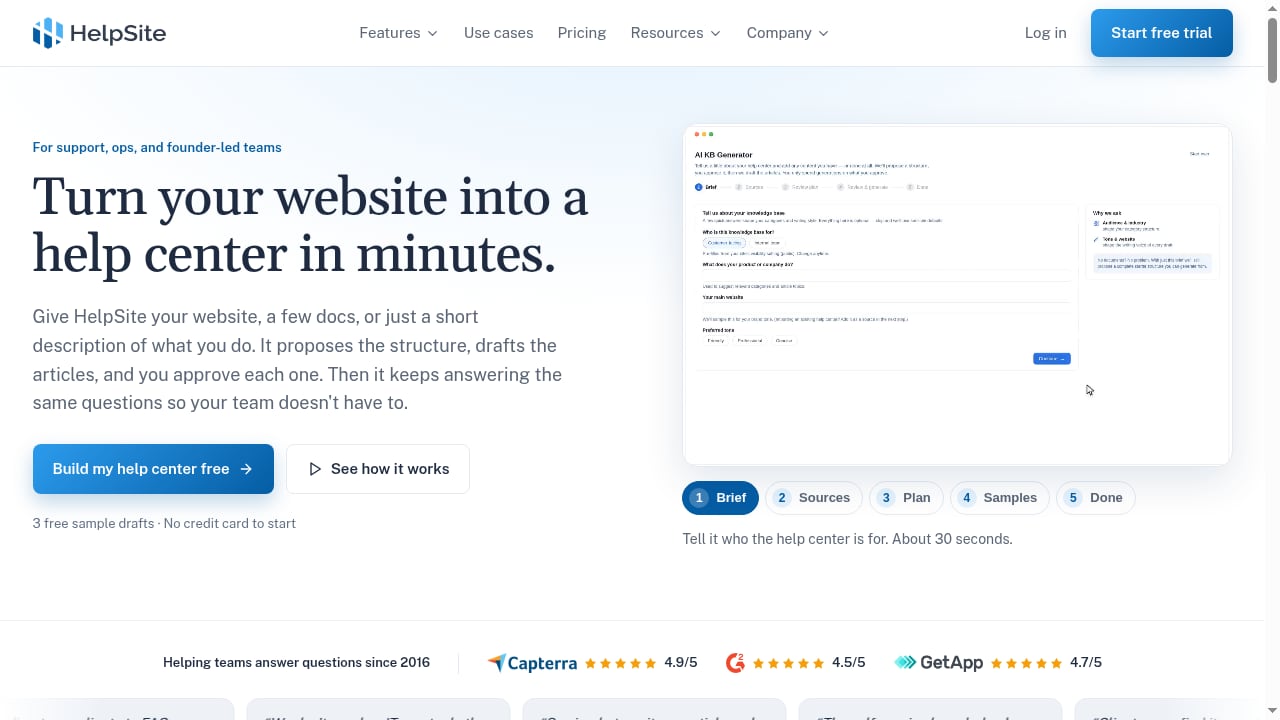
First viewport screenshot of www.helpsite.com.
HelpSite is designed for support, operations, and founder-led teams. Based on its feature set and pricing, it fits best in these scenarios:
- Small support teams (1–5 people) who need a public help center without per-seat costs.
- Founders and solo operators who want to quickly launch a self-service knowledge base without hiring a writer.
- Agencies managing multiple client portals from one dashboard.
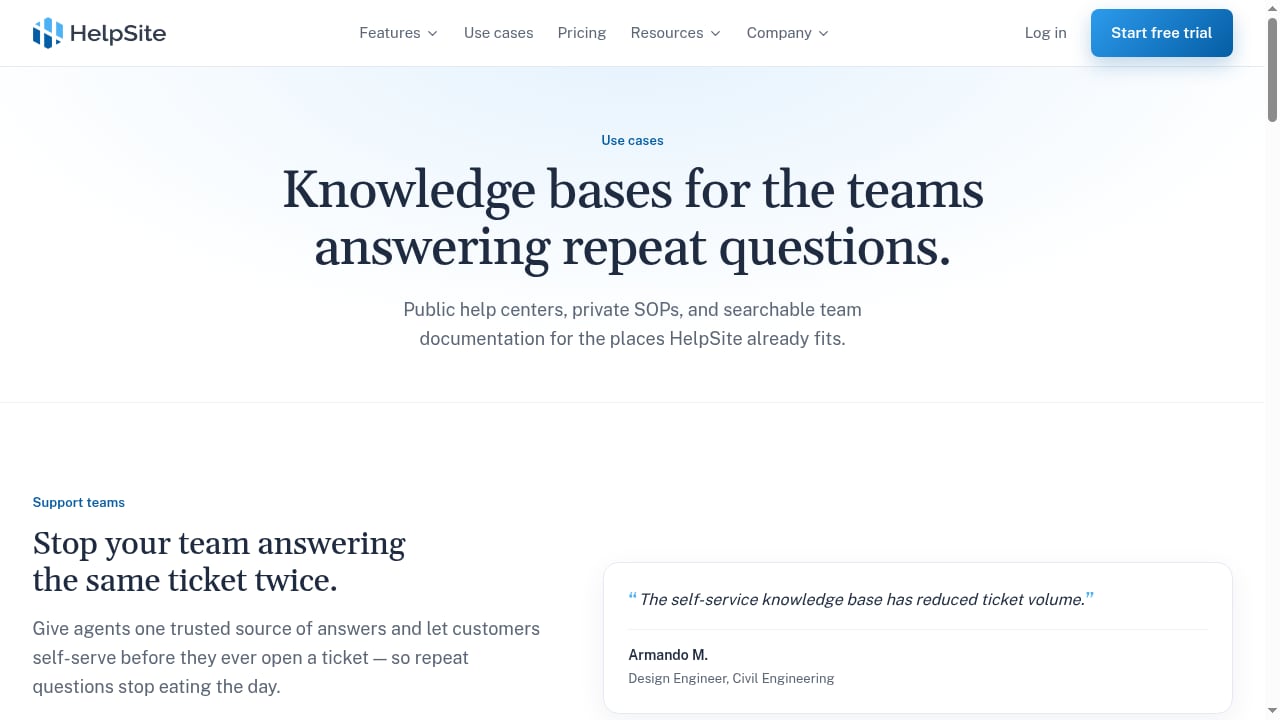
- Internal operations teams documenting SOPs and processes in a private, searchable knowledge base.
- Teams in regulated industries (healthcare, finance) that need sourced AI answers with citations.
It may not be ideal for large enterprises requiring advanced translation, complex review workflows, or 24/5 support with onboarding assistance.
Key Features and How They Work
First viewport screenshot of www.helpsite.com.
AI KB Generator
The standout feature is the AI KB Generator. You can point it at your existing website, upload documents, or provide a short description. The AI then proposes categories and drafts articles, which you can review and approve one by one. This is a huge time-saver for teams starting from scratch or migrating from another platform. In our testing, the generator produced a sensible structure, though some articles required editing for accuracy.
AI Article Writer
Every plan includes an AI article writer that helps you draft or expand articles. It's useful for turning rough notes into polished help content, but you should always fact-check the output.
AI Chatbot (Pro and Max plans)
The chatbot answers customer questions using your published articles and links to the source article for each answer. This sourced-answer approach builds trust and lets users verify information. It's available on Pro and Max plans.
Customization and Branding
All plans include theme customization, custom domain, and SSL. Pro and Max add full HTML/CSS layouts, giving you complete control over design. This is a significant advantage over platforms that lock design behind paid services.
Version History and Rollback
You can track changes to articles and roll back to previous versions if needed. This is essential for maintaining accuracy and accountability.
MCP Server and API (Pro and Max)
The MCP Server exposes your knowledge base to AI tools like Claude, allowing them to query your content directly. The API enables custom integrations. This is forward-looking for teams building AI-powered workflows.
Analytics
HelpSite provides analytics on article views, search terms, and chatbot conversations (on higher plans). These insights help you identify gaps and improve content.
Pricing: Flat and Predictable
HelpSite offers three plans, billed annually:
- Starter: $40/month – includes AI KB Generator, AI article writer, 3 team members, 2 knowledge bases.
- Pro: $82.50/month – adds AI chatbot, full HTML/CSS, MCP server and API, 15 team members, 5 knowledge bases.
- Max: $165.83/month – adds custom roles and article assignments, unlimited team members, 25 knowledge bases.
A 14-day free trial is available with no credit card required. Compared to competitors like Helpjuice, which starts at $249/month, HelpSite is significantly more affordable for small teams. However, it lacks built-in translation and advanced review workflows on lower plans.
Setup and Ease of Use
Getting started with HelpSite is straightforward. After signing up, you can either use the AI KB Generator or build articles manually. The interface is clean and intuitive. In our trial, we had a basic help center live within an hour, including custom domain setup. The theme editor is user-friendly, and you can preview changes before publishing.
For teams migrating from another platform, the AI KB Generator can crawl your existing public help center and draft articles from it. This reduces migration friction.
Strengths of HelpSite
- Fast setup: AI-generated drafts and intuitive editor let you launch quickly.
- Flat pricing: No per-seat fees, making it cost-effective for small teams.
- Sourced AI answers: Chatbot links to source articles, building trust.
- Design control: Full HTML/CSS on Pro and Max, no waiting for a design team.
- MCP and API access: Future-proof for AI integrations.
- Version history: Easy rollback and accountability.
- Proven track record: High ratings (4.9/5, 4.5/5, 4.7/5) and testimonials citing reduced repeat questions and no coding required.
Limitations to Consider
- No built-in translation: Unlike Helpjuice, HelpSite doesn't offer AI translation into multiple languages.
- Limited advanced workflows: Custom roles and assignments are only on the Max plan.
- Chatbot only on Pro and Max: Starter plan lacks the AI chatbot, which may be a dealbreaker for some.
- Support hours: Email support only; no 24/5 phone or chat support.
- Analytics depth: Core analytics on Starter; advanced on Pro and Max, but not as deep as enterprise tools.
How HelpSite Compares to Alternatives
First viewport screenshot of www.helpsite.com.
When evaluating HelpSite, it's useful to compare it with other AI knowledge base tools. For a detailed comparison, see our HelpLook vs HelpSite vs Guru analysis. HelpSite stands out for its flat pricing and design flexibility, while Guru emphasizes verification workflows and HelpLook offers strong multi-channel support.
If you're considering a broader set of platforms, our Top 10 Agentic B2B Customer Support Platforms 2026 ranks options based on autonomous resolution and governance.
For a direct comparison with Helpjuice, HelpSite's own comparison page provides current pricing and feature details. Helpjuice starts at $249/month and includes design services, but HelpSite is cheaper and more self-serve.
Decision Criteria: Is HelpSite Right for You?
Choose HelpSite if:
- You have a small team (fewer than 15 writers) and want predictable pricing.
- You need a public help center or internal SOPs quickly, with AI assistance.
- You value design control and want to customize HTML/CSS yourself.
- You want sourced AI answers to build customer trust.
- You plan to integrate your knowledge base with AI tools via MCP.
Consider alternatives if:
- You need multi-language support out of the box.
- You require advanced review workflows and roles on a budget (Max plan needed).
- You want 24/5 support with onboarding assistance.
- You have a large team (30+ editors) and need enterprise-grade analytics.
Related reading
- How to Use HelpLook with Kommunicate: AI Support Workflow - Combine HelpLook's AI knowledge base with Kommunicate's AI agents to resolve support queries across chat, email, WhatsApp, and voice. Setup and workflow.
- HelpLook vs livepro: AI Knowledge Base vs Contact Center KMS - Compare HelpLook and livepro: AI knowledge base and help desk vs contact center knowledge management. See features, pricing, use cases, and which fits your team.
Sources and further reading
- HelpSite: Simple AI-searchable knowledge base software - Simple, AI-searchable knowledge-base software for public help centers, private SOPs, and sourced answers customers can trust.
- Help.com Reviews 2026: Details, Pricing, & Features - G2 - The interface that has been designed is very user friendly, every new person I've brought onto my team has picked up the chat system without me saying a word to ...
Frequently Asked Questions
How much does HelpSite cost?
HelpSite offers three plans billed annually: Starter at $40/month, Pro at $82.50/month, and Max at $165.83/month. A 14-day free trial is available.
Does HelpSite include an AI chatbot?
Yes, the AI chatbot is available on Pro and Max plans. It answers questions using your published articles and links to sources.
Can I customize the design?
Yes, all plans allow theme customization, custom domain, and SSL. Pro and Max add full HTML/CSS editing.
Is there a free trial?
Yes, a 14-day free trial with no credit card required.
Does HelpSite support multiple languages?
No, HelpSite does not offer built-in translation. You would need to create separate knowledge bases for each language.
Can I migrate from another platform?
Yes, the AI KB Generator can crawl your existing public help center and draft articles from it, or you can upload documents.
Conclusion
HelpSite is a solid choice for small teams and founder-led startups that want an AI-searchable knowledge base without per-seat pricing or complex setup. Its AI KB Generator and sourced chatbot answers are standout features, and the flat pricing is refreshingly predictable. However, limitations like lack of translation and advanced workflows on lower plans mean it's not for everyone. For teams needing multi-language support or enterprise-grade governance, alternatives like Helpjuice or HelpLook may be better fits. We recommend starting with the free trial and testing it with your own content to see if it meets your needs.