
Top 10 AI Website Agent and Chatbot Platforms 2026
A website chatbot in 2026 is no longer a pop-up that answers FAQs. The strongest platforms train on your own pages and documents, take real actions like booking a demo or checking an order, and hand a conversation to a human with full context. This guide ranks ten platforms that genuinely belong to the AI website agent and chatbot category, explains how each was evaluated, and shows where each one fits.
How We Evaluated These Platforms
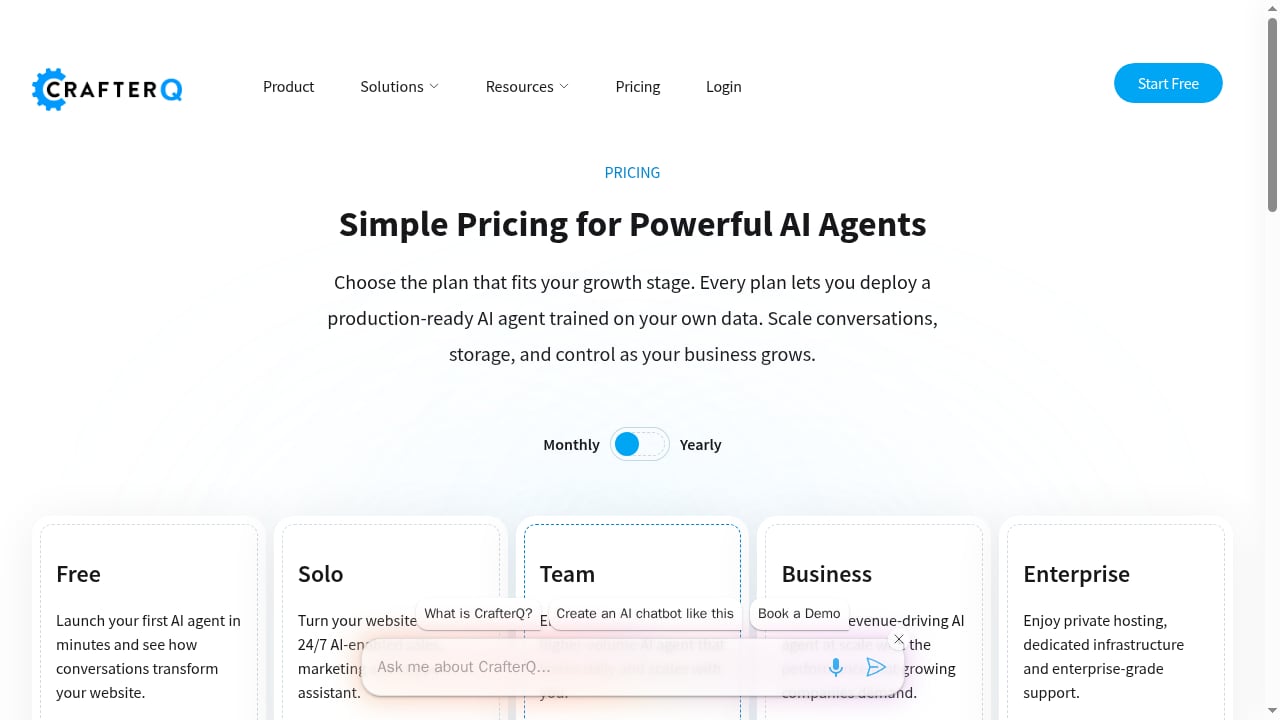
First viewport screenshot of crafterq.ai.
Every product below was assessed against the same criteria, using vendor documentation, published pricing, and available proof points. No platform paid for placement.
- Content grounding: Can it train on your website, help center, and uploaded files, and answer from them rather than from general model knowledge?
- Agent actions: Can it do something beyond replying, such as capture a lead, route a request, or call an API?
- Human handoff: When the bot is out of its depth, does a person take over with the conversation history intact?
- Deployment and channels: How quickly can it go live on a website, and does it support chat, email, WhatsApp, or voice?
- Pricing transparency: Is the entry price clear, and what is it metered on — messages, conversations, resolutions, or seats?
- Evidence: Are there named customers, published outcomes, or independent ratings that support the claims?
One note on scope: knowledge base and help center tools are adjacent to this category but not the same thing. HelpLook, for example, builds AI-searchable help centers and can embed a chatbot widget, but it is a knowledge base system rather than a website agent platform. It appears later only where a complementary workflow makes sense.
The Top 10 AI Website Agent and Chatbot Platforms for 2026
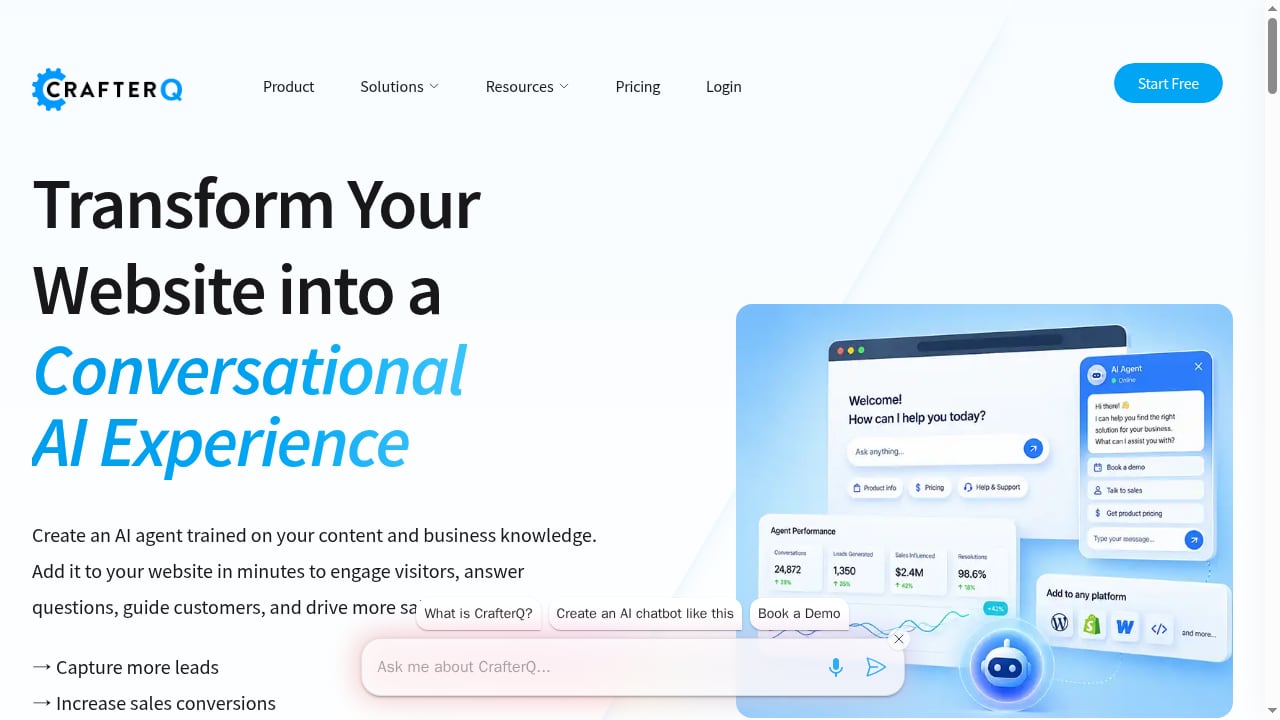
First viewport screenshot of crafterq.ai.
1. CrafterQ
Best for: Businesses that want a website agent trained on their own content and live in minutes.
CrafterQ turns a business website into a conversational experience. You train an agent on your own pages and business knowledge, then deploy it to the site to answer questions, guide visitors, and drive sales. The platform reports more than 1,000 companies served and publishes concrete outcomes: a 12% sales increase for BuyRailings, a 35% increase in inbound leads for UNI Marketing Agency, and a 50% engagement increase for Buccaneers Alumni Association.
Strengths: Training on custom data, agent actions, automatic retraining, API access, and multi-user support. Use cases span lead capture, sales conversion, customer support, e-commerce product discovery, and member engagement across industries from financial services to higher education.
Watch out for: Message and storage limits on lower tiers, so estimate your monthly conversation volume before choosing a plan.
Pricing: Free plan; Solo at $29/month; Team at $99/month.
2. Intercom Fin
Best for: Support teams with real ticket volume that already run a helpdesk.
Fin is an AI agent priced per outcome, charged only when a conversation is resolved. It works inside Intercom or on top of Zendesk, Salesforce, HubSpot, and Freshdesk, and hands off to a human with the full conversation context. Intercom reports a 76% average resolution rate across more than 12,000 customers, with over 2 million conversations resolved per week.
Strengths: Outcome-based pricing aligns cost with results, and deployment on an existing helpdesk can take under an hour.
Watch out for: At high volume, $0.99 per outcome adds up quickly — model your monthly cost before committing.
Pricing: $0.99 per outcome; Intercom seats from $29/month. See Fin's SaaS chatbot comparison for resolution-rate detail.
3. Chatbase
Best for: Teams that want a capable bot trained on their content and live in an afternoon.
Chatbase is a hosted agent you train on your content and embed on your site. It offers the widest model menu in this group, with providers including OpenAI, Anthropic, Gemini, DeepSeek, and Mistral, plus WordPress, Shopify, Slack, WhatsApp, Messenger, and Instagram support on every plan.
Strengths: Broad model choice, helpdesk integrations from the Standard tier, and SOC 2 Type II auditing with a stated policy that customer data is not used to train models.
Watch out for: No free tier — only a 7-day trial — and message credits run out fast on a busy site.
Pricing: Hobby at $40/month ($32 billed yearly) with 700 message credits; Standard at $150/month with 4,000 credits.
4. Tidio (Lyro)
Best for: Small online shops that want live chat and AI in one inbox.
Tidio pairs a live chat and helpdesk with Lyro, its AI agent. Lyro scrapes your support content and forwards questions it cannot answer to a human. It runs on Anthropic's Claude plus Tidio's own models, and the Premium tier advertises a guaranteed 50% resolution rate from 3,000 Lyro conversations.
Strengths: A genuine free plan with 50 billable conversations per month, and one inbox for chat, email, and social messages.
Watch out for: The AI allowance is metered separately from the chat plan, so the real price depends on two meters, and you cannot choose the model.
Pricing: Starter from $24.17/month; Lyro from $32.50/month for 50 AI conversations.
5. Botpress
Best for: Teams building multi-step agents in a visual builder.
Botpress is aimed at developers and operations teams that want to design conversation flows, add knowledge, and connect actions rather than accept a fixed FAQ bot. Its free tier includes 100 conversations and 3 agents, which is enough to prototype a real workflow.
Strengths: Visual flow design and a generous free tier for experimentation.
Watch out for: The paid entry point is high for small businesses, and the vendor does not state which models it uses.
Pricing: Free tier; paid from $150/month billed yearly.
6. Ada
Best for: Enterprise teams with high volumes that need multilingual coverage.
Ada is an AI-native agent platform focused on automated resolution, supporting 50+ languages and ingesting documentation effectively. Its visual setup is accessible to non-technical users, and answers improve when you invest in its Guidance and Processes features.
Strengths: Strong multilingual support and a no-code setup experience.
Watch out for: No native helpdesk, so handoffs go to a separate system, and pricing is volume-based and opaque — charged per conversation regardless of resolution.
Pricing: Custom, per conversation; reported ranges of $0.15–$3.50 per interaction depending on volume and contract.
7. Zendesk AI
Best for: Teams already deeply embedded in the Zendesk ecosystem.
Zendesk AI adds an AI agent and agent-assist features such as ticket summarization and suggested replies on top of the Zendesk Suite. Integration with Zendesk ticketing is seamless, and reporting remains some of the strongest in the market.
Strengths: Fast setup for basic FAQ handling and excellent analytics if you already run Zendesk.
Watch out for: Weaker conversational depth on complex queries, and the AI agent cannot take actions in third-party systems the way purpose-built agents can.
Pricing: Suite plans from $55/agent/month; Advanced AI add-on at $50/agent/month; overages at $2/resolution.
8. Crisp
Best for: Teams that want a flat price per workspace.
Crisp combines live chat with an AI chatbot plan priced per workspace rather than per seat. A free plan exists, but AI features require the paid tier.
Strengths: Predictable workspace pricing and a familiar live chat foundation.
Watch out for: The vendor does not name the underlying model, and AI is not available on the free plan.
Pricing: AI chatbot plan at $95/month.
9. Elfsight AI Chatbot
Best for: Non-technical site owners on any site builder.
Elfsight's AI Chatbot is a low-cost widget that works across common site builders, making it one of the easiest ways to add a trained bot to a small site.
Strengths: A very low entry price and simple installation.
Watch out for: The free tier is limited to 50 messages per month with Elfsight branding, and the vendor does not state which model it uses.
Pricing: From $5/month billed yearly.
10. Wonderchat
Best for: Teams that need answers to cite their sources.
Wonderchat focuses on grounded answers that show which source an answer came from, which matters when accuracy is auditable. A small free allowance lets you test it before paying.
Strengths: Source citations build trust with skeptical visitors.
Watch out for: The paid entry point is relatively high for the feature set, and model choice is not stated.
Pricing: Free tier with about 10 resolutions/month; paid from $124/month billed yearly.
Comparison at a Glance
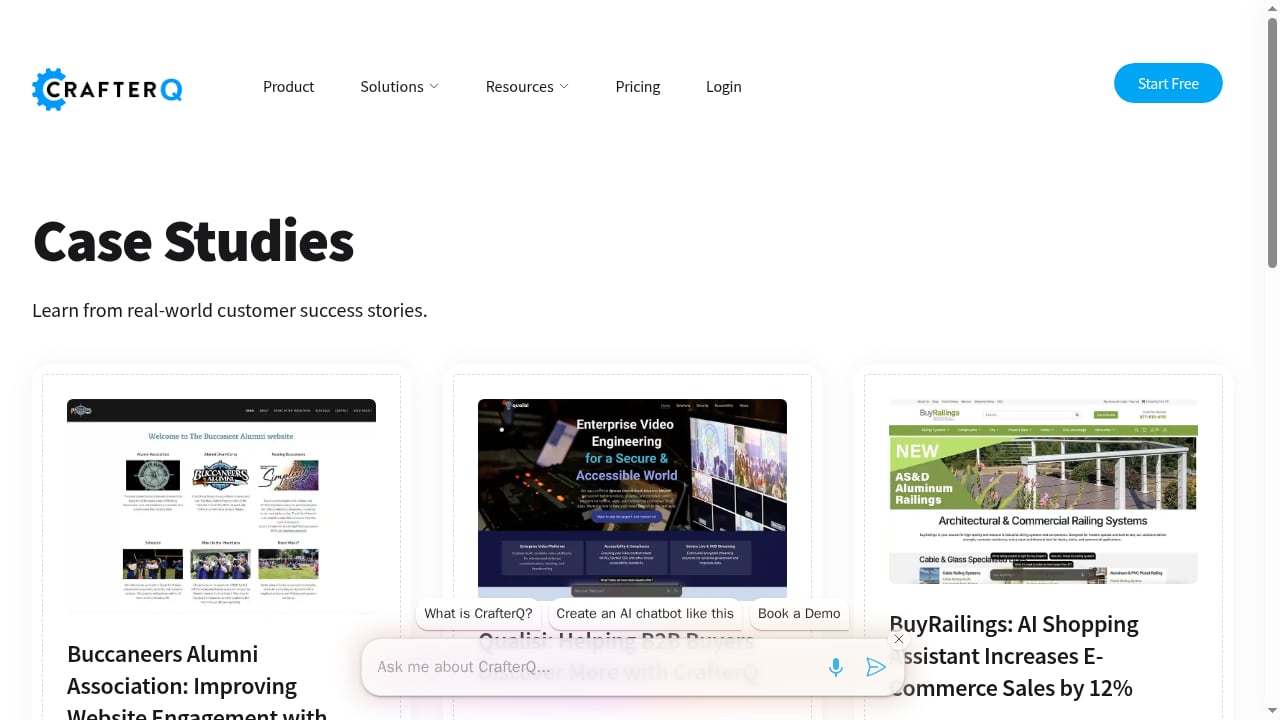
First viewport screenshot of crafterq.ai.
| Platform | Best for | Free plan | Entry price | Metering |
|---|---|---|---|---|
| CrafterQ | Website agent trained on your content | Yes | $29/mo | Messages and storage |
| Intercom Fin | Support teams with volume | No (trial) | $0.99/outcome | Resolutions |
| Chatbase | Fast content-trained bot | No (trial) | $40/mo | Message credits |
| Tidio (Lyro) | Small shops with live chat | Yes | $24.17/mo | Conversations |
| Botpress | Multi-step agent building | Yes | $150/mo | Conversations |
| Ada | Enterprise multilingual | No | Custom | Conversations |
| Zendesk AI | Existing Zendesk users | No (trial) | $55/agent/mo | Seats plus resolutions |
| Crisp | Flat workspace pricing | Yes (no AI) | $95/mo | Workspace |
| Elfsight | Any site builder | Yes | $5/mo | Messages |
| Wonderchat | Cited answers | Yes | $124/mo | Resolutions |
How to Choose in 2026
First viewport screenshot of www.helplook.net.
Start with the job the bot must do. A sales agent that captures leads and guides product discovery has different requirements from a support agent that resolves billing tickets. Then match four variables:
- Grounding source. If your knowledge lives in a help center, prioritize platforms with strong document ingestion. If it lives on marketing pages, prioritize website crawling and automatic retraining.
- Action requirement. If the bot must book, quote, or check an order, confirm API access and agent actions before you buy.
- Volume math. Compare the real monthly cost at your expected conversation count, not the headline price. Per-resolution pricing rewards accuracy; per-message pricing punishes long conversations.
- Handoff quality. Ask whether a human receives the full transcript and customer context, or whether the visitor starts over.
If your support content is the bottleneck rather than the chat layer, a knowledge base tool can complement any platform on this list. For example, HelpLook's AI knowledge base can serve as the source of truth that a website agent retrieves from, and its Slack integration keeps answers current for the team — see how to use HelpLook with Slack for that workflow. Teams comparing support stacks more broadly may also find our agentic B2B customer support platform ranking useful.
Practical Examples
- E-commerce: A retailer trains an agent on product pages and return policy, then uses agent actions to check order status. CrafterQ's reported 12% sales increase for BuyRailings shows the conversion angle; Tidio's Lyro fits shops that want live chat alongside AI.
- B2B SaaS: A support team deploys Fin on its existing Zendesk instance and measures resolution rate rather than deflection. The 70–84% range reported for SaaS teams is a realistic planning benchmark.
- Regulated industries: A clinic needs data ownership and model choice. Platforms with self-hosting options, such as Ethora, are worth a look even though they sit outside this top 10 because their focus is developer infrastructure.
Related reading
- HelpLook vs HelpDocs vs HappyFox: Which Support Tool Fits? - Compare HelpLook, HelpDocs, and HappyFox on knowledge base, AI, help desk, pricing, and SEO to choose the right support stack for your team.
- HelpLook vs Hesk: AI Knowledge Base or Ticket Desk? - Compare HelpLook's AI knowledge base and help center with Hesk's help desk ticketing. See features, pricing, SEO, and which fits your support team.
- HelpSite Review 2026: AI Knowledge Base Tested - Evidence-based HelpSite review covering AI knowledge base features, pricing, setup, strengths, limitations, and ideal users for 2026.
Sources and further reading
- 15 Best AI Assistants in 2026: We Tested Them All to Find the One That Actually Works - We tested 15 AI assistants in 2026 - ChatGPT, Gemini, Claude and Sai by Simular, the first that operates your computer - with full rankings, pricing and best-for picks.
- Best AI Chatbots for Websites in 2026: 10 Options Compared - We compared 10 AI chatbots for websites on free plans, pricing, training on your own content, model choice, human handoff and self-hosting.
FAQ
What is the difference between an AI website agent and a chatbot? A chatbot answers questions. An AI website agent also takes actions — capturing a lead, booking a meeting, or calling an API — and often hands off to a human with context. Most platforms on this list now do both.
Which platform is best for a small business on a budget? CrafterQ's $29/month Solo plan and Elfsight's $5/month entry tier are the lowest-cost starting points. Tidio's free plan is useful if you also need live chat.
How much does an AI website chatbot cost in 2026? Entry prices range from $5/month for a simple widget to $150/month for a flow builder, plus per-outcome pricing around $0.99 at the support end. Model your cost at your actual conversation volume.
Can these chatbots train on my own website content? Yes — content grounding is a baseline requirement for every platform ranked here. The differences are in how content is ingested, how often it retrains, and whether answers cite sources.
Do I need a knowledge base tool as well? Not necessarily, but a well-maintained help center improves answer quality for any agent. Tools like HelpLook can serve that role alongside your chatbot platform.
Conclusion
The 2026 market splits into three groups: website agents built for conversion and engagement (CrafterQ leads this group), support agents priced per resolution (Intercom Fin), and flexible builders for teams that want control (Botpress, Ada). Choose based on the job, the volume math, and the handoff experience — then test with real traffic before committing to an annual plan.
For a broader view of how AI agents fit into support operations, see our comparison of HelpLook, HelpSite, and Guru for the knowledge layer that feeds them.