
Productlane Review 2026: AI Support Built for Linear Teams
Productlane is not a general-purpose help desk that happens to have a Linear integration. It is a customer support and feedback platform designed around the assumption that your product team already lives in Linear and GitHub, and that support conversations should feed directly into the roadmap instead of dying in a separate ticket queue.
This review looks at what Productlane actually does, who gets the most value from it, where it falls short, and how to decide whether it belongs in your stack. It draws on public review signals from Product Hunt, G2, and OMR Reviews, plus the product's documented feature set and pricing tiers.
What Productlane Is and Who It Is For
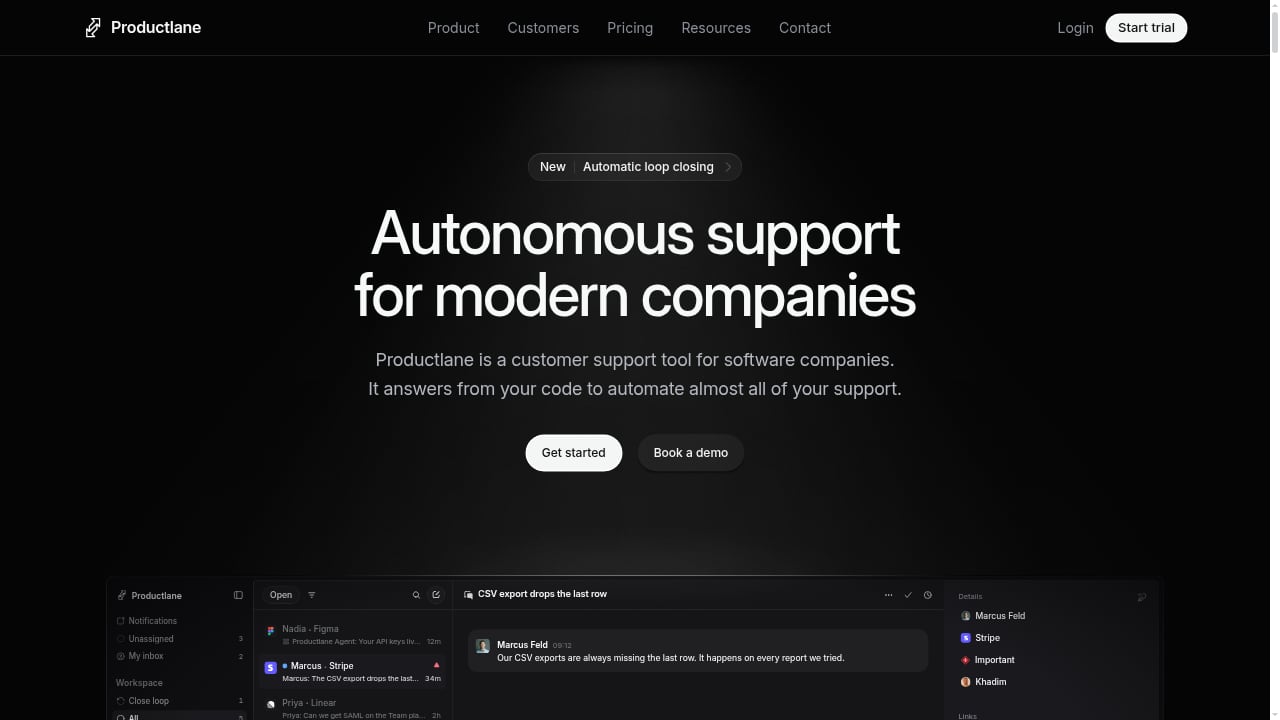
First viewport screenshot of Productlane | Customer Support for modern companies.
Productlane consolidates support channels — email, live chat, and Slack — into a single Support Inbox. On top of that inbox sits an AI-powered Productlane Agent that attempts to resolve tickets automatically, a Help Center that self-updates from GitHub and Linear, a Support Portal, a Feedback Portal, and an AI-native Changelog that generates release notes from Linear and GitHub and broadcasts them via email and Slack.
The positioning is narrow on purpose: customer support for modern companies, with consolidation, prioritization, and automation as the three pillars.
Ideal user profiles
- Linear-first product teams. If your engineering team plans and ships in Linear, Productlane's core loop — link feedback to existing issues, auto-close the loop when issues ship — works with almost no translation layer.
- Startups and scale-ups with 5–50 person support and product orgs. The Starter and Pro tiers are priced per user and assume a small, multi-role team rather than a 200-seat contact center.
- Companies that treat feedback as roadmap input. Teams that want feature requests to become Linear issues, not a spreadsheet, are the natural fit.
- Docs-as-code shops. The Help Center syncing from GitHub and Linear appeals to teams that already maintain documentation in a repository.
Who should look elsewhere
- Enterprise contact centers with complex routing, IVR, workforce management, and multi-thousand-seat requirements. Productlane's Scale tier adds SSO, SLAs, and multiple portals, but it is not built to replace a full enterprise contact-center suite.
- Teams standardized on Jira or Trello. Productlane's deepest value is in the Linear and GitHub loop. If your issue tracker is Jira, the integration story is thinner, and reviewers have specifically asked about Jira and Trello support.
- Support-only organizations with no product feedback mandate. If you just need ticketing and macros, a conventional help desk may be cheaper and more familiar.
Core Capabilities, Tested Against Real Workflows
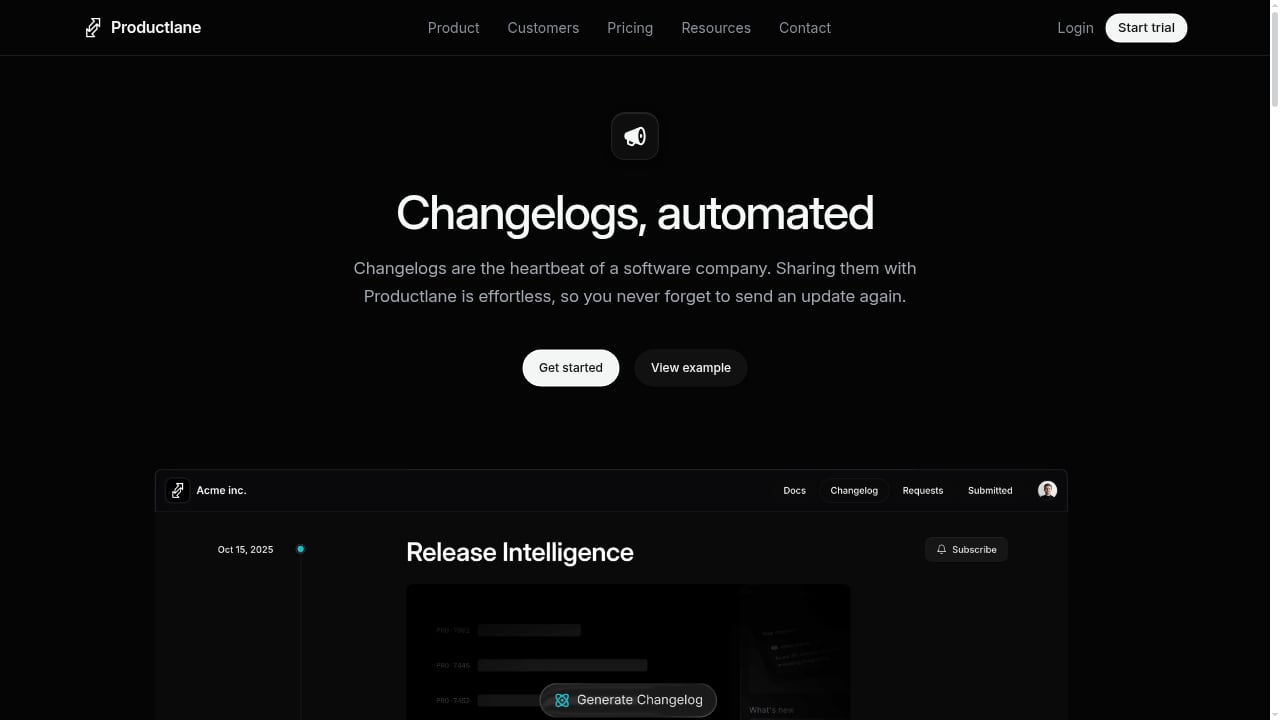
First viewport screenshot of Changelog | Productlane.
The Support Inbox and channel consolidation
Email, live chat, and Slack land in one queue. The practical benefit is that a customer who emails, then follows up in a shared Slack channel, does not become two disconnected threads. Slack Connect channels in the inbox (Pro tier and above) matter for B2B teams whose customers expect to talk where they already work.
The Productlane Agent
The AI agent resolves tickets automatically, with resolution allowances bundled by tier: 25 per month on Starter, 50 on Pro, and higher on Scale. That allowance structure is the single most important pricing signal in the product, because it tells you Productlane expects most teams to use the agent as a deflection layer rather than as a full autonomous support desk. If your ticket volume is high and repetitive, model your overage exposure before committing.
Help Center, Support Portal, and Feedback Portal
The Help Center self-updates from GitHub and Linear, which reduces the classic documentation drift problem where shipped features are documented weeks late. The Support Portal and Feedback Portal give customers a branded place to search answers and submit requests. Scale adds multiple branded portals for products, brands, or regions, plus SSO via JWT and removal of Productlane branding.
AI-native Changelog
The changelog auto-generates releases from Linear and GitHub, then broadcasts them via email and Slack. This is the feature reviewers consistently single out, and it is the clearest expression of the product's thesis: shipping should automatically produce customer communication.
Integrations
Linear, Slack, GitHub, and Zapier are available from Starter. Pro adds Slack Connect, connectors, Attio, and Cursor integrations, plus importers for Zendesk, Intercom, and Productboard. Scale adds native Microsoft Teams and HubSpot integrations. If your stack is Linear plus Slack plus GitHub, you are squarely in the supported path.
Strengths
- Tight Linear and GitHub loop. Feedback links to existing issues, and issues shipping automatically closes the customer loop. This is the differentiator most competitors approximate but rarely match at this depth.
- Changelog automation that reviewers actually praise. Public review sentiment repeatedly highlights changelog publishing and feedback tracking as the standout capabilities.
- Strong UI and UX signals. Reviewers describe the interface as a reason to choose the product, not just tolerate it.
- Fast iteration cadence. Long-term users have noted the speed at which new features ship, which matters for a young platform.
- Consolidation without a heavy migration. Importers for Zendesk, Intercom, and Productboard on Pro lower the switching cost.
Limitations and Trade-offs
- Thin independent review volume. OMR Reviews shows insufficient ratings across ease of use, customer support, requirements fit, and ease of setup. That is not a negative signal — it is an absence of signal. Treat vendor claims as unverified by broad third-party data.
- Agent resolution caps. Bundled monthly resolutions are modest. High-volume teams should expect overage costs or a deliberate hybrid of AI and human handling.
- Linear-centric architecture. The product is available to Linear users through the Linear integrations directory, which is a strength for that ecosystem and a constraint outside it.
- No free version. There is a 7-day free trial, but no permanent free tier, so evaluation requires a time-boxed commitment.
- Enterprise depth is tier-gated. SSO, SLAs, multiple portals, and branding removal all sit on Scale at $99 per user per month.
Pricing Signals
First viewport screenshot of Release Notes.
Publicly listed pricing, last edited October 2026, runs as follows:
| Tier | Price | Best for | Notable inclusions |
|---|---|---|---|
| Starter | From $29/user/month | Small teams starting a support workflow | Roadmap, changelog, portal, live chat, Productlane Agent (25 resolutions/month), 1 support email address, Linear/Slack/GitHub/Zapier |
| Pro | From $59/user/month | Growing teams needing automation | Slack Connect, up to 10 support email addresses, macros, broadcasts, AI changelog with Release Intelligence, multilingual docs, 50 agent resolutions/month, importers |
| Scale | From $99/user/month | Support teams needing enterprise controls | Multiple branded portals, portal SSO (JWT), SLAs, native Microsoft Teams and HubSpot, up to 25 support email addresses, no Productlane branding |
A 7-day free trial is available. The per-user model means cost scales with headcount, not ticket volume — except for agent resolutions, which are volume-capped. That hybrid is worth modeling carefully: a 20-person team on Pro pays roughly $1,180 per month before any agent overage.
Setup and Time to Value
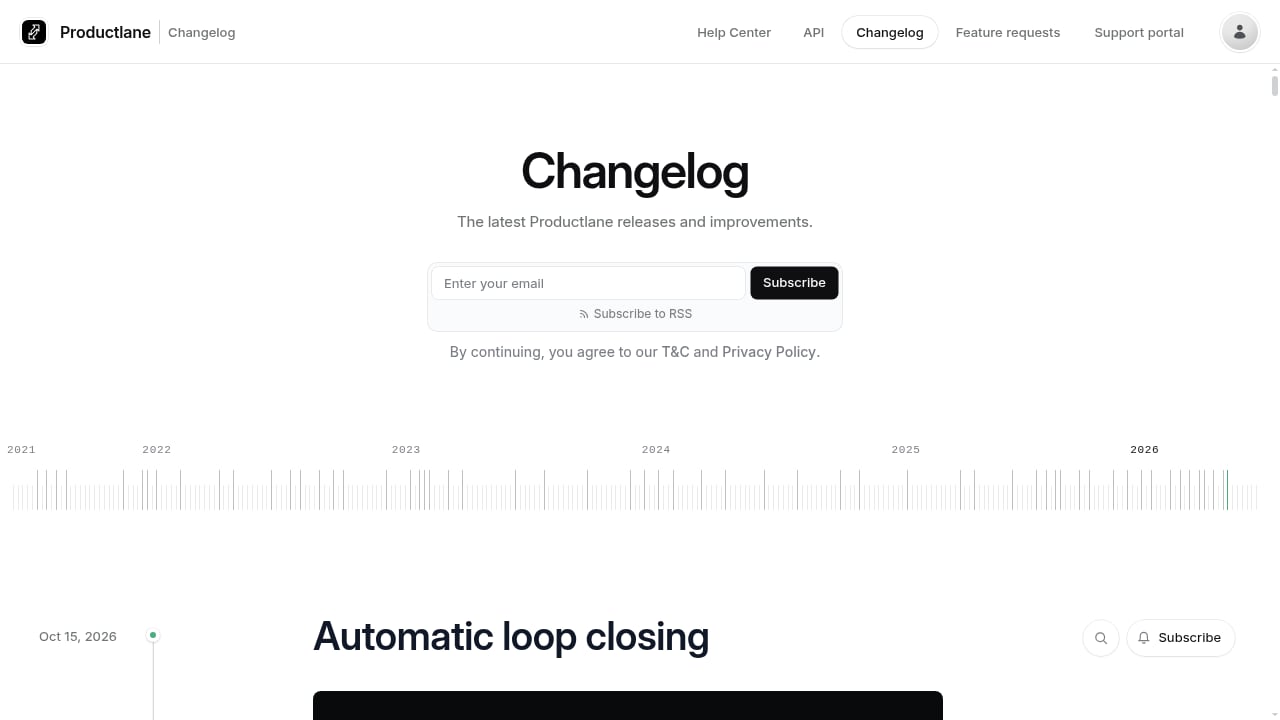
First viewport screenshot of Productlane Changelog | Productlane.
The fastest path is the Linear-first path. Connect Linear, connect GitHub, connect your support email and Slack, then let the Help Center and changelog populate from existing repositories and issues. Teams already maintaining docs in GitHub will see the shortest setup because there is no content migration step.
If you are migrating from Zendesk, Intercom, or Productboard, budget additional time for the Pro-tier importers and for re-establishing macros and routing rules. The 7-day trial is workable for a Linear-native team but tight for a migration project; plan the evaluation around a single high-volume channel rather than a full cutover.
For teams that need a broader comparison before committing, our roundup of the top 10 help desk and customer service software for 2026 puts Productlane's positioning next to conventional ticketing platforms. If your priority is the knowledge layer rather than the inbox, the HelpLook vs Document360 vs Documentation.AI comparison covers the self-service side in more depth.
How to Decide: A Practical Framework
Ask four questions in order:
- Is Linear your issue tracker? If yes, Productlane's core loop is a genuine advantage. If no, discount most of the differentiation.
- Do you want support and feedback in one system? If support and product feedback are separate mandates with separate owners, a conventional help desk plus a feedback tool may fit better.
- What is your monthly ticket volume? Divide it by the bundled agent resolutions on your target tier. If the ratio is far above 1, price the overage before you fall in love with the demo.
- Do you need SSO, SLAs, or branded portals? If yes, you are on Scale, and the per-user math changes materially.
A useful sanity check: if you cannot name the Linear project that customer feedback should flow into, you are not yet the ideal Productlane customer.
Related reading
- Top 10 AI Documentation and Training Platforms 2026 - Compare the top 10 AI documentation and training platforms for 2026 on AI drafting, content maintenance, training output, governance, and pricing.
- How to Use HelpLook with HubSpot: AI Knowledge Base + CRM - Connect HelpLook's AI knowledge base with HubSpot CRM to deflect tickets, route leads, and sync support data. Step-by-step setup and practical examples.
- HelpLook vs Helpjuice: Best Knowledge Base Software 2026 - Compare HelpLook and Helpjuice knowledge base software in 2026: AI search, pricing, SEO, customization, and which platform fits your support team.
FAQ
Is Productlane a help desk or a feedback tool?
It is both, deliberately. The Support Inbox handles email, live chat, and Slack, while the Feedback Portal and Linear linkage handle feature requests. The product's thesis is that these are the same workflow viewed from two ends.
Does Productlane work without Linear?
It integrates with Slack, GitHub, Zapier, and other tools, but the deepest automation — linking feedback to issues and auto-closing the loop on ship — depends on Linear. Without Linear, much of the value proposition weakens.
How much does Productlane cost?
Public pricing starts at $29 per user per month for Starter, $59 for Pro, and $99 for Scale, with a 7-day free trial and no permanent free tier.
What do reviewers say about Productlane?
Public review sentiment is positive but limited in volume. Reviewers highlight customer feedback management, changelog publishing, and UX design. OMR Reviews currently shows insufficient ratings for ease of use, support, and setup, so independent validation is still thin.
Is there a free trial?
Yes, a 7-day free trial is available. There is no free version.
Conclusion
Productlane is a focused bet: if your team plans in Linear, ships through GitHub, and wants customer conversations to become roadmap input automatically, it removes real friction that general help desks leave in place. The changelog and feedback loop are the strongest parts, and reviewers agree.
The trade-offs are equally clear. Agent resolution caps, per-user pricing that climbs steeply at Scale, a Linear-centric architecture, and thin independent review volume mean this is a tool to evaluate against your specific stack rather than adopt on reputation. Run the 7-day trial on your highest-volume channel, model the agent overage, and confirm that your Linear workflow is mature enough to absorb the feedback loop. If it is, Productlane earns its place. If not, a conventional help desk paired with a dedicated knowledge base may serve you better.