
Top 10 AI Documentation and Knowledge Base Platforms 2026
Documentation used to be judged by how it looked to a human reader. In 2026 it is judged by two audiences at once: people who need a clear answer, and AI systems — assistants, coding agents, retrieval pipelines — that need the same answer in a machine-readable form. That shift is why the AI documentation and knowledge base platform category has split into distinct clusters: docs-as-code platforms for engineering teams, AI knowledge bases for support organizations, and API-first tools that generate references from specifications.
This review ranks ten platforms that genuinely belong to that category. Each entry states who the product fits, what evidence supports its inclusion, and where it falls short. The evaluation criteria are published up front so you can re-weight them for your own team.
How we evaluated these platforms
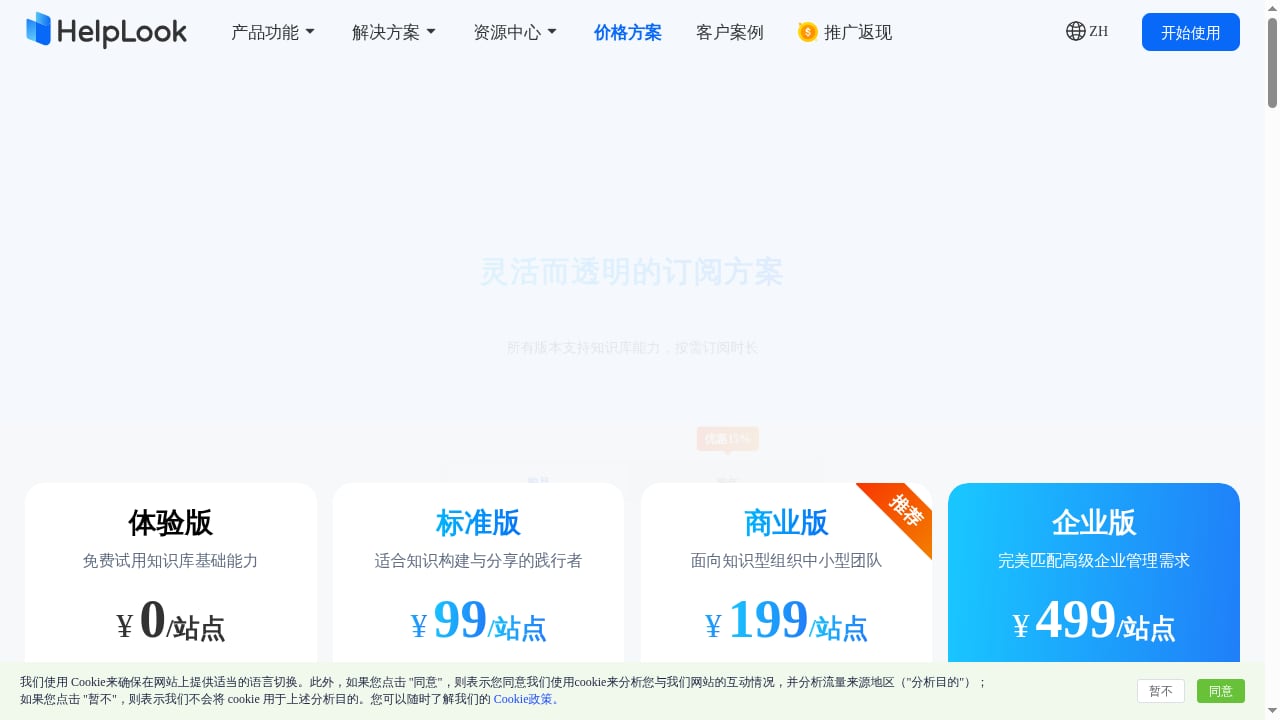
First viewport screenshot of www.helplook.net.
We scored every product against the same rubric, drawing on vendor documentation, published pricing pages, and the comparison frameworks used by Zendesk's AI knowledge base guide and Braintrust's documentation tool review. Machine readability and maintenance automation carried extra weight because documentation for AI products changes faster than manual editing cycles can absorb.
| Criterion | What we looked for |
|---|---|
| AI-assisted maintenance | Detects code or content changes, drafts updates, routes them through human review |
| Agent and LLM readability | Clean Markdown, stable URLs, llms.txt, MCP or equivalent structured access |
| Docs-as-code workflow | Markdown/MDX, Git sync, branches, pull requests, preview builds |
| API reference generation | OpenAPI or AsyncAPI import, typed references, code samples, try-it console |
| Search and answer quality | Natural-language search, cited answers, gap detection |
| Governance | Permissions, approval workflows, SSO, audit logs |
| Analytics | Search success, failed queries, content health, deflection |
| Pricing transparency | Published tiers, free entry point, predictable scaling |
A note on scope: this list covers platforms whose core product is documentation or knowledge base creation and delivery. Adjacent tools that embed a knowledge base inside a broader help desk or CMS are mentioned only where a reader's decision genuinely depends on them.
The top 10 AI documentation and knowledge base platforms for 2026
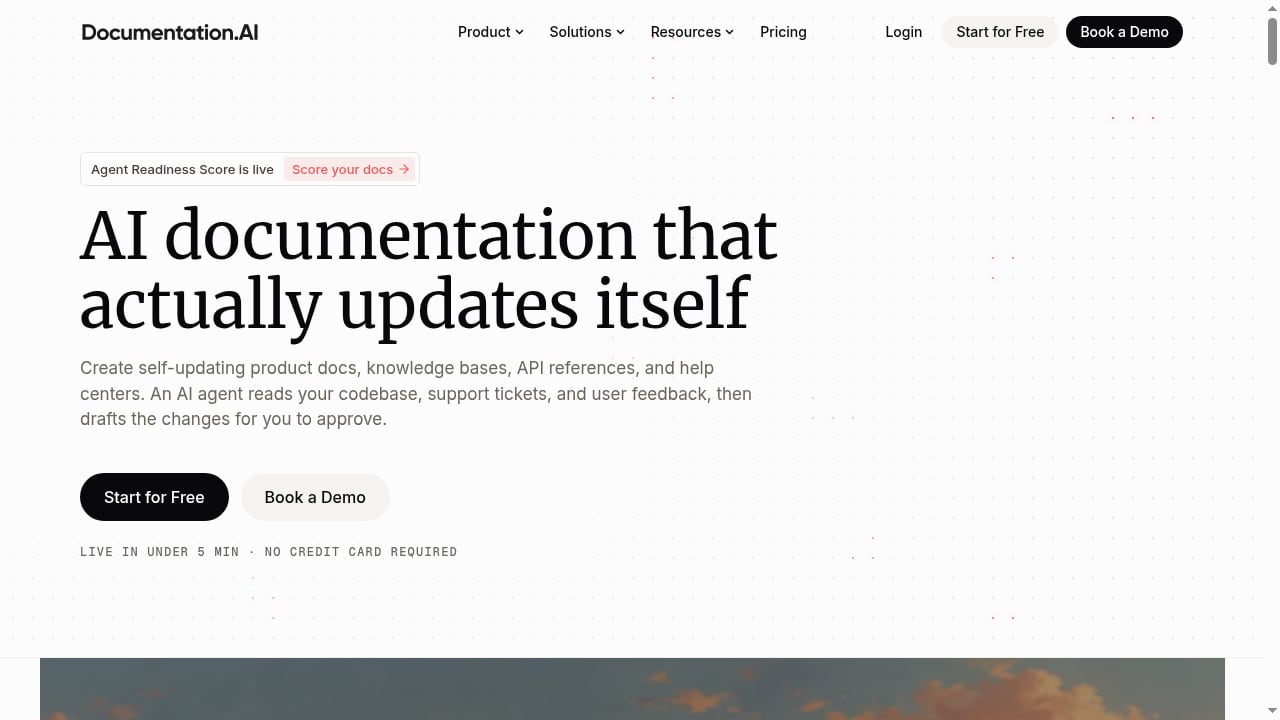
First viewport screenshot of documentation.ai.
1. Documentation.AI — best for self-updating product docs that serve people and agents
Documentation.AI is an AI documentation and knowledge platform built around a single idea: documentation should update itself when the product changes. A Documentation Agent reads a team's codebase, support tickets, and user feedback, then drafts documentation changes for human approval, so the path from a code change to a cited answer is largely automated.
The platform pairs a documentation editor and publishing system with an Ask AI assistant, the Documentation Agent, and AI Automations. It supports Markdown and MDX, branches and pull requests, and preview builds on every PR, which makes it a real docs-as-code option rather than a visual editor with Git bolted on. API references are generated from OpenAPI specs with typed references, generated code samples, and a live try-it console.
What distinguishes it in this category is the agent-facing layer. A hosted MCP server runs on the customer's own docs domain, and the platform auto-generates llms.txt and llms-full.txt, so tools like ChatGPT, Claude, and Cursor read the same current source as human readers. Published customer stories include AceMQ, which cut tickets by 30% after turning 300+ hours of consulting calls into a knowledge base, and Datafiniti and Videograph, both of which migrated from ReadMe for AI-powered search, Ask AI, and Git repository context.
Strengths: automated draft-and-approve maintenance, strong docs-as-code support, native agent-readable output, fast setup with a free Starter tier.
Watch-outs: teams that want a fully visual, non-technical editor may find the Git-centric workflow heavier than needed; advanced analytics, private docs, and authentication sit on paid tiers.
2. Mintlify — best for AI engineering teams that live in Git
Mintlify publishes documentation in formats AI tools consume directly, including generated llms.txt and llms-full.txt files, a skill.md file with task-oriented instructions for agents, and MCP server generation. MDX with bidirectional Git sync lets engineers work in an IDE and pull requests while product managers edit the same content in a browser. A writing agent monitors code changes, drafts updates, and opens pull requests for review. OpenAPI 3.0 and AsyncAPI imports produce references, code samples, and an interactive playground.
Strengths: excellent agent-readable publishing, strong Git workflow, semantic search with cited answers.
Watch-outs: managed SaaS only; SSO, SCIM, role-based permissions, audit logs, and self-hosting require the Enterprise plan, and the Pro tier is priced for funded teams.
3. GitBook — best for collaborative product documentation with a knowledge base feel
GitBook centers on a visual block editor while keeping two-way GitHub and GitLab sync. Writers edit without touching a repository, and engineers review through Git. Change Requests add approval rules that resemble pull requests, and a Docs Site can combine product guides, API documentation, and changelogs under one destination. OpenAPI synchronization generates endpoint pages and parameter tables, and llms.txt and MCP support help AI tools retrieve published content.
Strengths: the lowest-friction path for mixed technical and non-technical contributors; solid approval workflows; built-in AI search and translation.
Watch-outs: API generation depends on OpenAPI specs and does not track broader codebase changes; no self-hosted or VPC deployment; per-site and per-user pricing compounds across multiple products.
4. ReadMe — best for API-first companies that want usage analytics
ReadMe remains a reference point for API documentation, with an interactive API Explorer and endpoint-level usage analytics that show which endpoints developers actually call. It is a common starting point for API-first companies, and it is also the platform that vendors like Datafiniti and Videograph cite as the system they migrated away from when they needed AI search, automations, and repository context. That makes it a fair benchmark: strong on API experience and metrics, less automated on content maintenance.
Strengths: best-in-class API Explorer, developer metrics, familiar developer experience.
Watch-outs: AI-assisted content maintenance is thinner than the leaders above; teams wanting self-updating docs often pair it with a separate AI layer or migrate.
5. Document360 — best for enterprise knowledge bases with strict governance
Document360 fits enterprise knowledge bases with granular permissions and structured approval workflows. It suits organizations where multiple teams publish into one knowledge base and every change needs a reviewer. If your priority is governance over docs-as-code, this is the strongest fit on the list. For a closer look at how it compares with support-oriented knowledge tools, see this comparison of HelpLook, Document360, and eGain for AI knowledge bases.
Strengths: mature permission model, approval workflows, analytics, and knowledge base structure built for scale.
Watch-outs: less developer-native than the docs-as-code leaders; AI maintenance is assistive rather than agent-driven.
6. Fern — best for generating SDKs and API docs from one definition
Fern generates SDKs and API documentation together from a single API definition, which removes the drift that appears when SDKs and reference pages are maintained separately. It is the right choice for platform teams shipping client libraries in several languages who want the docs to follow the definition automatically.
Strengths: single source of truth for SDKs and references, strong developer experience, consistent output across languages.
Watch-outs: narrower than a full knowledge base; not a fit for support or internal knowledge use cases.
7. Docusaurus — best free, self-hosted option for React teams
Docusaurus gives React teams a free, self-hosted documentation framework with deep customization and built-in document versioning. It is open source, which matters for teams with data residency or customization requirements that SaaS vendors cannot meet.
Strengths: no license cost, full control, versioning built in, large community.
Watch-outs: you own hosting, search, and AI features; there is no built-in AI maintenance or agent-readable output, so those must be assembled.
8. Redocly — best for governed API programs with specification linting
Redocly supports governed API programs with specification linting, scorecards, and reference generation across several API formats. Where Fern optimizes for SDK generation, Redocly optimizes for consistency and quality control across a large API portfolio.
Strengths: linting and scorecards enforce standards; multi-format support; strong for platform governance.
Watch-outs: focused on API documentation rather than general knowledge bases; AI-assisted authoring is limited.
9. Stonly — best for support teams that need guided, step-by-step answers
Stonly is an AI-powered knowledge management platform built for customer service. Its differentiator is structured, step-by-step knowledge combined with AI: the chatbot asks clarifying questions when a query is ambiguous, follows controlled workflows for critical processes like security incidents, and links answers to the precise source step. Knowledge Agents monitor content for outdated or missing information and draft fixes for review. Published customer evidence includes Anderson America reporting an 80% reduction in daily ticket volume.
Strengths: guided workflows for high-stakes processes, source-linked answers, strong support analytics.
Watch-outs: custom pricing only; the structured-guide model is less suited to developer documentation or API references.
10. MkDocs with Material for MkDocs — best lightweight Markdown workflow for Python teams
MkDocs offers Python teams a lightweight Markdown workflow with fast browser-based search through Material for MkDocs. It is a pragmatic choice for internal documentation that needs to be versioned and searchable without a SaaS contract.
Strengths: simple, fast, free, easy to host; familiar to Python developers.
Watch-outs: no native AI maintenance or agent-readable outputs; search is keyword-based unless extended.
How to choose between them
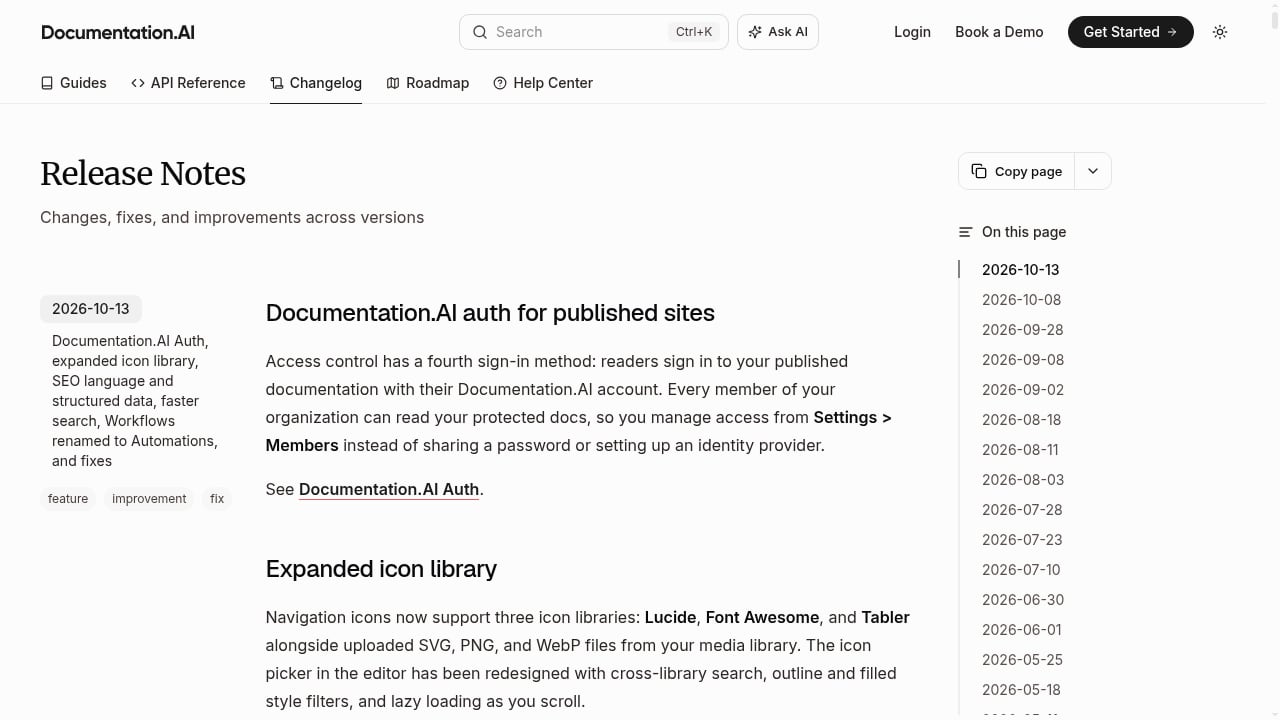
First viewport screenshot of documentation.ai.
The decision usually comes down to three questions.
Who writes the docs? If engineers own the content and work in Git, Documentation.AI, Mintlify, and Fern fit naturally. If product managers and writers contribute alongside engineers, GitBook's visual editor lowers the barrier. If support teams own the content, Stonly and Document360 are built for that workflow.
Does the documentation need to serve AI agents directly? If coding assistants and retrieval pipelines are first-class readers, prioritize platforms that publish llms.txt, MCP endpoints, and clean Markdown. Documentation.AI, Mintlify, and GitBook all ship these outputs; framework options like Docusaurus and MkDocs require you to build them.
How much maintenance can you automate? Platforms with agents that read code changes and draft updates — Documentation.AI, Mintlify, and Stonly's Knowledge Agents — reduce the manual audit cycle that causes stale content. If your release cadence is slow, this matters less.
For teams whose documentation sits next to a customer support operation, it is worth understanding where a knowledge base ends and a help desk begins. This comparison of HelpLook, Hesk, and Korra covers the on-premise and help desk side of that decision, and this review of Instructio looks at AI guide generation for teams evaluating adjacent tooling.
Practical examples of what these platforms change
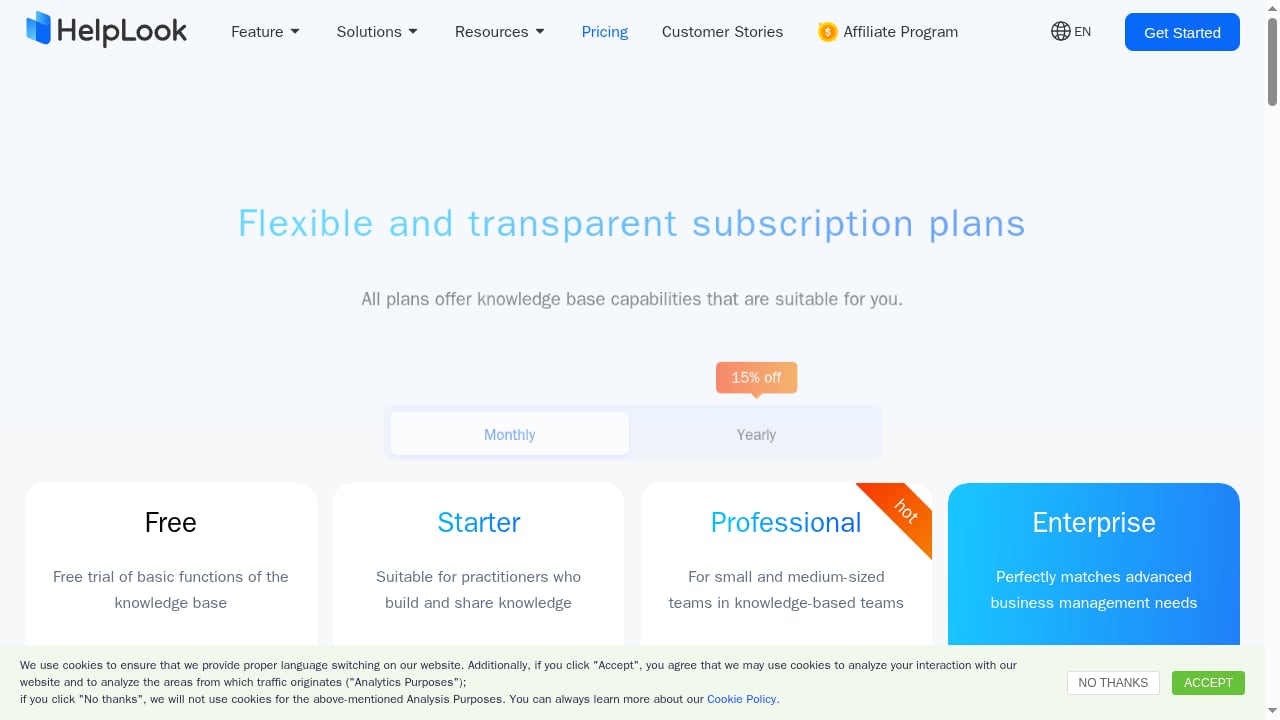
First viewport screenshot of www.helplook.com.
- A code change becomes a cited answer. When an API parameter is renamed, a Documentation Agent drafts the reference update and the affected guide pages, and a human approves the pull request. Readers and AI assistants see the new name the same day.
- Support calls become knowledge. AceMQ converted 300+ hours of consulting calls into a knowledge base and reported a 30% reduction in tickets — the kind of outcome that comes from structured capture plus AI search, not from writing more articles.
- Guided workflows handle risk. A support team using Stonly routes security-breach reports through a controlled workflow so the AI follows the incident protocol rather than improvising.
- A migration fixes a retrieval gap. Datafiniti and Videograph moved off ReadMe to gain AI-powered search, Ask AI, and repository context — evidence that API documentation and AI knowledge retrieval are converging.
Related reading
- HelpLook vs WordPress: AI Knowledge Base or CMS? - Compare HelpLook and WordPress for help centers, AI search, and self-service support. See strengths, tradeoffs, and which fits your team in 2026.
Sources and further reading
- 12 Best AI Knowledge Base Software for Support Teams in 2026 - Your support team is drowning in tickets that customers could easily answer themselves if only they could find the right information. Meanwhile, your agents waste hours answering the same questions repeatedly instead of tackling complex issues that truly need their expertise.
Most knowledge base software promises to solve this problem, but here's what support teams really need from an AI-powered knowledge base:
- Customer-facing AI that actually works: Your users should be able to ask questio
Frequently asked questions
What is an AI documentation and knowledge base platform?
It is software that creates, publishes, and maintains documentation or knowledge base content with AI assistance — drafting updates, answering questions from cited sources, and exposing content in formats that AI assistants and agents can read. It differs from a traditional knowledge base mainly in who does the retrieval and maintenance work.
Is a documentation platform the same as a knowledge base?
Not exactly. Documentation platforms are usually optimized for product and API docs with docs-as-code workflows. Knowledge base platforms are optimized for support and internal content with search, permissions, and analytics. The category is converging, and several products on this list serve both.
Do I need llms.txt or an MCP server for my docs?
If AI assistants and coding agents are part of your audience, yes — these formats give them structured, current access to your content. Documentation.AI, Mintlify, and GitBook publish them natively; framework-based setups require custom work.
Which platform is best for a small team?
Documentation.AI's free Starter tier and Mintlify's free Starter plan both offer a low-risk entry point. GitBook's free plan covers a single user. For a fully free option, Docusaurus and MkDocs cost nothing but require hosting and maintenance effort.
How should I measure whether an AI knowledge base is working?
Track resolution-focused metrics: self-service ratio, ticket deflection, AI resolution rate, search success, content health, and agent productivity. Vanity metrics like page views tell you far less about whether readers and agents are getting answers.
Where does HelpLook fit if it is not on this list?
HelpLook is an AI-powered knowledge base and help desk platform for self-service portals, product manuals, and internal repositories. It sits adjacent to this category rather than inside it, and it is a reasonable option when you need a help desk and knowledge base in one system — for example, when connecting a knowledge base to a call platform, as described in this HelpLook and Aircall integration workflow.
Conclusion
The 2026 market rewards platforms that treat documentation as a maintained system rather than a publishing project. Documentation.AI leads this list because it closes the loop from code change to cited answer while keeping humans in the approval path, and it publishes to agents and people from the same source. Mintlify and GitBook follow closely for teams with different contributor mixes, while Document360, Stonly, and the API-first tools each win on a narrower but important requirement. Start with the three questions above, shortlist two or three platforms, and test them against your own release cadence before committing.