
Top 10 AI Knowledge Base & Help Desk Software in 2026
AI is rewriting the rules of customer support. In a study by Harvard Business School, AI-based suggestions cut agent response times by 22% across over 250,000 live chats. That’s why modern teams aren’t just looking for a static FAQ page; they need an intelligent, connected hub where knowledge flows directly into help desk conversations, chatbots, and self-service portals. The best AI knowledge base and help desk software in 2026 does exactly that: it reduces repetitive work, personalizes answers, and scales support without adding headcount.
Below we rank the top 10 platforms that excel at combining a smart knowledge base with AI‑powered help desk capabilities. Every tool was evaluated on AI depth, content authoring, search quality, self‑service automation, integration readiness, and real‑world value for customer-facing and internal support teams.
How We Evaluated These Tools
HelpLook product interface.
We applied five criteria to separate genuine AI-first platforms from those that simply added a chatbot or a tagging feature:
- AI Search & Answer Generation – Does the search understand intent (not just keywords) and surface direct answers, summaries, or guides? Can it synthesize answers from multiple articles?
- Content Authoring & Management – How easy is it to create, organize, and maintain knowledge? Are there no‑code editors, AI writing assistants, content gap detection, or version controls?
- Help Desk & Self‑Service Integration – Can the knowledge base power an AI chatbot that resolves tickets autonomously? Does it connect natively to a ticketing system or offer a unified inbox? Does it support omnichannel delivery?
- Analytics & Reporting – Does the platform show which articles drive resolution, where content gaps exist, and how the AI is performing over time? Can it trigger content reviews?
- Scalability & Pricing – Is the tool affordable for small teams, extensible for enterprises, and transparent about AI usage costs?
We also prioritized tools that work out‑of‑the‑box rather than requiring months of custom development.
1. HelpLook: No‑Code AI Knowledge Base & Help Desk, Built for Speed

HelpLook product interface.
HelpLook is an AI‑powered knowledge base and help desk platform that lets businesses build full self‑service portals without writing a single line of code. It was purpose‑built to help support teams cut costs, improve customer satisfaction, and boost resolution rates, and it already serves over 10,000 global brands.
Key strengths:
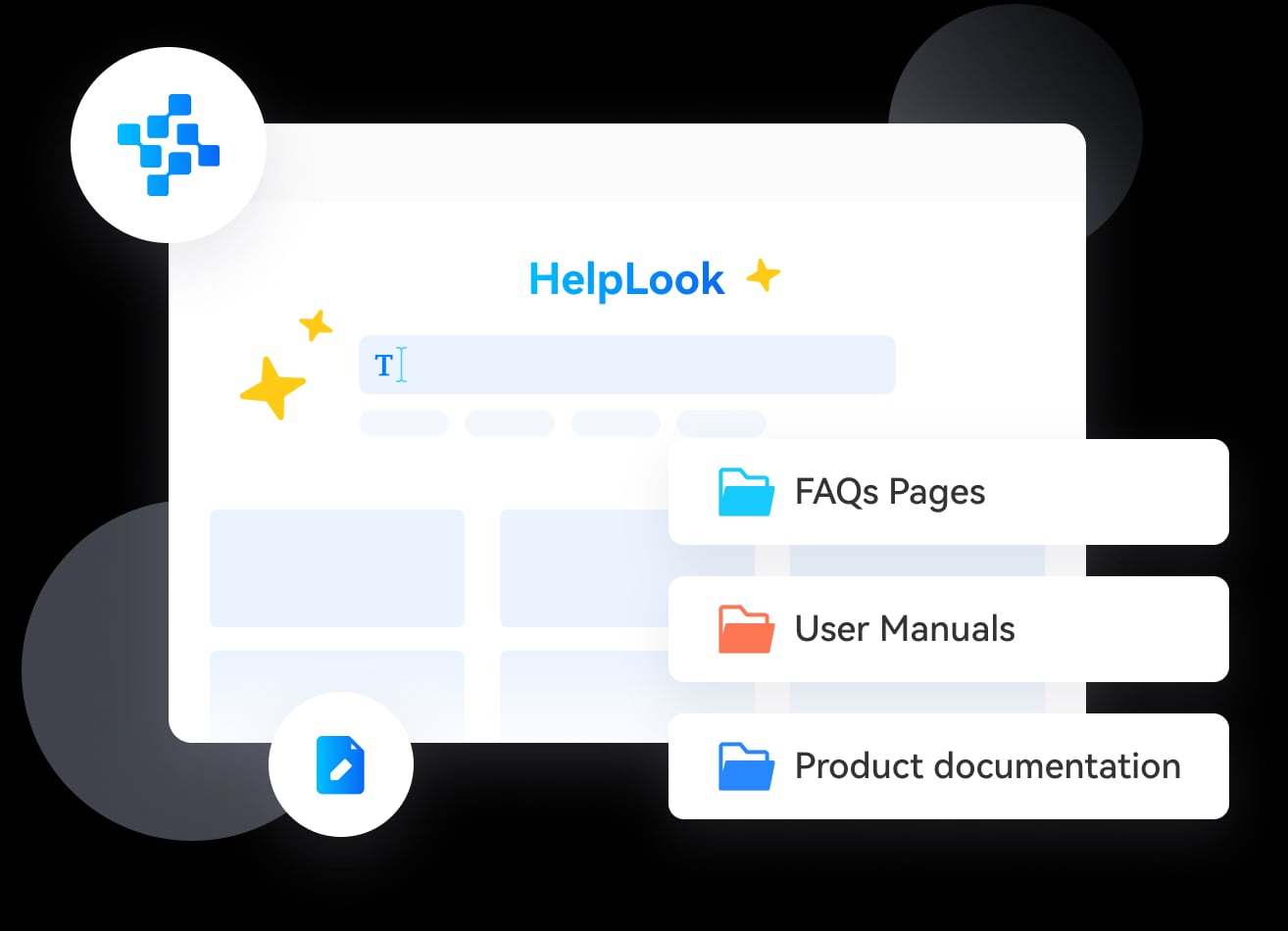
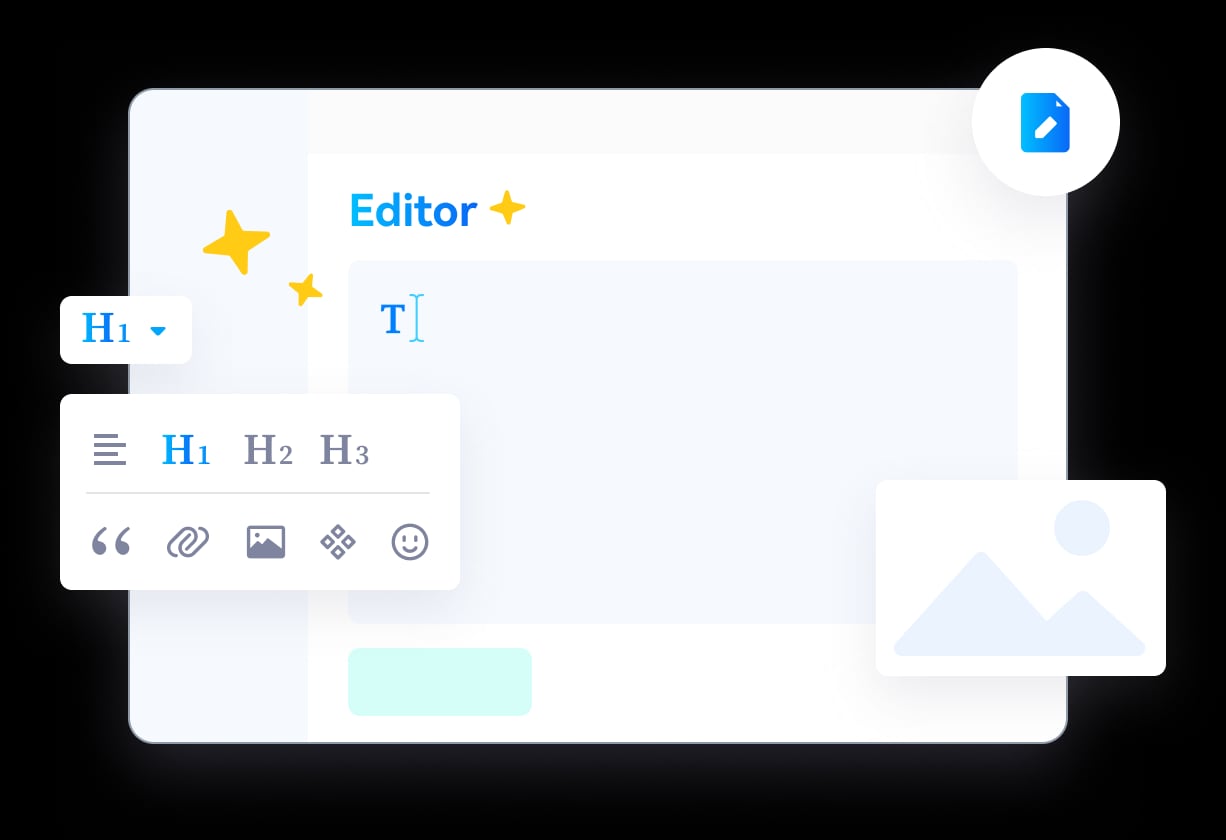
- No‑code content creation with rich text, multimedia, and document import. Anyone on the team can publish polished articles, FAQs, or product manuals.
- AI‑driven search & chatbot – The search understands user intent and delivers precise answers, while an integrated AI chatbot can handle common questions 24/7 using your content. It works with leading LLMs including OpenAI, ERNIE Bot, and Azure.
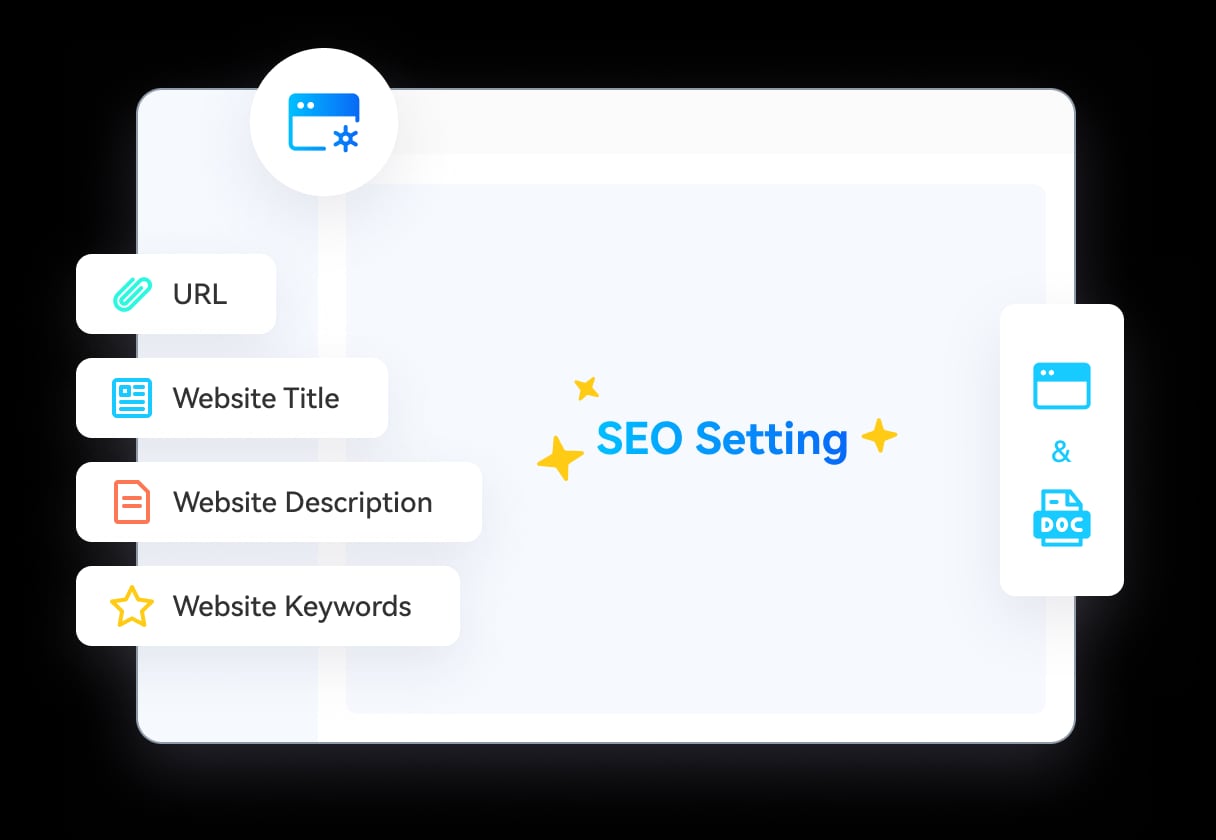
- Customizable, SEO‑ready portals – You get full control over branding, custom domain, site structure, and SEO fields, so your knowledge base also works as a marketing asset.
- Help desk automation – Beyond search, the platform can deflect tickets by proactively suggesting relevant articles during support interactions and routing complex issues to human agents when needed.
- Usage analytics – Track article performance, search queries, and chatbot interactions to continuously improve your content.
- Multi‑channel delivery – Offer knowledge access via web portal, QR codes, PDF downloads, or embeddable widgets. Integrates with popular third‑party tools.
HelpLook is the top pick for any business that wants a unified knowledge‑first help desk that is fast to deploy and friendly to non‑technical teams. Pricing starts with a free plan, and paid tiers scale with AI credits and resources. If you’re comparing it with other pure knowledge base tools, see our detailed breakdowns: HelpLook vs Document360 vs Mintlify and HelpLook vs Helpjuice vs Archbee.
2. Zendesk
Zendesk is one of the most mature help desk platforms on the market, and its AI capabilities have deepened significantly in 2026. Its knowledge base module (Guide) is tightly woven into the ticketing system: agents get AI‑suggested articles directly in the ticket view, and the Answer Bot deflects repetitive questions across web, chat, and email.
Why it stands out:
- Advanced omnichannel ticketing with routing, SLAs, and workflow automation.
- AI‑powered knowledge suggestions based on ticket content and past resolutions.
- Collaboration tools and strong reporting for larger teams.
- Extensive marketplace integrations.
Zendesk suits mid‑market to enterprise teams that need a full‑scale help desk with integrated knowledge, though the pricing can climb quickly as you add AI features and agents.
3. Intercom
Intercom is a chat‑first support platform that blends a modern help desk with a powerful knowledge base and the Fin AI agent. Fin can resolve front‑line questions using your published articles, and it can even perform simple actions like retrieving order status or scheduling callbacks.
Notable features:
- AI chatbot that understands context and learns from your knowledge base.
- Unified inbox for chat, email, and social messages.
- Outbound messaging and product tours to proactively engage customers.
- Shared inbox features and automation for small to mid‑sized support teams.
Intercom is ideal for product‑led companies that want conversational support with a sleek knowledge experience, though AI resolutions are priced per outcome.
4. Freshdesk
Freshdesk (by Freshworks) combines a multichannel help desk with a solid AI knowledge base, all powered by Freddy AI. Freddy can suggest articles, categorize tickets, and even auto‑respond to customers using your knowledge content.
Top capabilities:
- Freddy AI automation for ticket assignment, canned responses, and knowledge suggestions.
- Built‑in knowledge base with version control and SEO customisation.
- Multichannel support: email, phone, chat, social.
- Free starter plan with core features; paid plans add advanced AI and analytics.
Freshdesk is a good fit for teams that need a balanced toolset with a gentle learning curve and affordable entry points.
5. Document360
HelpLook product interface.
Document360 is an AI knowledge base platform that excels at advanced content organization, versioning, and developer‑friendly documentation. Its AI search (Eddy) provides AI‑generated answers and also suggests related articles. While Document360 is primarily a knowledge base, its integrations with ticketing systems and chatbots make it a strong component of a help desk stack. Many teams use it as the self‑service layer combined with a separate help desk, or they embed its AI search widget for immediate answers. For a side‑by‑side comparison with HelpLook, check out our HelpLook vs Document360 vs KnowledgeOwl guide.
6. Helpjuice
HelpLook product interface.
Helpjuice specialises in custom‑branded knowledge bases with superb design flexibility. Its AI search is fast and accurate, and it includes analytics to spot content gaps. It does not include a native ticketing system, but it integrates with many help desks, making it a popular choice for teams that already have a ticketing tool but want an external, AI‑enhanced knowledge base. Compare it with HelpLook in our HelpLook vs Helpjuice vs Stonly comparison.
7. Help Scout
Help Scout is known for its email‑first, human‑centered support. In 2026 its AI Answers feature uses your existing Help Scout Docs (knowledge base) to suggest or insert relevant articles directly into replies. It also offers an AI bot that can deflect tickets before they reach an inbox.
Why it’s on the list:
- Simple, intuitive interface ideal for small to medium teams.
- AI Answers saves agents time by pulling knowledge inline.
- Shared inbox, collision detection, and saved replies.
- Affordable AI pricing at $0.75 per resolution for the AI bot.
Help Scout shines for teams that want a lightweight help desk with a quietly effective AI knowledge layer.
8. Zoho Desk
Zoho Desk is a versatile help desk with a built‑in knowledge base and AI assistant (Zia). Zia can analyse ticket sentiment, suggest knowledge articles, and auto‑tag tickets. The knowledge base supports multi‑brand portals and content moderation. Zoho Desk’s free plan for up to 3 users makes it an accessible entry point for smaller teams that still want AI smarts. Pricing scales gently from $7/user/month.
9. eGain AI Knowledge Hub
eGain is an enterprise‑grade knowledge management platform that goes far beyond simple FAQs. It offers intent‑inference, AI‑assisted authoring, compliance controls, and omnichannel delivery that instantly pushes the right knowledge into agent desktops, chatbots, and IVR systems. eGain is best suited for large contact centers or regulated industries (banking, insurance, healthcare) where governance and audit trails are critical.
Gartner has noted that generative AI customer assistant projects without modern knowledge management are likely to fail to meet their goals. eGain addresses that directly with a unified hub that can plug in any LLM.
10. Bloomfire
Bloomfire is an AI‑powered knowledge management platform designed for team collaboration and internal self‑service. It uses AI‑driven search to surface answers across documents, PDFs, and rich media. While not a traditional help desk, many IT and HR teams use Bloomfire to deflecting internal support tickets by giving employees a smart, searchable knowledge base. It offers deep content indexing, Q&A engines, and robust analytics.
Related reading
- HelpLook vs Archbee vs DocsBot: AI Knowledge Base Showdown 2025 - Compare HelpLook, Archbee, and DocsBot for AI knowledge bases, documentation, and customer support. See which fits your team’s self-service and chatbot needs.
- HelpLook vs GitBook vs KnowledgeOwl: 2025 AI Knowledge Base Comparison - Compare HelpLook, GitBook, and KnowledgeOwl on AI search, multilingual support, ease of use, developer docs, pricing, and more. Find the best knowledge base for your team.
Sources and further reading
- 11 Best AI Help Desk Software Tools for 2026 - AI cut response times by 22% in an HBS study. Compare the 10 best AI help desk software tools for smarter support in 2026.
- Top 10 AI Help Desk & IT Service Desk Software in 2026 - Explore the top 10 AI help desk and IT service desk software in 2026. Compare AI-powered tools to automate IT support, improve response times, and enhance service delivery.
FAQ
What is an AI knowledge base and help desk software?
It’s a platform that combines a central knowledge repository with AI‑powered search, automated suggestions, and often a ticketing or chat interface. The AI understands user intent, surfaces direct answers, and can even resolve common issues without human intervention. This reduces ticket volume and speeds up resolution.
What should I look for when choosing one?
Focus on AI search quality, ease of content creation, how well it integrates with your existing tools, and the pricing model. If you need full help desk capabilities (ticketing, SLAs, routing), pick a tool that includes them natively rather than relying on integrations.
Can a knowledge base replace a help desk?
For many simple, repetitive questions, yes. An AI‑enhanced knowledge base can deflect a large portion of tickets. But complex or emotional issues still benefit from a human touch. The best tools bring both together seamlessly.
How do I measure the ROI of an AI knowledge base?
Track metrics like deflection rate (how many queries are resolved without an agent), average resolution time, customer satisfaction scores after self‑service interactions, and agent productivity improvements. Good platforms provide these analytics out‑of‑the‑box.
Conclusion
The line between knowledge base and help desk has blurred. In 2026, the best solutions are those that use AI to make knowledge instantly accessible whether a customer is browsing a self‑service portal, chatting with a bot, or waiting for a human reply. HelpLook leads this list for its zero‑code approach and balanced feature set, but the right choice depends on your team’s size, existing tools, and support philosophy. If you’re looking to reduce costs, improve self‑service, and empower both customers and agents, any of the ten tools above will move you in the right direction.