
HelpLook vs Chatbase vs Document360: Which Fits Your Support Stack?
Choosing between HelpLook, Chatbase, and Document360 is less about picking a winner and more about matching the tool to how your team works. One platform leans into AI agents across chat, email, and voice. Another is built for structured, long-form documentation. HelpLook sits in the middle, combining a no-code knowledge base with an AI Q&A chatbot. This comparison breaks down where each platform is strong, where it has tradeoffs, and which use cases map to each.
Quick comparison at a glance
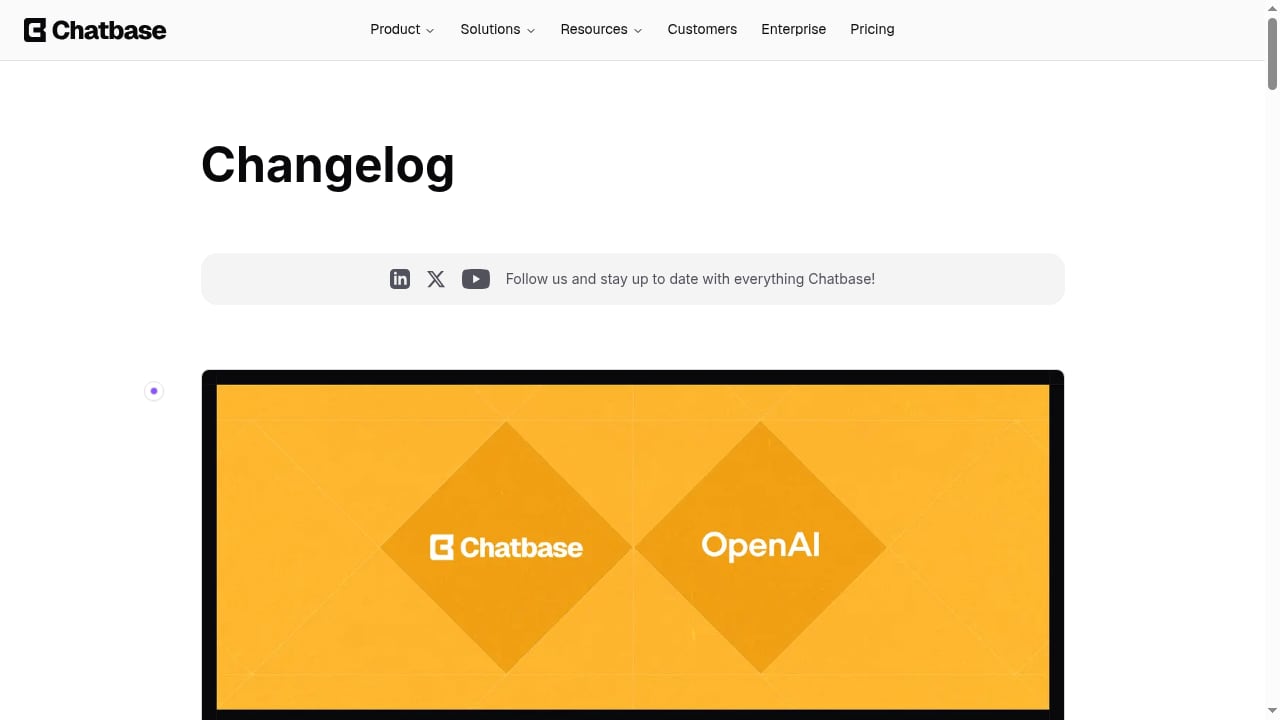
First viewport screenshot of www.chatbase.co.
| Criterion | HelpLook | Chatbase | Document360 |
|---|---|---|---|
| Primary focus | AI knowledge base, help center, and content portal | AI customer experience and support agents | AI knowledge base and documentation |
| Best for | Teams that want a branded help center with AI search and chatbot | Teams that want conversational AI agents across channels | Teams that need deep documentation workflows and governance |
| No-code builder | Yes | Yes | Yes |
| AI chatbot | Yes, with GPT-3.5/4.0 and Wenxin Yiyan | Yes, multi-model (OpenAI, DeepSeek, Gemini, Cohere) | Yes (Eddy AI) |
| Multi-channel agents | Chat widget and embeddable AI chatbot | Chat, email, voice, Slack, iMessage | Primarily web knowledge base and chatbot |
| SEO and content portal features | Strong: custom domains, TDK, sitemap, SEO settings | Limited: focused on agent deployment | Moderate: knowledge base SEO features |
| Documentation depth | Good for help centers and manuals | Not a documentation-first tool | Strong: workflows, versioning, API docs |
| Compliance | ISO/IEC 27001 | SOC 2, GDPR | SOC 2, ISO 27001:2022, GDPR |
Search intent: what people actually want from this comparison
People searching for "HelpLook vs Chatbase vs Document360" are usually in one of three situations:
- They need a self-service help center and are weighing an AI-first agent tool against a documentation platform.
- They already have documentation and want to add conversational AI without rebuilding everything.
- They are consolidating tools and want one platform for content, search, and support automation.
The common thread is a decision, not a definition. This article focuses on fit, tradeoffs, and practical next steps rather than feature lists alone.
HelpLook: AI knowledge base with a built-in chatbot
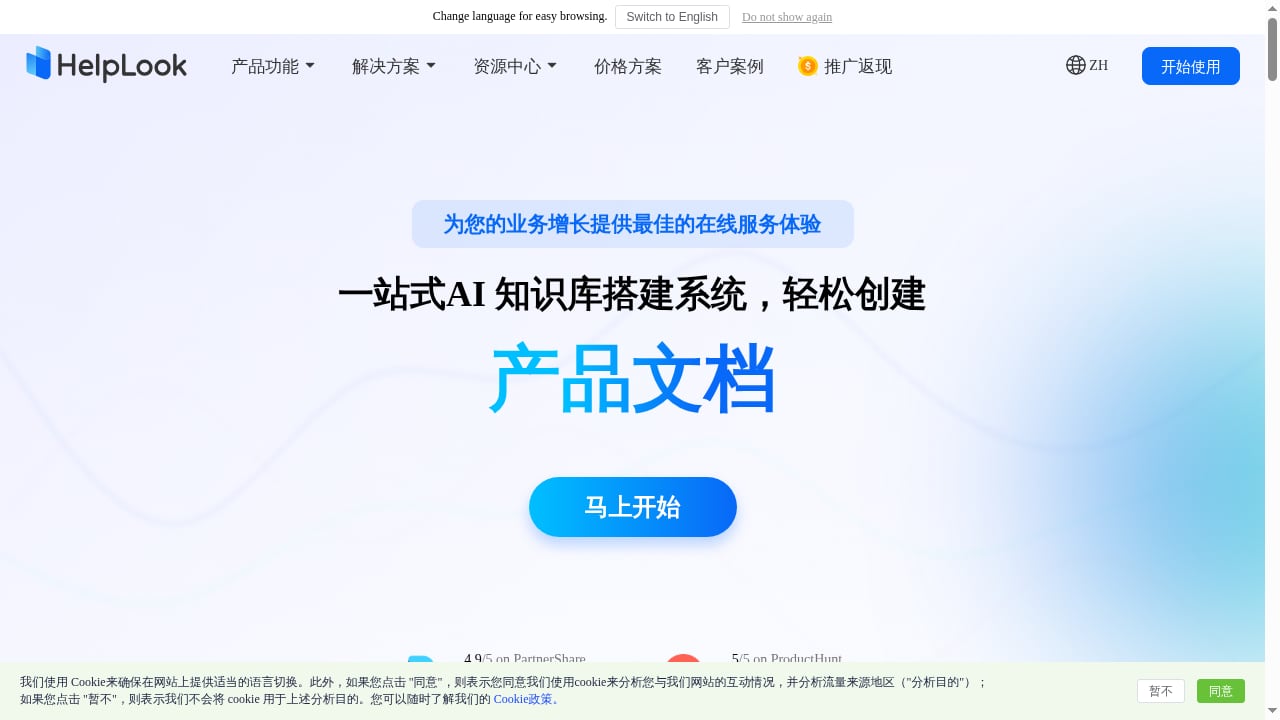
First viewport screenshot of www.helplook.net.
HelpLook is a no-code SaaS platform for building AI-powered knowledge bases, help centers, and content portals. It pairs a WYSIWYG editor (with rich text and Markdown support) with an AI Q&A chatbot and AI-driven site search powered by GPT-3.5/4.0 and Wenxin Yiyan.
Where HelpLook is strong:
- Branded help centers and portals. Custom domains, access controls, and website widgets let you publish a public help center, an internal knowledge base, or a product manual from one platform.
- SEO-friendly content. Built-in TDK settings, sitemap support, and URL customization help documentation rank in search results, which matters if organic traffic is part of your support strategy.
- AI search and chatbot in one place. Users can search or ask questions and get answers drawn from your knowledge base, reducing reliance on human agents.
- Fast setup for non-technical teams. Content creators and operations teams can publish without engineering help.
- Security posture. ISO/IEC 27001 certification and permission management support enterprise use.
Where to look elsewhere: If your priority is deploying voice or email AI agents across many channels, Chatbase is purpose-built for that. If you need advanced documentation workflows, deep versioning, or API documentation at scale, Document360 goes further.
HelpLook reports over 10,000 companies using the platform, a 4.9/5 rating on PartnerShare, and a 5/5 rating on ProductHunt.
Chatbase: AI agents for customer experience
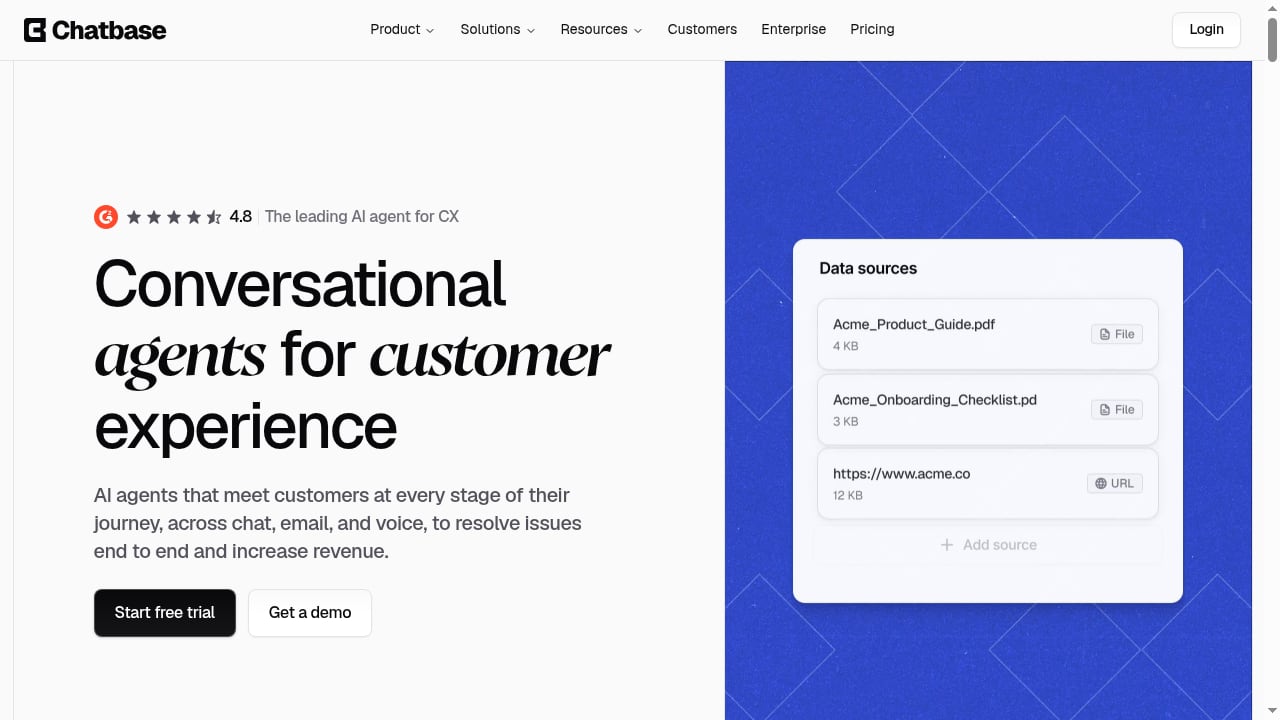
First viewport screenshot of www.chatbase.co.
Chatbase positions itself as an AI customer experience platform for building, deploying, and managing AI agents across chat, email, and voice. It serves over 10,000 businesses and supports three agent types: Customer Support, Sales, and Product Guidance.
Where Chatbase is strong:
- Multi-channel agent deployment. Agents can operate in live chat, email, phone, Slack, and iMessage, not just on a help page.
- Model flexibility. Users can choose from OpenAI, DeepSeek, Gemini, and Cohere models, and train agents on up to 33 million characters of data.
- Testing and rollout controls. Automated testing, A/B testing for gradual rollout, agent-level permissions, and audit logs support team collaboration and enterprise security.
- Compliance transparency. SOC 2 and GDPR commitments, plus a Trust Portal, help with procurement reviews.
- Sales and product guidance use cases. Beyond support, agents can engage prospects and guide product usage.
Where to look elsewhere: Chatbase is not a documentation-first platform. If you need a structured, SEO-optimized knowledge base with long-form articles, versioned manuals, or a content portal, HelpLook or Document360 are better fits. Chatbase also offers a free trial with paid plans (Hobby, Standard, Pro, Enterprise).
Document360: documentation and knowledge management at depth
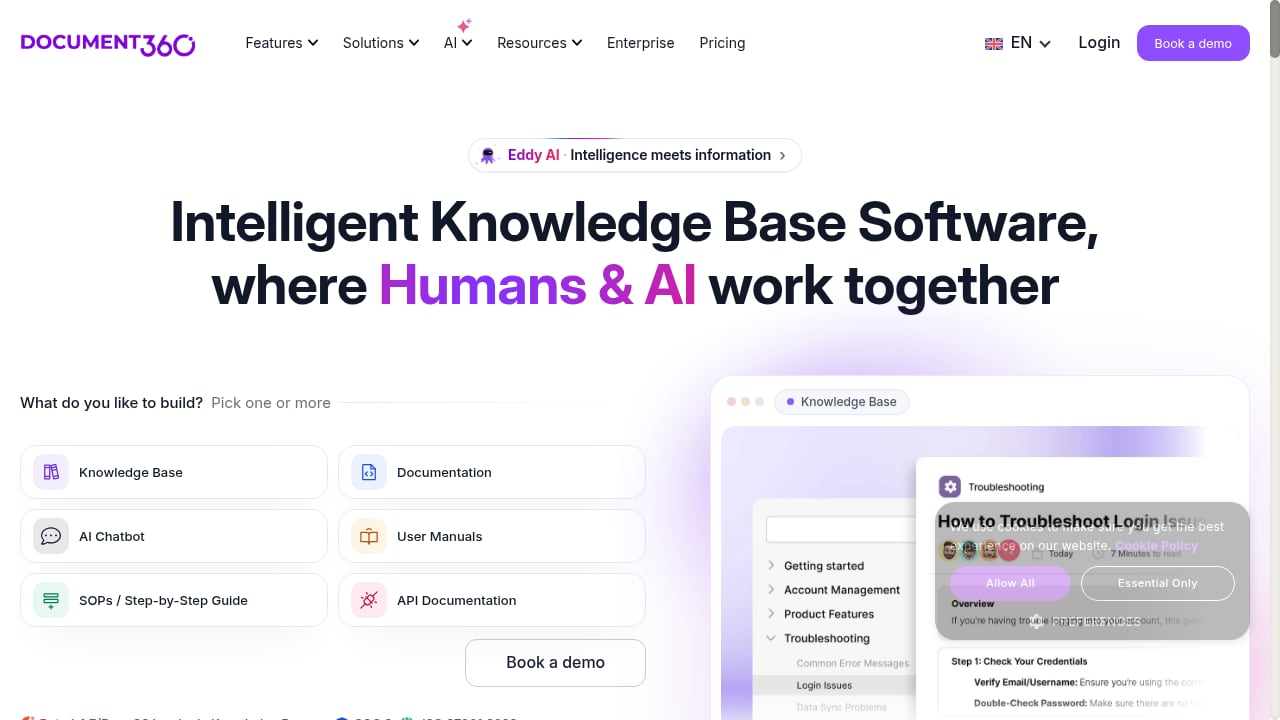
First viewport screenshot of document360.com.
Document360 is an AI-powered knowledge base platform for creating, managing, and delivering documentation. It serves customer support, engineering, education, finance, healthcare, and internal knowledge teams, and is trusted by thousands of businesses across 150+ countries with 8,000+ knowledge bases and 40+ integrations.
Where Document360 is strong:
- Documentation depth. Supports help centers, internal wikis, API documentation, user manuals, and SOPs, with advanced search, decision trees, workflow builder, and analytics.
- AI writing and chatbot. Eddy AI assists with search, chatbot responses, and writing tools.
- Integrations and migration. Connects with Confluence, Zendesk, SharePoint, and others, and emphasizes fast migration and AI-ready documentation.
- Global and compliance reach. Supports 32 languages and is compliant with SOC 2, ISO 27001:2022, and GDPR.
- Single source of truth. Strong for teams that need structured content governance across large documentation sets.
Where to look elsewhere: Document360 pricing is customized, so smaller teams may find it heavier than needed. If you want a lighter, faster-to-launch help center with AI search and chatbot included, HelpLook is a simpler starting point. If you want conversational agents across voice and email, Chatbase is more specialized.
How to choose: decision guidance by use case
You need a public help center that ranks in search
HelpLook is the strongest fit here. Its SEO settings, custom domains, and content portal features are designed for organic discovery. Document360 also supports knowledge base SEO, but its strength is documentation structure rather than marketing-oriented content portals. Chatbase is not built for SEO-driven help content.
You need AI agents across chat, email, and voice
Chatbase is the clear choice. Its agent types, model selection, and channel coverage are built for conversational CX at scale. HelpLook and Document360 offer chatbots, but they are anchored to knowledge base content rather than multi-channel agent orchestration.
You need deep documentation workflows and API docs
Document360 is the best fit. Workflow builder, decision trees, versioning, and integrations support complex documentation programs. HelpLook covers help centers and manuals well, but Document360 goes deeper on documentation governance.
You want one platform for content, search, and chatbot without heavy setup
HelpLook balances these needs. A no-code editor, AI search, and an embeddable chatbot let small teams launch quickly. If you later need multi-channel agents, you can layer Chatbase on top; if documentation complexity grows, Document360 becomes more relevant.
You are consolidating tools and need compliance clarity
All three offer meaningful compliance coverage: HelpLook with ISO/IEC 27001, Chatbase with SOC 2 and GDPR, and Document360 with SOC 2, ISO 27001:2022, and GDPR. Match the certification to your procurement requirements rather than assuming one is universally stronger.
Practical examples
- SaaS product with a growing help center. A SaaS team publishes articles in HelpLook, uses AI search to deflect repetitive tickets, and tracks search keywords to find content gaps. If voice support becomes a priority, they add Chatbase for phone agents.
- E-commerce brand with product manuals. HelpLook's branded portal and SEO settings help product manuals rank and reduce pre-sale questions. Document360 would be overkill unless the manuals require complex versioning.
- Enterprise with API documentation. A engineering-led organization uses Document360 for API docs and internal wikis, then evaluates Chatbase for email and voice support automation where documentation alone does not resolve tickets.
Related reading
- HelpLook vs SAAS First: AI Knowledge Base or Help Desk? - Compare HelpLook and SAAS First for AI knowledge base vs help desk needs. See features, strengths, tradeoffs, and which fits your support stack.
- How to Use HelpLook with Aircall: Workflow & Setup - Connect HelpLook's AI knowledge base with Aircall to speed up call resolution, automate ticket creation, and give agents instant answers. Setup steps inside.
FAQ
Is HelpLook a replacement for Chatbase?
Not exactly. HelpLook combines a knowledge base with an AI chatbot and search, which covers many self-service needs. Chatbase specializes in multi-channel AI agents for chat, email, and voice. If you need voice or email agents, Chatbase is the better fit; if you need a branded, SEO-friendly help center, HelpLook is.
Is Document360 better than HelpLook?
It depends on documentation depth. Document360 offers deeper workflows, versioning, and API documentation features. HelpLook is lighter, faster to launch, and stronger for SEO-oriented help centers and content portals. Teams with complex documentation programs often prefer Document360; smaller teams often prefer HelpLook.
Can I use Chatbase with a knowledge base?
Yes. Chatbase agents can be trained on your content, and you can connect data sources. Many teams run a knowledge base for structured content and use Chatbase for conversational channels. The two can complement each other rather than compete.
Which platform is best for SEO?
HelpLook has the most explicit SEO tooling among the three, including TDK settings, sitemap support, and URL customization. Document360 supports knowledge base SEO but is documentation-first. Chatbase is not designed as an SEO content platform.
Do all three support no-code setup?
Yes. HelpLook, Chatbase, and Document360 all offer no-code builders. The difference is in what you are building: a help center and content portal (HelpLook), conversational agents (Chatbase), or structured documentation (Document360).
Conclusion
HelpLook, Chatbase, and Document360 solve related but distinct problems. HelpLook is the best fit when you want a branded, SEO-friendly knowledge base with AI search and a chatbot in one no-code platform. Chatbase leads when conversational AI agents across chat, email, and voice are the priority. Document360 is the strongest choice for deep documentation workflows, API docs, and governance at scale.
Start with your primary use case, then check compliance and integration requirements. If you are still weighing options, see our Chatbase review for 2026 and our comparison of HelpLook vs Document360 vs eGain for a broader view. For a wider market scan, the top 10 AI documentation and knowledge base platforms puts these tools in context.
Sources: