
HelpLook vs Documentation.AI vs DocsBot: AI Knowledge Base Showdown
AI-powered knowledge bases have transformed how teams create documentation, resolve support tickets, and onboard users. But with so many platforms emerging, choosing the right one can feel paralyzing. Three names you've probably come across are HelpLook, Documentation.AI, and DocsBot. All offer AI smarts, but they target very different needs.
At HelpLook, we've broken down the core strengths, ideal use cases, and hidden trade-offs of each. Whether you need a public‑facing help center with strong SEO, a developer‑first API documentation hub, or a chatbot that automates your customer support, this comparison will help you decide.
Quick Overview & Comparison Table
HelpLook vs Documentation.AI vs DocsBot: AI Knowledge Base Showdown product interface and feature overview.
Before we dive deep, here’s a snapshot of how these three platforms stack up.
| Criteria | HelpLook | Documentation.AI | DocsBot |
|---|---|---|---|
| Best for | Customer‑facing knowledge bases, internal wikis, e‑commerce help centers | Product teams & developers building API docs, user guides, and scalable knowledge bases | Customer support teams wanting to automate answers and actions with AI chatbots |
| AI Capabilities | AI search, chatbot with OpenAI/ERNIE Bot integration, personalized answers | AI Documentation Agent that writes, updates & formats content; AI Assistant for instant cited answers | AI chatbots trained on 28+ source types, smart escalation, pre‑sales lead capture |
| Ease of Setup | No‑code, templates, custom domain, embeddable widget in minutes | Web editor or docs‑as‑code via Git; ready‑to‑publish templates | No‑code widget, connects to existing helpdesk & content sources, quick training |
| Pricing (Starting) | Free plan available; paid from $7/month per project | Free tier; paid plans scale to enterprise (custom) | Free plan; business plans up to $499/month |
| Key Integrations | OpenAI, ERNIE Bot, Azure (AI models); custom domain & widget | Git (docs‑as‑code), LLM‑ready structure, API references | Zapier (7000+ apps), helpdesk, Notion, Confluence, Slack, APIs |
| Content Authoring | Rich editor with templates, collaboration, analytics | AI‑assisted writing, auto‑updating documentation | Train on existing content; no native long‑form editor |
| SEO & Multilingual | Built‑in SEO optimization, custom TDK, sitemap, multi‑language translation | Basic SEO controls; not a primary focus | Multilingual support for bot responses |
| Customer Support Automation | AI chatbot for self‑service, but primarily a knowledge base product | AI Assistant answers questions within docs; limited standalone bot | Fully automated support chatbots, smart handoff, lead capture |
Who Should Choose HelpLook?

HelpLook vs Documentation.AI vs DocsBot: AI Knowledge Base Showdown product interface and feature overview.
HelpLook shines when you need a polished, public knowledge base that also embeds seamlessly into your website. Unlike developer‑centric tools or chatbot‑only platforms, HelpLook gives you a complete content management experience with an AI‑powered search layer on top.
Where HelpLook clearly leads:
- SEO & Discoverability. HelpLook is built to rank. You can customize Title, Description, Keywords for every page, manage URL slugs, and generate sitemaps. This makes your help center a traffic‑generating asset—not a siloed support corner.
- Multilingual content management. Native translation features let you serve audiences in Portuguese, German, Vietnamese, and more, without juggling multiple tools.
- Cost‑effective all‑in‑one platform. With a free tier and plans starting at $7 per month, HelpLook gives you a knowledge base, blog, and embeddable widget in one solution—ideal for startups and scaling businesses.
- Ready‑to‑launch templates. No design skills needed. You pick a template, tweak branding, and publish. This drastically speeds up deployment compared to tools that require heavy customization.
If your priority is a search‑optimized, customer‑facing knowledge hub that also delivers AI‑powered answers, HelpLook is the strongest contender. For a broader view of how it fits into the market, see our ranking of top AI knowledge base software.
When Documentation.AI Makes More Sense
HelpLook vs Documentation.AI vs DocsBot: AI Knowledge Base Showdown product interface and feature overview.
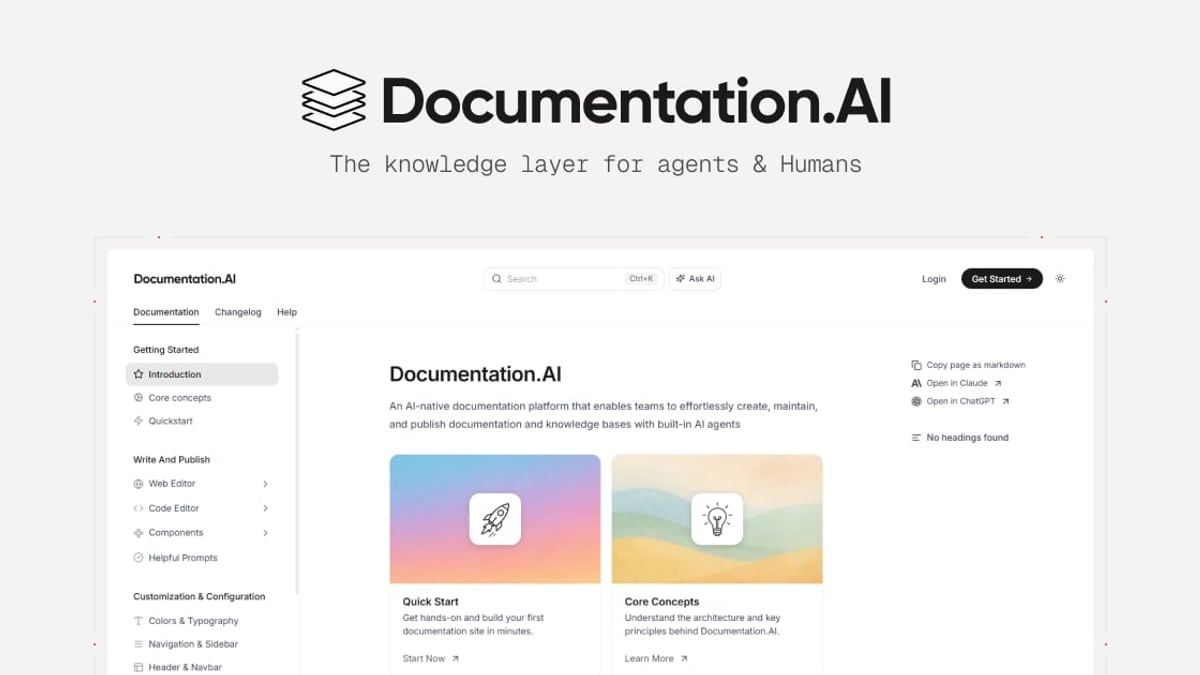
Documentation.AI is built for product and engineering teams that live in code. If your days involve pushing API updates, managing versioned developer docs, and needing documentation that auto‑updates with your releases, this platform is purpose‑made for you.
Strengths of Documentation.AI:
- AI‑driven content freshness. The AI Documentation Agent doesn't just generate drafts—it monitors your product and suggests updates so your docs never go stale. This is a lifesaver for fast‑moving SaaS teams.
- Docs‑as‑code workflow. Git integration means developers can write, review, and deploy docs just like code. This fits naturally into existing CI/CD pipelines.
- API‑first design. Interactive API references, code snippets, and LLM‑ready structures make your documentation usable by both humans and AI agents—increasing adoption among technical audiences.
Documentation.AI focuses on developer documentation excellence. It’s not trying to be a support ticketing system or a marketing blog. For a deeper look at how it compares against other enterprise tools, read our HelpLook vs Documentation.AI vs Zendesk analysis.
Why DocsBot Wins for Customer Support Automation
HelpLook vs Documentation.AI vs DocsBot: AI Knowledge Base Showdown product interface and feature overview.
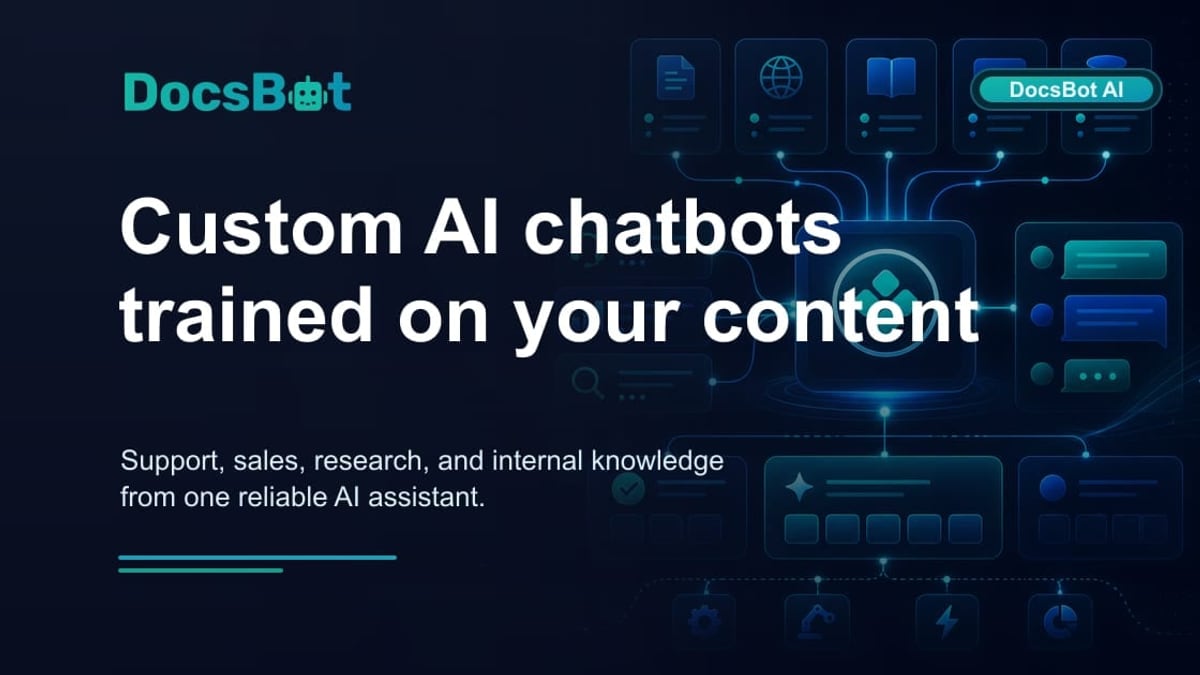
DocsBot flips the script: it starts with the AI chatbot, not the knowledge base. You train it on your existing helpdesk tickets, Notion docs, Confluence pages, PDFs, and websites, then deploy it as a front‑line support agent or sales concierge.
Where DocsBot separates itself:
- Omnichannel chatbot with reasoning. DocsBot’s AI doesn't just parrot articles—it can escalate complex queries to a human, capture leads, and even trigger actions via Zapier.
- Massive source connectivity. It ingests over 28 source types, so you can unify knowledge scattered across Slack, Freshdesk, Notion, and more into one answer engine.
- Smart ticket reduction. Many users report significant decreases in repetitive support requests, because the bot resolves questions instantly with accurate, cited responses.
DocsBot is ideal if your primary pain point is reducing support load, not publishing polished help articles. For businesses weighing purely chatbot‑focused alternatives, our review of the top AI chatbot software offers additional insights.
Feature Deep Dive
AI Search & Answer Quality
All three tools use AI to surface answers, but their approaches differ.
- HelpLook embeds AI search directly into your knowledge base, leveraging models like OpenAI and ERNIE Bot to deliver context‑aware results and even generate instant answer snippets within the widget.
- Documentation.AI provides an Ask AI assistant that cites specific documentation sections, ensuring developers get exact technical details without leaving the docs.
- DocsBot trains a dedicated bot on your entire knowledge ecosystem and can maintain conversation context across multiple turns—more akin to a support agent than a static search bar.
In broader testing of AI documentation assistants, reviewers at eesel.ai noted that the best tools simulate answers against real historical tickets before they go live. That approach is most mature in the DocsBot ecosystem.
Content Creation & Maintenance
- HelpLook is built around a WYSIWYG editor with templates and collaboration features. It expects you to create articles manually, but then amplifies them with AI search.
- Documentation.AI reduces manual effort by using AI to suggest, draft, and even auto‑format articles. Its Git sync keeps content aligned with product releases, a huge advantage for documentation that changes frequently.
- DocsBot does not offer a native content editor. Instead, you feed it existing documents, PDFs, and ticket histories; the AI learns from that material to answer questions.
Customization & Branding
- HelpLook lets you build a fully branded site with custom domain, CSS adjustments, and widget styling. This is critical for customer‑facing portals that must match company identity.
- Documentation.AI offers clean, responsive templates that look professional out of the box, but deep design flexibility may require custom code.
- DocsBot focuses on customizing the chatbot widget—colors, avatars, welcome messages—so it feels native on your site or app.
Integrations & Ecosystem
- HelpLook integrates at the AI model level, giving you flexibility in the underlying intelligence. It’s designed to be your publishing hub, not a connector to other enterprise apps.
- Documentation.AI plugs into Git‑based workflows and structures content for LLMs, which matters if you’re building public APIs.
- DocsBot wins on breadth of integrations, connecting to over 7,000 apps via Zapier and natively to helpdesks like Zendesk and Intercom. This makes it easy to embed into existing support stacks.
Pricing Transparency & Value
All three offer a free tier, but value depends on your usage pattern.
- HelpLook starts at $7/month for a full knowledge base project, making it the most affordable way to launch a branded help center with AI search.
- Documentation.AI offers a free starter plan, but enterprise features like SSO and custom SLAs require a custom quote—typical for developer‑focused documentation platforms.
- DocsBot scales up to $499/month for business plans with advanced automation. If you handle thousands of support chats, the ROI can be immediate; for smaller teams, the cost may outweigh the benefit of a simpler knowledge base tool.
Decision Matrix: Which One Fits You?
Use this quick reference to match your primary need to the right platform.
| Your Situation | Recommended Tool | Why |
|---|---|---|
| I need a public help center that ranks in Google and supports multiple languages. | HelpLook | Built‑in SEO, translation, and affordable content management |
| My team manages developer docs, API references, and wants docs‑as‑code. | Documentation.AI | AI‑powered updating, Git sync, API‑first design |
| I want to deflect support tickets with an AI chatbot trained on my existing content. | DocsBot | Advanced chatbot automation, smart escalation, wide source integration |
| I need a hybrid—a knowledge base with a decent chatbot, but budget matters. | HelpLook | Combines content management with AI search in one low‑cost plan |
| I’m a product team releasing weekly and can’t keep docs current manually. | Documentation.AI | AI Documentation Agent auto‑generates and updates content |
Related reading
- HelpLook vs GitBook: AI Knowledge Base Comparison 2026 - HelpLook vs GitBook compared in 2026: ease of use, AI search, analytics, payment flexibility, and pricing. See why HelpLook's all-in-one knowledge base suits business teams better.
- Bloomfire Review 2026: AI Knowledge Management Tested - Read our evidence-based Bloomfire review covering AI search, governance, pricing signals, and real user ratings. Learn if this enterprise knowledge platform fits your team.
- ChatBot.com Review 2026: Is the AI Chatbot Platform Worth It? - In-depth ChatBot.com review: test results on flow builder, AI accuracy, pricing ($19–$499/mo), pros & cons, and ideal use cases. Read before signing up.
Sources and further reading
- HelpLook VS Document360: Which is Better for Knowledge Base Management? - Knowledge Base Management: HelpLook vs. Document360. Explore features, pricing, and more. HelpLook offers affordability, versatility, SEO optimization, AI search, and multi-language support.
- You're moving at the speed of light! - Docbot - Crunchbase Company Profile & FundingCrunchbasehttps://www.crunchbase.com › organization › docbotCrunchbasehttps://www.crunchbase.com › organization › docbot
Frequently Asked Questions
Can I use HelpLook’s AI chatbot for full customer support like DocsBot?
HelpLook’s AI widget answers questions instantly within your knowledge base, but it’s not designed as a standalone support bot that integrates deeply with ticketing systems or triggers automations. For advanced support workflows, DocsBot or a dedicated chatbot platform would be more suitable.
Is Documentation.AI good for non‑developer teams?
It can work for product‑savvy writers, but its power really unlocks when you use Git, API references, and LLM‑ready structures. Non‑technical teams may prefer HelpLook’s simpler, template‑driven editor.
How does DocsBot handle multiple languages?
DocsBot supports multilingual queries and can be trained on content in different languages. However, it does not offer a content translation management system like HelpLook; you’ll need to provide the multilingual content yourself.
Which tool is easiest to set up?
HelpLook stands out for instant deployment—choose a template, add content, and connect a custom domain. DocsBot is also quick to train on existing sources, while Documentation.AI may require more configuration if you want Git integration.
Are there any hidden costs?
All three platforms are transparent. The biggest cost variable is usage. With HelpLook, you pay per project; with Documentation.AI and DocsBot, enterprise features and high API usage can increase the bill. Always check the plan limits for AI interactions.
The Bottom Line
HelpLook, Documentation.AI, and DocsBot each solve different parts of the knowledge management puzzle. If you need a beautiful, SEO‑friendly knowledge base that anyone can manage without coding, HelpLook is the clear winner. If your world revolves around developer docs that stay in sync with code, Documentation.AI is unmatched. And if your goal is to automate customer support conversations using the content you already have, DocsBot is the tool to beat.
Choosing the right one comes down to whether your biggest pain point is creating content, organizing it, or turning it into automated answers. Identify that, and your decision becomes straightforward.