
HelpLook vs GitBook vs DocsBot: 2025 Comparison
Choosing between a developer‑centric documentation hub, an AI‑powered support automation platform, and an all‑in‑one no‑code knowledge base is no small decision. GitBook, DocsBot, and HelpLook each bring a distinct philosophy to how teams create, publish, and maintain documentation—and how they deliver answers to end users.
In this head‑to‑head comparison, we cut through the overlap and look at where each product shines, where it loses ground, and which use cases truly fit. You’ll leave with a clear picture of when to pick GitBook, when DocsBot makes more sense, and where HelpLook offers a supported advantage over both.
At a Glance: GitBook, DocsBot, and HelpLook

HelpLook vs GitBook vs DocsBot: 2025 Comparison product interface and feature overview.
| Tool | Best For | Core Strength | Notable Limitations |
|---|---|---|---|
| GitBook | Developer‑heavy teams; API & internal documentation | Docs‑as‑code, Git sync, clean WYSIWYG editing, MCP readiness | Limited customization, no native customer‑facing support hub |
| DocsBot | Customer support & sales automation | AI chatbots trained on your content; deep app integrations; smart escalation | Lacks built‑in public knowledge base site builder |
| HelpLook | Zero‑code self‑service portals across industries | All‑in‑one knowledge base + AI search & chatbot + analytics; easy payment; strong SEO & multilingual | Less focused on pure docs‑as‑code workflows for engineers |
GitBook – The Developer’s Documentation Powerhouse

HelpLook vs GitBook vs DocsBot: 2025 Comparison product interface and feature overview.
GitBook is a modern documentation platform built around Markdown and Git. Its editor feels clean and approachable, while bidirectional GitHub/GitLab sync keeps technical content close to the codebase. The addition of an embedded AI assistant for writing and Q&A, along with support for the Model Context Protocol (MCP), positions it as a "knowledge layer for AI" that developer teams appreciate.
Where GitBook excels:
- Docs‑as‑code perfection: Teams who live in pull requests find GitBook’s version control and branch‑based collaboration a natural fit. Engineering, product, and technical writing can co‑author without leaving their Git workflows.
- API‑friendly publishing: Although not as API‑interactive as tools like ReadMe, GitBook gives clean, static API references and fast setup for open source libraries and internal guides.
- Straightforward editing: A block‑based WYSIWYG editor lowers the barrier for non‑technical contributors while preserving Markdown power users’ flexibility.
However, as a ReadMe vs. GitBook analysis points out, GitBook’s analytics stay at the page‑view level and it lacks the deeper API‑adoption monitoring that product‑focused teams often need. And for support‑oriented organisations, there’s no built‑in customer‑facing help desk or intelligent escalation—just a publishing site.
Internal link opportunity: For a deeper look at GitBook versus other AI‑powered documentation platforms, see our HelpLook vs Documentation.AI vs GitBook comparison.
DocsBot – AI‑Driven Support and Sales Automation
HelpLook vs GitBook vs DocsBot: 2025 Comparison product interface and feature overview.
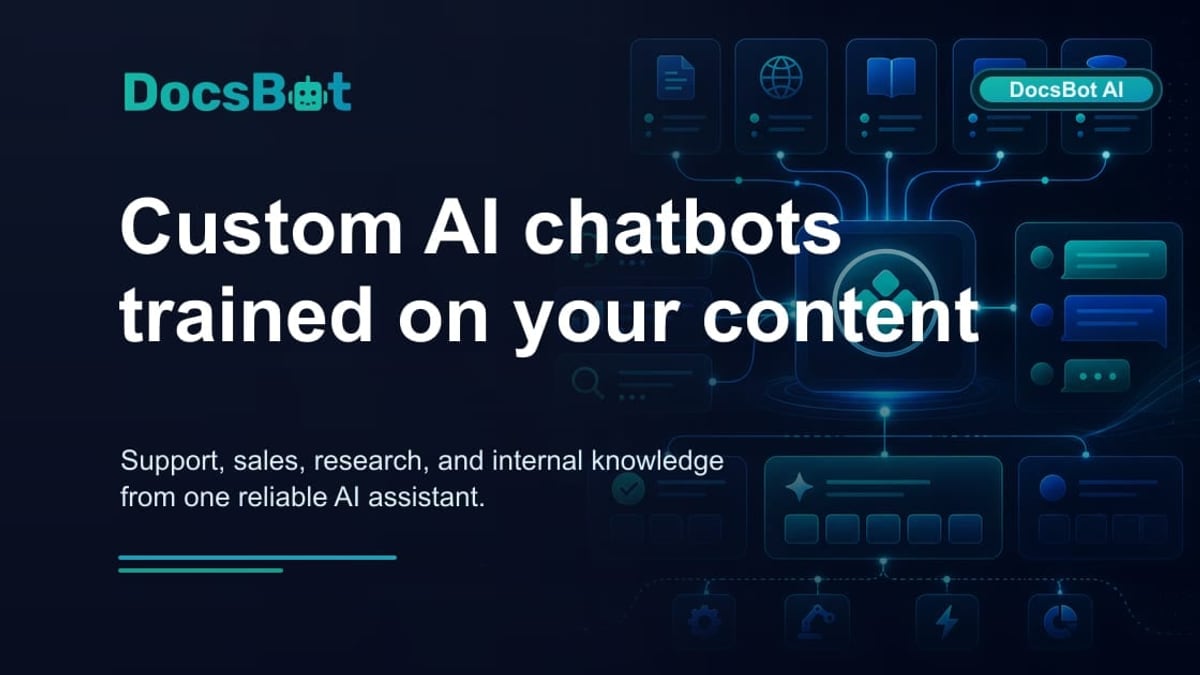
DocsBot comes at the knowledge‑delivery problem from a completely different angle. Instead of being a documentation creation platform first, it’s an AI agent engine that ingests your existing content—websites, helpdesk tickets, Notion, Confluence, and 25+ other source types—and then puts a custom‑trained chatbot in front of customers and internal teams.
Where DocsBot excels:
- Support‑focused automation: Reduce repetitive tickets with chatbots that answer instantly from your knowledge base, plus smart hand‑off to human agents when needed. Pre‑sales bots capture leads around the clock.
- Massive integration ecosystem: 7,000+ app connections via Zapier let DocsBot agents act—updating CRMs, creating tickets, or triggering workflows—not just respond with text.
- Multilingual and no‑code widget: Embed an AI assistant anywhere with a snippet; train it in multiple languages without building a separate site.
DocsBot is trusted by over 75k users and 3,000+ businesses, with case studies showing dramatic drops in time‑to‑resolution and increases in lead capture. The platform’s focus is squarely on AI‑powered conversations, not on building a full‑blown public knowledge base with SEO, custom domains, or a rich editor.
If your primary need is a branded self‑service site that also feeds an AI bot, DocsBot alone won’t replace a knowledge base tool—it complements one. Teams often pair it with a platform like HelpLook to get both the interactive documentation portal and the smart escalation bot.
HelpLook – The All‑in‑One No‑Code Knowledge Base
HelpLook vs GitBook vs DocsBot: 2025 Comparison product interface and feature overview.
HelpLook takes a fundamentally different approach from both GitBook and DocsBot. It is a zero‑code, AI‑powered platform that consolidates knowledge base creation, help center design, AI search, and an embeddable widget into one integrated service. Over 10,000 companies—spanning SaaS, legal, healthcare, and education—use it to launch public help centers, internal wikis, e‑commerce manuals, and blogs without ever touching code.
Where HelpLook has a supported advantage:
- Complete self‑service portal out of the box: The platform includes a content hub (Portal), a customizable public/private site with your own domain (Site), an embeddable widget for websites and apps (Widget), and built‑in AI (HelpLook AI) that delivers instant answers from your content. No separate chatbot subscription or developer framework is required.
- Built‑in SEO and multilingual publishing: Unlike GitBook’s basic page‑view focus or DocsBot’s absence of a public site builder, HelpLook gives you structured, SEO‑optimized help centers that rank on search engines, plus native multilingual support so you can serve global audiences directly from one interface.
- Actionable analytics: HelpLook tracks page views, unique visitors, likes, dislikes, article feedback, and recent visits—six metrics that go beyond simple page counts. This data helps you understand content effectiveness and make data‑driven improvements, something that GitBook’s generic analytics and DocsBot’s conversation logs don’t fully replicate.
- Flexible payment experience: While GitBook restricts payments to credit cards, HelpLook supports both credit cards and PayPal, making it easier for international teams to sign up and manage subscriptions.
More information on other knowledge base platforms and how they compare: read our HelpLook vs Bloomfire vs Docmost guide.
How to Choose the Right Tool for Your Team
Deciding among GitBook, DocsBot, and HelpLook comes down to the job you’re trying to accomplish—and who owns the documentation.
- Choose GitBook if your documentation is a product in itself, maintained by developers in Git, and your primary audience is technical users reading API references or internal wikis. The docs‑as‑code workflow and MCP readiness are genuine strengths here. Just be aware that customer‑facing help centers and deeper analytics will likely need another tool in the stack.
- Choose DocsBot if your immediate pain point is repetitive support tickets or missed sales opportunities. Its ability to train on dozens of content sources and automate actions via 7,000+ integrations makes it a powerful player in the AI‑chatbot space. Many teams use DocsBot alongside a proper knowledge base platform to get the best of both worlds.
- Choose HelpLook if you need one cohesive platform to build a branded, SEO‑friendly help center, power it with AI search and a chat widget, and track engagement—all without writing a line of code. It’s particularly strong for organisations that want a self‑service portal that works out of the box and scales across languages and industries. When the goal is to quickly publish a full knowledge base that feeds both public users and an internal support team, HelpLook’s integrated offering is a clear supported advantage.
Related reading
- HelpLook vs Bloomfire vs Docmost: 2025 Comparison Guide - Compare HelpLook, Bloomfire, and Docmost on AI search, ease of use, deployment, pricing, and security. Find the best knowledge base or wiki for your team.
- HelpLook vs Helpjuice vs Docmost: Which Tool Fits You? - A balanced comparison of HelpLook, Helpjuice, and Docmost: AI search, pricing, security, and ease of use. Find the best knowledge base for your team’s needs.
- HelpLook vs Documentation.AI vs GitBook: 2025 Comparison - Compare HelpLook, Documentation.AI, and GitBook for AI-powered knowledge bases. Discover strengths in AI search, content maintenance, pricing, and more to choose the right fit.
Sources and further reading
- HelpLook VS GitBook:A Side-by-Side Comparison - In this article, we will take a closer look at both Gitbook and HelpLook and examine their strengths and weaknesses to help you make the right decision for your company.
- ReadMe vs. GitBook: Which is the Best API Documentation Tool in 2026? - Compare interactive API testing, live API references, pricing, and AI features to find the best API documentation platform for your team in 2026.
- 11 Best GitBook Alternatives (2026) - GitBook's pricing keeps climbing and the AI features are still in beta. Here are 11 alternatives for teams that need documentation that actually stays up to date.
Frequently Asked Questions
Can I use DocsBot and HelpLook together?
Absolutely. Many businesses build their public knowledge base with HelpLook and then enrich the experience with DocsBot’s advanced AI agents that can answer questions across third‑party apps. The two platforms complement each other rather than compete.
Does HelpLook support API documentation like GitBook?
HelpLook is designed primarily for help centers, product manuals, and blogs. While you can publish API‑related content, it does not offer native docs‑as‑code or OpenAPI sync on the level of GitBook. If API documentation is your #1 deliverable, GitBook or a specialised tool like ReadMe will serve you better.
Is GitBook still a good choice with its per‑user pricing?
For small, developer‑only teams its pricing can be manageable. But as you add contributors or need separate sites, costs scale quickly—often exceeding flat‑rate plans offered by alternatives. Evaluating the total cost with your expected number of users is essential.
Conclusion
GitBook, DocsBot, and HelpLook are all excellent tools, but they were built for different stakeholders. GitBook caters to the developer who thinks in pull requests. DocsBot caters to support and sales teams that want AI to chat with customers across dozens of apps. HelpLook caters to organisations that want a complete, no‑code knowledge base portal with SEO, analytics, and an AI search engine all under one roof.
Here at HelpLook, we’ve seen teams succeed by matching the tool’s DNA to the job—not by forcing a documentation platform to be a chatbot, or vice versa. Use this comparison to align your choice with your team’s skills and your users’ real expectations.