
HelpLook vs HelpCenter.io vs Archbee: Which Knowledge Base Fits Your Team?
Choosing between HelpLook, HelpCenter.io, and Archbee can feel like picking between three tools that all promise the same thing: fewer support tickets, faster answers, and a knowledge base your customers actually use. But under the surface, each platform is built for a different type of team.
HelpLook positions itself as an AI-powered knowledge base and help desk for businesses that want a no-code self-service portal. HelpCenter.io focuses on grounded AI answers and contextual help widgets that keep users in flow. Archbee targets technical and product teams that need documentation portals with branching, versioning, and API docs support.
This comparison breaks down where each tool shines, where it falls short, and how to choose based on your team's actual workflow.
Quick Verdict
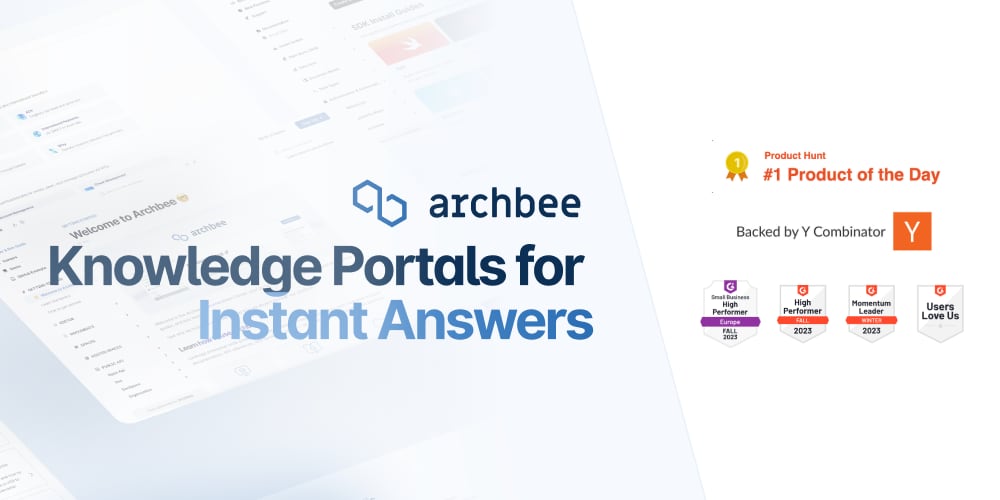
Archbee product interface.
- Choose HelpLook if you want an all-in-one AI knowledge base and help desk with a free tier, built-in chatbot, and no-code site builder for customer or employee portals.
- Choose HelpCenter.io if your priority is reducing support tickets through contextual, AI-grounded help widgets and a flat-rate pricing model that avoids per-seat costs.
- Choose Archbee if you need a developer-friendly documentation portal with branching, reusable content variables, API docs, and strong versioning for technical audiences.
Search Intent and What Buyers Actually Need
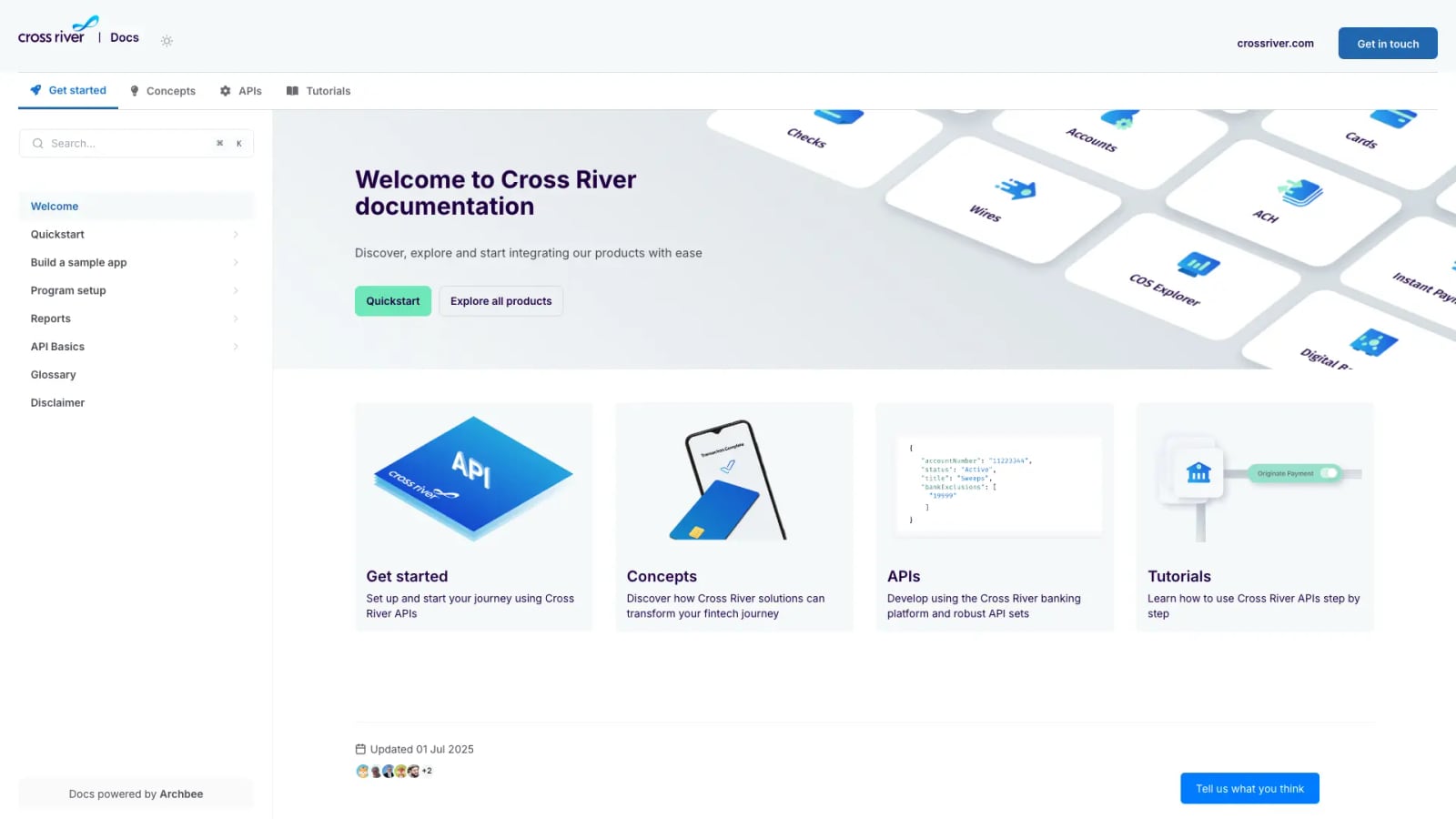
Cross River documentation portal.
People searching for "HelpLook vs HelpCenter.io vs Archbee" are usually evaluating knowledge base platforms for one of three scenarios:
- A support team wants to deflect repetitive tickets with AI answers and a customer-facing help center.
- A product or engineering team needs structured documentation that can scale with versioning and collaboration.
- A small business wants predictable pricing without paying per agent or per seat.
Each platform maps to one of these scenarios more naturally than the others. Here is how they compare across the criteria that matter most.
AI Search and Chatbot Capabilities
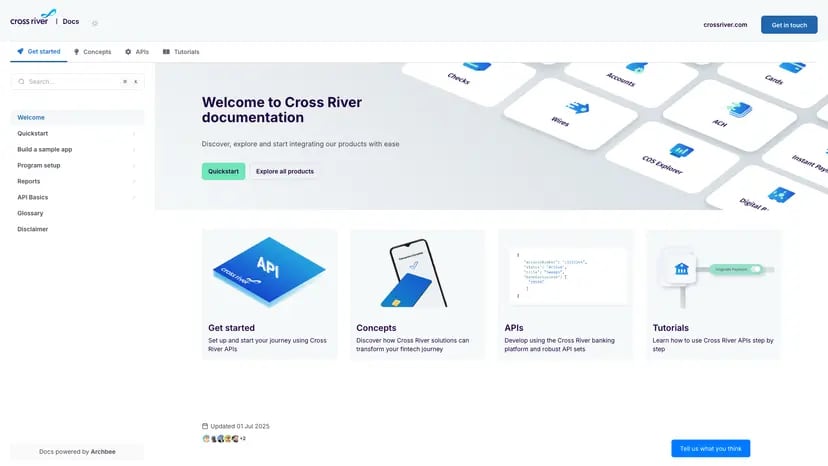
Archbee product interface.
AI has become the centerpiece of modern knowledge base software, but the implementation differs significantly.
HelpLook: AI Search Plus a Built-In Chatbot
HelpLook integrates AI directly into both search and support workflows. The platform connects with leading AI models including OpenAI, ERNIE Bot, and Azure, which gives teams flexibility in how they power automated answers.
The AI capabilities extend beyond search. HelpLook includes an AI-driven chatbot that can analyze customer queries and provide automated responses to repetitive issues. This reduces manual intervention for common questions and helps support teams focus on complex tickets. For businesses that want a knowledge base and a basic help desk in one tool, this combination is a practical advantage.
HelpCenter.io: Grounded AI Answers and Contextual Suggestions
HelpCenter.io takes a different approach to AI. Rather than a standalone chatbot, it emphasizes grounded AI answers that draw directly from your help articles. This reduces the risk of hallucinated responses because the AI is constrained to your approved content.
The platform's AI Widget is its standout feature. It proactively suggests relevant help articles based on the page a user is currently viewing. For ecommerce and SaaS teams, this means customers get answers without leaving the checkout flow or app interface. The contextual nature of this AI assistance is a genuine strength for reducing friction during critical user journeys.
Archbee: AI Writing and Translation Support
Archbee's AI capabilities lean toward content creation rather than customer-facing chat. The platform includes AI-powered writing assistance and translations, which helps documentation teams produce and localize content faster. This is particularly useful for technical teams that need to maintain docs in multiple languages or generate consistent API documentation.
Archbee does not position a customer-facing AI chatbot as its primary feature. Its AI value is in the authoring workflow, not the end-user search experience. For teams that prioritize documentation quality over automated support deflection, this focus makes sense.
Content Creation and Editing Experience
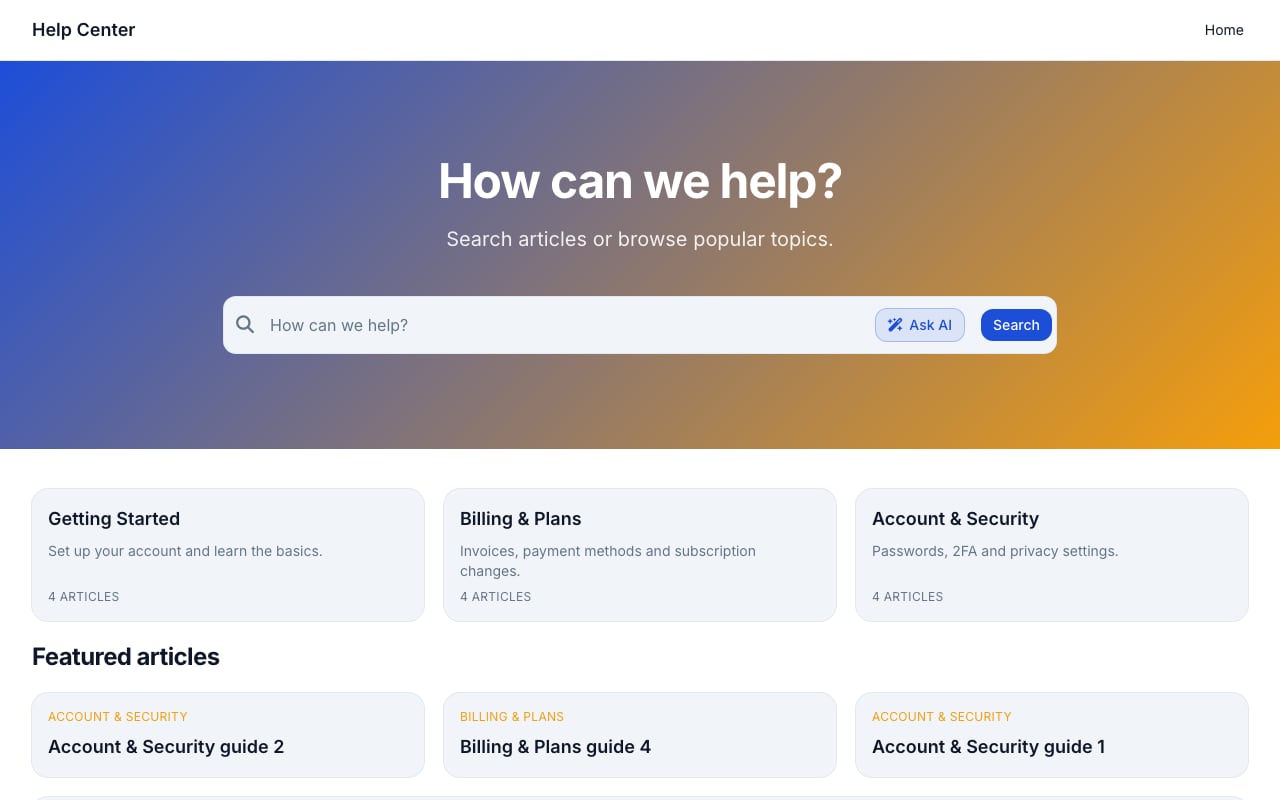
Support Classic help center template.
HelpLook: No-Code Site Builder
HelpLook emphasizes a zero-code, ready-to-use approach for creating help centers and blog websites. The platform is designed so businesses, organizations, and individuals can publish branded content sites without engineering involvement. Customizable site branding and SEO optimization are built in, which matters for teams that want their knowledge base to rank in search results.
The no-code interface lowers the barrier to entry. Support teams can create and update articles without waiting on developers, and the platform supports multiple use cases including customer support knowledge bases, ecommerce product manuals, enterprise blogs, and internal knowledge bases.
HelpCenter.io: Visual Template Editor
HelpCenter.io offers a no-code visual template editor that lets teams customize their help center without touching code. The editor is designed for speed, with pre-built templates that can be adjusted to match brand guidelines.
One practical advantage is the seamless import from Zendesk, Intercom, or Notion. Teams migrating from an existing support stack can bring their content over without manual copy-paste work. Approval workflows add a layer of control for teams that need content review before publishing.
Archbee: Branching, Drafts, and Reusable Variables
Archbee's editing experience is built for documentation teams that need structure and collaboration. Native branching and drafts allow multiple contributors to work on content without overwriting each other's changes. Reusable content variables let teams define a product name or API endpoint once and update it everywhere automatically.
Display rules add conditional content capabilities, which is valuable for documentation that needs to show different information based on user role, plan tier, or region. These features go beyond what a typical help center builder offers and reflect Archbee's positioning as a documentation portal platform rather than a simple FAQ tool.
Pricing and Value
HelpLook: Freemium with AI Credits
HelpLook offers a free tier with 200MB of data storage, making it accessible for small teams and individuals who want to test the platform before committing. Paid plans start from $7 per month, which positions HelpLook as one of the more affordable options in this comparison.
The subscription model includes AI credits and scalable resources, so costs can grow with usage. For businesses that want to start small and scale, the freemium entry point is a practical advantage.
HelpCenter.io: Flat-Rate Alternative
HelpCenter.io positions itself as a flat-rate alternative to per-seat pricing models like Zendesk. This predictable cost structure appeals to teams that are tired of watching their bill grow every time they add an agent or team member.
The platform offers a 14-day free trial with no credit card required and a 100% money-back guarantee. These proof points lower the risk of trying the product, which is especially relevant for small and mid-sized businesses evaluating multiple options.
Archbee: Startup-Friendly Discounts
Archbee offers a 50% discount on any plan for two years through its startup program, which makes it attractive for early-stage companies. The platform is backed by Y Combinator and has built trust with over 3,000 companies.
While Archbee does not publish a simple starting price in the same way HelpLook does, its positioning as a scalable documentation portal means pricing is typically aligned with team size and feature requirements. For technical teams that need versioning, branching, and API documentation, the value proposition justifies the investment.
Use Cases and Team Fit
Customer Support Teams
For customer support teams that want to reduce ticket volume, both HelpLook and HelpCenter.io offer compelling paths. HelpLook's AI chatbot and help desk features provide a more complete support workflow, while HelpCenter.io's contextual AI Widget excels at keeping users in flow and preventing tickets before they are created.
HelpCenter.io's dynamic FAQ embeds are particularly useful for ecommerce teams that want to place answers directly on product pages or checkout flows. The Capterra tracking integration also helps teams measure the impact of their knowledge base on support metrics.
Product and Engineering Teams
Archbee is the clear leader for product and engineering teams. Native branching, versioning, API documentation support, and integrations with GitHub and GitLab align with how technical teams already work. The platform's customer stories highlight real results: Make achieved approximately 92% documentation coverage and 5x faster publishing after adopting Archbee.
HelpLook can serve internal knowledge base use cases, but it does not offer the same depth of versioning and developer-focused features that Archbee provides.
Small Businesses and Startups
HelpLook's free tier and low starting price make it accessible for small businesses that need a professional knowledge base without a significant upfront investment. The platform's support for multiple use cases means a single subscription can cover customer support, product manuals, and internal documentation.
Archbee's startup discount is attractive for funded early-stage companies, while HelpCenter.io's flat-rate pricing appeals to businesses that want predictable costs as they grow.
Feature Comparison Table
| Feature | HelpLook | HelpCenter.io | Archbee |
|---|---|---|---|
| No-code content creation | Yes | Yes | Yes |
| AI chatbot | Yes | Grounded AI answers | Limited |
| Contextual help widget | No | Yes | No |
| Branching and drafts | No | No | Yes |
| Reusable content variables | No | No | Yes |
| API documentation support | Limited | Limited | Yes |
| Multi-language support | Yes | Yes | Yes |
| Custom domain and branding | Yes | Yes | Yes |
| Free tier | Yes | 14-day trial | Startup discount |
| Starting price | $7/month | Flat-rate | Custom |
| GitHub/GitLab integration | No | No | Yes |
How to Choose
Choose HelpLook If...
- You want a free tier to test before paying.
- You need both a knowledge base and basic help desk features.
- You want AI chatbot capabilities with flexible model options.
- Your team has no engineering resources and needs a true no-code solution.
- You are building customer-facing help centers, product manuals, or internal knowledge bases.
Choose HelpCenter.io If...
- Your primary goal is reducing support tickets through contextual help.
- You want grounded AI answers that are constrained to your approved content.
- You are migrating from Zendesk, Intercom, or Notion and want easy import.
- You prefer flat-rate pricing over per-seat costs.
- You serve ecommerce or SaaS customers who need answers without leaving the page.
Choose Archbee If...
- You need versioning, branching, and drafts for collaborative documentation.
- Your team produces API documentation or developer-focused content.
- You want reusable content variables to maintain consistency at scale.
- You use GitHub or GitLab and want documentation integrated with your code workflow.
- You are a startup that can benefit from Archbee's 50% discount program.
Related Comparisons
If you are still evaluating options, these related comparisons may help:
- HelpLook vs Document360 vs Archbee: 2026 Comparison explores how Archbee stacks up against Document360 and HelpLook in more detail.
- HelpLook vs HelpCenter.io vs Mintlify: 2026 Comparison adds Mintlify to the mix for teams considering developer-focused documentation tools.
- HelpLook vs Documentation.AI vs Archbee: 2026 Comparison compares Archbee with AI-first documentation alternatives.
Related reading
- HelpLook vs Document360 vs GitBook: 2026 Comparison - Compare HelpLook, Document360, and GitBook on AI search, content creation, pricing, and ease of use. Find the best knowledge base platform for your team.
- HelpLook vs Stonly vs Docmost: Which Knowledge Base Fits You? - Compare HelpLook, Stonly, and Docmost on AI search, interactive guides, deployment, security, and pricing. Find the right knowledge base for your team.
- HelpLook vs KnowledgeBase vs Docmost: Which Fits You? - Compare HelpLook, KnowledgeBase, and Docmost on AI search, deployment, security, pricing, and ease of use. Find the right knowledge base for your team.
Sources and further reading
- HelpLook | Software Reviews & Alternatives - HelpLook Review: 'HelpLook is a zero-code, ready-to-use tool for creating help centers and blog websites'
- The second number · sourcey - Exact startup software offers, eligibility, and provenance for every vendor discount, credit scheme, and startup tier.
- Kahana | Software Reviews & Alternatives - Crozdesk - Kahana Review: 'Kahana is a collaborative platform that enables experts and teams to monetize their knowledge. Share insights, build communities, and ...
Frequently Asked Questions
Is HelpLook a good alternative to HelpCenter.io?
HelpLook is a strong alternative if you want an AI chatbot, a free tier, and a lower starting price. HelpCenter.io is a better fit if you prioritize contextual help widgets and flat-rate pricing. Both offer no-code content creation and custom branding.
Does Archbee have AI search?
Archbee emphasizes fast search within its documentation portals and includes AI-powered writing and translation features. However, its AI focus is primarily on content creation rather than customer-facing chatbot interactions. If AI search for end users is your priority, HelpLook or HelpCenter.io may be a better match.
Which platform is best for API documentation?
Archbee is the strongest choice for API documentation. It offers native branching, versioning, reusable content variables, and integrations with GitHub and GitLab. HelpLook and HelpCenter.io are better suited for customer-facing help centers and support knowledge bases.
Can I try these platforms for free?
HelpLook offers a free tier with 200MB of storage. HelpCenter.io provides a 14-day free trial with no credit card required. Archbee offers a 50% discount for startups through its startup program, but does not advertise a standard free tier.
Which platform is best for reducing support tickets?
HelpCenter.io is specifically designed for ticket reduction through its contextual AI Widget and grounded AI answers. HelpLook also reduces tickets through its AI chatbot and self-service portal. The best choice depends on whether you prefer proactive contextual suggestions or a standalone chatbot experience.
Conclusion
HelpLook, HelpCenter.io, and Archbee each solve a distinct problem. HelpLook is the most accessible all-in-one option for businesses that want AI-powered self-service without engineering effort. HelpCenter.io is the strongest choice for support teams that want to deflect tickets through contextual, grounded AI assistance. Archbee is the best fit for technical and product teams that need a scalable documentation portal with versioning and developer-friendly features.
The right choice comes down to your primary use case. If you are building a customer help center with AI chatbot support, start with HelpLook. If your goal is keeping users in flow and reducing tickets on ecommerce or SaaS pages, HelpCenter.io deserves a close look. If you are documenting APIs and need collaborative versioning, Archbee is the tool built for that job.