
HelpLook vs Hesk: AI Knowledge Base or Traditional Ticket Desk?
When you search for "HelpLook vs Hesk," you are likely weighing two very different approaches to customer support. HelpLook is an AI-powered knowledge base and help center platform built for self-service, SEO, and content operations. Hesk is a long-running help desk and ticketing system focused on managing support requests through a traditional ticket portal.
This comparison breaks down what each tool does well, where Hesk falls short for modern self-service needs, and how to decide which one fits your team. The goal is not to declare a universal winner but to match the right tool to the right job.
Quick comparison: HelpLook vs Hesk at a glance
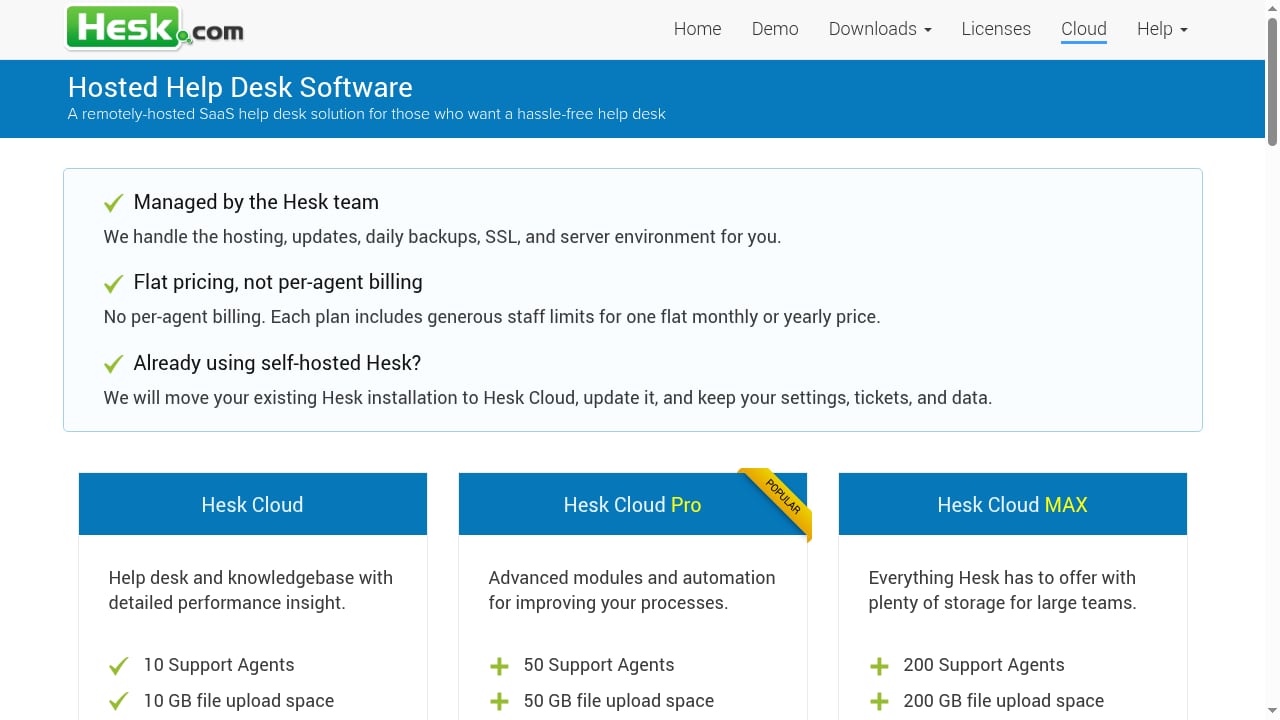
First viewport screenshot of Remote Hosted Help Desk.
| Dimension | HelpLook | Hesk |
|---|---|---|
| Primary focus | AI knowledge base, help center, content portal | Help desk ticketing and customer support portal |
| AI capabilities | AI search and Q&A powered by GPT-3.5/4.0 and Wenxin Yiyan | Not a core feature; Hesk positions itself as prioritizing traditional ticketing over AI |
| Content editing | WYSIWYG and Markdown editor | Knowledge base for publishing guides and common solutions |
| SEO and traffic | SEO settings and analytics built in | Not a primary focus |
| Deployment | No-code SaaS | Free self-hosted PHP script or managed Hesk Cloud |
| Pricing model | Free tier plus subscription plans from ¥99 to ¥499 per month per site | Flat-rate cloud plans; free self-hosted option |
| Best for | Teams building searchable, AI-assisted self-service content | Small and medium teams managing ticket queues |
What HelpLook does well
First viewport screenshot of www.helplook.net.
HelpLook is a no-code SaaS platform for building and optimizing AI-powered knowledge bases, help centers, and content portals. It serves content creators, operations teams, customer support teams, and enterprises across SaaS, legal, healthcare, financial services, and education.
AI search and Q&A that deflect tickets
HelpLook integrates AI-powered search and Q&A with GPT-3.5/4.0 and Wenxin Yiyan. Instead of forcing customers to browse a static FAQ, HelpLook lets them ask questions in natural language and get answers drawn from your knowledge base. This is the core advantage over a traditional ticket portal: many customers can resolve issues without ever opening a ticket.
Branded, SEO-ready help centers
HelpLook includes a customizable portal with a brand domain, SEO settings, and analytics. That means your help content can rank in search engines and drive organic traffic, not just sit behind a support login. For teams that treat documentation as a growth channel, this matters.
Flexible content creation and embedding
A rich text and Markdown editor supports public or private knowledge bases, help centers, product manuals, enterprise blogs, and internal knowledge bases. A website widget lets you embed knowledge bases or AI chatbots directly into your product or site.
Trust and adoption signals
HelpLook reports over 10,000 companies using the platform, a 4.9/5 rating on PartnerShare, a 5/5 rating on ProductHunt, and ISO/IEC 27001 certification for information security. Pricing includes a free tier and subscription plans from ¥99 to ¥499 per month per site.
Where Hesk fits — and where it falls short
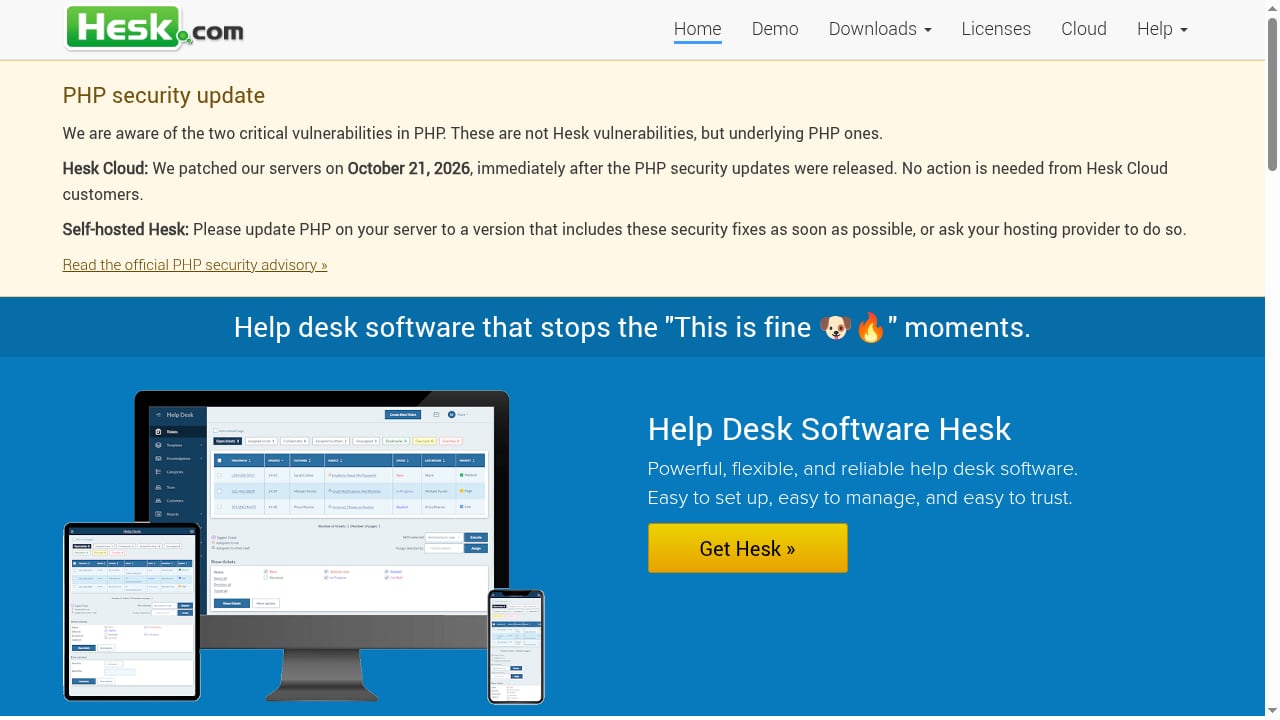
First viewport screenshot of Help Desk Software Hesk - a free PHP help desk.
Hesk is a help desk and customer support ticketing platform available as a free self-hosted PHP script and a managed cloud SaaS solution. It has been maintained for over 21 years and is positioned as powerful, flexible, and reliable, with a focus on simplicity and trust.
Hesk strengths
- Ticket management: Filtering, assignment, prioritization, and tracking.
- Customer-facing ticket portal: A web-based support portal for submitting and tracking requests.
- Flexible web forms: Custom forms for intake.
- Integrated knowledge base: Publishing guides and common solutions.
- Detailed performance statistics: Reporting on support activity.
- Hesk Cloud: Managed hosting, automatic updates, daily backups, SSL, and server maintenance, with data center options in the US, EU, and Australia. The EU-hosted option provides GDPR-compliant data residency, AES-256 encryption at rest, and a Data Processing Agreement.
- Predictable pricing: Flat-rate plans rather than per-agent pricing, with generous staff limits, unlimited tickets, and optional modules like escalation, satisfaction surveys, and recurring tickets. A 90-day money-back guarantee applies to paid cloud subscriptions.
Hesk limitations relative to HelpLook
Hesk's own positioning is telling: it describes itself as a lower-cost alternative to tools like Help Scout for teams that prioritize traditional ticket portals, flexible forms, and predictable costs over omnichannel support, live chat, and AI features. That is an honest framing, and it highlights the gap.
- No native AI Q&A: Hesk does not offer AI-powered search and answer generation as a core capability. Customers must read articles or submit tickets.
- Knowledge base is secondary: Hesk's knowledge base supports ticketing; it is not a full content operations or SEO platform.
- SEO and traffic generation are not a focus: If organic search traffic from help content is part of your strategy, Hesk is not built for that.
- Self-hosted maintenance burden: The free PHP script requires you to manage hosting, updates, and security yourself. Hesk Cloud removes that burden but adds subscription cost.
- Traditional support model: Hesk is optimized for ticket queues, not for deflecting requests through self-service AI.
Pricing and total cost of ownership
HelpLook offers a free tier and subscription plans from ¥99 to ¥499 per month per site. Hesk offers a free self-hosted download and paid cloud subscriptions with flat-rate pricing and a 90-day money-back guarantee.
On the surface, Hesk's free self-hosted option looks cheaper. But total cost includes server hosting, security patching, upgrades, and staff time. Hesk Cloud bundles managed hosting, automatic updates, daily backups, SSL, and server maintenance, which reduces operational overhead but introduces a recurring fee.
HelpLook's SaaS model similarly removes infrastructure work, and its AI capabilities can reduce the volume of tickets your team handles. For teams measuring cost per resolved issue rather than cost per seat, that deflection effect can change the math.
When to choose HelpLook
Choose HelpLook if:
- You want customers to find answers themselves through AI search and Q&A.
- Organic search traffic from help content is part of your growth strategy.
- You need a branded, customizable help center or knowledge base without code.
- You want to embed a knowledge base or AI chatbot into your website.
- You value a free tier to test before committing to a paid plan.
- You are building internal knowledge bases, product manuals, or enterprise blogs alongside customer support content.
For a broader look at how AI knowledge bases compare with other platforms, see our HelpLook vs HelpSite vs Guru comparison.
When to choose Hesk
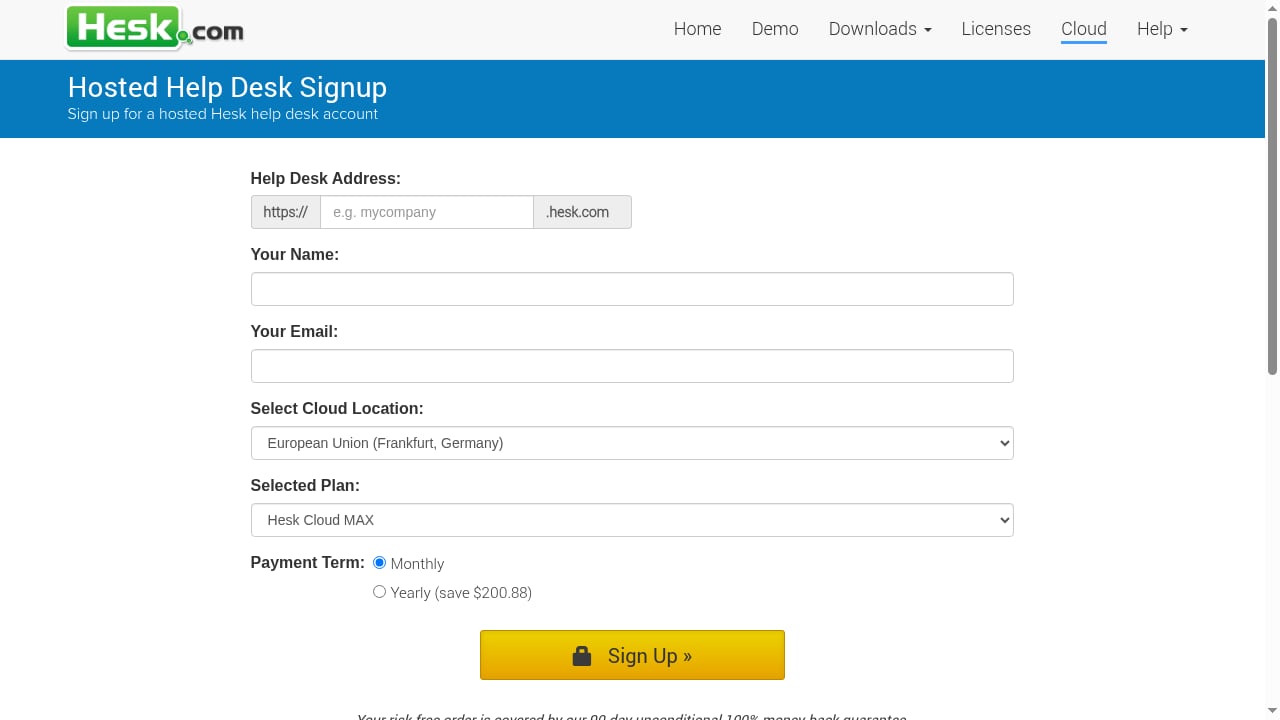
First viewport screenshot of Remotely Hosted Help Desk Signup.
Choose Hesk if:
- Your primary need is a traditional ticket queue with assignment, prioritization, and tracking.
- You want a free, self-hosted PHP script you can run on your own infrastructure.
- You need flexible web forms for intake.
- Predictable flat-rate pricing matters more than AI features.
- You need EU data residency with GDPR compliance and AES-256 encryption at rest.
- You prefer a simple, long-maintained help desk over an AI-first content platform.
If you are evaluating AI help desk options more broadly, our HappyFox review and our list of top AI customer support automation platforms provide additional context.
Can you use HelpLook and Hesk together?
Yes. Some teams use Hesk for ticket management and HelpLook for the public knowledge base and AI self-service layer. In that setup, HelpLook handles content, SEO, and AI Q&A, while Hesk manages the tickets that still require human follow-up. This hybrid approach lets you keep Hesk's predictable ticketing costs while adding AI deflection through HelpLook.
If you want to extend HelpLook's AI knowledge base into chat and messaging channels, our guide on using HelpLook with Kommunicate walks through the workflow.
Related reading
- HelpSite Review 2026: AI Knowledge Base Tested - Evidence-based HelpSite review covering AI knowledge base features, pricing, setup, strengths, limitations, and ideal users for 2026.
- Top 10 Agentic B2B Customer Support Platforms 2026 - Ranked top 10 agentic B2B customer support platforms for 2026, evaluated on autonomous resolution, B2B context, governance, and pricing.
Sources and further reading
- Have you seen our NEW recycling BINS?? | Ocean Pitch Campsite - Have you seen our NEW recycling BINS??
No way to introduce them other than to show them in all their glory, Benny’s excitement & with a little bit of...
- The charity bookshop has raised £210,000 over the last half a century - The charity bookshop has raised £210,000 over the last half a century
- Family and Friemds 5 Workbook - Scribd is the source for 300M+ user uploaded documents and specialty resources.
FAQ
Is HelpLook a replacement for Hesk?
Not exactly. HelpLook replaces the knowledge base and self-service layer, but Hesk's ticket management is a different function. If you need ticketing, you may keep Hesk or choose a help desk that integrates with HelpLook.
Does Hesk have AI features?
Hesk positions itself as prioritizing traditional ticket portals, flexible forms, and predictable costs over AI features. AI-powered search and Q&A are not core capabilities.
Which is cheaper, HelpLook or Hesk?
Hesk has a free self-hosted option, while HelpLook has a free tier and paid plans from ¥99 to ¥499 per month per site. Total cost depends on hosting, maintenance, and ticket volume. Hesk Cloud is flat-rate rather than per-agent.
Can HelpLook handle ticketing?
HelpLook is a knowledge base and help center platform, not a ticketing system. It focuses on AI search, content, SEO, and self-service. For ticketing, pair it with a help desk.
Is Hesk good for SEO?
Hesk's knowledge base is designed for publishing guides and common solutions, not for SEO-driven content marketing. HelpLook includes SEO settings and analytics for teams that want help content to rank.
Conclusion
HelpLook and Hesk solve different problems. HelpLook is built for AI-powered self-service, branded help centers, and SEO-driven content. Hesk is built for traditional ticket management with a free self-hosted option and predictable cloud pricing.
If your goal is to reduce ticket volume through AI Q&A and turn help content into a traffic channel, HelpLook is the stronger fit. If you need a straightforward, low-cost ticket queue and are comfortable managing your own hosting or paying flat-rate cloud fees, Hesk remains a reliable choice. Many teams will find the best answer is to use both: HelpLook for knowledge and AI self-service, Hesk for the tickets that still need a human.