
HelpLook vs Knowledge Base Software vs GitBook
Choosing between HelpLook, a hosted knowledge base and help center platform, and GitBook is really a question about what you need the knowledge to do. One tool may be built to deflect support tickets, another to publish developer documentation, and another to act as an AI-ready knowledge layer. This comparison looks at where each option is strong, where it is limited, and which teams should pick which.
What each option is built for
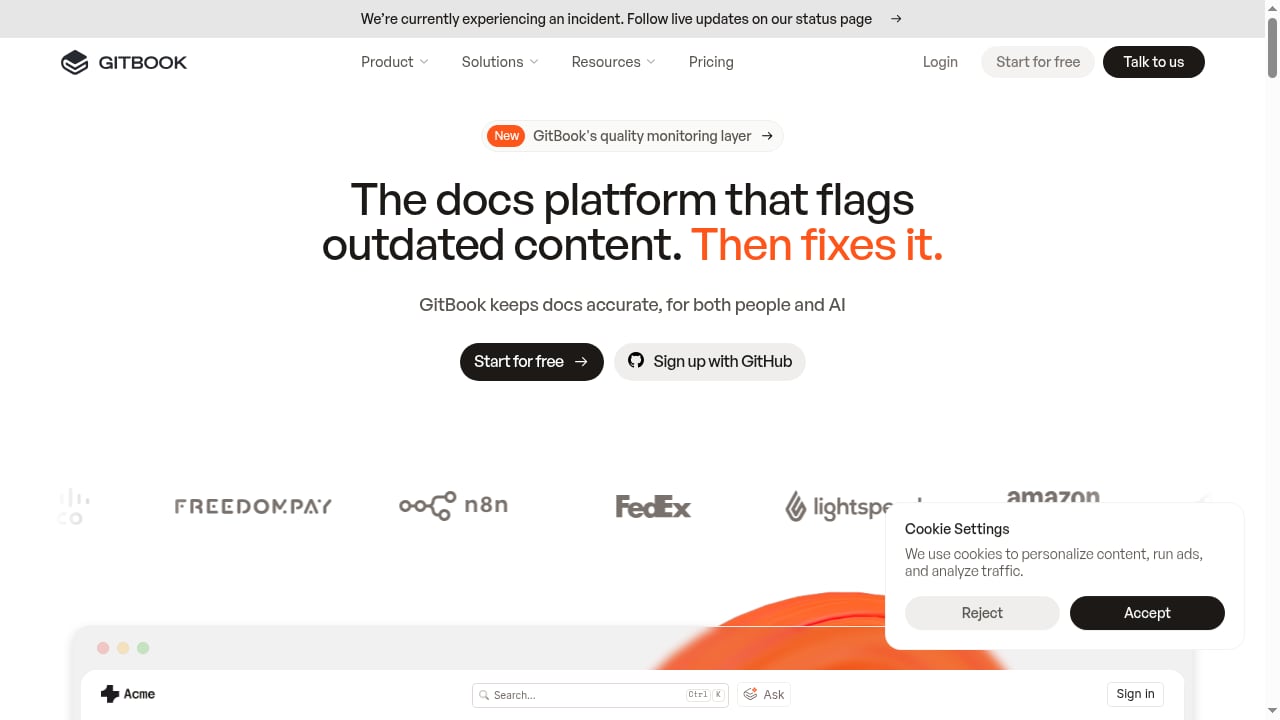
First viewport screenshot of www.gitbook.com.
HelpLook: AI knowledge base and hosted help center
HelpLook is a no-code platform for building public or private help centers, internal knowledge bases, blogs, and product manuals. It combines a WYSIWYG editor with AI search and chatbots powered by GPT-3.5/4.0 and Wenxin Yiyan, plus a website widget for embedding knowledge or an AI assistant. It is positioned around reducing support costs, improving customer satisfaction, and growing SEO traffic. A free tier and paid plans starting at ¥99/month make it accessible to small teams, and the company reports over 10,000 customers and ISO/IEC 27001 certification.
Knowledge base software and hosted help center (generic category)
This category covers tools whose main job is lightning-fast customer support through self-service. The emphasis is on helping customers find answers and helping support teams manage content at the same time. Products in this space typically include article editors, category structures, search, and some analytics. The category is broad, so capabilities vary widely between vendors.
GitBook: AI-powered documentation and knowledge management
GitBook is a knowledge platform that connects documentation, product, and users. It uses AI to answer user questions and identify knowledge gaps, and it positions itself as a knowledge layer for AI and a docs platform that flags outdated content. It supports docs-as-code workflows alongside a modern editor with copy/paste from Google Docs and VS Code, theme customization, custom domains, and integrations such as Slack and VS Code. Recent updates include a GitBook Agent for analytics questions and custom charts, broken external link checking, inline button actions for search and Ask AI, and content gap detection. It offers a free start and paid plans including Ultimate and Enterprise tiers.
Side-by-side comparison
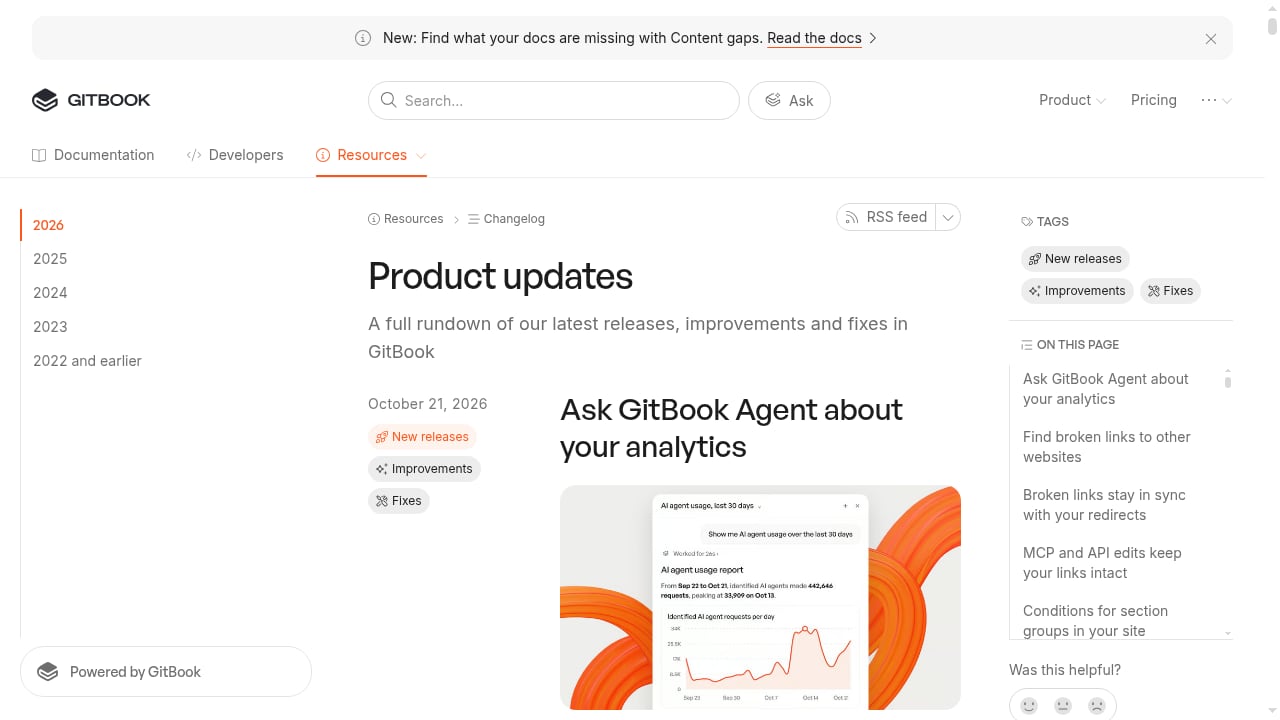
First viewport screenshot of gitbook.com.
| Criterion | HelpLook | Generic knowledge base software | GitBook |
|---|---|---|---|
| Primary use case | AI help center, internal KB, blog, product manuals | Customer self-service and support content | Technical documentation and AI knowledge layer |
| Editing model | WYSIWYG with Markdown support | Varies by vendor | Modern editor plus docs-as-code |
| AI capabilities | AI search and chatbot (GPT-3.5/4.0, Wenxin Yiyan) | Varies; often search-focused | AI answers, content gap detection, outdated content flags |
| Hosted help center | Yes, public or private portal | Usually yes | Yes, documentation sites |
| Embeddable widget | Yes, for KB and AI chatbot | Varies | Limited compared with help center tools |
| SEO features | Built-in keyword optimization for help content | Varies | Custom domains and site customization |
| Docs-as-code | Not the focus | Rarely | Strong |
| Pricing entry point | Free tier; paid from ¥99/month | Varies | Free start; paid Ultimate and Enterprise tiers |
| Security signal | ISO/IEC 27001 | Varies | Enterprise options |
Where HelpLook has a supported advantage
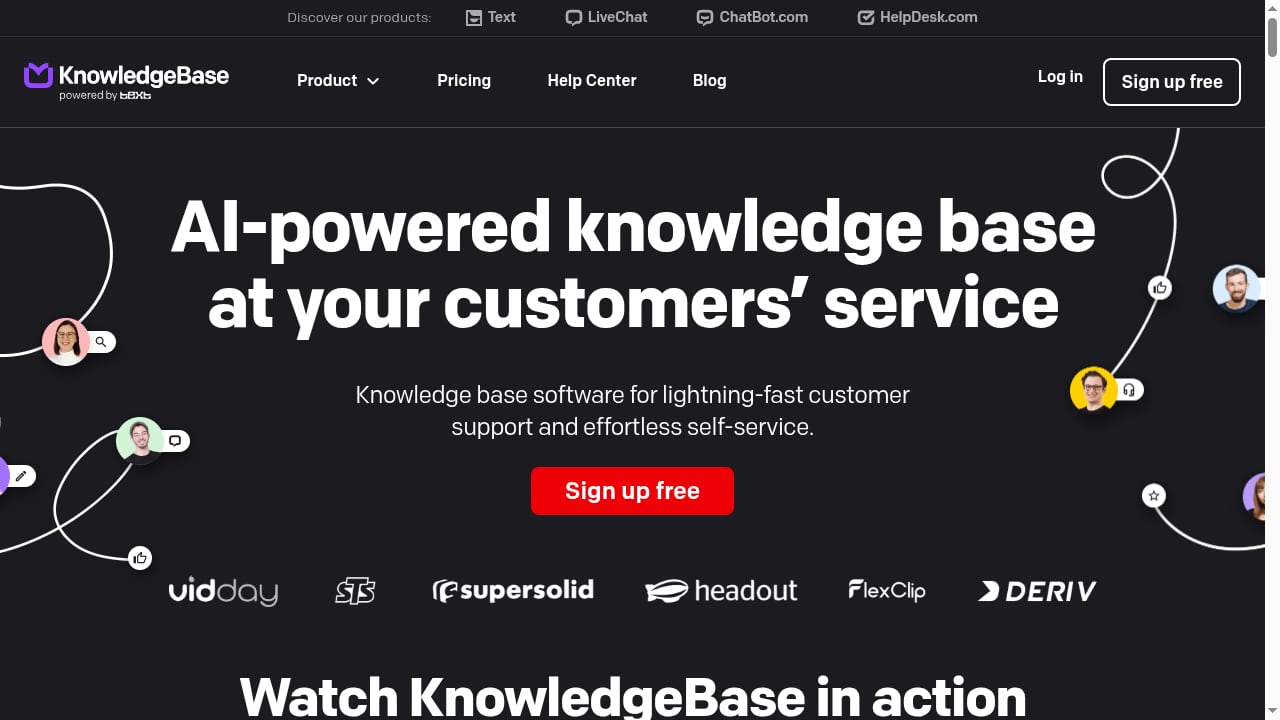
First viewport screenshot of www.knowledgebase.com.
Help center plus AI chatbot in one workflow
HelpLook pairs a hosted portal with an embeddable AI chatbot and website widget. That means the same knowledge base can serve visitors on your site, answer questions inside the help center, and support internal teams. For teams whose main goal is ticket deflection and customer self-service, this combination is a practical advantage over tools that treat documentation and customer support as separate problems.
No-code publishing with SEO in mind
HelpLook is designed for content creators and operations teams rather than developers. The WYSIWYG editor, category management, and built-in SEO keyword optimization make it easier to publish help articles that rank and bring in traffic. If your team does not want to manage a Git-based workflow, this lowers the barrier to launching a help center.
Accessible pricing and a free tier
Starting at ¥99/month with a free tier, HelpLook is approachable for small and mid-sized teams that need a professional help center without enterprise procurement. GitBook's paid tiers, including Ultimate and Enterprise, are aimed at larger documentation operations.
Where the substitutes are strong
Generic knowledge base software: focused self-service
Dedicated knowledge base tools are built around the support workflow. They often provide mature article management, search tuning, and analytics for support teams. If your only requirement is a clean, fast self-service portal and you already have a support desk, a focused knowledge base product can be a good fit. The trade-off is that AI chatbot and widget capabilities vary, so you need to check each vendor.
GitBook: docs-as-code and AI quality monitoring
GitBook's strengths are clear for technical teams. Docs-as-code support, GitBook Agent analytics, broken link checking, and content gap detection help keep documentation accurate as products change. The platform's focus on flagging outdated content is valuable for developer-facing docs where accuracy is critical. Teams that already work in Git and want documentation to live close to code will find GitBook a natural choice.
Which should you choose?
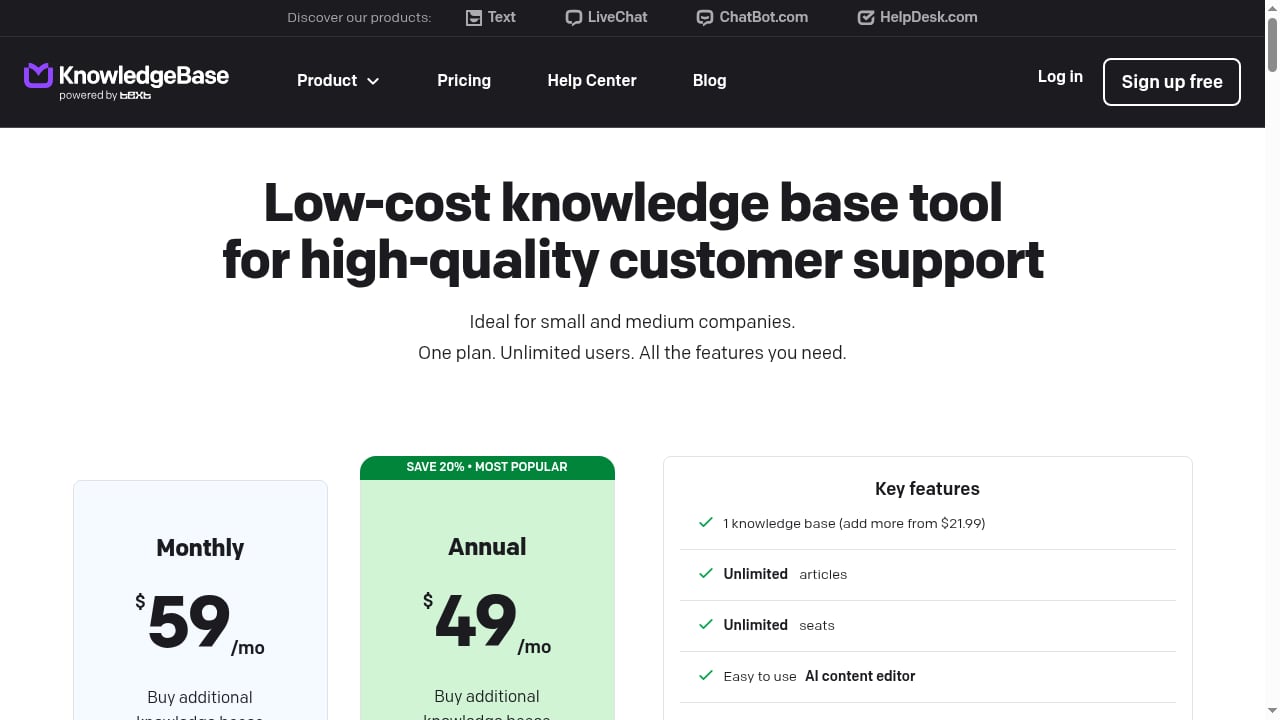
First viewport screenshot of www.knowledgebase.com.
- Choose HelpLook if you want a no-code AI help center and knowledge base that combines customer self-service, an embeddable AI chatbot, SEO-friendly publishing, and accessible pricing.
- Choose generic knowledge base software if your priority is a straightforward self-service portal tightly integrated with an existing support desk, and you do not need advanced AI or docs-as-code.
- Choose GitBook if your team is developer-led, values docs-as-code, and needs AI-assisted quality monitoring to keep technical documentation current.
For a broader view of how AI knowledge tools compare, see our Coveo review for 2026 and our ranking of the top 10 AI website agent and chatbot platforms. If you are evaluating support-focused alternatives, the HelpLook vs eGain comparison covers AI knowledge management for customer experience automation.
Practical examples
A SaaS startup with a small support team uses HelpLook to publish a public help center, embed an AI chatbot on its marketing site, and track which articles reduce tickets. A developer tools company uses GitBook to keep API docs in sync with its codebase and relies on content gap detection to find missing topics. A support organization with an existing ticketing system chooses a focused knowledge base tool to power self-service inside its help desk.
Related reading
- How to Use HelpLook with Slack: AI Knowledge Base Workflow - Connect HelpLook's AI knowledge base to Slack so your team finds answers, shares help articles, and resolves tickets without leaving chat. Setup and examples.
FAQ
Is HelpLook a replacement for GitBook?
Not exactly. HelpLook is stronger for customer-facing help centers, AI chatbots, and no-code publishing. GitBook is stronger for docs-as-code and technical documentation quality monitoring. Some teams use both for different audiences.
Does HelpLook support AI chatbots?
Yes. HelpLook integrates GPT-3.5/4.0 and Wenxin Yiyan for AI search and chatbots, and it provides a website widget to embed the knowledge base or AI assistant.
Is GitBook good for customer support help centers?
GitBook can host documentation sites, but its positioning centers on documentation and AI knowledge management rather than support ticket deflection. Teams focused on customer self-service often prefer dedicated help center software.
How much does HelpLook cost?
HelpLook offers a free tier and subscription plans starting at ¥99/month. GitBook offers a free start with paid Ultimate and Enterprise tiers.
Conclusion
HelpLook, generic knowledge base software, and GitBook solve related but distinct problems. HelpLook is the strongest fit when you need a no-code AI help center with an embeddable chatbot and SEO-friendly publishing at an accessible price. Generic knowledge base tools suit focused self-service inside an existing support stack. GitBook is the better choice for developer-led documentation that needs docs-as-code and AI quality monitoring. Match the tool to the job your knowledge needs to do, and the decision becomes much clearer.
Sources: HelpLook vs GitBook comparison, HelpLook product overview, Techreviewer AI knowledge base category.