
HelpLook vs SAAS First: Which Platform Fits Your Support Strategy?
When evaluating customer support software, HelpLook and SAAS First often appear on the same shortlist. Both use AI to improve customer engagement, but they approach the problem from different angles. HelpLook is built around an AI-powered knowledge base and help center, while SAAS First positions itself as an all-in-one help desk and CRM with omnichannel support. This comparison breaks down their strengths, limitations, and ideal use cases so you can choose the right tool for your team.
What Is HelpLook?
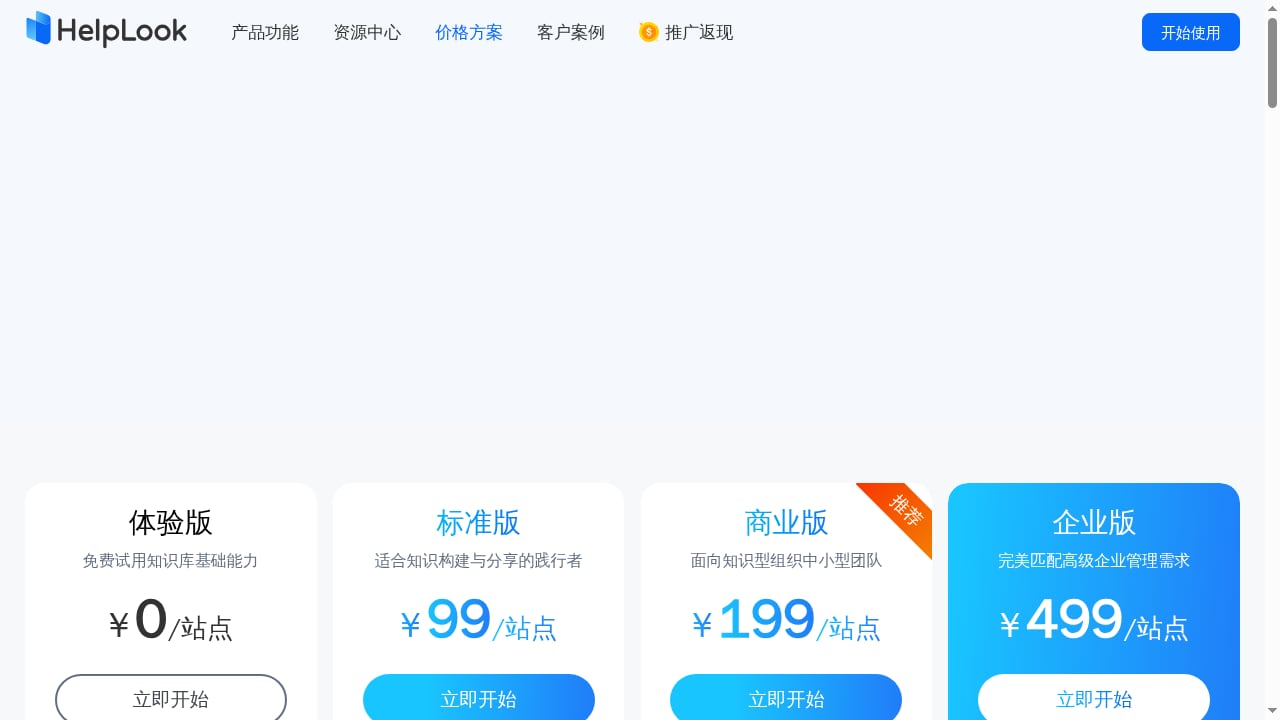
First viewport screenshot of www.helplook.net.
HelpLook is a no-code SaaS platform for building and optimizing AI-powered knowledge bases, help centers, and content portals. It combines an enterprise knowledge base with an intelligent AI Q&A chatbot, enabling businesses to centralize product and business knowledge, deliver self-service customer support, and reduce reliance on human agents.
Key capabilities include:
- WYSIWYG editor with rich text and Markdown support.
- Customizable website portals with brand domains and access controls.
- Embeddable widgets and AI chatbots for websites.
- AI-driven site search integrated with GPT-3.5/4.0 and Wenxin Yiyan.
- SEO settings to boost organic traffic.
- Data analytics and permission management.
HelpLook serves content creators, operations teams, customer service teams, and enterprises across SaaS, legal, healthcare, financial services, and education. It reports over 10,000 companies using the platform, a 4.9/5 rating on PartnerShare, a 5/5 rating on ProductHunt, and ISO/IEC 27001 information security certification.
What Is SAAS First?
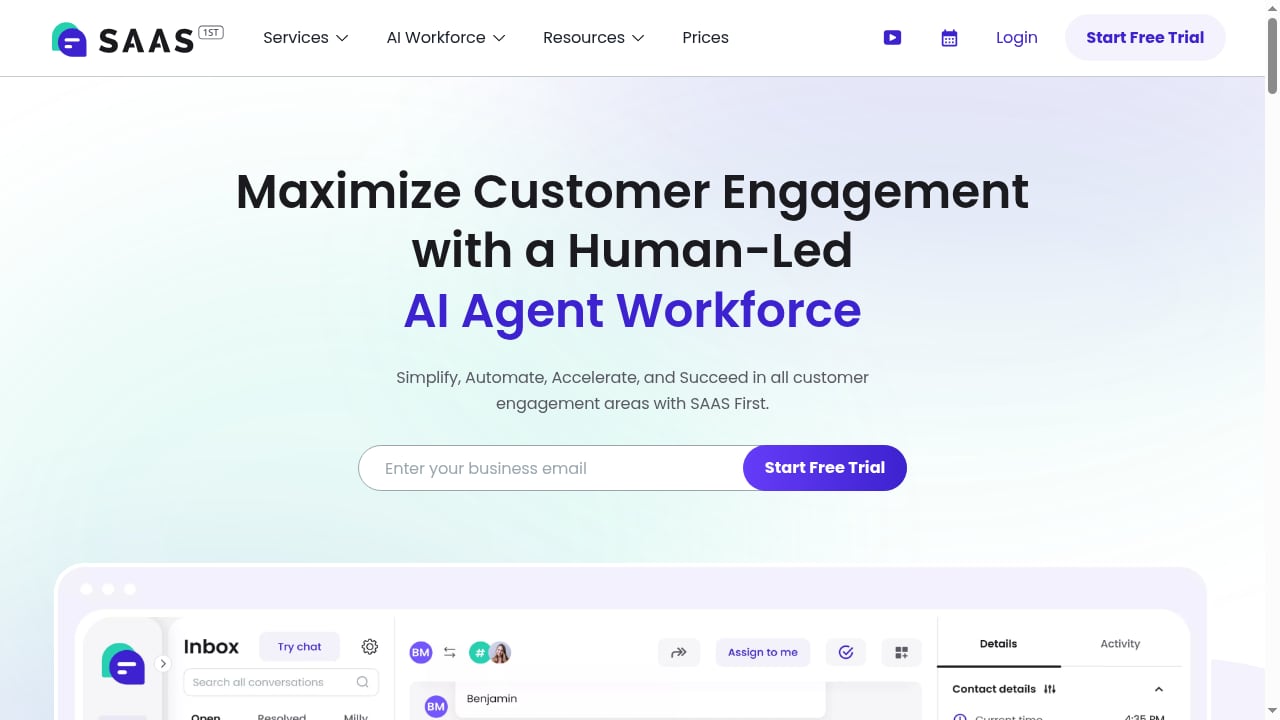
First viewport screenshot of saasfirst.com.
SAAS First is an AI-powered customer engagement platform that combines a human-led AI agent workforce with a unified help desk, CRM, and automation tools. It enables businesses to deliver 24/7 multilingual customer support across email, chat, WhatsApp, Telegram, SMS, and Facebook from a single omnichannel inbox.
The platform includes an AI chatbot that handles inquiries instantly and hands off to live agents when needed. Beyond support, SAAS First offers intelligent queries for natural language data analysis, lead-to-deal automation with email verification and enrichment via integrations like Apollo and MillionVerifier, and AI-powered email reply generation that is 23x faster and maintains brand voice. The all-in-one CRM centralizes contact data, automates multi-channel outreach, and provides actionable insights.
SAAS First targets SaaS companies and customer support teams, with benefits like 24/7 support, <1min setup, and 10x more insights. Its website claims a 4.8/5 user rating and offers a free trial with no credit card required.
Core Differences: Knowledge Base vs Help Desk
The fundamental difference lies in their primary focus:
- HelpLook is a knowledge-centric platform. It excels at creating, organizing, and delivering self-service content through a help center and AI chatbot. The goal is to deflect tickets by empowering customers to find answers independently.
- SAAS First is a conversation-centric platform. It manages incoming inquiries across multiple channels, automates responses, and routes conversations to human agents. The goal is to handle and resolve tickets efficiently.
This distinction shapes every feature and determines which tool suits your support model.
Feature Comparison
| Feature | HelpLook | SAAS First |
|---|---|---|
| Primary focus | AI knowledge base & help center | Omnichannel help desk & CRM |
| Content creation | WYSIWYG editor, Markdown, rich text | Not a core strength |
| AI chatbot | Yes, integrated with GPT-3.5/4.0 and Wenxin Yiyan | Yes, handles inquiries and hands off to agents |
| Omnichannel inbox | Not offered | Email, chat, WhatsApp, Telegram, SMS, Facebook |
| CRM | Not offered | All-in-one CRM with lead automation |
| SEO settings | Yes | Not applicable |
| Custom domains | Yes | Not a focus |
| Access controls | Yes | Yes (via help desk permissions) |
| Analytics | Yes | Yes, with intelligent queries |
| Email automation | No | Yes, AI-powered reply generation |
| Setup time | No-code, quick setup | Claims <1min setup |
| Security certification | ISO/IEC 27001 | Not specified |
| Free trial | Available | Available, no credit card required |
Where HelpLook Excels
1. Self-Service Knowledge Base
HelpLook is designed to help customers help themselves. Its WYSIWYG editor and Markdown support make it easy to create and maintain a comprehensive help center. With AI-driven search and an AI chatbot, customers can find answers quickly without submitting a ticket. This reduces support volume and improves response times.
2. SEO-Friendly Content Portals
Unlike pure help desk tools, HelpLook includes SEO settings that help your help center rank in search engines. This can drive organic traffic and further reduce support costs by attracting users to self-service resources. For businesses that rely on content marketing, this is a significant advantage.
3. Brand Customization and Access Control
HelpLook allows you to customize your portal with your brand domain and set access controls for internal or external audiences. This makes it suitable for both customer-facing help centers and internal knowledge bases.
4. Enterprise-Grade Security
HelpLook is ISO/IEC 27001 certified, which is important for industries like healthcare, finance, and legal that handle sensitive information.
5. Proven Track Record
With over 10,000 companies using the platform and high ratings on PartnerShare and ProductHunt, HelpLook has demonstrated reliability and user satisfaction.
Where SAAS First Excels
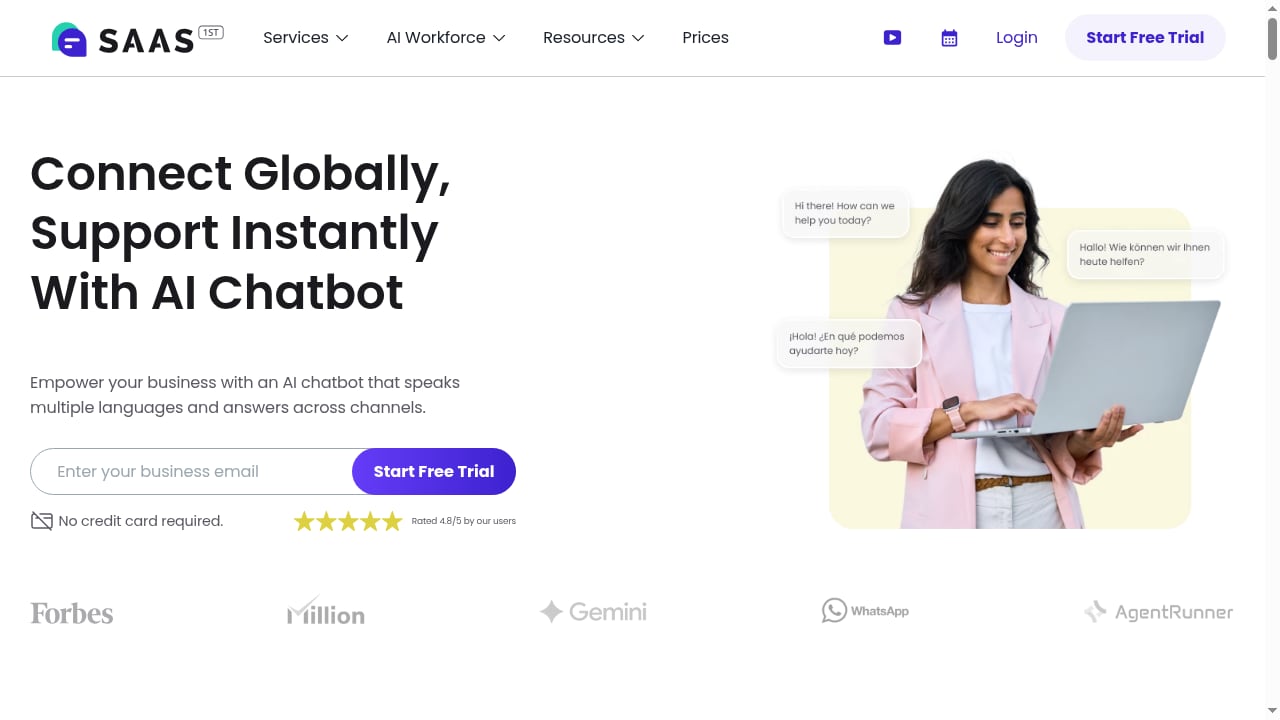
First viewport screenshot of saasfirst.com.
1. Omnichannel Support
SAAS First shines in managing conversations across multiple channels—email, chat, WhatsApp, Telegram, SMS, and Facebook—from a single inbox. This is valuable for teams that need to meet customers where they are.
2. AI-Powered Agent Handoff
Its AI chatbot can handle inquiries instantly and seamlessly hand off to live agents when needed, ensuring a smooth customer experience.
3. Integrated CRM and Lead Automation
SAAS First goes beyond support by including a CRM with lead-to-deal automation, email verification, and enrichment via integrations like Apollo and MillionVerifier. This helps sales and support teams work together.
4. AI Email Reply Generation
SAAS First claims its AI-powered email reply generation is 23x faster and maintains brand voice, which can save significant time for support teams.
5. Fast Setup
With a claimed <1min setup and a free trial, SAAS First is easy to try and deploy quickly.
Where SAAS First Falls Short
First viewport screenshot of www.helplook.net.
While SAAS First is a capable help desk, it has limitations when compared to HelpLook for knowledge management:
- Limited knowledge base capabilities: SAAS First is not primarily a knowledge base platform. It lacks the advanced content creation, SEO, and portal customization features that HelpLook offers. Teams that need a robust self-service library may find it insufficient.
- No SEO focus: SAAS First does not provide SEO settings for help content, so your knowledge base is less likely to attract organic traffic.
- Less emphasis on content organization: HelpLook is built for structuring and maintaining large volumes of knowledge, while SAAS First focuses on conversation management.
- No ISO/IEC 27001 certification mentioned: For organizations with strict security requirements, HelpLook's certification provides additional assurance.
Where HelpLook Falls Short
HelpLook is not a full help desk or CRM. It does not offer:
- Omnichannel inbox: It does not manage conversations across email, chat, WhatsApp, and social media in a unified inbox.
- Built-in CRM: It lacks lead management, deal tracking, and sales automation.
- Email reply generation: It does not provide AI-powered email drafting for agents.
If your primary need is ticket management and multi-channel conversation handling, HelpLook may not be the best fit on its own.
When to Choose HelpLook
Choose HelpLook if:
- Your goal is to reduce support tickets through self-service.
- You need a centralized, AI-powered knowledge base for customers or employees.
- SEO and organic traffic to your help content are important.
- You want to build a branded help center with custom domains and access controls.
- You value enterprise security certifications like ISO/IEC 27001.
- You are in an industry like SaaS, legal, healthcare, finance, or education where knowledge management is critical.
When to Choose SAAS First
Choose SAAS First if:
- You need an omnichannel help desk to manage conversations across email, chat, WhatsApp, and social media.
- You want an integrated CRM with lead automation and email enrichment.
- Your team relies on AI-powered email reply generation to speed up responses.
- You need a quick setup and a free trial to test the waters.
- Your primary focus is ticket resolution and customer engagement rather than knowledge management.
Can They Work Together?
Yes. Many organizations use a knowledge base to deflect tickets and a help desk to manage the remaining inquiries. HelpLook can serve as the self-service layer, while SAAS First handles live conversations. However, integrating the two may require custom work, as they are separate platforms. If you prefer a single vendor, you may need to prioritize which capability is more critical.
For teams exploring other knowledge base options, see our comparison of HelpLook vs Document360 vs eGain and our list of the Top 10 AI Documentation & Knowledge Base Platforms 2026.
Related reading
- Chatbase Review 2026: AI Customer Support Tested - Evidence-based Chatbase review for 2026: features, pricing signals, setup, strengths, limits, and who should use it for AI customer support.
- Top 10 AI Documentation & Knowledge Base Platforms 2026 - A 2026 review of the top 10 AI documentation and knowledge base platforms, ranked on AI maintenance, agent-readable output, docs-as-code, search, and governance.
- How to Use HelpLook with Aircall: Workflow & Setup - Connect HelpLook's AI knowledge base with Aircall to speed up call resolution, automate ticket creation, and give agents instant answers. Setup steps inside.
Frequently Asked Questions
Is HelpLook a help desk?
No, HelpLook is not a traditional help desk. It is an AI-powered knowledge base and help center platform focused on self-service and content management. It does not include ticketing or omnichannel inbox features.
Does SAAS First offer a knowledge base?
SAAS First includes some knowledge management capabilities as part of its help desk, but it is not a dedicated knowledge base platform. It lacks advanced content creation, SEO, and portal customization features.
Which platform is better for SEO?
HelpLook is better for SEO because it includes SEO settings for help center content, helping your knowledge base rank in search engines. SAAS First does not focus on SEO for help content.
Is HelpLook secure?
Yes, HelpLook is ISO/IEC 27001 certified, indicating it meets international standards for information security management.
Can I try both platforms before committing?
Yes, both HelpLook and SAAS First offer free trials. SAAS First explicitly states no credit card is required.
Which is more suitable for small businesses?
It depends on your needs. If you want to reduce support tickets with a knowledge base, HelpLook is a strong choice. If you need an affordable help desk with CRM, SAAS First may be better. Both offer no-code setup.
Conclusion
HelpLook and SAAS First serve different but complementary purposes. HelpLook is the better choice for businesses that prioritize self-service, knowledge management, and SEO-friendly help content. SAAS First is stronger for teams that need an omnichannel help desk with integrated CRM and sales automation.
Evaluate your support strategy: if ticket deflection and content-driven support are your goals, HelpLook offers a robust, secure, and proven solution. If conversation management and lead automation are more critical, SAAS First is worth considering. For a broader view of AI knowledge base platforms, explore our Top 10 AI Documentation & Knowledge Base Platforms 2026 and see how HelpLook compares to alternatives like WordPress.
Sources: