
HelpLook vs WordPress: Which Is Better for Your Knowledge Base?
When you need a public help center, an internal wiki, or an AI chatbot that answers customer questions, two very different tools often come up: HelpLook and WordPress. One is a no-code SaaS platform built around AI-powered knowledge bases; the other is the world's most popular open-source content management system. They can both publish pages, but they solve different problems.
This comparison breaks down where each tool fits, what you gain and give up, and how to decide based on your team, budget, and support goals.
Quick comparison: HelpLook vs WordPress at a glance
WordPress product interface.
| Dimension | HelpLook | WordPress |
|---|---|---|
| Primary purpose | AI knowledge base, help center, blog, internal docs | General-purpose website and blog CMS |
| Hosting model | SaaS (vendor-hosted) | Self-hosted (you arrange hosting) or WordPress.com |
| AI Q&A / chatbot | Built in (GPT-3.5/4.0, Wenxin Yiyan) | Not native; requires plugins or external services |
| Editor | WYSIWYG with rich text and Markdown | Block-based Gutenberg editor |
| Customization | Portal themes and settings | Thousands of themes and plugins |
| SEO controls | Built-in SEO settings | Strong via plugins and themes |
| Cost model | Freemium, paid plans from around $7/month | Free software; hosting and plugins cost extra |
| Best for | Teams prioritizing AI self-service and fast setup | Teams prioritizing full site control and extensibility |
What HelpLook is built to do
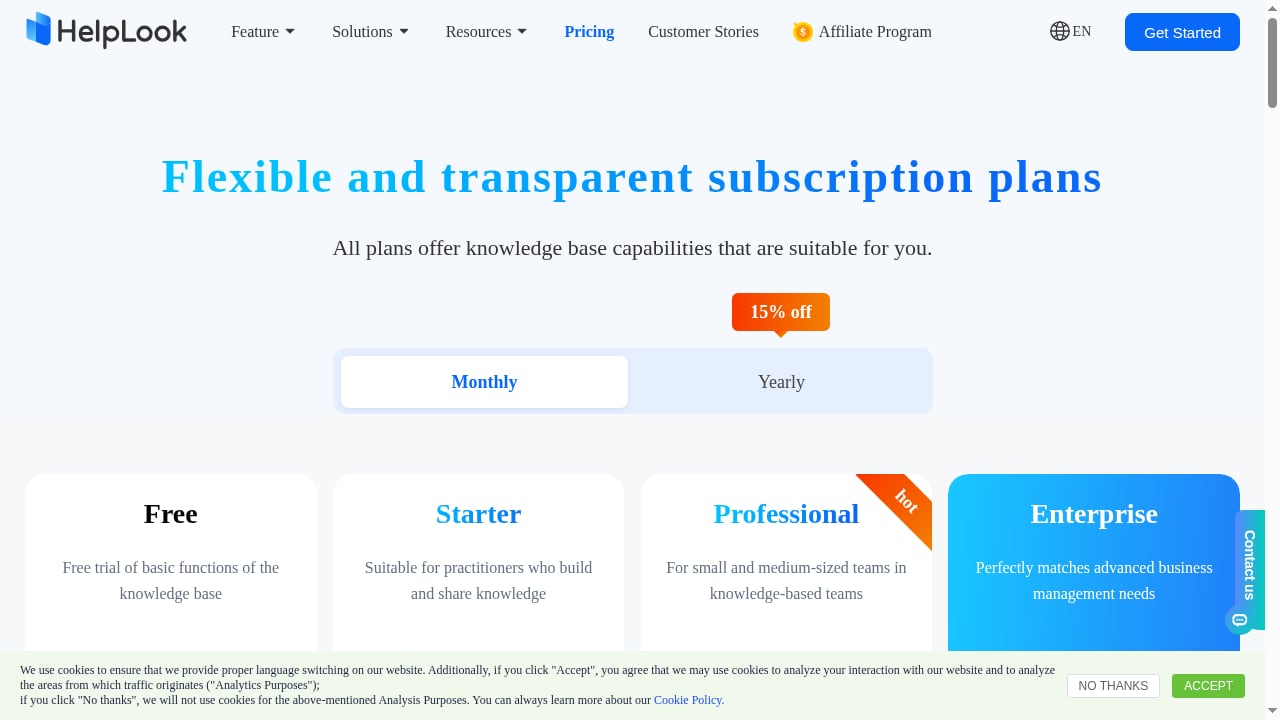
First viewport screenshot of HelpLook Pricing - AI-Powered Knowledge Base & Help Desk Software.
HelpLook is a no-code SaaS platform for building AI-powered knowledge bases, help centers, blogs, and internal documentation. Its core pitch is a dual system: a structured knowledge base plus an AI Q&A chatbot that can be embedded into any website or app through a JavaScript widget.
Key capabilities include:
- AI search and Q&A powered by GPT-3.5/4.0 and Wenxin Yiyan, aimed at deflecting repetitive support tickets.
- WYSIWYG editing that supports both rich text and Markdown, so writers and technical teams can work in the same tool.
- A customizable portal for public help centers and blogs, with SEO settings to help content rank.
- Analytics and permission controls for tracking usage and managing who sees what.
- Multi-language support and PDF/HTML export for documentation reuse.
The vendor reports over 10,000 companies using the platform, with ratings of 4.9/5 on PartnerShare and 5/5 on ProductHunt. A third-party directory, Crozdesk, lists HelpLook as freemium with plans starting around $7/month and a 78/100 score in its knowledge management category, based on user satisfaction and web signals.
In short, HelpLook is optimized for teams that want to stand up a support knowledge base quickly and put AI answers in front of customers without assembling a stack.
What WordPress is built to do
WordPress product interface.
WordPress is an open-source content management system that powers millions of sites, from personal blogs to enterprise properties. Notable users include The New York Times Company, NASA, and The White House. It offers a block-based editor (Gutenberg), a vast library of themes and plugins, and a large community for support and development.
The software itself is free, but you need hosting. WordPress recommends trusted hosts such as Pressable and Bluehost. Recent versions have added real-time editing, visual revision history, accessibility-ready themes, and AI integration in WordPress 7.0.
WordPress's strength is flexibility: with the right plugins, you can build almost any kind of site, including a documentation portal. Its weakness for knowledge base use is that AI Q&A, help center structure, and support workflows are not native — they depend on plugins, configuration, and ongoing maintenance.
A Reddit discussion on website builders captures the cost argument: WordPress is often cheaper long term because you mainly pay for hosting, while "free" builders tend to charge once you connect a custom domain. That tradeoff — lower software cost versus more setup and upkeep — is central to this comparison.
Where HelpLook has the advantage
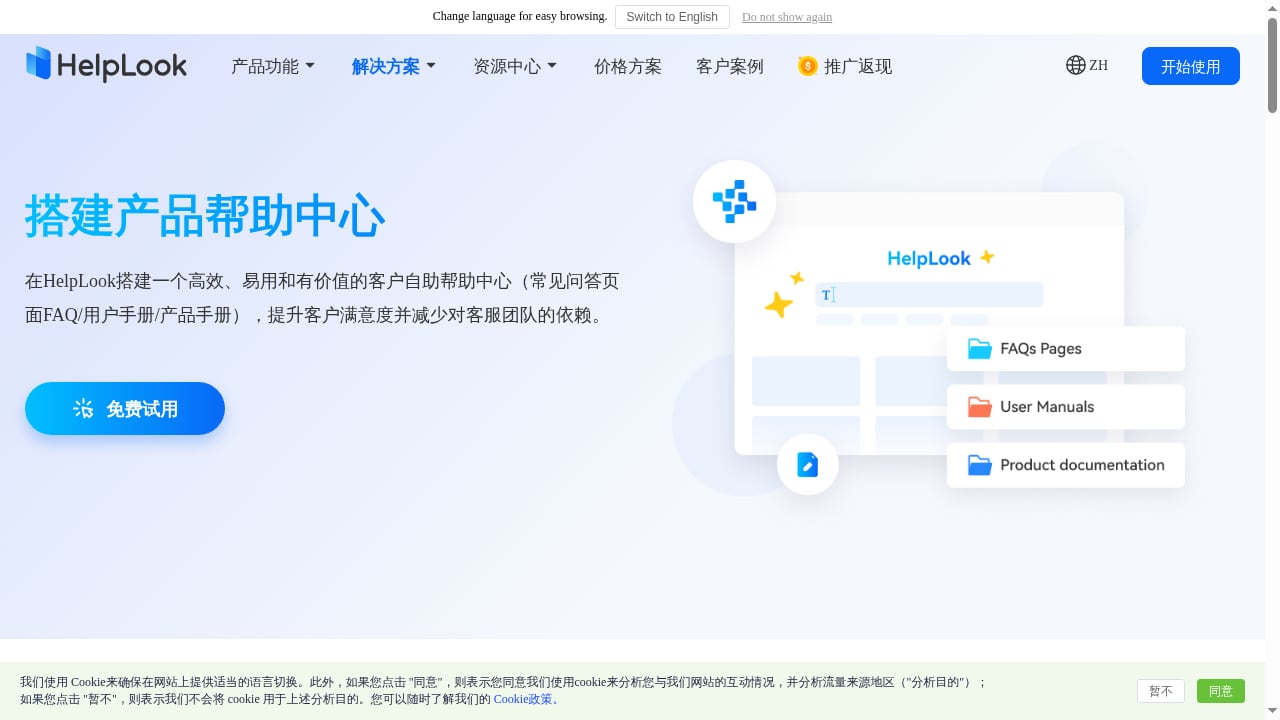
First viewport screenshot of www.helplook.net.
1. AI self-service is native, not bolted on
HelpLook's AI chatbot and search are part of the platform. You connect your knowledge base and embed the widget; there is no plugin chain to maintain. For support teams trying to reduce ticket volume, this shortens the path from documentation to automated answers.
2. Faster time to a working help center
Because HelpLook is SaaS with templates and a no-code editor, a small team can publish a branded help center in hours rather than configuring hosting, themes, and plugins. That matters when support content is needed now, not after a site build.
3. Built-in structure for knowledge management
Permissions, analytics, multi-language support, and export are designed around documentation and support use cases. WordPress can replicate some of this with plugins, but each plugin adds configuration and a dependency.
4. Lower operational overhead
With SaaS, the vendor handles hosting, updates, and security patching. Teams without a dedicated web administrator can focus on content instead of maintenance.
Where WordPress has the advantage
1. Unmatched flexibility and extensibility
WordPress can be a blog, a store, a membership site, or a documentation portal. Its plugin ecosystem covers nearly any requirement. If your help center must live inside a broader marketing site with complex custom functionality, WordPress offers more room to build exactly what you want.
2. Lower software cost, more control
WordPress is free to use, and long-term costs can be lower if you already have hosting and technical resources. You own the stack and can customize it deeply.
3. Strong community and resources
Extensive documentation, forums, and a global community mean answers are usually a search away. For teams with WordPress experience, that familiarity reduces training time.
4. Mature SEO and publishing workflows
WordPress has years of SEO tooling, editorial workflows, and theme options. For content-led sites where the help center is one section among many, it is a proven publishing platform.
Where each tool falls short
HelpLook limitations to weigh:
- As a SaaS product, deep code-level customization is limited compared with self-hosted WordPress.
- The platform's review footprint is still growing; Crozdesk notes no user reviews yet at the time of its listing, so independent social proof is thinner than WordPress's.
- Teams that need a full marketing site with complex integrations may find a dedicated CMS more flexible.
WordPress limitations to weigh:
- No native AI Q&A or help center chatbot; you will need plugins or external services, which add cost and maintenance.
- You are responsible for hosting, updates, security, and plugin compatibility.
- Building a polished knowledge base requires theme and plugin decisions that can take significant time.
- Trustpilot reviews for WordPress.com reflect a mix of experiences, with a 4-star average across thousands of reviews — useful context, but not a substitute for testing your own setup.
Decision guide: which should you choose?
Choose HelpLook if:
- Your priority is AI-assisted self-service and ticket deflection.
- You want a help center live quickly without managing hosting or plugins.
- You need built-in permissions, analytics, and multi-language support for documentation.
- Your team is small or lacks a dedicated web administrator.
Choose WordPress if:
- You need a full website with a help section, not a standalone knowledge base.
- You have technical resources to manage hosting, plugins, and updates.
- Deep customization and long-term cost control matter more than out-of-the-box AI.
- You already run WordPress and want to keep everything in one system.
Consider a hybrid: Use WordPress for your marketing site and HelpLook for the help center and AI chatbot, embedding the widget where needed. This keeps the CMS for brand content while giving support a purpose-built tool.
For a broader view of how AI knowledge platforms compare, see our roundup of the top 10 AI knowledge management and documentation platforms. If you are evaluating HelpLook against other support tools, our HelpLook vs DocsBot comparison and HelpLook vs Hesk vs Korra breakdown cover feature and fit differences.
Practical example: a SaaS support team's decision
Imagine a 15-person SaaS company with 2,000 monthly support tickets. The team already has a WordPress marketing site but no help center.
- WordPress-only path: Install a documentation theme and plugins, configure search, and later add an AI chatbot plugin. Estimated setup: several weeks of part-time work, plus ongoing plugin maintenance.
- HelpLook path: Import existing docs, apply a portal theme, enable AI search, and embed the widget on the WordPress site. Estimated setup: days, with the vendor handling infrastructure.
The right choice depends on whether the team values control and consolidation (WordPress) or speed and native AI (HelpLook).
Related reading
- Instructio Review 2026: AI Documentation Tool Tested - Evidence-based Instructio review: AI guide generation, ideal users, use cases, limitations, pricing signals, setup, and decision criteria for 2026.
- Top 10 AI-Powered Enterprise Search and Relevance Platforms 2026 - Compare the top 10 AI-powered enterprise search and relevance platforms for 2026, evaluated on relevance, connectors, security, and generative AI.
- How to Use HelpLook with Product Fruits: Setup & Workflow - Combine HelpLook's AI knowledge base with Product Fruits onboarding to deliver in-app guidance and self-service support. Setup steps, workflow, and examples.
Sources and further reading
- Read Customer Service Reviews of www.wordpress.com - Trustpilot - Do you agree with WordPress.com's 4-star rating? Check out what 4198 people have written so far, and share your own experience. | Read 81-100 Reviews out of ...
FAQ
Is HelpLook a replacement for WordPress?
Not generally. HelpLook replaces the knowledge base and help center portion of your stack. WordPress remains a stronger choice for full marketing sites, blogs with complex layouts, and highly customized web properties.
Can I use HelpLook and WordPress together?
Yes. Many teams keep WordPress for their main site and use HelpLook for documentation and AI Q&A, embedding the HelpLook widget or linking to the help center. This combines WordPress's publishing flexibility with HelpLook's support automation.
Does WordPress have built-in AI chatbots for support?
Not natively. WordPress 7.0 introduced AI integration, but a customer-facing Q&A chatbot typically requires a plugin or a third-party service.
Which is cheaper, HelpLook or WordPress?
WordPress software is free, but hosting, themes, and plugins add cost. HelpLook is freemium with paid plans starting around $7/month according to Crozdesk. For a simple help center, HelpLook can be cheaper once you factor in setup and maintenance time; for a large custom site, WordPress may be more economical long term.
Is HelpLook good for SEO?
HelpLook includes SEO settings for its portal, and WordPress has mature SEO plugins. Both can rank well; the deciding factor is usually content quality and technical execution rather than the platform alone.
Conclusion
HelpLook and WordPress are not direct substitutes so much as different tools for overlapping jobs. HelpLook is purpose-built for AI-powered knowledge bases and self-service support, with fast setup and native chatbot capabilities. WordPress is a flexible, low-cost CMS that can host a help center but requires more configuration and maintenance to match HelpLook's out-of-the-box support features.
If your goal is to reduce support costs with AI answers and launch quickly, HelpLook is the more direct fit. If you need a full website with maximum control and already have technical resources, WordPress remains a strong foundation. Many teams get the best of both by pairing them.