
How to Use HelpLook with ReadMe for API Documentation
Your API reference and your help center usually live in different tools, and developers pay the price. They read an endpoint in ReadMe, hit an error, then land in a generic help center that has never heard of that endpoint. Pairing HelpLook with ReadMe fixes that split: ReadMe stays the interactive reference developers try requests in, while HelpLook becomes the AI-powered knowledge base that answers the questions around it.
This article explains the division of labor, the setup steps, two practical workflows, and the trade-offs you should know before committing.
Why developer documentation needs two layers
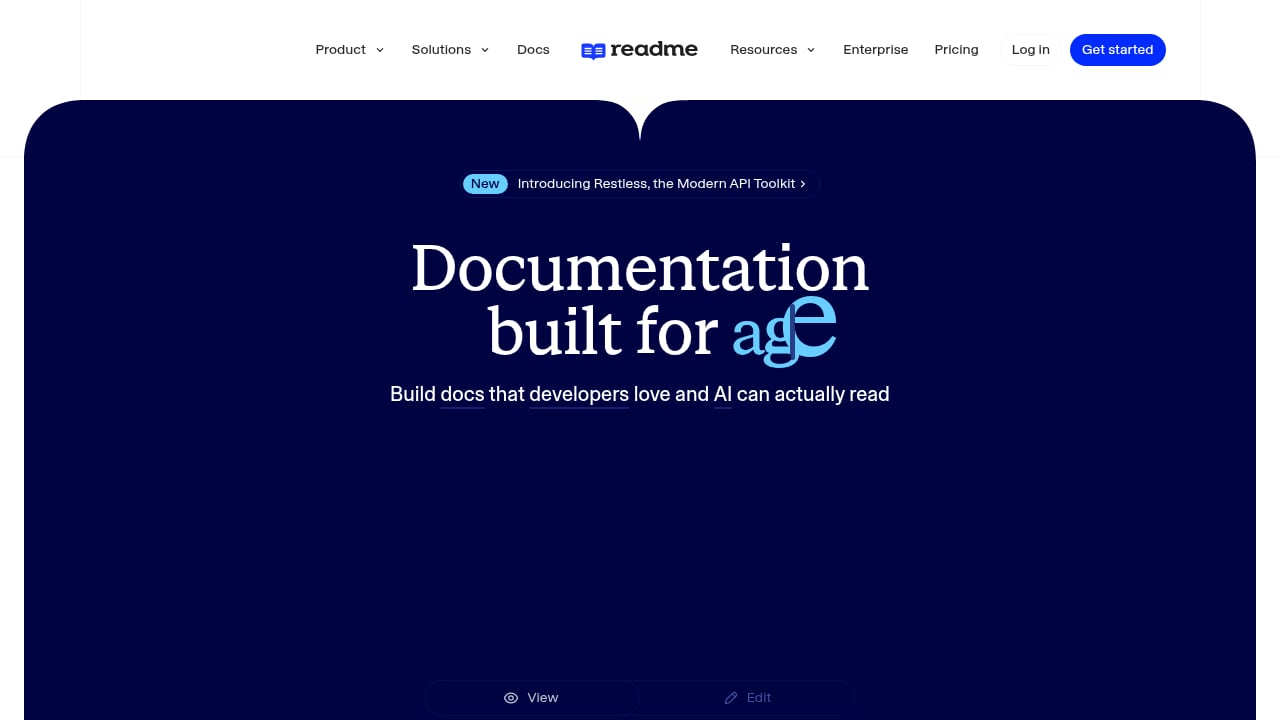
First viewport screenshot of ReadMe · Developer-friendly API documentation.
API documentation is not one artifact. It is at least three:
- Reference material — endpoints, parameters, request and response schemas, authentication, error codes. It must stay mechanically accurate and regenerate when the spec changes.
- Conceptual and task content — quickstarts, authentication walkthroughs, rate-limit explanations, migration notes, troubleshooting. It changes on a human schedule.
- Support surface — search, self-service answers, ticket deflection, and analytics that show which pages fail to resolve questions.
ReadMe is built for the first layer. It renders OpenAPI and GraphQL specs into interactive docs where developers can authenticate, send live requests, and copy working code samples. HelpLook is built for the second and third layers: an AI-powered knowledge base and help desk where non-engineers can publish, organize, and optimize content without code, and where AI search answers questions across the whole corpus.
Trying to force one tool to do all three usually means either a reference that drifts from the spec, or a help center that no writer can update without a pull request.
How HelpLook and ReadMe divide the work
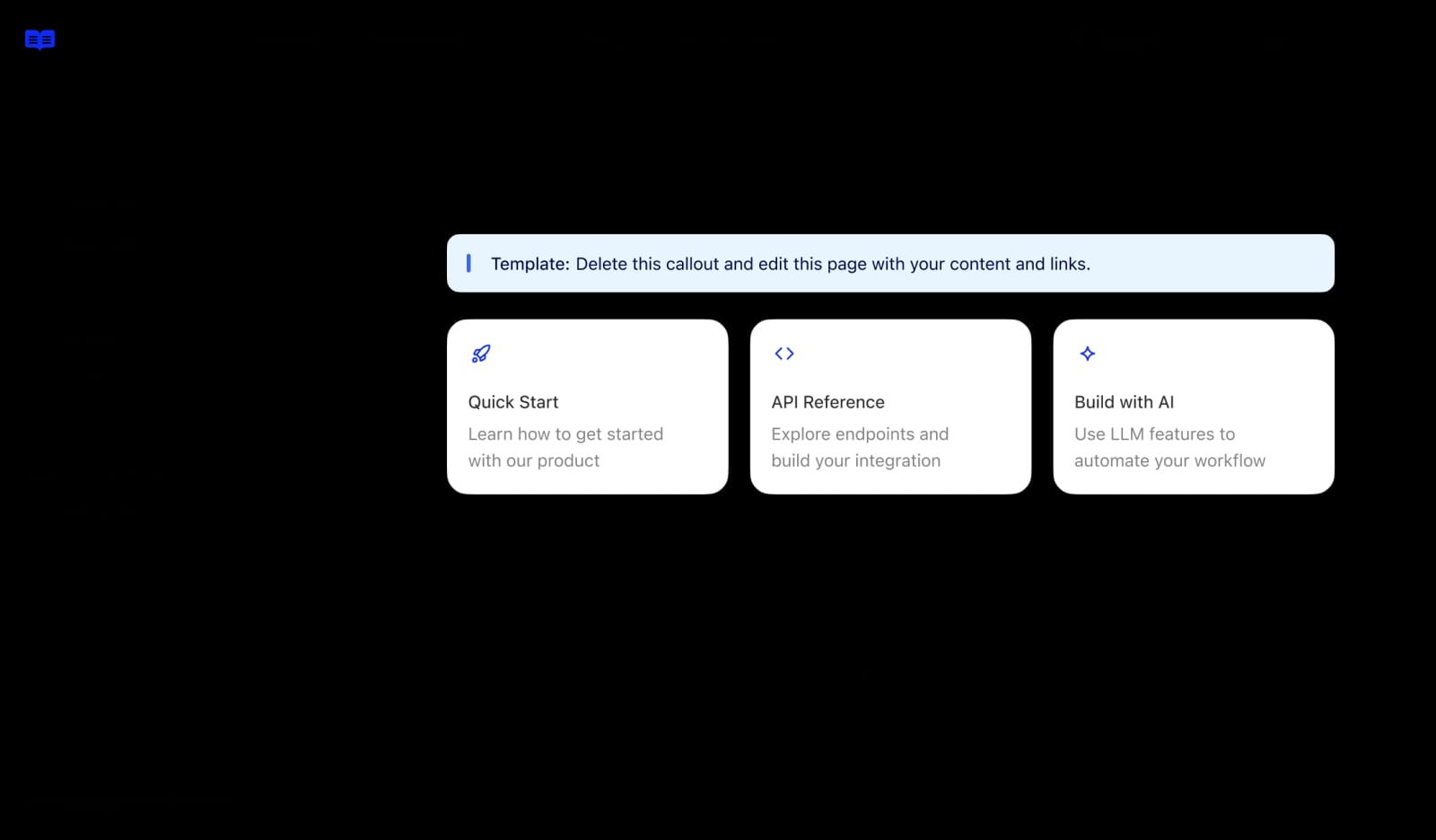
ReadMe · Developer-friendly API documentation product interface.
| Concern | ReadMe | HelpLook |
|---|---|---|
| OpenAPI / GraphQL reference | Primary owner | Mirrors key excerpts |
| Interactive "try it" console | Primary owner | Links out |
| Quickstarts and tutorials | Possible | Primary owner |
| Troubleshooting and FAQs | Possible | Primary owner |
| AI search across all content | Limited | Primary owner |
| Ticket deflection and help desk | Not the focus | Primary owner |
| SEO-optimized public pages | Developer-focused | Primary owner |
| Analytics on content gaps | API usage signals | Search and article analytics |
The rule of thumb: if a page must regenerate from a machine-readable spec, it belongs in ReadMe. If a page answers a human question, it belongs in HelpLook.
Setup: connecting the two systems
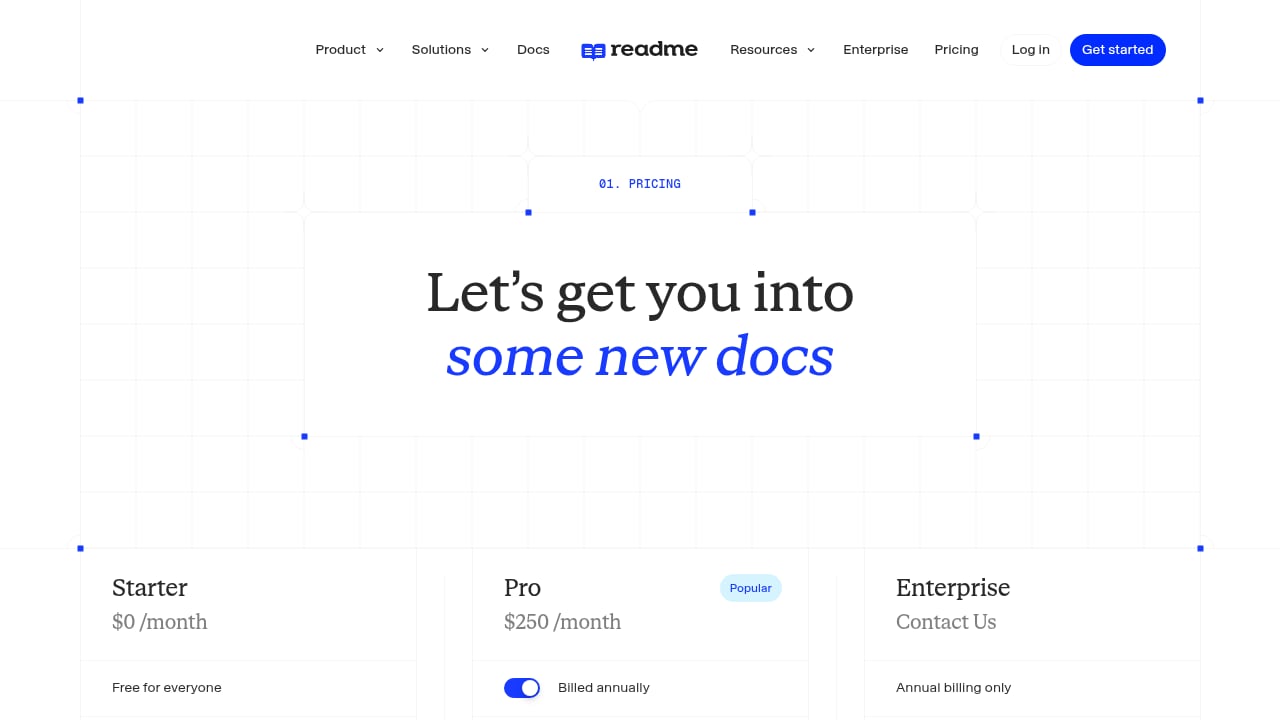
First viewport screenshot of Pricing.
There is no single magic button, but the integration is straightforward because both platforms are link- and content-friendly. Work through these steps in order.
1. Establish the canonical source for your spec
Keep one OpenAPI or GraphQL file as the source of truth, stored in the same repository as your service code. ReadMe imports it and renders the reference. Everything downstream — HelpLook articles, SDK docs, changelog entries — references that file rather than restating it.
2. Structure ReadMe around stable URLs
ReadMe generates predictable paths for each endpoint and category. Decide your URL conventions early (for example, grouping by resource rather than by HTTP verb) and treat those URLs as permanent. HelpLook articles will link to them, and broken deep links are the fastest way to lose developer trust.
3. Build the HelpLook knowledge base skeleton
In HelpLook, create a developer-facing portal with categories that mirror how developers actually search:
- Getting started
- Authentication and keys
- Core concepts (pagination, idempotency, webhooks, versioning)
- Common errors and fixes
- Rate limits and quotas
- Migration and deprecation notices
Because HelpLook is no-code, a technical writer or support lead can build this structure without waiting on an engineering sprint.
4. Cross-link in both directions
This is the step most teams skip. Every ReadMe endpoint page should link to the relevant HelpLook troubleshooting article, and every HelpLook article should link back to the exact ReadMe endpoint it explains. In ReadMe you can add these links in the description blocks or as custom pages; in HelpLook you simply paste the ReadMe URL into the article body.
5. Turn on AI search in HelpLook
HelpLook's AI search indexes your articles and returns direct answers instead of a list of links. Feed it the vocabulary developers use — error strings, status codes, SDK method names — so queries like "401 invalid signature" resolve to a specific fix rather than a generic authentication page.
6. Add the HelpLook widget where developers already are
Embed the HelpLook search widget in your developer dashboard, your status page, or the ReadMe portal itself. A developer who is already debugging should not have to leave the page to find an answer.
7. Instrument and review
Connect HelpLook analytics to your support queue. The articles with high views and low resolution rates are your next writing assignments. If you also run an IT service desk, the same pattern described in How to Use HelpLook with AI-Powered ITSM Platform applies: knowledge feeds deflection, deflection reduces queue volume.
Practical workflow 1: shipping a new endpoint
Here is how a typical release flows through both tools.
- Engineer updates the spec. The OpenAPI file changes in the pull request.
- ReadMe regenerates the reference. The new endpoint appears with parameters, schemas, and a working code sample in each language you support.
- Writer drafts the HelpLook article. A short "Using the /v2/subscriptions endpoint" page covers when to use it, a realistic request, and the three errors developers hit most.
- Writer links both ways. The HelpLook article points to the ReadMe endpoint; the ReadMe description points back.
- AI search picks it up. Within minutes, the HelpLook search answers questions about the new endpoint.
- Analytics close the loop. If the same error appears in search queries repeatedly, you add it to the article's troubleshooting section.
This keeps machine-generated accuracy and human-written context in their proper places.
Practical workflow 2: deflecting authentication tickets
Authentication is the single most common source of developer support tickets, and it is a good test case for the pairing.
- In ReadMe, document the auth scheme precisely: header format, token lifetime, scopes, and a live example that actually authenticates.
- In HelpLook, write a decision-tree article: "My request returns 401" → check header format → check token expiry → check environment (sandbox vs production) → check clock skew.
- Embed the HelpLook widget on the API keys page of your dashboard.
- Track how many 401-related tickets arrive after the article ships.
If the article is good, the ticket volume drops. If it does not drop, the analytics tell you which step in the decision tree developers abandon.
Where the combination pays off
- Fewer context switches. Developers move from a failing request to a specific fix without leaving the documentation ecosystem.
- Writers stop duplicating the spec. They write context, not parameter tables.
- Non-engineers can contribute. Support and product teams edit HelpLook without touching the docs repository.
- Search covers everything. AI search spans quickstarts, FAQs, and troubleshooting, not just the reference.
- Public pages rank. HelpLook's SEO-oriented publishing means conceptual articles can attract developers searching for problems, not just endpoints.
Trade-offs and limits
First viewport screenshot of Customers.
- Two systems, two update cycles. A spec change and a conceptual change rarely ship on the same day. Assign an owner for each.
- Link rot is a real risk. ReadMe URL changes break HelpLook articles. Treat reference URLs as a public API.
- AI search is only as good as your corpus. If your HelpLook articles are thin, the answers will be thin.
- Not a replacement for docs-as-code. Teams that want everything in Git and reviewed in pull requests may find a hosted knowledge base a poor fit for their conceptual content. If that describes you, compare options in Top 10 AI-Powered Documentation Platforms for 2026.
- ReadMe is developer-first, not support-first. It is not designed to run a help desk, and it should not be asked to.
Choosing the right split for your team
If you are a small API startup with one writer, start with ReadMe only and add HelpLook when support volume justifies it. If you already run a help desk and are adding an API product, the reverse order makes sense: stand up the HelpLook portal first, then layer ReadMe on top for the reference.
If you are evaluating broader platform choices alongside this pairing, HelpLook vs Guru vs ProProfs Knowledge Base (2026) and HelpLook vs AI-Based Knowledge Management Software cover how HelpLook compares on AI search, self-service, and pricing. For a wider view of hosted help centers, see the Knowledge Base Software & Hosted Help Center Review 2026.
Related reading
- HelpLook vs The Customer Service AI Platform: 2026 Comparison - Compare HelpLook and The Customer Service AI Platform for modern support teams: AI search, self-service, SEO, analytics, and the best fit for each.
- Customer Service AI Platform Review: Modern Support Teams 2026 - Evidence-based review of The Customer Service AI Platform for Modern Support Teams: ideal users, use cases, strengths, limits, pricing signals, and setup.
Sources and further reading
- This deep dive into API documentation covers everything from auth ... - This deep dive into API documentation covers everything from auth and endpoints to request/response formats. Plus, it explores GraphQL as an alternative...
FAQ
Can HelpLook replace ReadMe?
No, and it should not try. HelpLook does not render OpenAPI specs into interactive consoles with live request execution. Use it for the conceptual, troubleshooting, and support content that surrounds the reference.
Can ReadMe replace HelpLook?
For a pure API reference with a small amount of prose, sometimes. But ReadMe is not built for help desk workflows, AI-powered self-service search across a broad knowledge base, or SEO-driven public help content.
Do I need to duplicate content in both tools?
No. Duplication is the failure mode. Keep the spec in ReadMe, keep human-written explanations in HelpLook, and link between them.
How do I keep the two in sync?
Assign clear ownership: engineering owns the spec, a writer or support lead owns HelpLook. Add a release checklist item that requires both a spec update and a HelpLook article review for any breaking change.
Is this setup worth it for a small team?
Only if developer support volume is real. Below a certain ticket threshold, a single well-maintained ReadMe project is enough. The pairing earns its keep when the same questions keep arriving.
Conclusion
HelpLook and ReadMe solve different halves of the same problem. ReadMe makes the API reference accurate, interactive, and machine-generated. HelpLook makes the surrounding knowledge searchable, self-service, and measurable. Connect them with disciplined cross-linking, a clear owner for each layer, and analytics that turn unanswered questions into the next article — and developer support stops being a queue you fight and becomes a system you maintain.
For further reading on API documentation practice, see I'd Rather Be Writing's API documentation course and this community discussion on maintaining documentation for large codebases.