
HelpLook vs HelpDocs vs HappyFox: Which Support Tool Fits?
Choosing support software is rarely a clean either-or. HelpLook, HelpDocs, and HappyFox overlap in the middle — all three can publish help content and feed AI answers — but they start from different centers of gravity. HelpLook is built around AI knowledge bases and help centers, HelpDocs is documentation-first, and HappyFox is a ticketing help desk first.
This comparison breaks down where each tool is strong, where the tradeoffs sit, and how to pick based on your team's actual workflow rather than a feature checklist.
Quick comparison at a glance
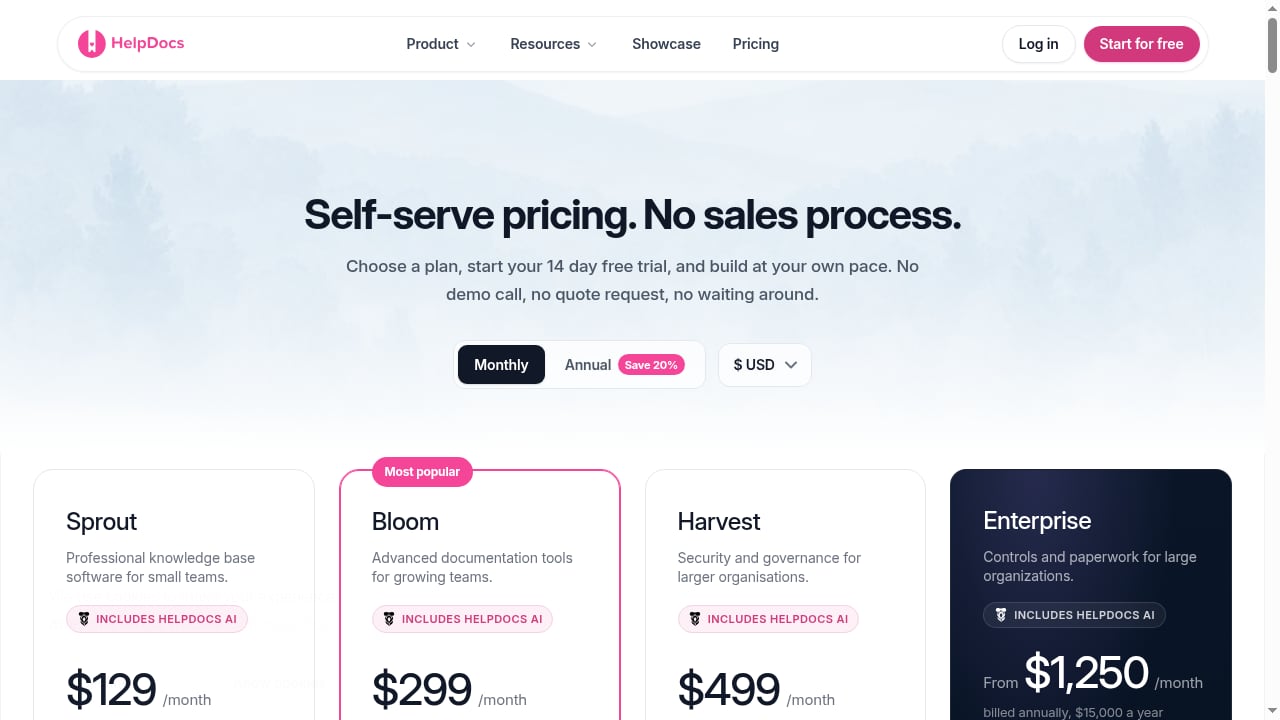
First viewport screenshot of www.helpdocs.io.
| Dimension | HelpLook | HelpDocs | HappyFox |
|---|---|---|---|
| Primary focus | AI knowledge base and help center | Documentation-first knowledge base | AI help desk and ticketing |
| Best for | Content, ops, support, and enterprise knowledge portals | Support and IT teams at small to mid-sized SaaS companies | Support, IT service desk, and employee support teams |
| AI capabilities | AI search and Q&A with GPT-3.5/4.0 and Wenxin Yiyan | AI drafting, rewriting, and Ask AI self-service | AI agents, chatbots, copilot, and QA |
| Ticketing | Not the core product | Not the core product | Core product with omnichannel queue |
| Pricing model | Free tier; subscriptions from ¥99 to ¥499 per month per site | From $129/month (Sprout); 14-day free trial | Per agent or per user per month; annual and multi-year terms |
| Security signal | ISO/IEC 27001 certified | SSO, advanced permissions, audit trails | SLA management, custom roles, security controls |
What each tool is actually built for
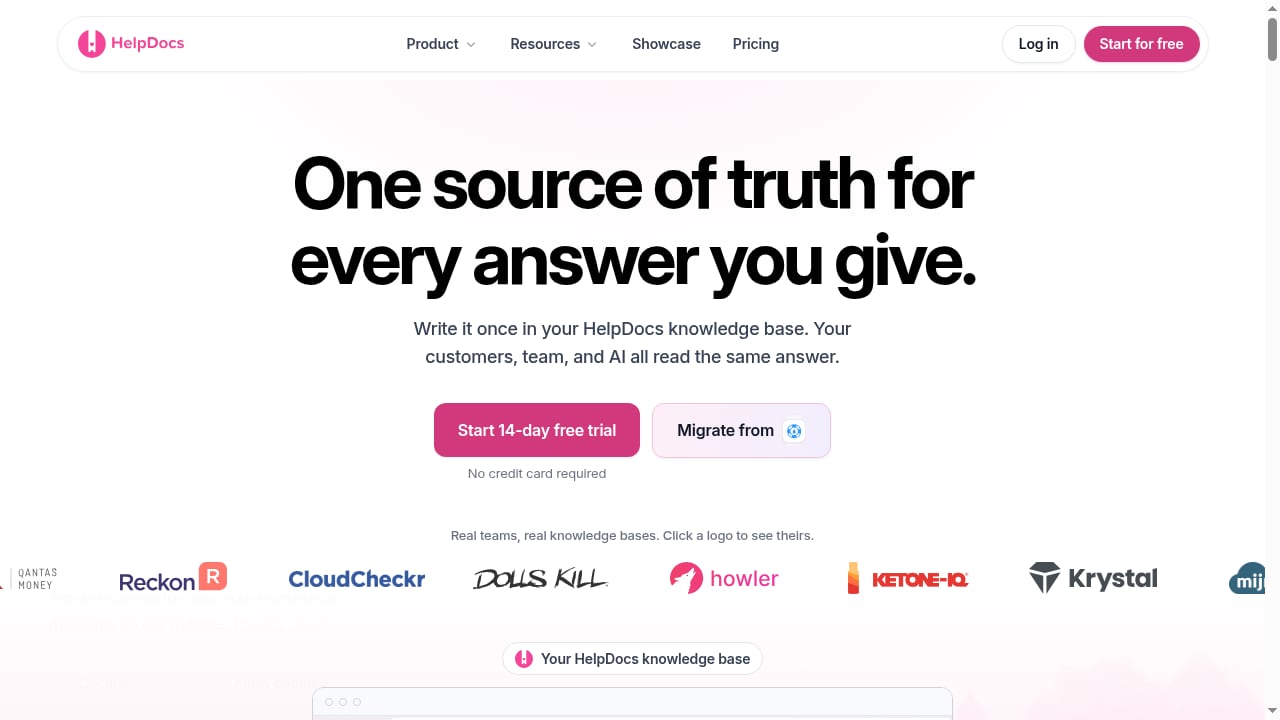
First viewport screenshot of www.helpdocs.io.
HelpLook: AI knowledge base and help center platform
HelpLook is a no-code SaaS platform for building public or private knowledge bases, help centers, product manuals, enterprise blogs, and internal knowledge bases. Its editor supports both rich text and Markdown, and the portal can run on a custom brand domain with SEO settings, analytics, and permission management.
The AI layer is the differentiator: AI-powered search and Q&A are integrated with GPT-3.5/4.0 and Wenxin Yiyan, and a website widget lets you embed the knowledge base or an AI chatbot directly into your product or site. That combination suits teams that want self-service answers and organic search traffic from the same content set.
HelpLook reports more than 10,000 companies using the platform, a 4.9/5 rating on PartnerShare, a 5/5 rating on ProductHunt, and ISO/IEC 27001 certification. Pricing includes a free tier and subscription plans from ¥99 to ¥499 per month per site.
HelpDocs: documentation-first knowledge base
HelpDocs helps teams deflect support tickets with AI, publish a branded help center, and keep internal documentation in sync. It positions itself as a single source of truth for customer-facing help content, internal team knowledge, and AI systems.
Its strengths are editorial and governance-focused. AI-powered drafting and rewriting speed up article production, Ask AI handles customer self-service, and the help center supports search, multi-language content, and custom CSS/JavaScript. Advanced permissioning, audit trails, and SSO cover security, while stale-content flagging and bulk editing keep a large library from rotting. The product's core argument is sound: automation only works when documentation is accurate and up to date.
HelpDocs pricing starts at $129/month for the Sprout plan, with a 14-day free trial and no credit card required.
HappyFox: AI help desk and customer support suite
HappyFox is an AI-powered help desk that unifies requests from email, phone, and social channels into a single queue. It serves customer support teams, IT service desks, and employee support functions with ticketing, automation, self-service knowledge bases, reporting, and AI assistance.
The platform includes AI agents, chatbots, quality assurance, and an AI copilot that summarizes tickets and suggests resolutions. Its product suite covers Help Desk, Service Desk, Assist AI, Chatbot, Live Chat (Messaging), Workflows, Business Intelligence, CRM, and AEO (AI Engine Optimization). HappyFox positions itself as an "agentic help desk for demanding support workloads" and emphasizes SLA management, custom roles, multi-brand helpdesk, and security controls.
Pricing is per agent or per user per month, with annual and multi-year terms, and annual Help Desk subscriptions include free white-glove migration.
Where HelpLook stands out
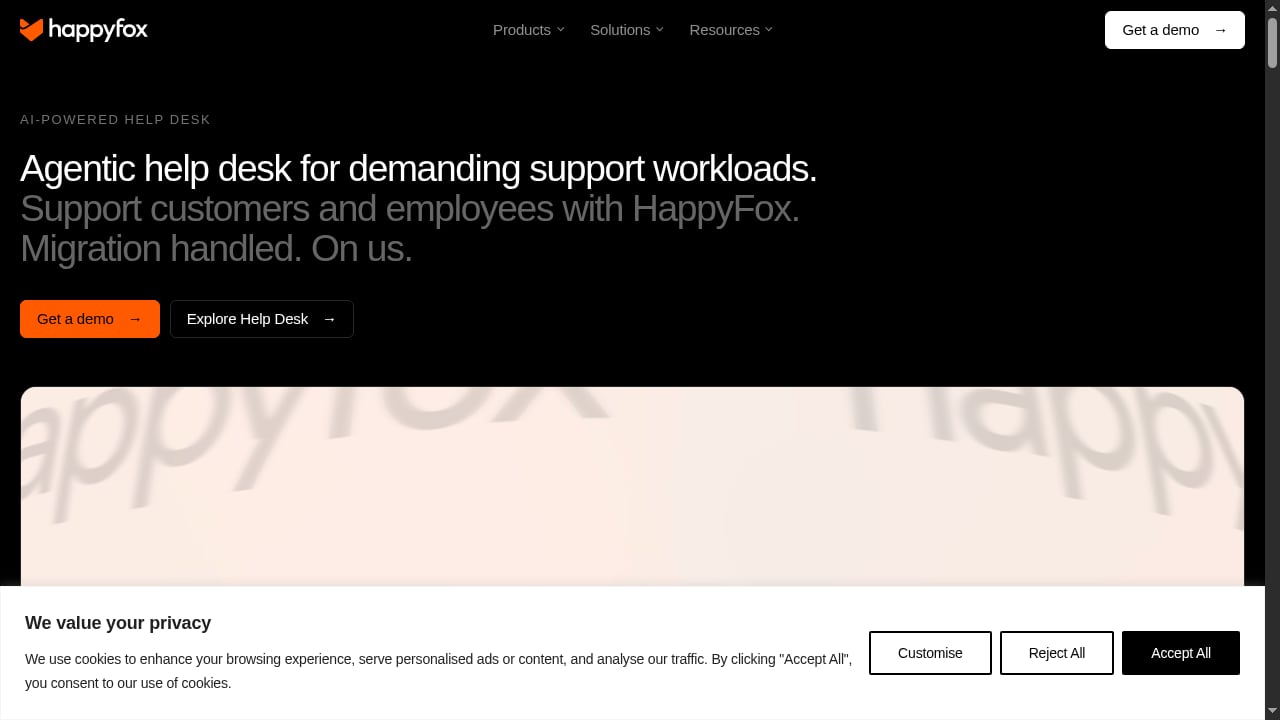
First viewport screenshot of www.happyfox.com.
These are the criteria where HelpLook has a defensible advantage for the right buyer.
AI knowledge base plus help center in one system
If your goal is a searchable, AI-answerable knowledge portal rather than a ticket queue, HelpLook is purpose-built for that job. Public and private knowledge bases, product manuals, and internal documentation all live in the same platform, with AI search and Q&A layered on top. Teams that want to reduce repetitive questions through self-service — not just route them faster — get more from this architecture.
For a closer look at how that AI layer works alongside chat automation, see how to use HelpLook with Kommunicate.
SEO and organic traffic from help content
HelpLook treats the help center as a traffic asset. SEO settings, custom domains, sitemaps, and analytics let documentation rank for the questions customers actually search. That matters for SaaS, legal, healthcare, financial services, and education teams whose content already answers high-intent queries.
Embeddable widget for in-product support
The website widget can embed either the knowledge base or an AI chatbot, so answers appear where users get stuck instead of behind a separate support portal.
Pricing accessibility
A free tier plus plans from ¥99 to ¥499 per month per site gives small teams a low-risk entry point compared with per-agent help desk pricing that scales with headcount.
Where HelpDocs and HappyFox are stronger

HappyFox product interface.
An honest comparison has to name the tradeoffs.
HelpDocs is stronger for documentation governance. Stale-content flagging, bulk editing, audit trails, and advanced permissioning are mature features for teams maintaining a large, long-lived library. If your biggest risk is outdated articles rather than missing ones, HelpDocs addresses that directly.
HappyFox is stronger for ticketing and service operations. Omnichannel queues, SLA management, multi-brand helpdesk, QA, and an AI copilot that summarizes tickets are built for high-volume support workloads. If your team lives in a ticket queue and needs agentic automation across channels, HappyFox is the more complete operational tool.
How to choose
Choose HelpLook if…
- Your priority is an AI-powered knowledge base or help center, not a ticket queue.
- You want SEO traffic from documentation and a branded portal on your own domain.
- You need to embed AI answers or a knowledge base inside your product.
- Budget predictability per site matters more than per-agent licensing.
Choose HelpDocs if…
- Documentation accuracy and lifecycle management are your top concerns.
- You need audit trails, SSO, and granular permissions for internal and external content.
- You are a small to mid-sized SaaS team that wants a focused, documentation-first tool and can justify the $129/month starting price.
Choose HappyFox if…
- You need a full help desk with ticketing across email, phone, and social.
- SLA management, QA, and AI copilot features are operational requirements.
- You run an IT service desk or employee support function alongside customer support.
Consider combining tools
Many teams do not pick one. A common pattern is a knowledge base for self-service plus a help desk for escalations. If that is your model, HelpLook vs Hesk: AI Knowledge Base or Ticket Desk? walks through how a knowledge layer and a ticket layer divide the work. For a broader view of automation platforms, see Top 10 AI Customer Support Automation Platforms 2026.
Practical example: a mid-sized SaaS support stack
Imagine a B2B SaaS company with 12 support agents and a documentation library of 400 articles. Tickets are rising, but most questions repeat.
- Phase 1 — Content foundation. Publish the help center on a branded domain with SEO settings so answers surface in search. HelpLook fits here, and HelpDocs would also work if governance features are the priority.
- Phase 2 — AI self-service. Layer AI search and Q&A over the knowledge base and embed a widget in the product. HelpLook's GPT-3.5/4.0 integration covers this directly.
- Phase 3 — Escalation. Route unresolved conversations to a ticketing system. HappyFox handles omnichannel queues and SLA management for that layer.
The lesson: the knowledge base and the help desk solve different problems. Pick the layer that is currently your bottleneck.
Related reading
- HelpSite Review 2026: AI Knowledge Base Tested - Evidence-based HelpSite review covering AI knowledge base features, pricing, setup, strengths, limitations, and ideal users for 2026.
- Top 10 Agentic B2B Customer Support Platforms 2026 - Ranked top 10 agentic B2B customer support platforms for 2026, evaluated on autonomous resolution, B2B context, governance, and pricing.
Sources and further reading
- HelpLook Blog - HelpLook Blog covers ChatBot issue resolution, AI-powered knowledge base support, API documentation benefits, AI chatbot advantages, comparisons, and knowledge management. It guides the building of AI Chabot assistants and knowledge bases for improved experiences.
- HelpLook VS HelpDocs: A Side-by-Side Comparison - HelpLook offers user-based pricing, advanced SEO capabilities, a Markdown editor, and comprehensive reporting, making it a recommended alternative to HelpDocs for efficient knowledge base management.
- Comparison - HelpLook Blog covers ChatBot issue resolution, AI-powered knowledge base support, API documentation benefits, AI chatbot advantages, comparisons, and knowledge management. It guides the building of AI Chabot assistants and knowledge bases for improved experiences.
FAQ
Is HelpLook a help desk?
No. HelpLook is an AI knowledge base and help center platform. It handles self-service content, AI search and Q&A, and embedded widgets, but ticketing is not its core function. Pair it with a help desk if you need queue management.
How much does HelpDocs cost?
HelpDocs pricing starts at $129/month for the Sprout plan, with a 14-day free trial and no credit card required.
How does HappyFox pricing work?
HappyFox charges per agent or per user per month, with annual and multi-year terms. Annual Help Desk subscriptions include free white-glove migration.
Can I use HelpLook and HappyFox together?
Yes. A common setup uses HelpLook for the public knowledge base and AI self-service, and HappyFox for ticketing and escalation. The two serve different layers of the support stack.
Which tool is best for SEO?
HelpLook includes SEO settings, custom domains, sitemaps, and analytics designed to help help-center content rank in search. HelpDocs and HappyFox focus more on support operations than organic search visibility.
Does HelpLook support private knowledge bases?
Yes. HelpLook supports both public and private knowledge bases, with permission management for internal documentation and enterprise portals.
Conclusion
HelpLook, HelpDocs, and HappyFox are not interchangeable — and that is the point. HelpLook is the strongest fit when AI-powered knowledge bases, help centers, SEO, and embedded self-service are the priority. HelpDocs wins on documentation governance for teams that need audit trails and lifecycle controls. HappyFox wins on ticketing, SLAs, and omnichannel service operations.
Start with your bottleneck. If repeated questions are the problem, invest in the knowledge layer. If unresolved tickets are the problem, invest in the help desk. If both are, plan for two tools rather than forcing one to do both jobs.
For a deeper look at the help desk side, read the HappyFox Review 2026: AI Help Desk Tested & Rated.