
HelpLook vs Helpjuice vs AI Customer Service Platforms: Which Fits Modern Support?
Support leaders in 2026 face a familiar squeeze: ticket volume keeps climbing, headcount stays flat, and customers expect instant, accurate answers. The tools meant to solve this fall into three camps — all-in-one AI knowledge platforms like HelpLook, established knowledge base software like Helpjuice, and AI-first customer service platforms built around autonomous agents.
This comparison breaks down where each approach genuinely wins, where it struggles, and how to choose based on your team's actual workflow rather than a feature checklist.
The Three Approaches at a Glance
| Dimension | HelpLook | Helpjuice | AI Customer Service Platforms |
|---|---|---|---|
| Core focus | AI knowledge base + help desk + self-service portals | AI knowledge base software | AI agents that resolve tickets automatically |
| Content creation | No-code editor, ready-to-use SaaS | Simple editor with article versioning | Usually assumes content exists elsewhere |
| AI search | Built-in AI search across content | AI-assisted search | Conversational AI resolution |
| SEO for help content | Built-in SEO optimization | Limited public SEO focus | Not a primary concern |
| Best for | Teams wanting one platform for docs, help center, and self-service | Teams needing a proven, large-scale knowledge base | Teams optimizing for automated ticket deflection |
HelpLook: All-in-One AI Knowledge and Self-Service
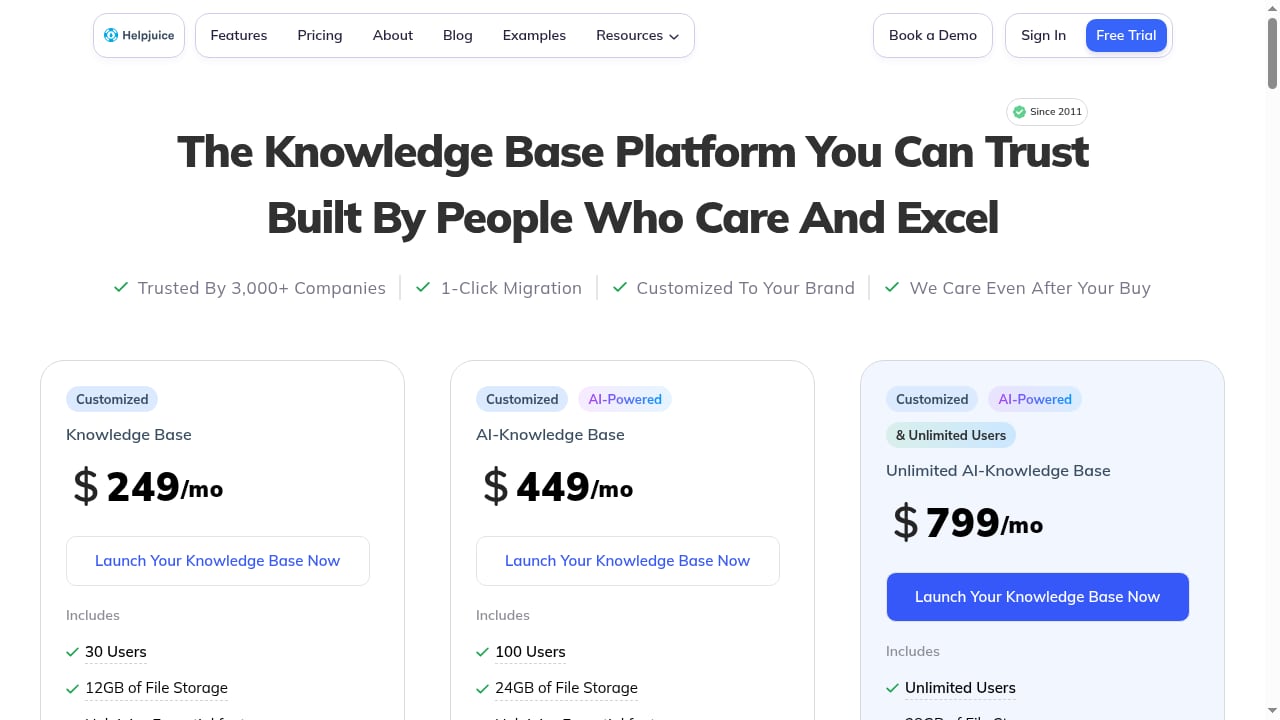
First viewport screenshot of Pricing | World's Most Powerful & Simple Knowledge Base Software – Free 14 Day Trial.
HelpLook is an AI-powered platform for building knowledge bases, help desks, and self-service support experiences without code. It is used by over 10,000 companies across SaaS, e-commerce, legal, healthcare, financial services, and education.
Where HelpLook stands out:
- No-code content creation. Editors, support teams, and operations staff can publish help centers, product manuals, FAQs, and troubleshooting guides without engineering involvement.
- AI-powered search. Users get precise answers extracted from your content, reducing the need to browse multiple articles.
- SEO optimization. Public help content can rank in search engines, turning documentation into an acquisition and deflection channel.
- Customizable portals and widgets. Embed self-service into web pages and applications so answers appear where customers already are.
- Analytics. Track page views, unique visitors, article feedback, and recent visits to see which content performs and which needs work.
Practical example: An e-commerce team publishes product manuals and troubleshooting guides in HelpLook, embeds the search widget in their app, and uses analytics to find the five articles driving most support contacts. They rewrite those first, cutting repeat tickets without adding headcount.
For a deeper look at how HelpLook compares to documentation-focused tools, see HelpLook vs Mintlify: Which Docs Platform Fits Your Team?.
Helpjuice: Proven Knowledge Base Software at Scale
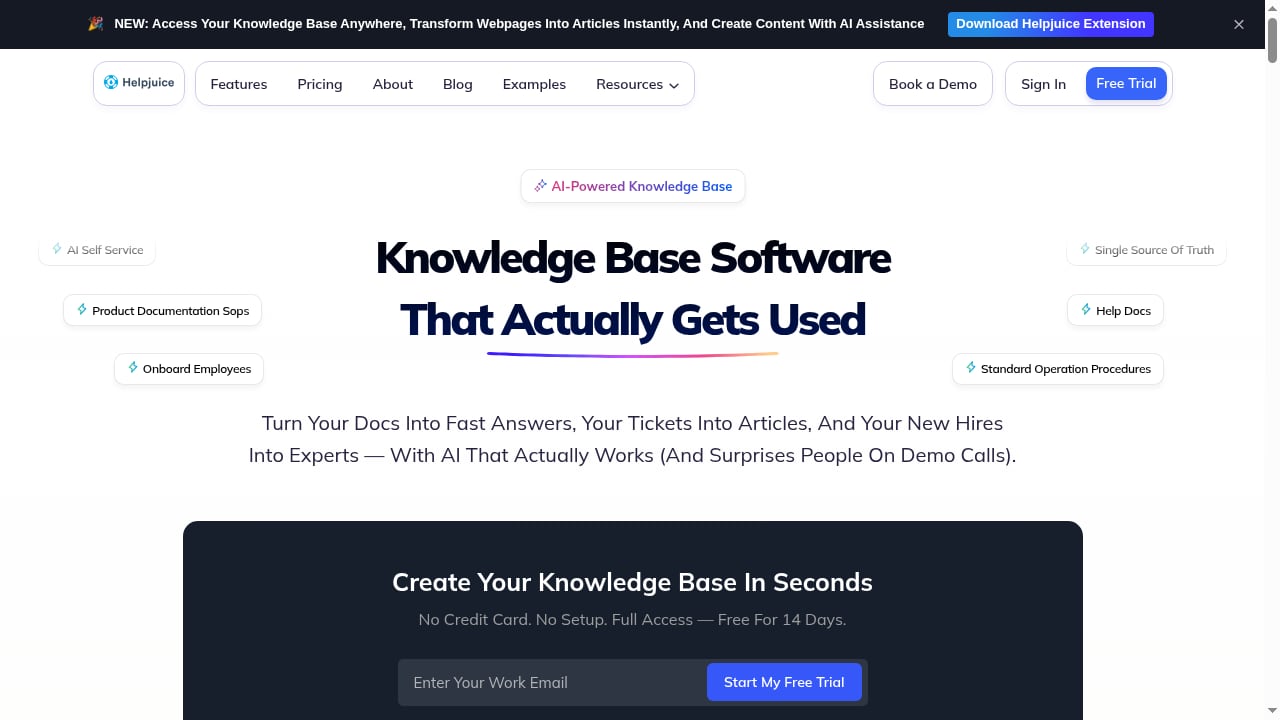
First viewport screenshot of Knowledge Base Software – Helpjuice.
Helpjuice is AI knowledge base software trusted by 130,000+ users, including Amazon, Hertz, and Shipt. It offers a free 14-day trial and positions itself around streamlining support and boosting productivity.
Where Helpjuice stands out:
- Scale and credibility. A large installed base and recognizable enterprise customers signal reliability for teams that need a safe, established choice.
- Simple editing workflow. Multiple article versions and easy switching help teams manage content updates without a steep learning curve.
- Organization and access control. Content organization, permissions, file handling, interlinking, and analytics are built in.
- Integrations. Connects with popular support and business software, which matters if your stack is already standardized.
Practical example: A B2B SaaS company with a mature support organization uses Helpjuice to centralize thousands of articles, control who can edit what, and connect the knowledge base to its existing ticketing system. The value is in governance and consistency rather than reinvention.
For a detailed evaluation, see Helpjuice Review 2026: AI Knowledge Base Software Tested.
AI Customer Service Platforms: Automation-First Resolution

The Customer Service AI Platform for Modern Support Teams product interface.
The third category — AI customer service platforms for modern support teams — focuses on lowering support costs and delivering better customer experiences with AI agents that resolve issues automatically.
Where AI customer service platforms stand out:
- Automated resolution. AI agents handle common issues end-to-end, not just suggest articles.
- Cost reduction at scale. Deflection and automation directly reduce cost per contact, which is the primary buying trigger.
- Better customer experience for simple issues. Instant answers at any hour without queue times.
- Modern support team alignment. Built for teams measuring resolution rate, containment, and CSAT rather than article counts.
Practical example: A subscription business deploys AI agents to handle password resets, billing questions, and plan changes. The agents resolve the majority of these contacts automatically, freeing human agents for complex, high-value conversations.
The trade-off: These platforms are strongest when your knowledge content is already accurate, well-structured, and current. If your documentation is thin or stale, automation amplifies the problem rather than solving it. They also typically do not focus on public SEO for help content, so they complement rather than replace a knowledge base strategy.
How to Choose: A Decision Framework
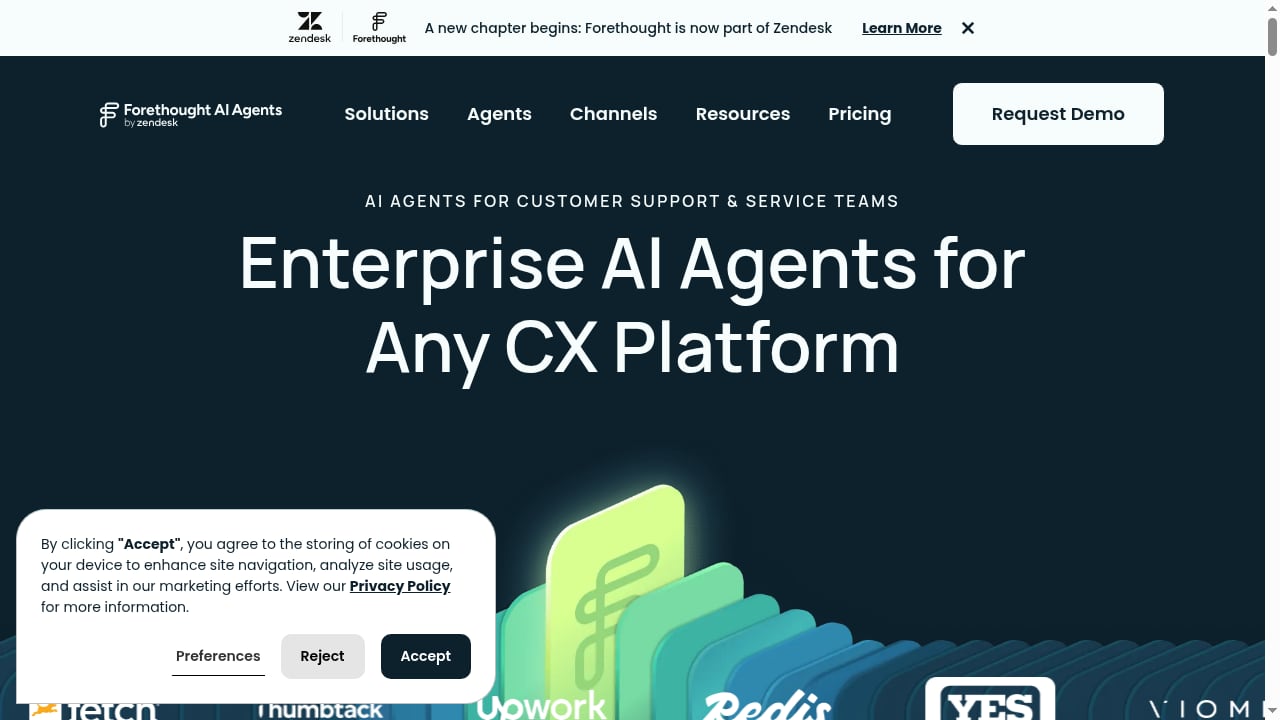
First viewport screenshot of The Customer Service AI Platform for Modern Support Teams.
Use these questions to narrow your options:
- Is your content problem or your resolution problem bigger? If content is scattered, outdated, or hard to publish, start with a knowledge platform. If content is solid but ticket volume is the issue, automation-first platforms deliver faster ROI.
- Do you need public search visibility? If organic search is a support or acquisition channel, prioritize platforms with SEO optimization built in.
- Who will maintain the content? If non-technical editors, support agents, and operations staff need to publish without engineering help, favor no-code, ready-to-use SaaS.
- How standardized is your stack? Established knowledge base software with broad integrations reduces migration risk for teams with existing ticketing and CRM systems.
- What does your 12-month cost look like? Compare per-seat, per-project, and usage-based pricing against the ticket volume you expect to deflect.
When HelpLook Is the Better Fit
Choose HelpLook when you want one platform for customer knowledge bases, internal repositories, product manuals, enterprise blogs, and self-service widgets — with AI search and SEO working together. It suits teams that value low-code setup, fast publishing, and analytics-driven content improvement.
When Helpjuice Is the Better Fit
Choose Helpjuice when you need a proven, large-scale knowledge base with strong governance, access control, and integrations, and your team is comfortable with a more traditional knowledge management workflow.
When an AI Customer Service Platform Is the Better Fit
Choose an AI customer service platform when your knowledge content is already reliable and your priority is automated resolution, cost reduction, and 24/7 coverage for high-volume, repetitive issues.
For a broader market view, see Top 10 AI Customer Support Software Products 2026.
Common Mistakes When Comparing These Tools
- Comparing feature lists instead of workflows. A checkbox for "AI search" means little if your editors cannot publish updates without a developer.
- Ignoring content maintenance. The best platform still fails if articles go stale after every release. Build a review cadence into your process.
- Assuming automation replaces knowledge management. AI agents depend on accurate content. Treat the knowledge base as the foundation, not an afterthought.
- Overlooking SEO. Public help content that ranks reduces both support costs and acquisition costs. If that matters, weigh it explicitly.
- Skipping the trial. Helpjuice offers a 14-day trial; HelpLook and most AI platforms offer hands-on evaluation. Test with your real content, not a demo dataset.
Related reading
- Stonly Review 2026: Knowledge Management for Customer Service - Evidence-based Stonly review for 2026: interactive guides, decision trees, AI answers, pricing signals, setup, strengths, limits, and who it fits.
- How to Use HelpLook with Sendbird: Chat + AI Knowledge Base - Connect HelpLook with Sendbird to power in-app chat and omnichannel support with AI-searchable answers. Setup steps, workflow, examples, and FAQs.
Sources and further reading
- HelpLook VS GitBook:A Side-by-Side Comparison - In this article, we will take a closer look at both Gitbook and HelpLook and examine their strengths and weaknesses to help you make the right decision for your company.
- 12 Best Online User Manual Tools & Software 2024 - Explore the best user manual tools and software for 2024, simplifying manual creation and improving user experiences with features like collaboration, AI search capabilities, and interactive content.
- 7 Best MadCap Flare Alternatives in 2026 (Compared by Workflow) - Compare 7 MadCap Flare alternatives by authoring, collaboration, and maintenance. Find tools that fix stale docs, not just editing.
FAQ
Is HelpLook better than Helpjuice?
Neither is universally better. HelpLook is stronger for teams wanting an all-in-one, no-code platform with AI search, SEO optimization, and self-service widgets. Helpjuice is stronger for teams needing a large-scale, proven knowledge base with mature governance and integrations. The right choice depends on your content workflow and priorities.
Can an AI customer service platform replace a knowledge base?
No. AI agents resolve issues by drawing on your knowledge content. If that content is inaccurate or incomplete, automation produces wrong answers faster. Most teams benefit from pairing a knowledge platform with AI resolution tools.
Does HelpLook support SEO for help content?
Yes. HelpLook includes SEO optimization so public help centers, FAQs, and guides can rank in search engines, turning documentation into a self-service and acquisition channel.
How long does it take to set up a knowledge base?
With no-code, ready-to-use SaaS like HelpLook, teams can publish a functional help center in days rather than weeks. More complex migrations from legacy systems take longer depending on content volume and structure.
What should I test during a trial?
Test with your real content: publish ten articles, run AI search queries your customers actually ask, check mobile rendering, and review analytics. Also confirm how easily non-technical team members can edit and publish.
Conclusion
HelpLook, Helpjuice, and AI customer service platforms solve overlapping but distinct problems. HelpLook combines AI search, no-code publishing, SEO, and self-service widgets in one platform — a strong fit for teams that want to build and improve knowledge content quickly. Helpjuice offers a proven, large-scale knowledge base with governance and integrations for established support organizations. AI customer service platforms deliver automated resolution and cost reduction when your content foundation is already solid.
The most reliable path is to identify your bottleneck first — content creation, content maintenance, or ticket resolution — then choose the tool that addresses it directly. For teams that want to compare more options before deciding, Top 10 AI Knowledge Management Software Products 2026 provides an evidence-based shortlist.